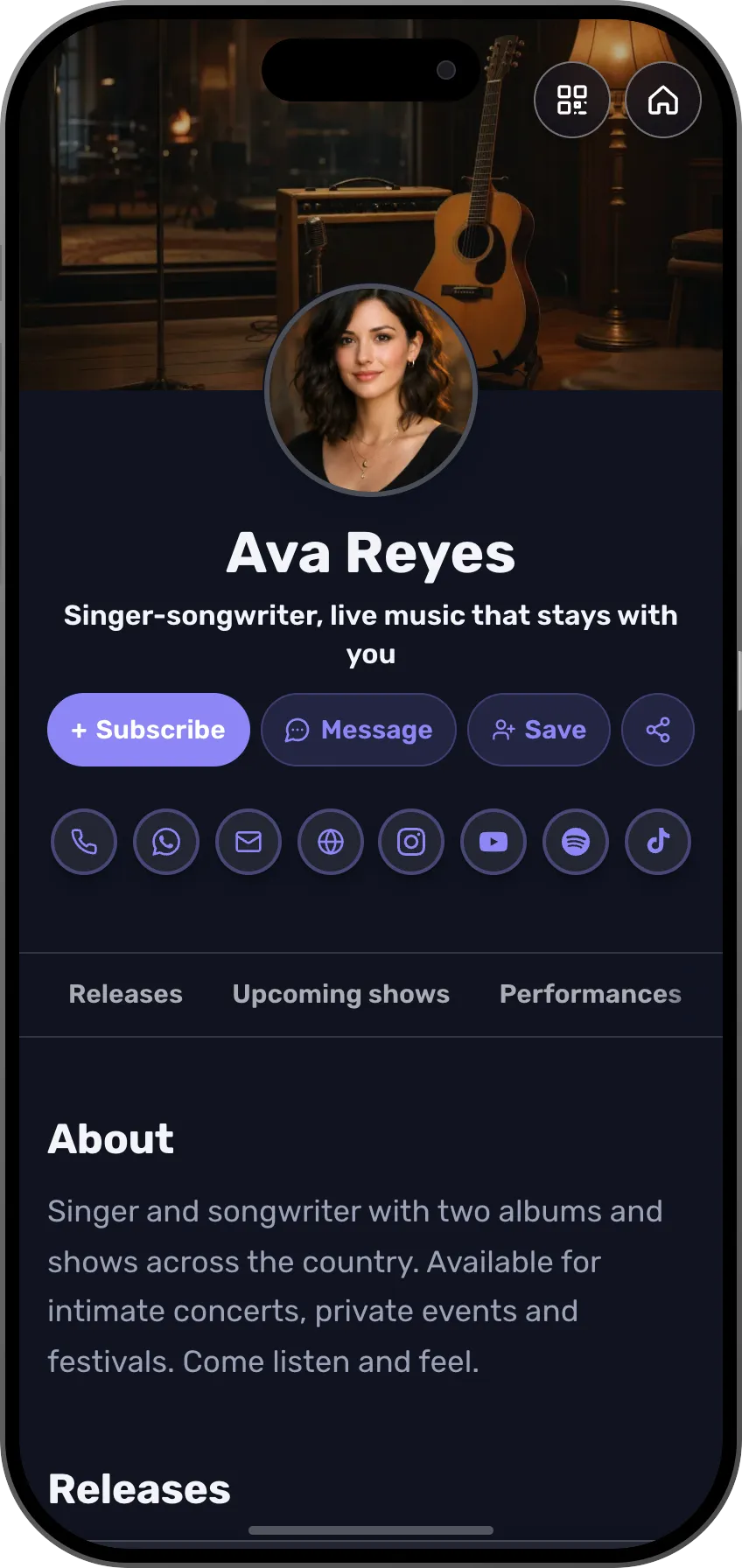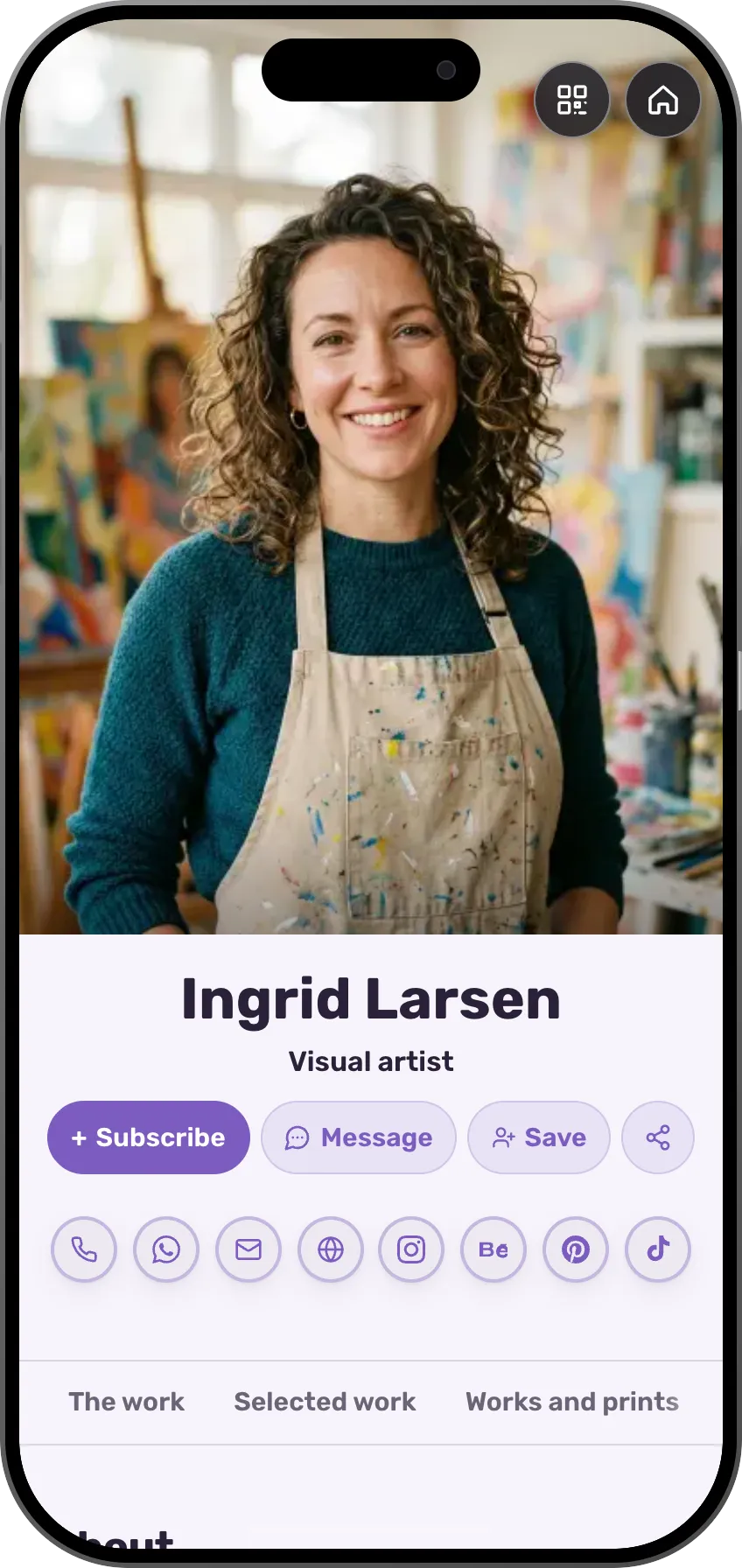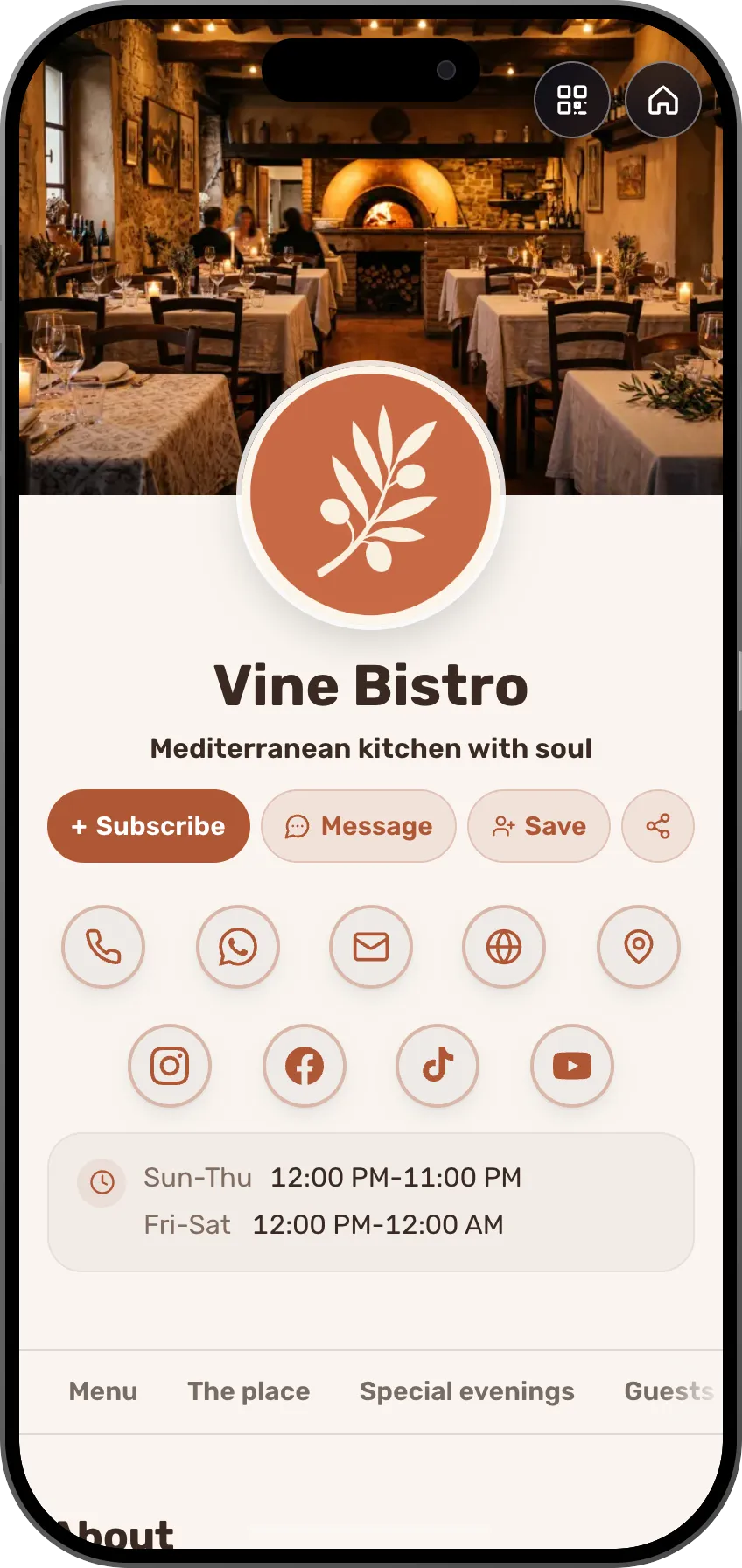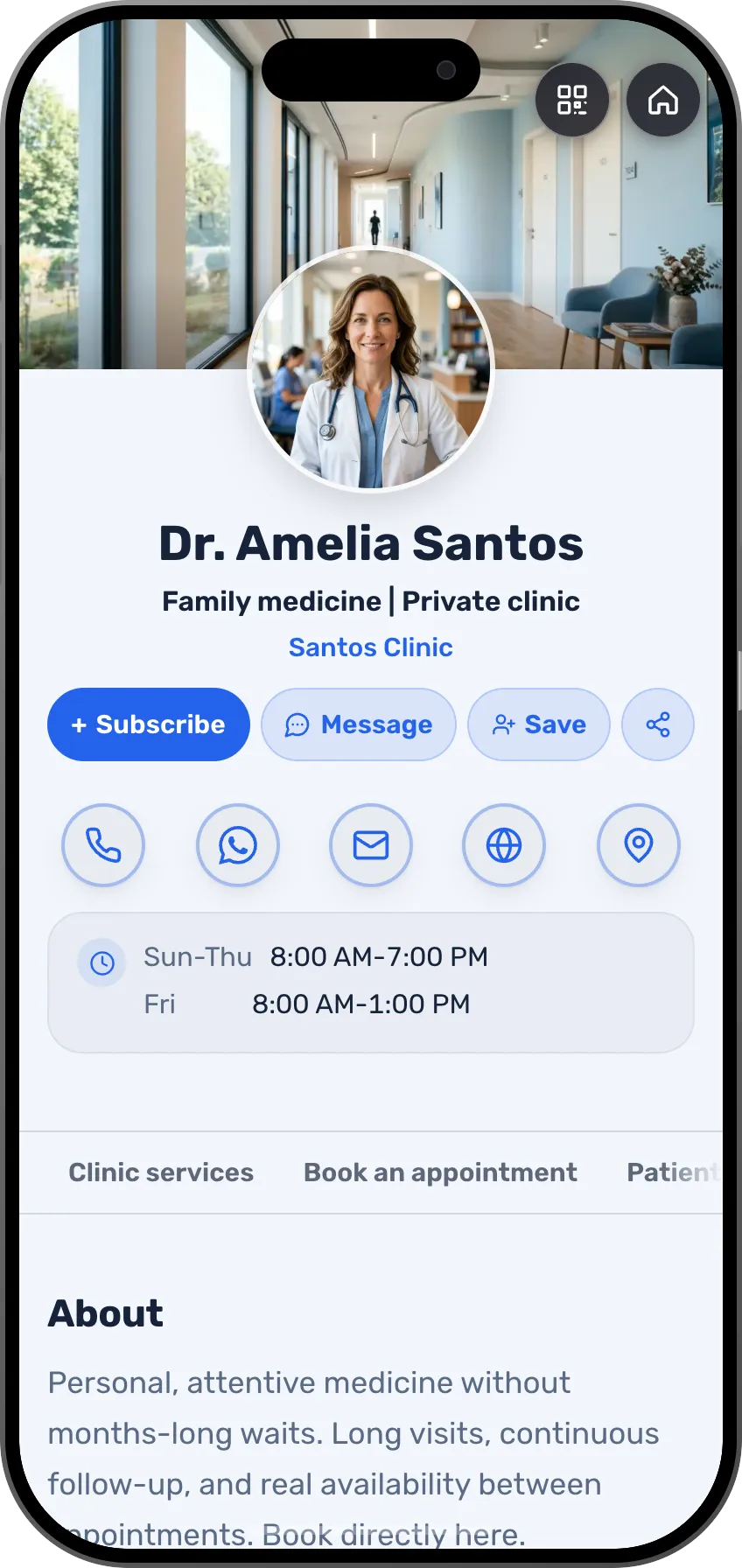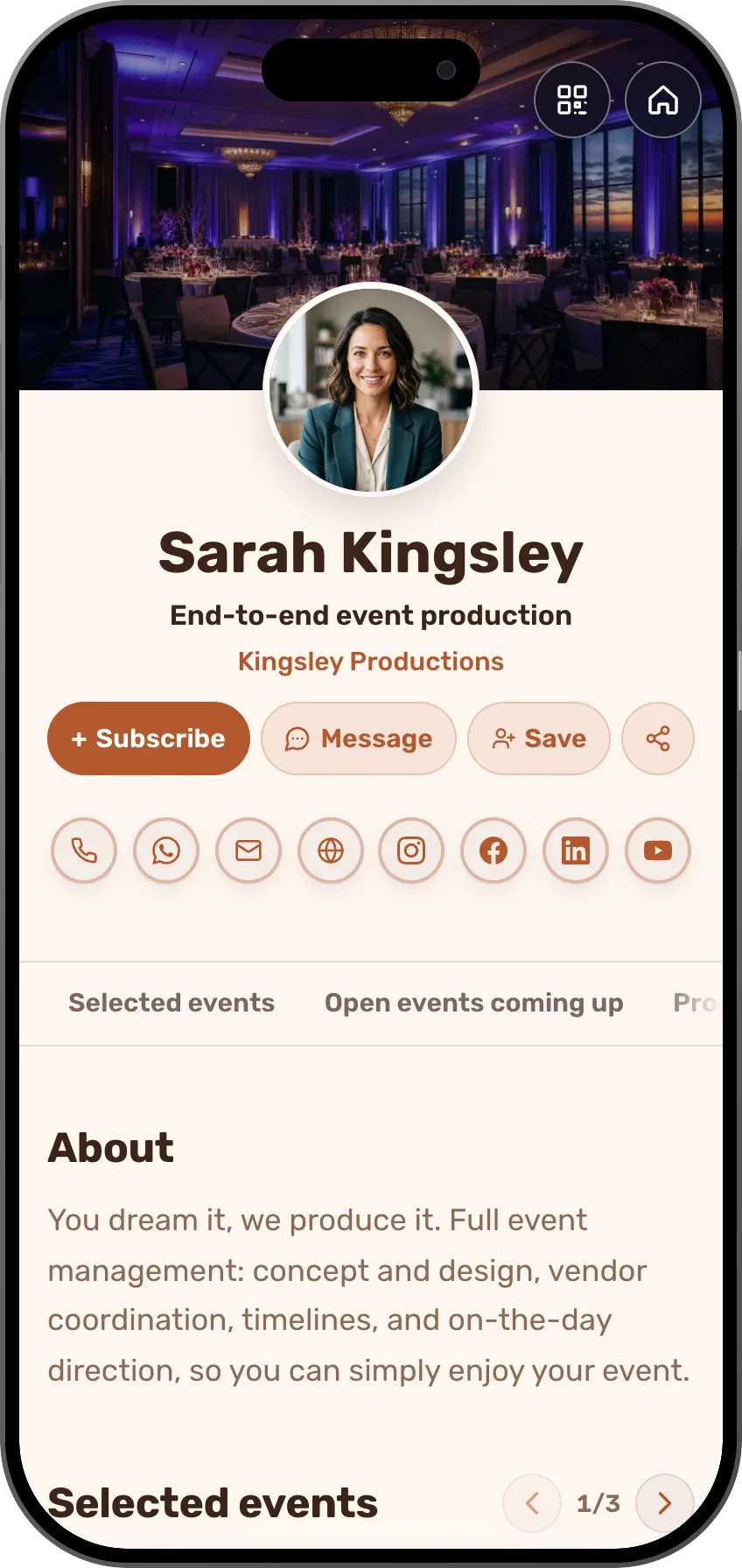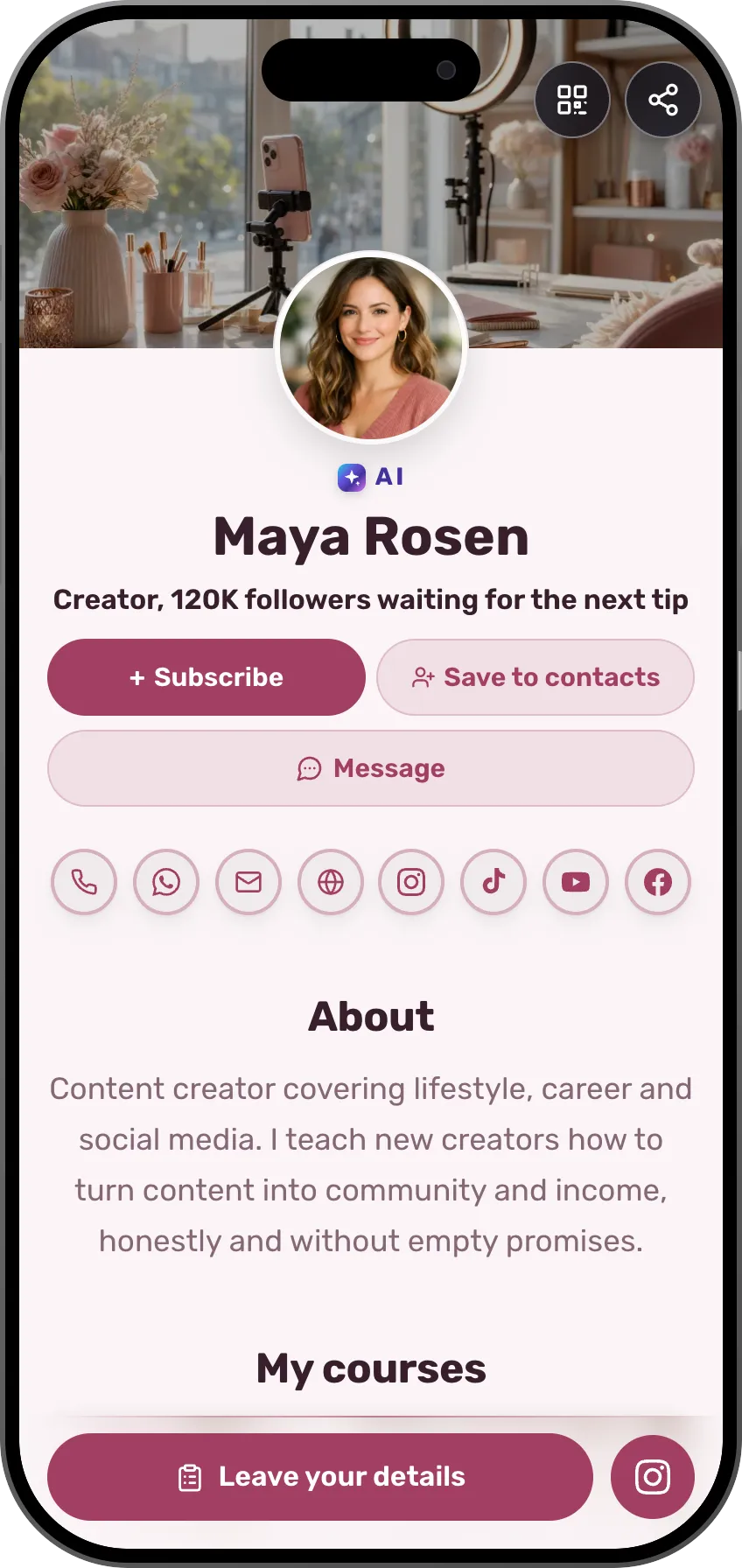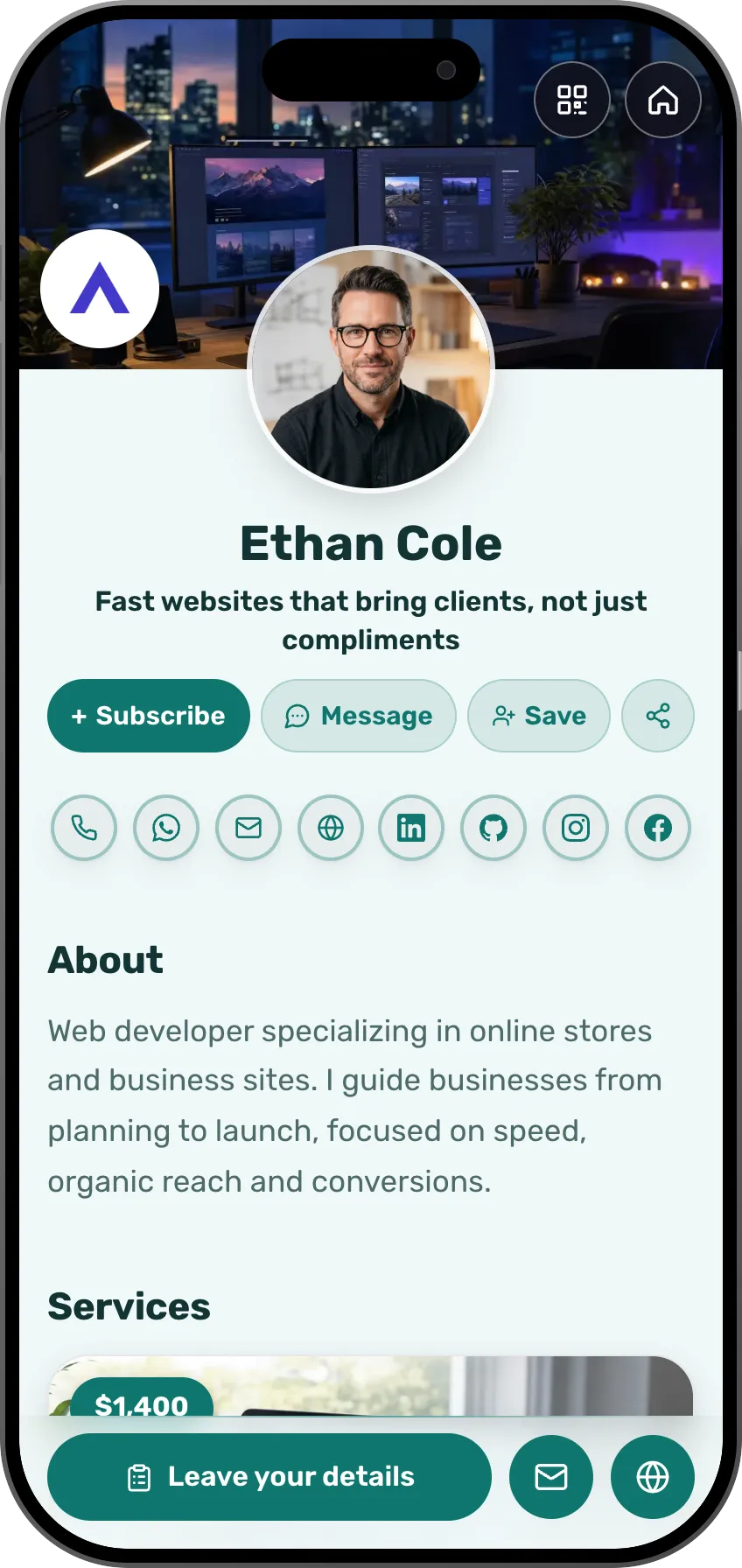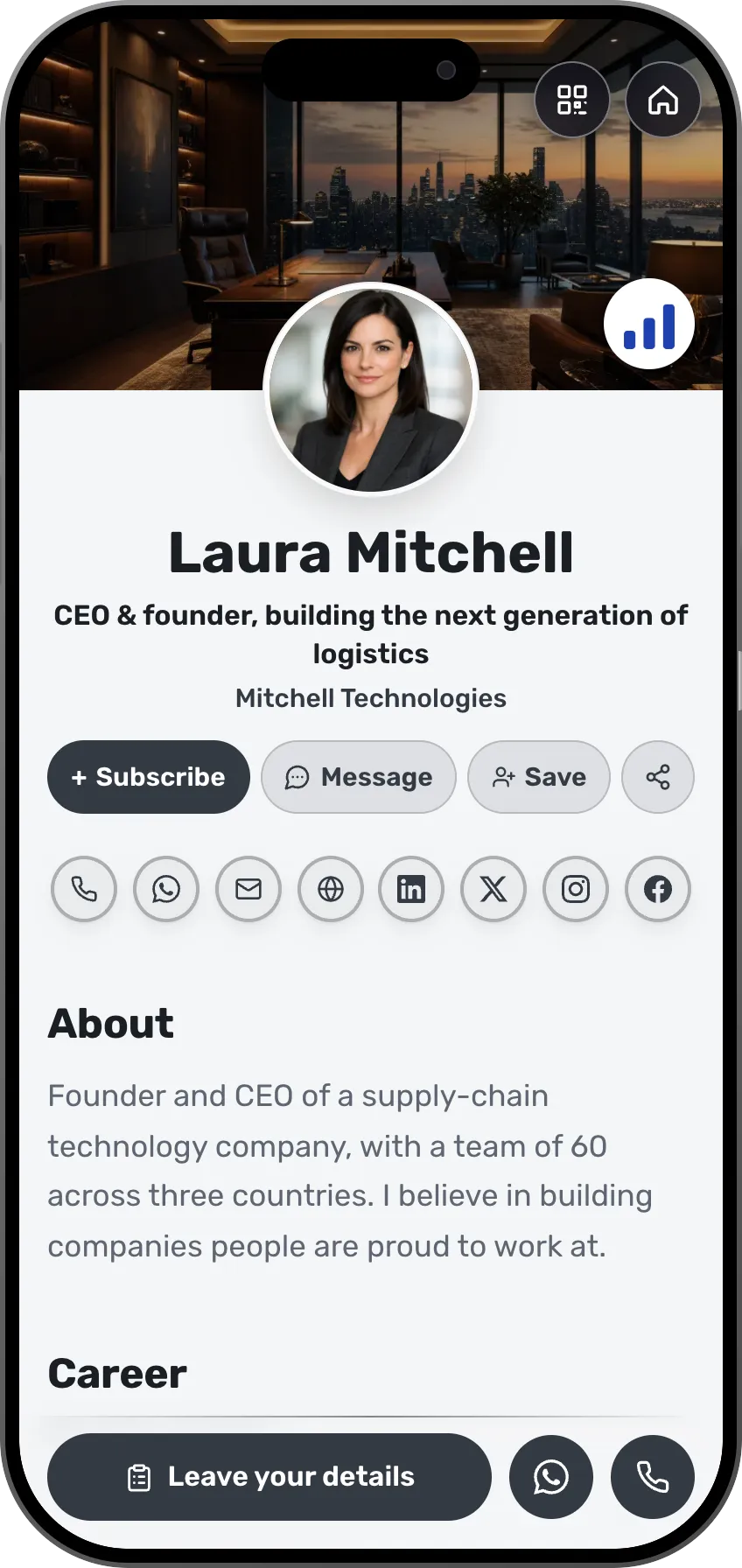









Events
How long does it take you to find out how many people are coming?
Build an event, send a link, know who is coming
A workshop, a talk, a client evening or a launch, and birthdays and family gatherings too. An invitation page on its own short address, RSVPs that count themselves, a nudge for whoever forgot, and everyone who came saved for next time.
The guest list should not cost you an evening
An invitation in a group chat disappears after three messages, half the replies are maybe, and you end up counting by hand in a spreadsheet the night before. The event itself is the easy part.
How it goes without MyVisito
- An invitation buried in a group chat
- Half say maybe, half never answer
- Counting by hand the night before
- Everyone who came forgotten by the next one
How it goes with MyVisito
- One link on its own address
- RSVPs that count themselves
- An automatic nudge for whoever went quiet
- Everyone who came saved for the next event
Business event or private event. That one choice decides everything.
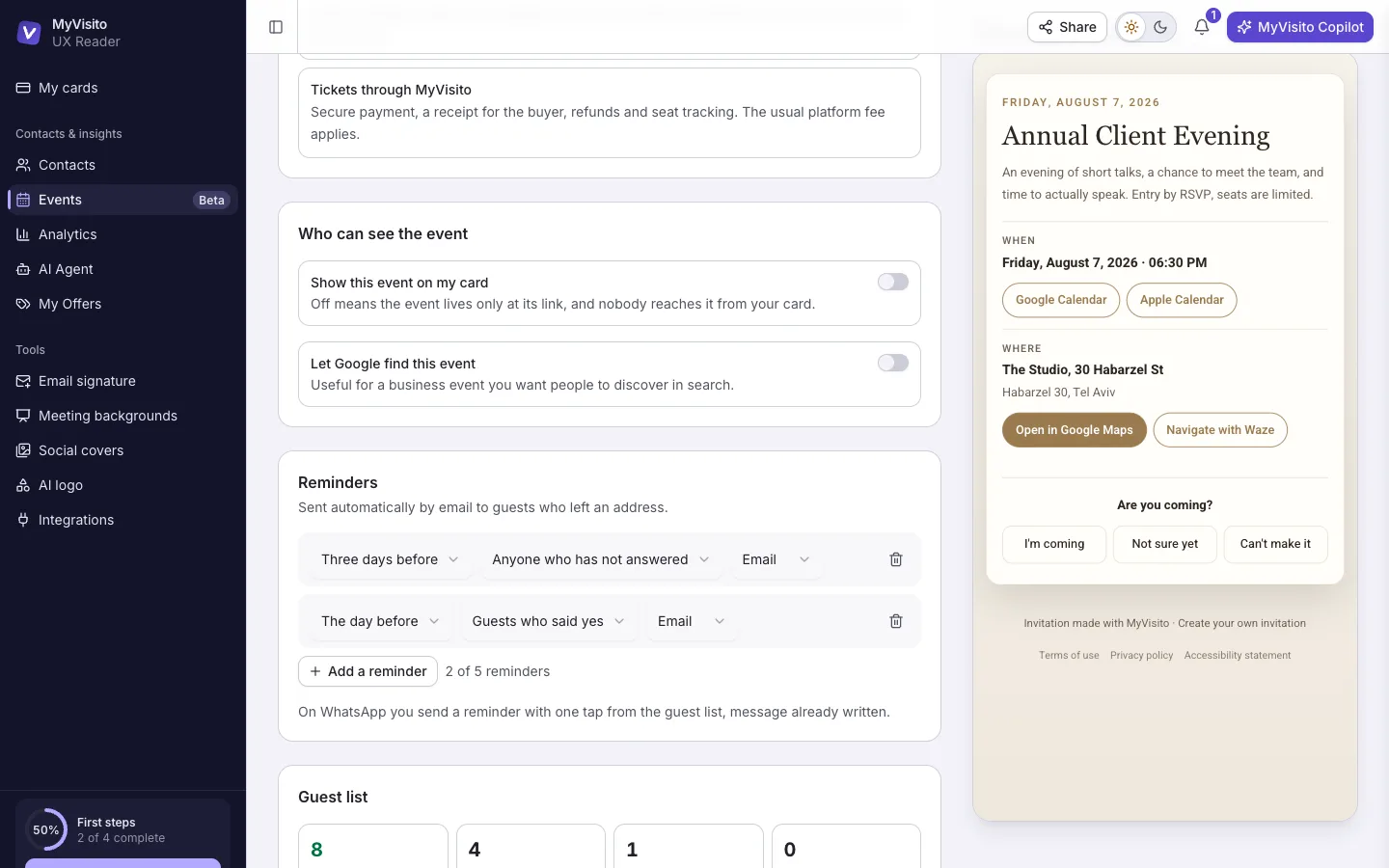
You pick the type in the first step, and the rest follows from it: who can see the event, whether Google can find it, and how money is collected.
Business event
A workshop, a talk, a client evening, a launch or a conference.
- Can sit on your card and show up in Google, if you choose.
- Sell tickets through MyVisito, with a receipt for the buyer, refunds and seat counting.
- Everyone who confirms joins your contacts with the event attached.
- Automatic reminders by email, and on WhatsApp for guests who left a phone number.
Private event
A birthday, a wedding, a family gathering.
- Lives only with the people who got the link. Not in Google, not on your card.
- Add your own payment link, and the money reaches you directly.
- Guests stay out of your contacts unless you decide otherwise.
- Exactly the same reminders. People forget to answer a party invitation too.
You pick in the first step of creating the event. A private event can never sell tickets through us, and that limit is deliberate: friends splitting the cost of a party are sharing an expense rather than making a purchase, and we do not turn one into the other.
How it works
Build it and pick the type
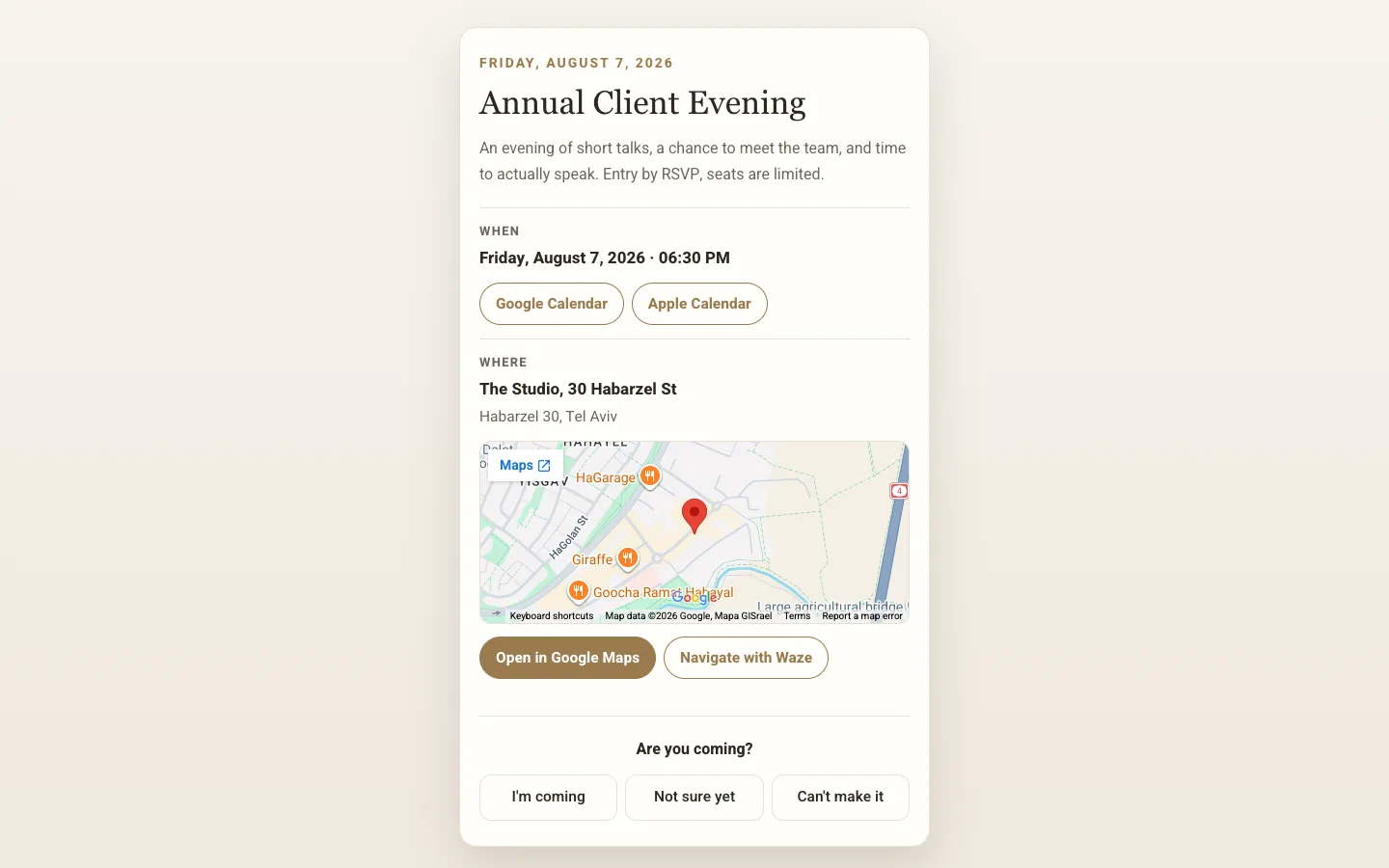
Business or private, then a name, a date and a place. The short address is claimed automatically and the invitation page is ready.
Send one link
In a message, a story or an email. Guests answer in two taps, with no account and no app.
Watch, nudge, remember
The count keeps itself current, whoever has not answered gets a reminder, and everyone who came stays with you.
An invitation with an address of its own
The event gets its own page with a short address, six ready designs and your own photo if you want one. Send it in a message, drop it into a story or print it. It is not part of your business card, and a private event never reaches Google.

RSVPs that count themselves
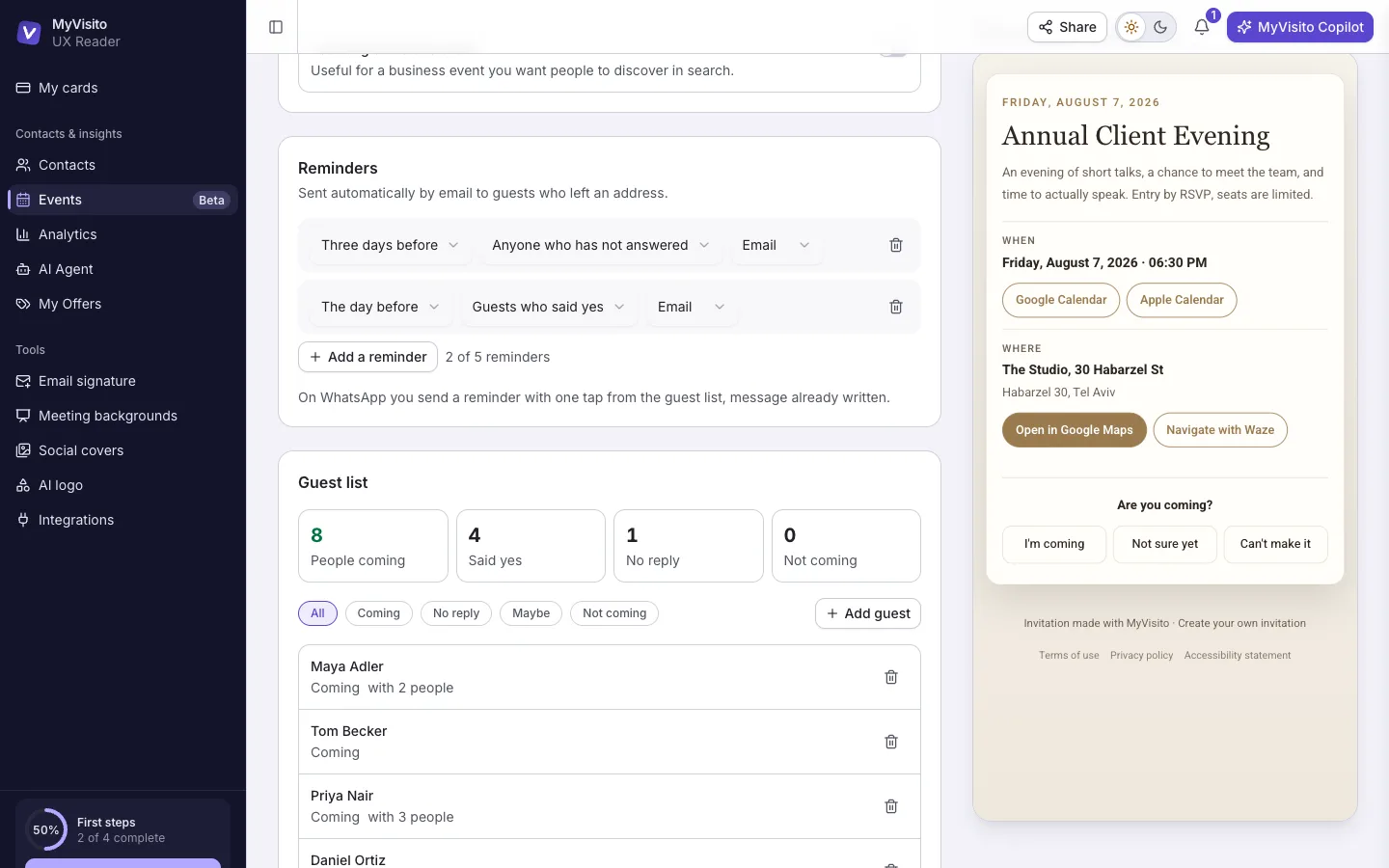
Guests answer in two taps and say how many people they are bringing. The count is in people rather than answers, a capacity limit closes itself the moment it fills, and you decide which details the form asks for.

Whoever forgot to answer gets a nudge
Every event is born with two reminders and you can change them: when they go out, who receives them and on which channel. Email reaches everyone, WhatsApp reaches guests who left a phone number themselves. Each reminder sends once, even if you edit it midway.

Money, the way the event needs it
At a private event you add your own payment link and the money reaches you directly without us touching it. At a business event you sell tickets through MyVisito, with secure payment, a receipt for the buyer, refunds and a seat count that keeps itself current.

The community that outlives the event
At a business event everyone who confirms joins your contacts with the event you met at attached. For the next one you invite everyone who showed up with one tap instead of rebuilding the list.
And for the events you attend
When you are the guest, the card works for you: a feed of networking events by city and field, visitors who leave their details in a tap, paper cards scanned into the CRM, and every contact kept with the event where you met.

Everything inside
From the invitation to the guest list, and from the event you host to the one you walk into.

Events with RSVPs
Build an event, send one link, and the RSVPs count themselves with a nudge for whoever forgot.
Learn more
Event lead capture
At a booth or a conference visitors leave details in a tap, and the leads land with you.
Learn more
Business card scanner
Photograph a paper card and the AI saves the contact with the shot and where you met.
Learn more
Contacts and CRM
Everyone you met in one place, with where you met, status, tags and reminders.
Learn moreYou cannot shake a hand through a screen. The best rooms are still rooms.
Frequently asked questions
How do I create an event?
Open the Events screen, hit Create event and pick business or private. Fill in a name, a date and a place, choose one of six designs, and you get an invitation page on its own short address. Publish it and the link is ready to send.
What is the difference between a private and a business event?
A private event lives only with the people who got the link: not in Google, not on your business card, and guests do not join your contacts unless you ask for that. A business event can sit on your card, appear in Google if you choose, and sell tickets.
Can I sell tickets to an event?
Yes. At a business event you sell tickets through MyVisito, with a secure payment page, a receipt for the buyer, refunds and a seat count that closes itself. A private event cannot sell through us; you add your own payment link instead and the money goes straight to you. Selling tickets through us opens on Premium and above.
Will the event show up in Google?
Only a business event, and only if you choose that. A private event never reaches Google or your card. That is not a setting you can miss, it is a rule enforced in our database.
How many events can I create?
One on the free plan, three on Starter, and unlimited from Premium up. On team plans, Teams gets one and Teams Plus and above are unlimited.
Do guests need to sign up for anything?
No. They open the link, say whether they are coming and leave their details. No account, no app, and it works for people who have never heard of MyVisito.
What about events you only attend?
That is the other half of the same product. There is a feed of networking events by city and field, you can RSVP, and everyone you meet there lands in your CRM stamped with the event: through an exchange, a scan of their paper card, or a visitor scanning themselves.
The card that is your personal brand
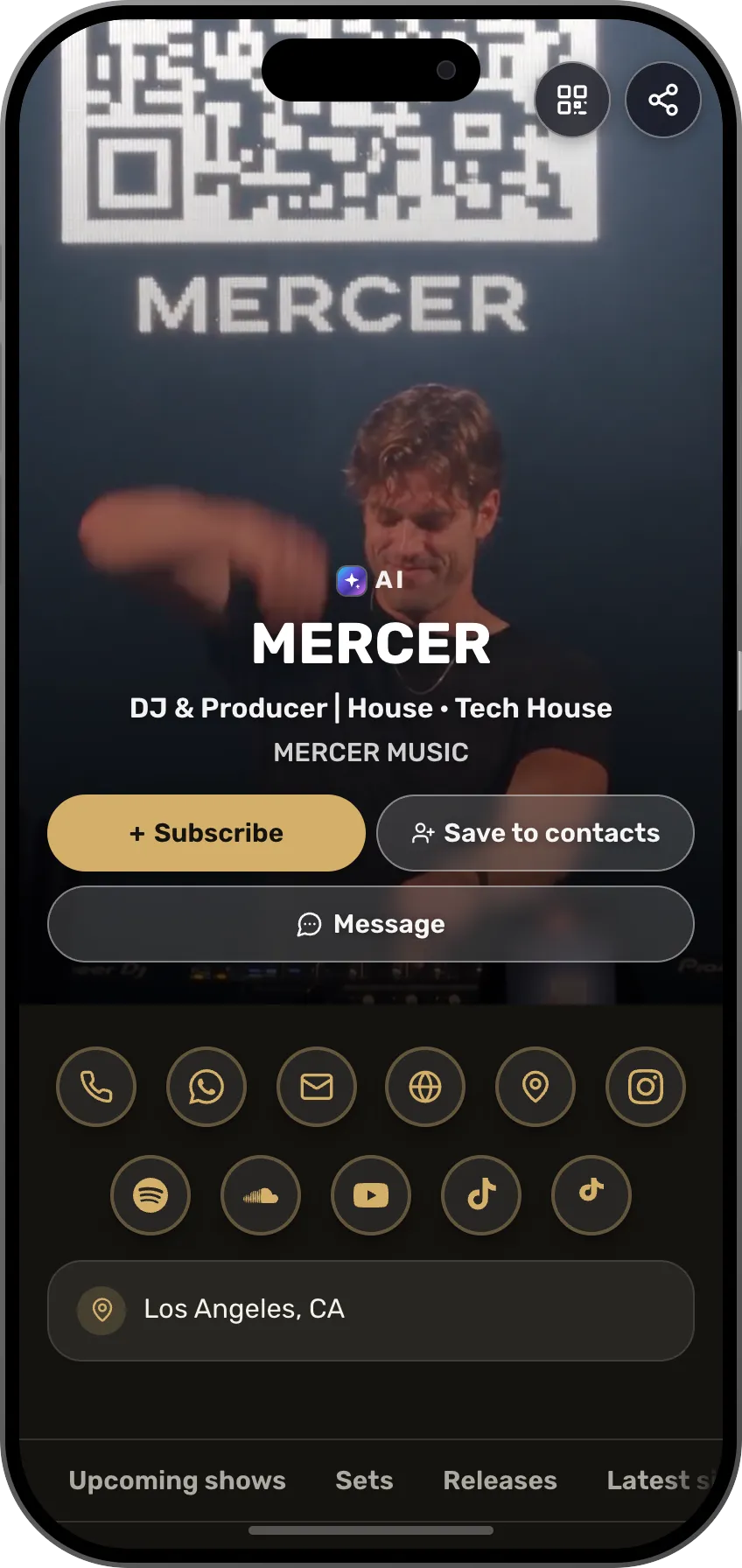
You are the brand. Whether you're a professional, a freelancer or a creator, people buy from people. Your card is there for them 24/7: beautifully designed, showing what you offer, and saving every lead for you. Start free.