Accept payments straight from your digital business card

Dr. Raj Patel
Aesthetic & family dentistry
Patel Dental
About
A calm clinic, new technology, and personal care, even for people who fear dentists. Your first visit includes imaging and a clear treatment plan.
Our treatments

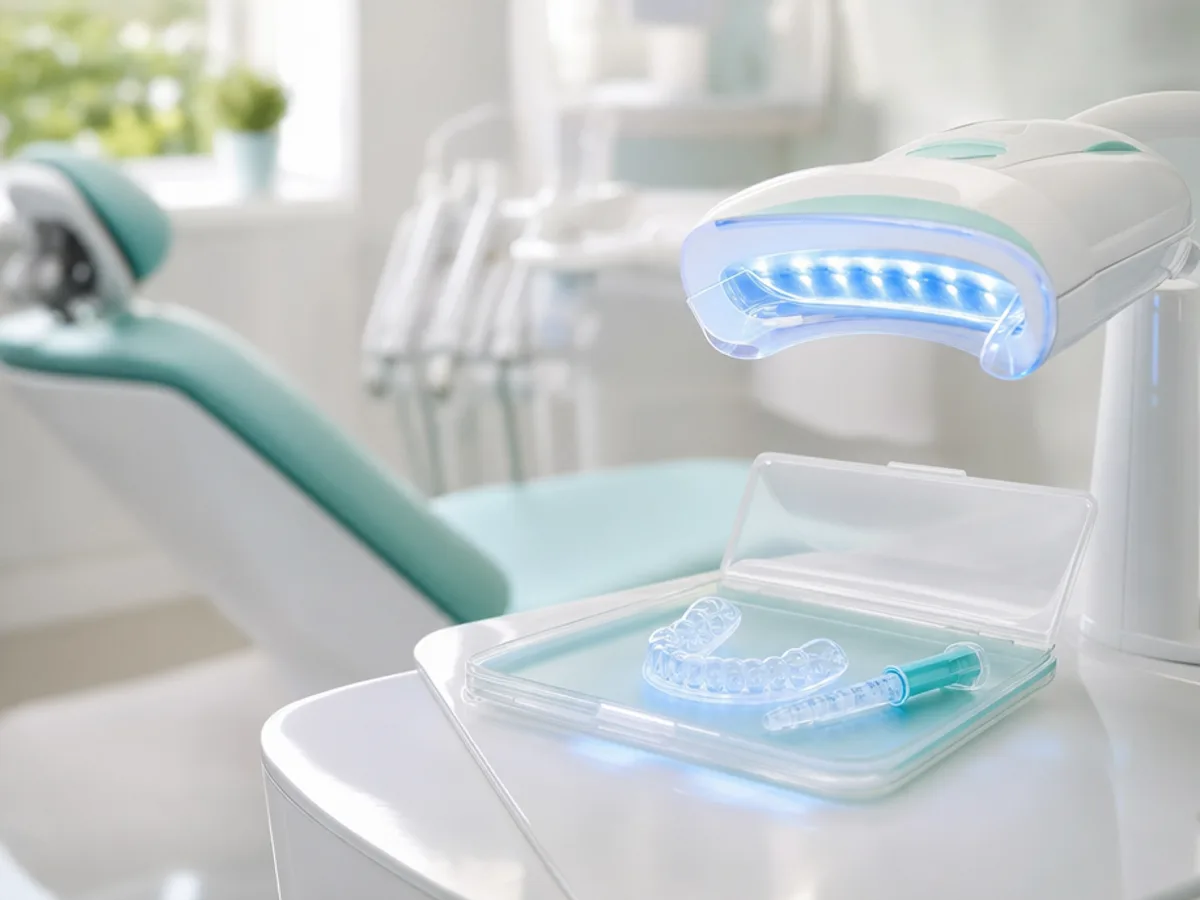
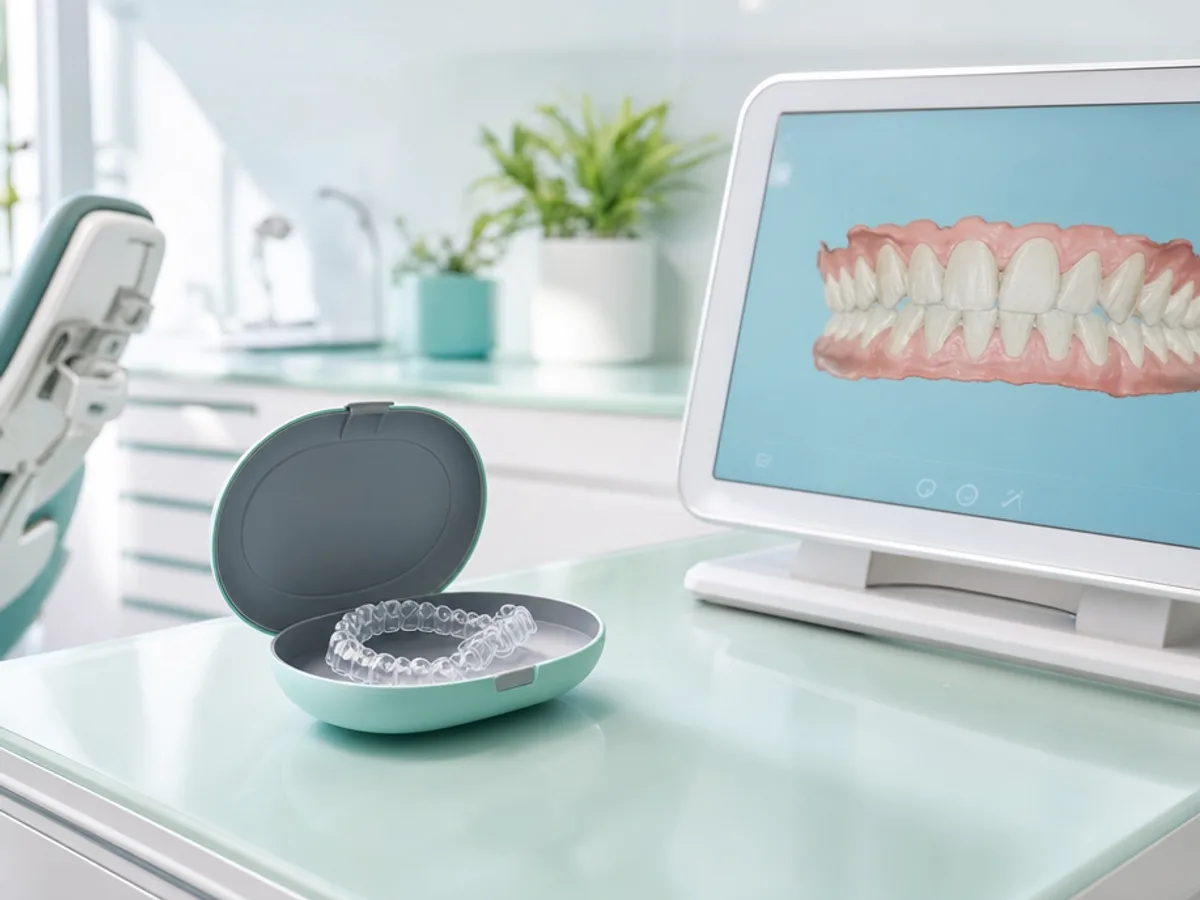
Before & After




Book an appointment
Book an appointmentSmiling patients
Webinars for parents

Checkout in the buyer's language
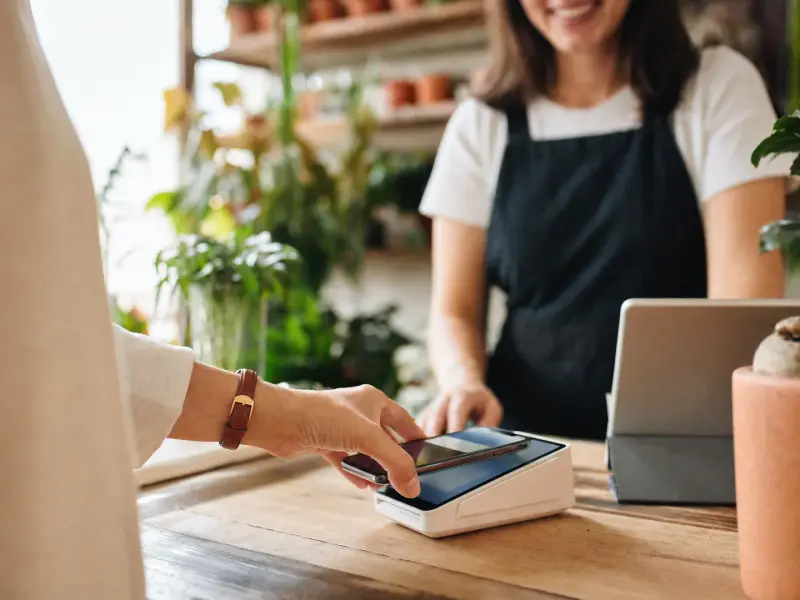
Buyers tap a product on your card and pay by card, Apple Pay or Google Pay on a secure Stripe page shown in their own language.
Powered by Stripe, connected in minutes
Connect your own Stripe account from the dashboard with Stripe Connect, and the account and its customers stay yours. In some countries where Stripe does not open seller accounts yet, you sell through MyVisito Payments, and MyVisito handles the operations and customer service for you.
Every order lands in your CRM
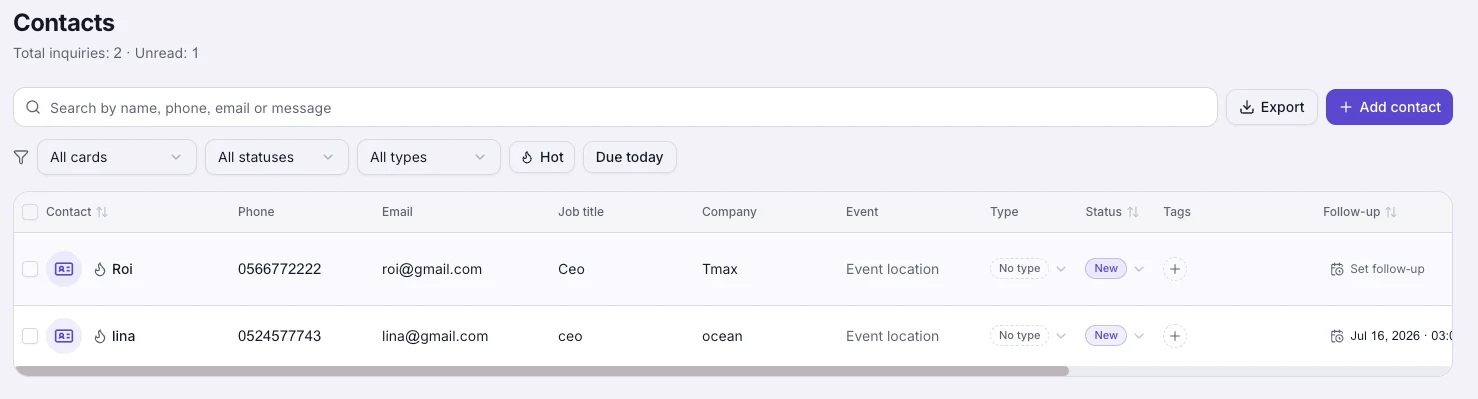
Each purchase shows up in your orders and contacts with the buyer's details. When you have something new, you already know who to tell.
Sell everywhere your card goes
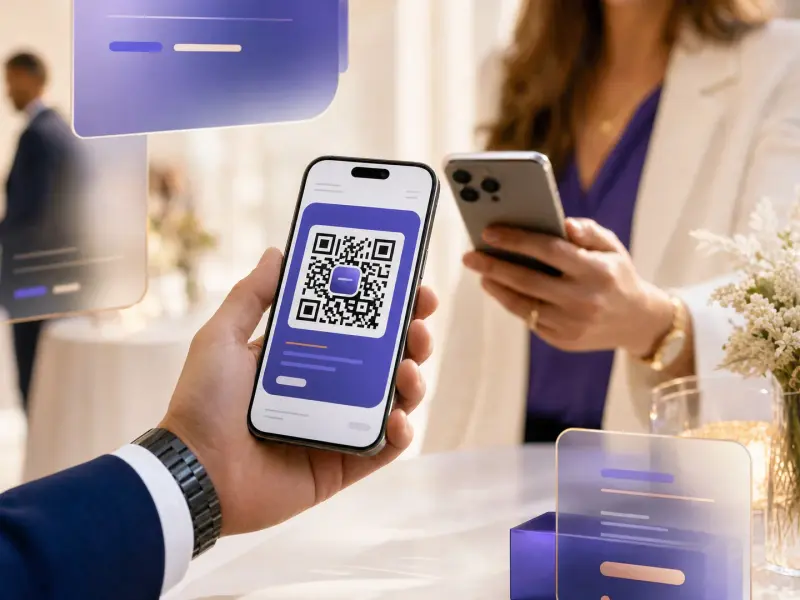
People reach your card from a link, a QR code, WhatsApp or a scan at a conference, and the shop is right there. They can buy at any hour, from any phone.
How it works
Add a product to your card
Choose a session, a digital course or a downloadable file, set the price and description, and the shop appears on your card.
Turn on payments
Connect your own Stripe account from the dashboard in a few minutes. With MyVisito Payments, activation happens with us and we take care of the connection.
Get paid and keep the customer
Buyers pay on a secure Stripe page, the order is recorded for you, and the money reaches your bank account.
Available for sellers in these countries
- Australia
- Austria
- Belgium
- Canada
- Cyprus
- Czechia
- Denmark
- Estonia
- Finland
- France
- Germany
- Greece
- Hong Kong
- Ireland
- Israel
- Italy
- Latvia
- Lithuania
- Luxembourg
- Malta
- Netherlands
- New Zealand
- Norway
- Poland
- Portugal
- Romania
- Singapore
- Slovakia
- Slovenia
- Spain
- Sweden
- Switzerland
- United Arab Emirates
- United Kingdom
- United States
Selling from your card is available in every country on this list.
Frequently asked questions
Which countries can accept payments through the card?
Payments are available in the United States, United Kingdom, Canada, Australia, most of Europe and more, over 30 countries in total. The full list appears further down this page.
What do I need to start selling?
Premium (it starts with a free trial). The free plan can show products you sell on another site, without taking payments. You also need at least one product on your card, and a short payment setup from your dashboard: your own Stripe account, or MyVisito Payments, which we connect and run for you.
Who handles support and payment operations?
Your Stripe account is yours, and MyVisito support is here for anything about the platform, orders and your shop. If you sell through MyVisito Payments, MyVisito also handles the payment operations and customer service end to end.
What do buyers receive after a purchase?
An email confirmation with a payment receipt, and a personal order page where they can download files, access their course or follow their order.
Which payment methods can buyers use?
International credit and debit cards, Apple Pay and Google Pay, depending on the buyer's device. Checkout is shown in the buyer's language and supports multiple currencies.
How much does it cost?
Selling opens on Premium, with no MyVisito fee on sales on Premium and Max. Full terms, including everything about payments, are in our Commerce Rules and on the pricing page.
Can I sell courses too? And services?
Courses, yes: a built-in player, drip lessons and certificates, each course with its own sales page. Services and price lists show on the card with a quick-contact button (WhatsApp, Telegram or leave-your-details); direct purchase of services is planned.
What if Stripe does not open seller accounts in my country yet?
In some countries on the list, you sell through MyVisito Payments, on Stripe's infrastructure: buyers pay on a secure Stripe page and the money lands in your bank account. A local bank account is all you need. In other countries, everything that takes no payment already works, like free downloads and contact forms.
More MyVisito capabilities
Selling from the card
Sell courses and digital files straight from your card. Every service gets a quick-contact button.Contacts and CRM
Each name on your list comes with where you met, where things stand and when to get back to them.Analytics
How many opened it, what they tapped and where they came from, by section and by date range.