Scanned straight off the screen
The background carries a crisp QR and a details card in the corner you choose. A colleague scans the screen mid-call, lands on your card, and the scan is counted in your analytics like any other QR scan.
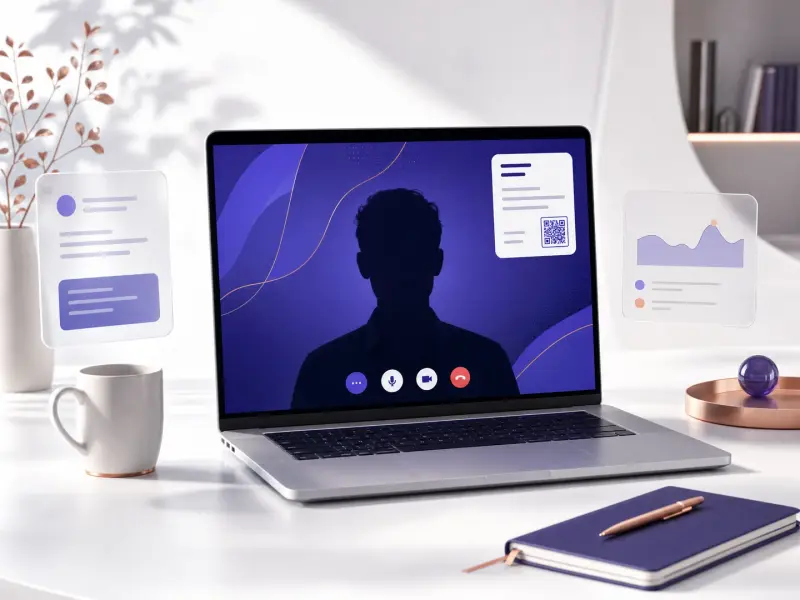
Colors, gradients and a full gallery
Your card's colors, a solid color, a gradient or a blur, or a photo from the gallery. There's also a transparent PNG for overlays in streaming tools. Design and preview on any plan; downloading and uploading your own photo come with paid plans.
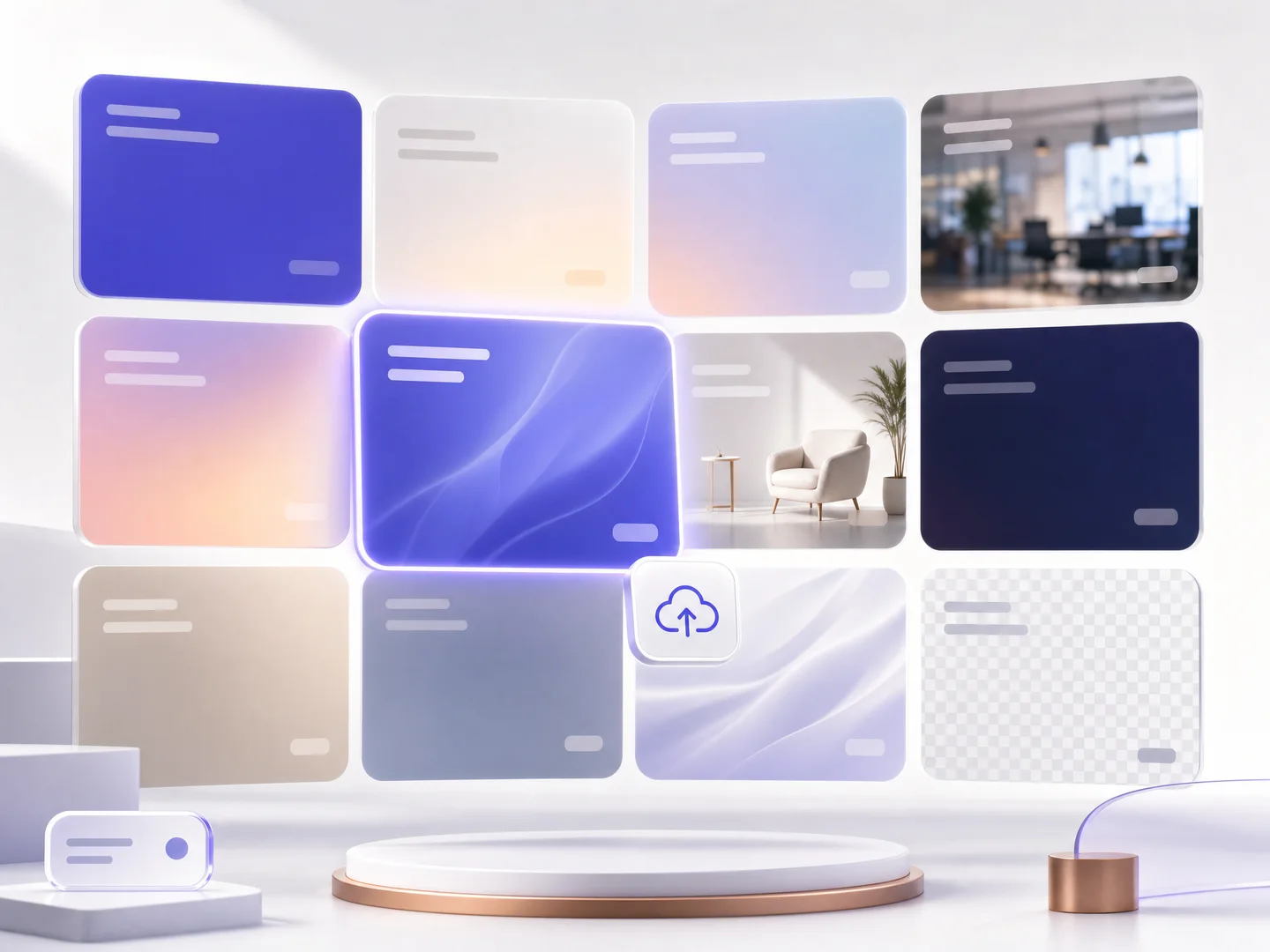
One background for the whole team
On team plans an admin saves the design once as the team template, and each member downloads it with their own name and QR. Every call from your company looks the same.
How it works
Publish your card
The QR on the background opens your published card, so every scan reaches you.
Pick a look and your details
Choose a color, style or photo, position the QR and the details card, and see it live.
Download and set it in your app
One JPG download, set as your background in Zoom, Meet or Teams, and every call introduces you.
Frequently asked questions
Which apps do the backgrounds work with?
Zoom, Google Meet and Microsoft Teams, and any app that accepts a background image. The transparent PNG works as an overlay in streaming tools too.
What is free and what is paid?
The whole tool is open to try on any plan: backgrounds, colors, blur and the details and QR controls, in a live preview. Downloading the finished background and uploading your own photo are included in every paid plan, trial included.
Will the QR really scan from a screen?
Yes. The background renders in Full HD with a high-contrast QR, and you control its corner and size. Scans are counted in your analytics as QR scans.
Can my whole team use one design?
Yes. On team plans an admin saves the design as the team template and every member gets it with their own details and QR. With uniform branding on, the design is locked for members.
Can I use my own photo?
On paid plans, yes: upload an image, crop it to 16:9, and it is saved to your personal background library for next time.
More MyVisito capabilities
Email signature
An email signature built from your card, with a QR code and a link that lead back to it.QR code sharing
A branded QR code people scan from a screen or from print, and your card opens on their phone.Teams
Every employee gets a card in the company's design, and everyone's leads come to one place.