Digital business cards for enterpriseA card for every employee from one template, and every lead on the company's list.



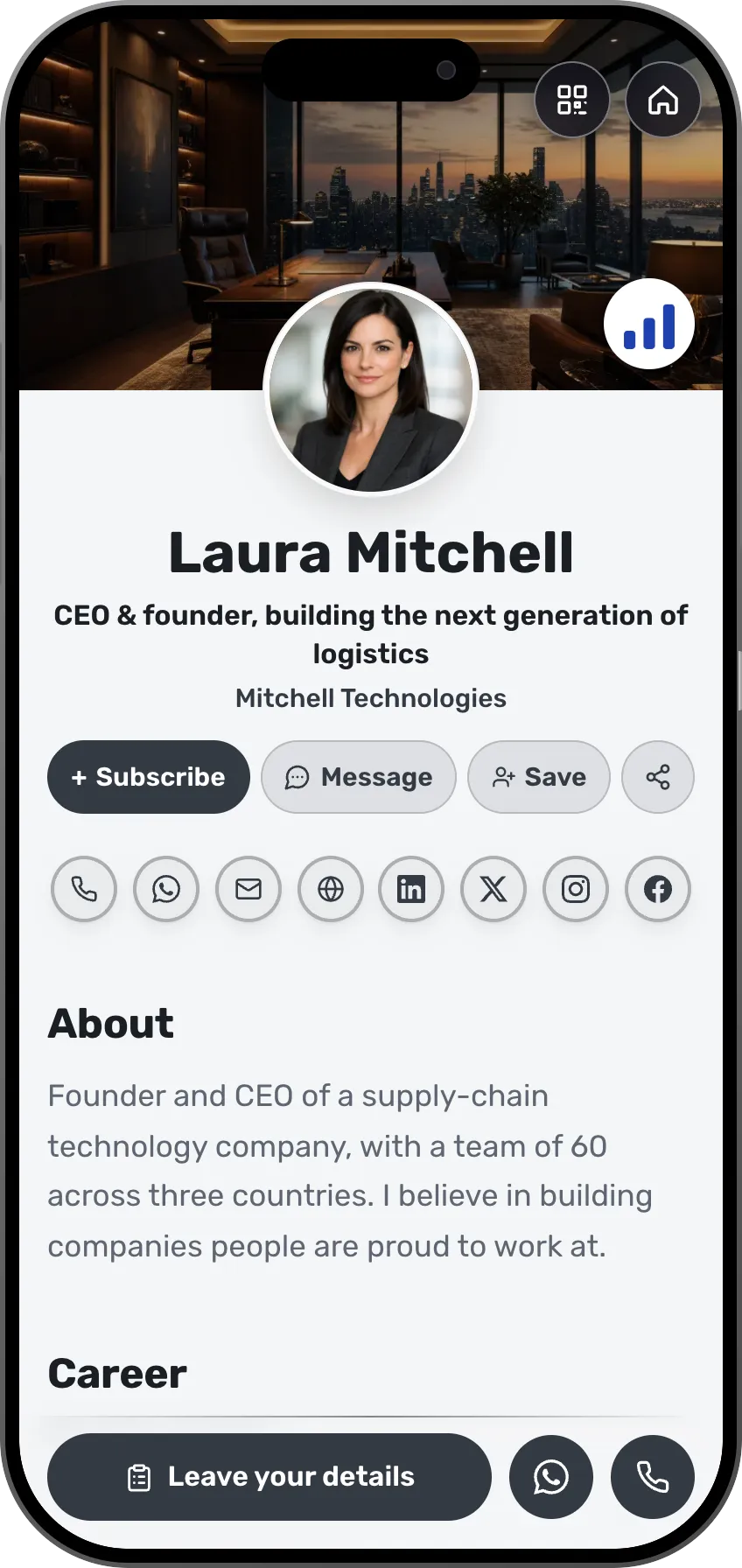
Laura Mitchell
CEO & founder, building the next generation of logistics
Mitchell Technologies
About
Founder and CEO of a supply-chain technology company, with a team of 60 across three countries. I believe in building companies people are proud to work at.
Career
From 3 founders to a team of 60 across three countries
Led operations at an international logistics company
Meetups and webinars

Every employee's cards, team and leads, in one system.
Print runs, spreadsheets, and leads that stay on personal phones. Here the company manages every card from one place, and the relationships stay with it.
What you keep today
- Paper cards for every employee, at every title changeA separate app, its own login
- An employee list in a spreadsheetA separate app, its own login
- Leads on each employee's phoneA separate app, its own login
- Copying leads into the CRM by handA separate app, its own login
With MyVisito
One company system holds all of it
- A digital card from the company template, updated for everyone
- A team directory that shows who has published
- A shared company list, with the source
- Sync to HubSpot, Salesforce and Google Sheets
What your organization gets
Central management for the company, and a personal card for everyone on the team.




Hundreds of branded cards, in sync
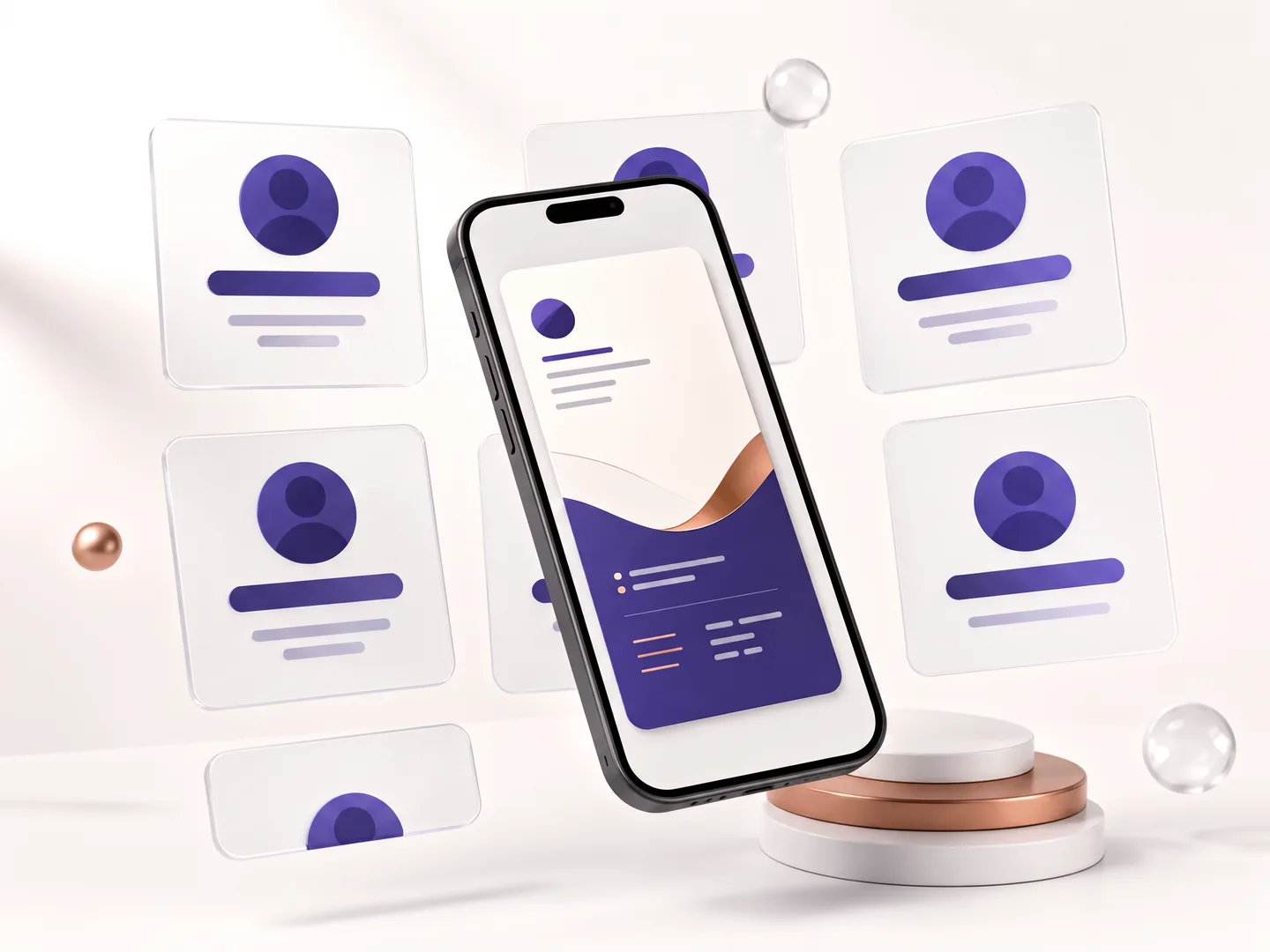
Company templates set the look once, per department if you need. Every employee card is built from them, and a change to a template reaches all of them at once.
Who's ready and who's still on the way
The team directory shows how complete each card is, and from there you send an employee a reminder email with a link straight to their editor. Roles separate managing people, managing content and personal editing.
Integrates with your CRM and tools
Leads flow to HubSpot, Salesforce, Dynamics 365, Pipedrive, Google Sheets and more, through ready-made integrations, an official Zapier app and a public API. Connection credentials are encrypted with AES-256 and stay on the server side only.
How it works
Build the company template
Logo, colors, sections and locked fields. A template update reaches every card.
Invite your people
By email, in bulk. Each employee gets a ready card, adds a photo and details, and publishes.
Connect your CRM
Leads from every card land on a shared list, and from there in HubSpot, Salesforce or Google Sheets.
By kind of event
Company events, from the same system
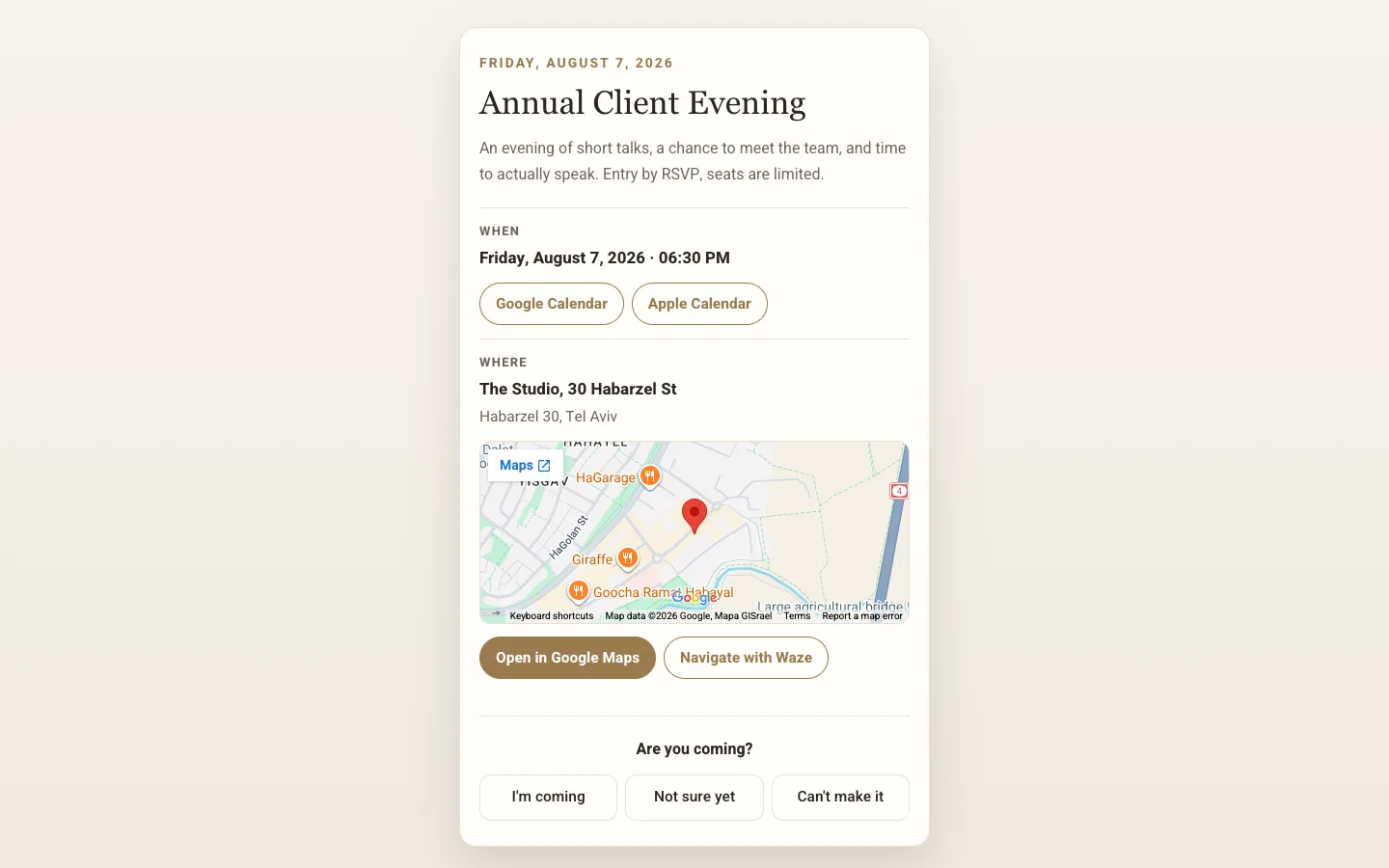
A conference, a launch or a webinar: sign-ups, check-in at the door, and every attendee lands on the company's list.
Keep everyone you meet on one list, with where you met and what you agreed.
Scan the card of someone you met or snap a paper one, add a note about what you agreed, and message them from the same place.

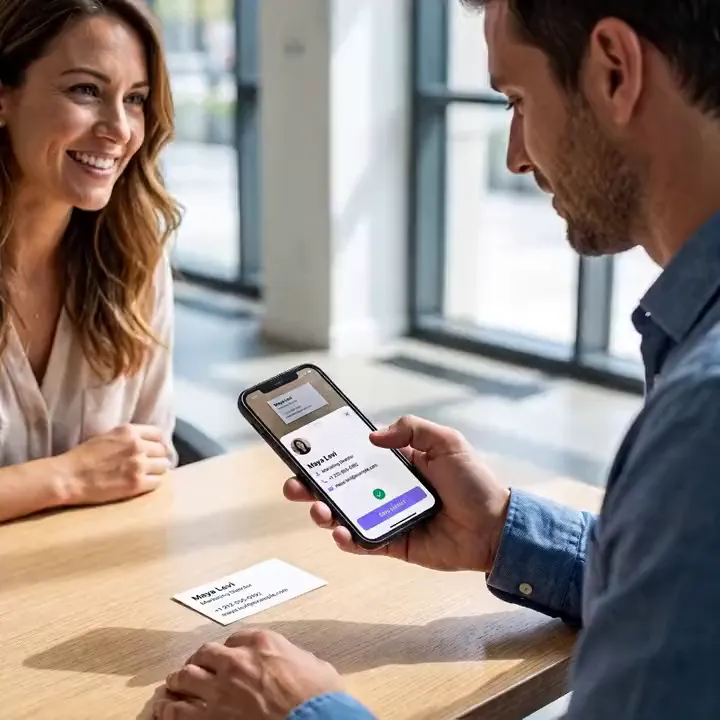
Scan a paper card, and the person is on your list.
Frequently asked questions
What does the Enterprise plan include?
Everything in Teams at organization scale: as many seats, cards and AI as you need, dedicated onboarding and support, and terms tailored to your procurement. Setup is done together with you, step by step.
How is our data isolated and protected?
Each company workspace is isolated at the database level with row-level security, roles separate who can manage people, content and billing, and integration credentials are encrypted with AES-256.
How do employees get their cards?
Each employee gets an email invitation with a card already built from your company template. All that's left is a photo, their details and Publish, and the team directory shows who's done.
What happens when people join or leave?
A new employee gets an email invitation. When someone leaves and you remove them from the team, their card goes offline and the contacts they collected stay with the company. Seats adjust with the team.
Can we connect it to our CRM?
Yes. There are ready-made connections to HubSpot, Salesforce, Mailchimp and Google Sheets, official Zapier and Make apps, webhooks and a public API. Every lead from every card arrives with its source.
How do we get started?
Leave your details in the form, and we'll get back to you within two to five business days with a proposal and a rollout plan. The setup is done together with you, from the first template to the last employee.
How many templates are there, and can I change them?
There are 126 designed templates, sorted by profession, and each one is a complete card with its sections ready. You can change everything in it: colors, font, background image and the order of the sections. Or tell the AI assistant what you do, and it drafts a card laid out for your profession.
Which languages does a card work in?
The card itself can be written in 27 languages, including English, Spanish, Arabic, Hebrew and Russian, and visitors see it in their own language when there's a version for it. Sales pages, courses and event invitations work in 22 languages, and the app itself runs in English, Hebrew and Russian.
Can I get paid from any country?
Taking payments (a shop, courses and paid event tickets) is open to sellers based in one of the 35 supported countries, and buyers can pay from other countries too. MyVisito itself is available in most countries. Where it is, the card, the free plan, contact exchange, your contact list and event invitations all work.
- 126
- Designed templates
- 27
- Card languages
- 22
- Shop and event languages
- 35
- Countries you can sell from
- 22
- Live integrations
Integrations with the tools you use.
A new inquiry goes to your CRM or a sheet, a meeting lands in your calendar, and a consultation gets its Zoom or Meet link by itself.
Calendar and meetings
Meetings go into your Google Calendar, and whoever booked gets an invite for theirs.
- Google Calendar
- Zoom
- Google Meet
- Calendly
CRM
Every new inquiry from the card shows up in your CRM.
- HubSpot
- Salesforce
- Pipedrive
- Dynamics 365
Email marketing
Whoever left details on the card joins your mailing list.
- Mailchimp
- Klaviyo
- MailerLite
- Brevo
- Kit
- beehiiv
Automation and sheets
Every inquiry is written to a sheet or starts a Zapier flow.
- Zapier
- Google Sheets
- Google Contacts
- Outlook
Make and n8n connect too, and more are on the way.




Read next
Teams
Every employee gets a card in the company's design, and everyone's leads come to one place.CRM integrations
Every new lead flows automatically into HubSpot, Salesforce, Google Sheets and more.Contacts and CRM
Each name on your list comes with where you met, where things stand and when to get back to them.