Visita, your AI personal assistant, answers your visitors. You tap Yes, and the meeting is set.

The question arrives in the middle of your workday
Someone opens your card while you're with a client and asks if you have time this week. By the time you write back, they may have booked with someone else. Visita answers right away, and asks you about the time.
When no one's there to answer
- A simple question stays open
- A visitor does not know where to go next
- An important inquiry arrives at the wrong time
- The same explanation, typed again and again
With Visita
- An answer right away, from what your card says
- The visitor knows what to do next
- A meeting request reaches your phone: Yes, Another time or No
- You explain it once, and she tells everyone who asks
How it works
Publish your card
Visita starts answering on a published card, on every plan. She already knows what the card says: your services, prices, offers and events.
Tell her how to work with you
On her screen you add what only you know, choose how she speaks, and set which questions reach your phone, how many a day and during which hours.
Answer with one tap
When a visitor asks for a time, the question comes to your WhatsApp, or by text on a US or Canadian number. Tap Yes, and you both get the confirmation and a calendar invite.
She shows the right offer, with its price
A visitor describes what they need, and Visita picks the one offer from your shop that fits and shows it in the chat, with its price and a link to its page. She quotes a price exactly as your card states it.
Every inquiry is saved with the person's details
When someone wants you to get back to them, Visita asks for a name and a way to reach them and saves the person in your contacts, with what they asked. Before a question goes to your phone, she confirms their email with a short code.
She drafts your follow-up message
Set a follow-up date on a contact and you get a reminder that day. Ask Visita, and she drafts the message from what you know about the person. You read it, change it and send it yourself.
Everything inside
Each of Visita's jobs has a page of its own.
Who it is for
A personal assistant for every profession
What Visita does day to day, by profession.
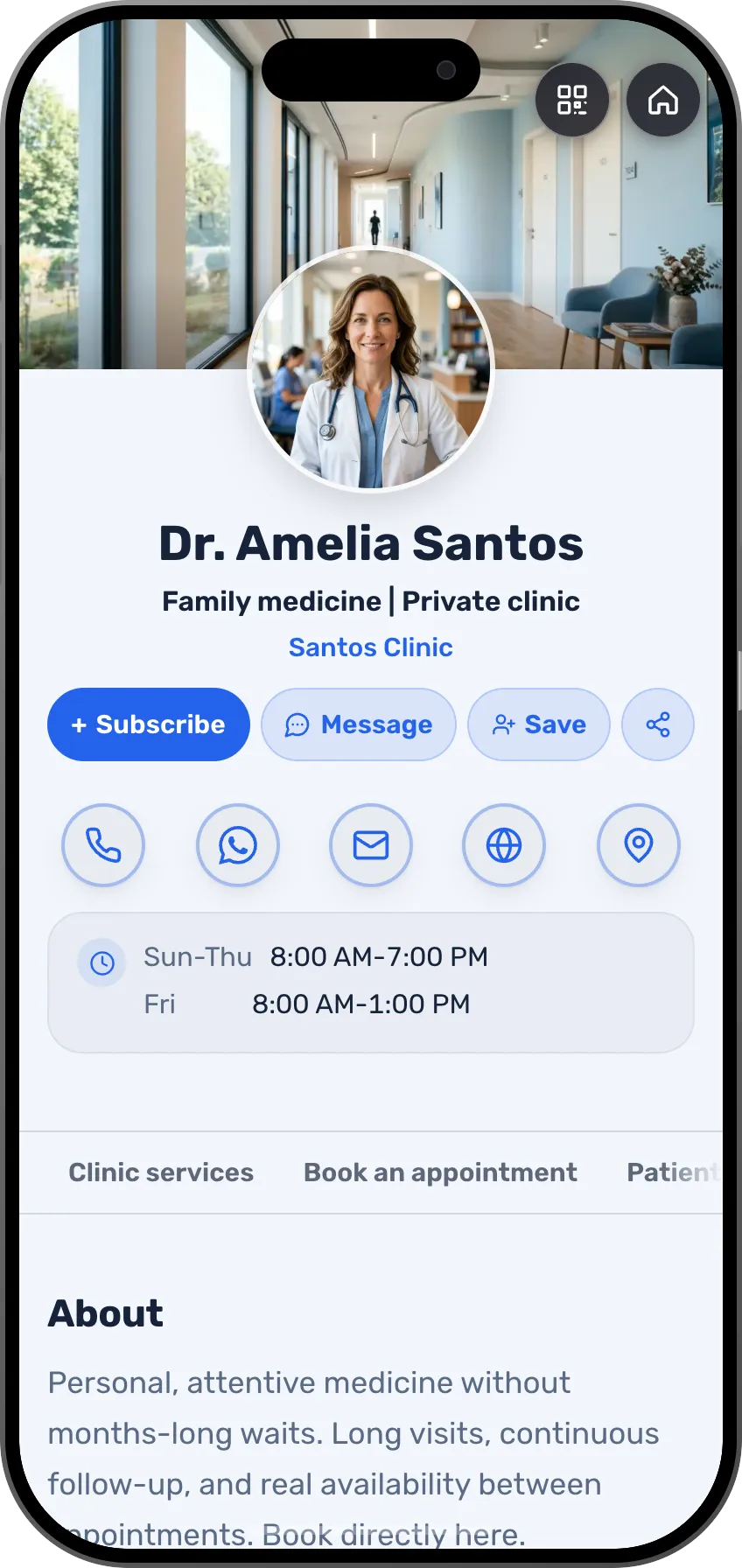 DoctorsVisita answers patients' common questions at any hourSee the profession page
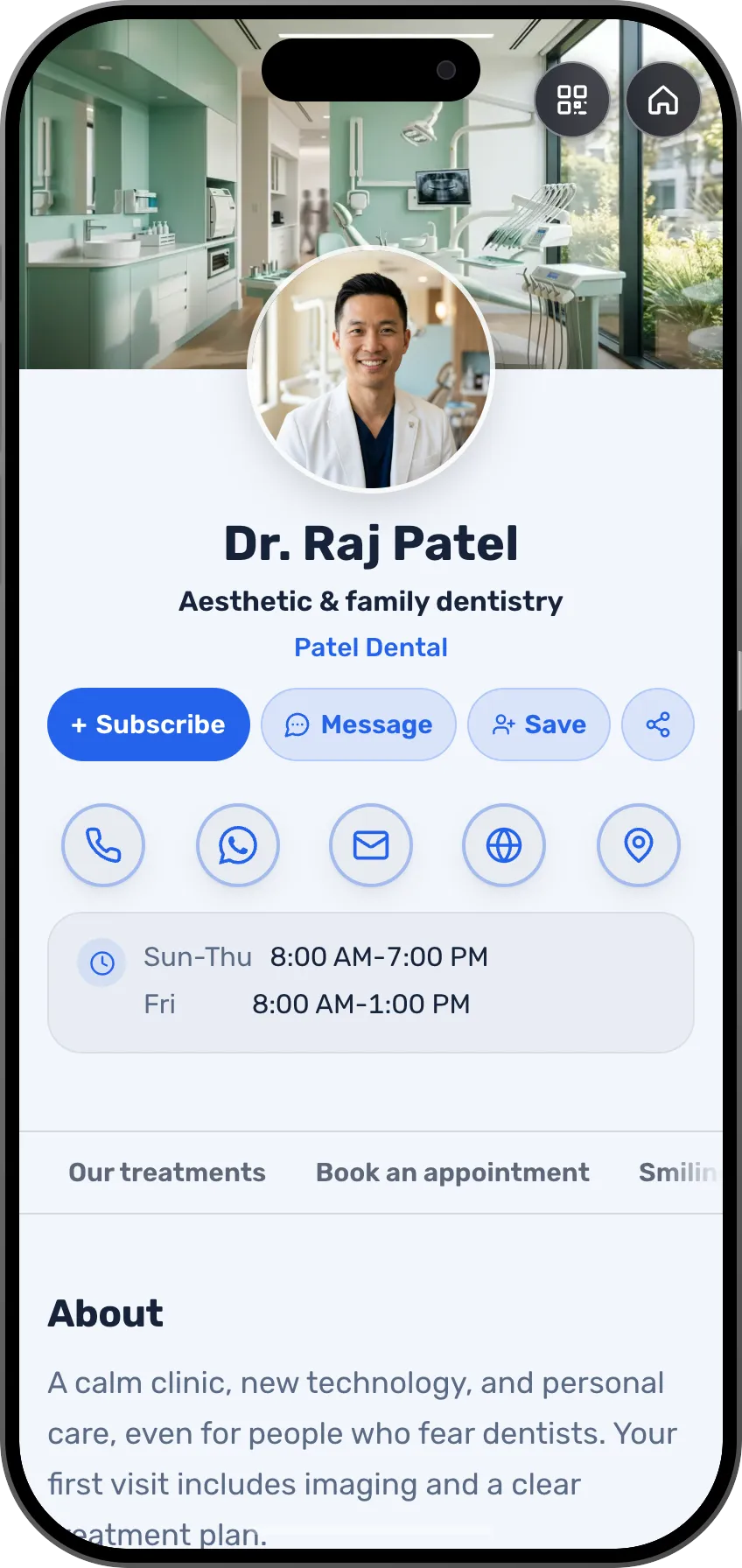 DentistsAnswers before the appointment, in the patient's languageSee the profession page
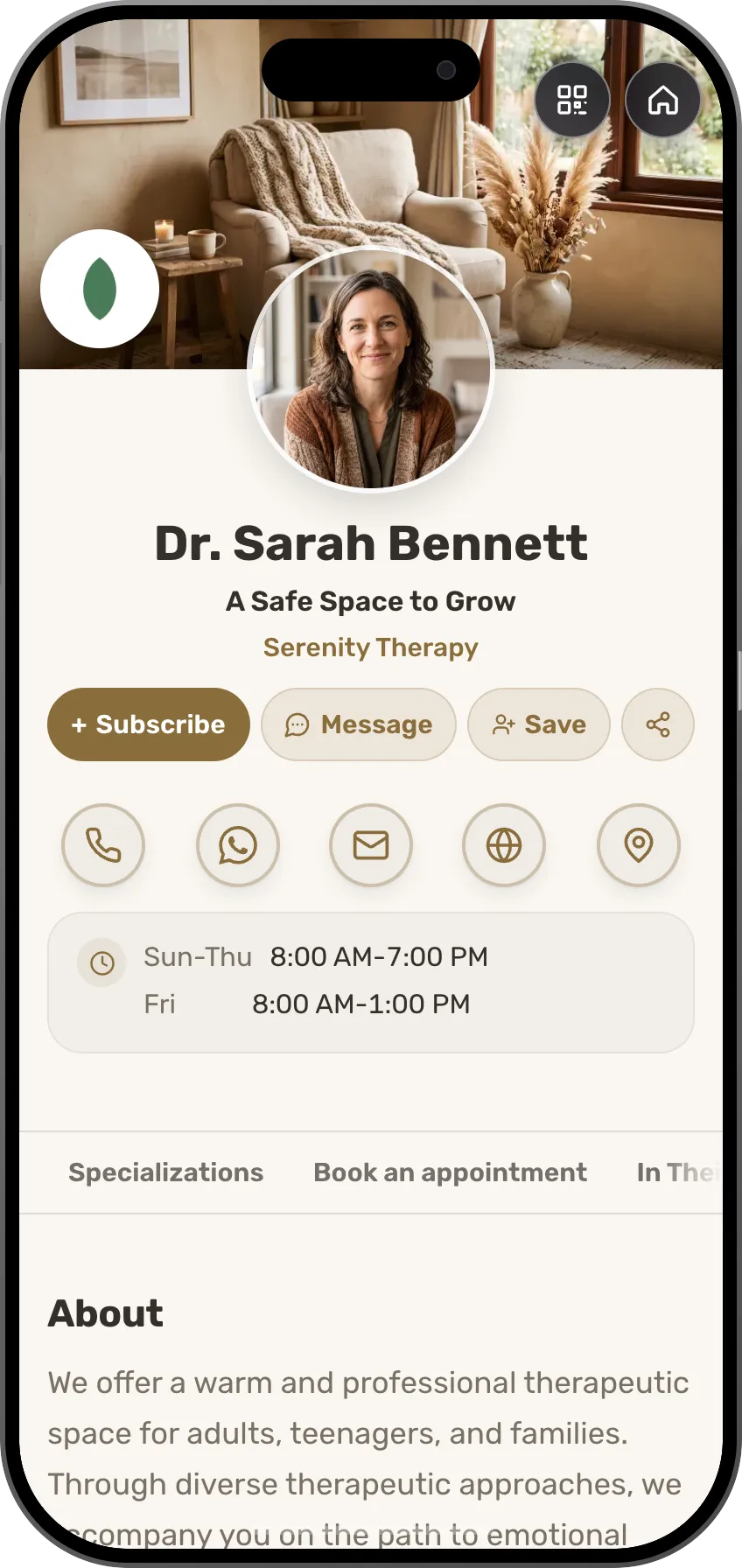 TherapistsThe card starts as her draft, and she explains your approach to visitorsSee the profession page
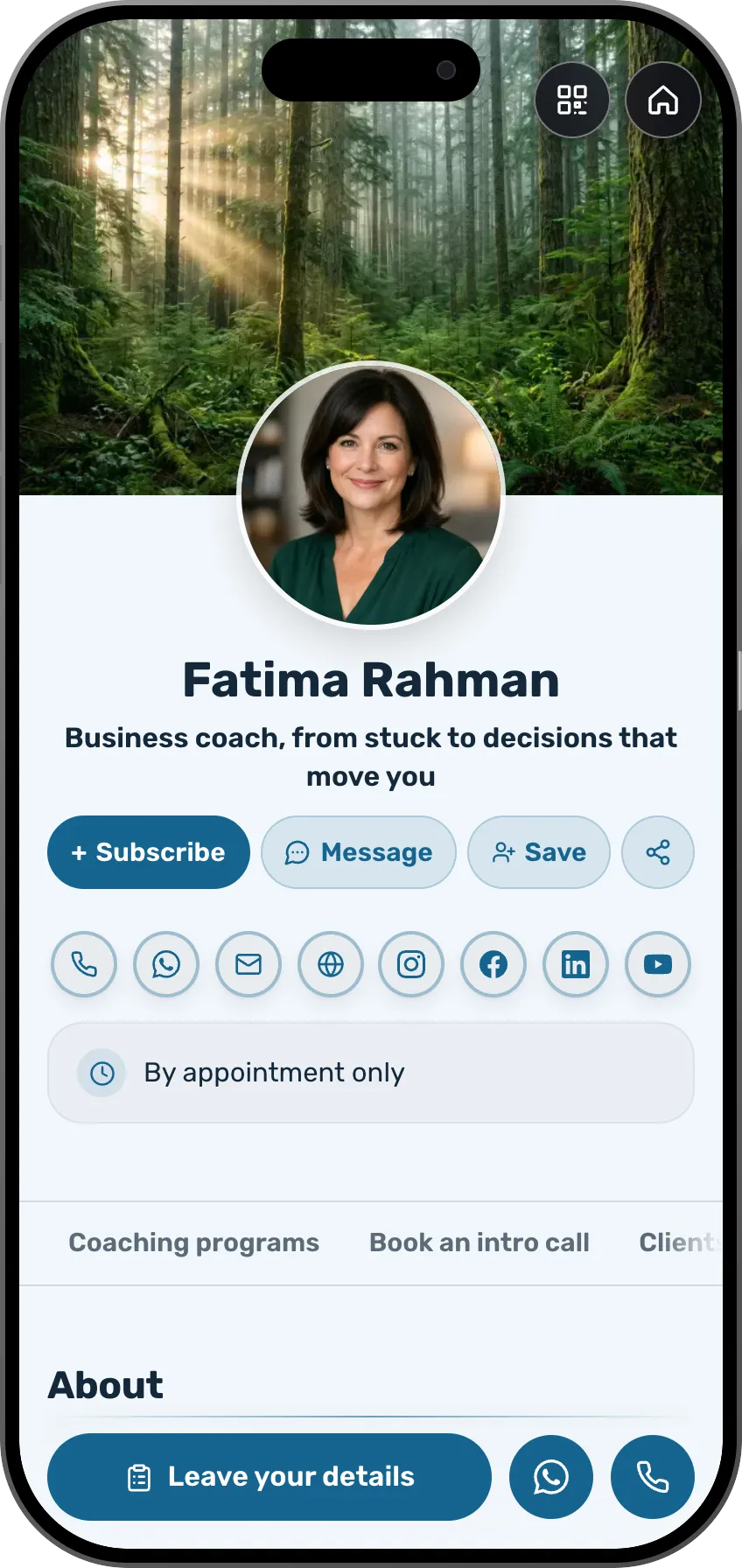 Coaches and consultantsWhile you're in a session, she asks you about the meeting timeSee the profession page
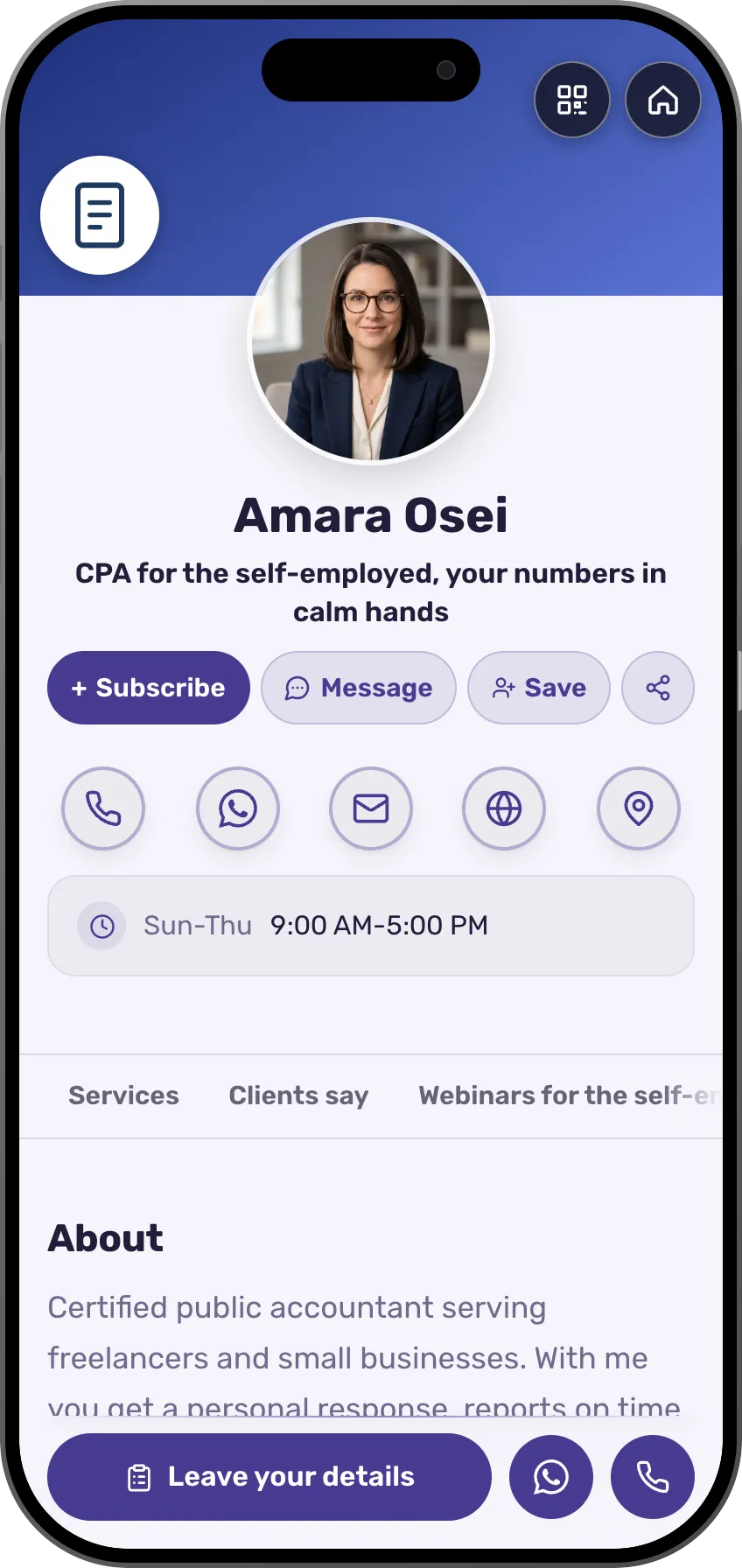 AccountantsAnswers about services and prices, and an inquiry that is savedSee the profession page
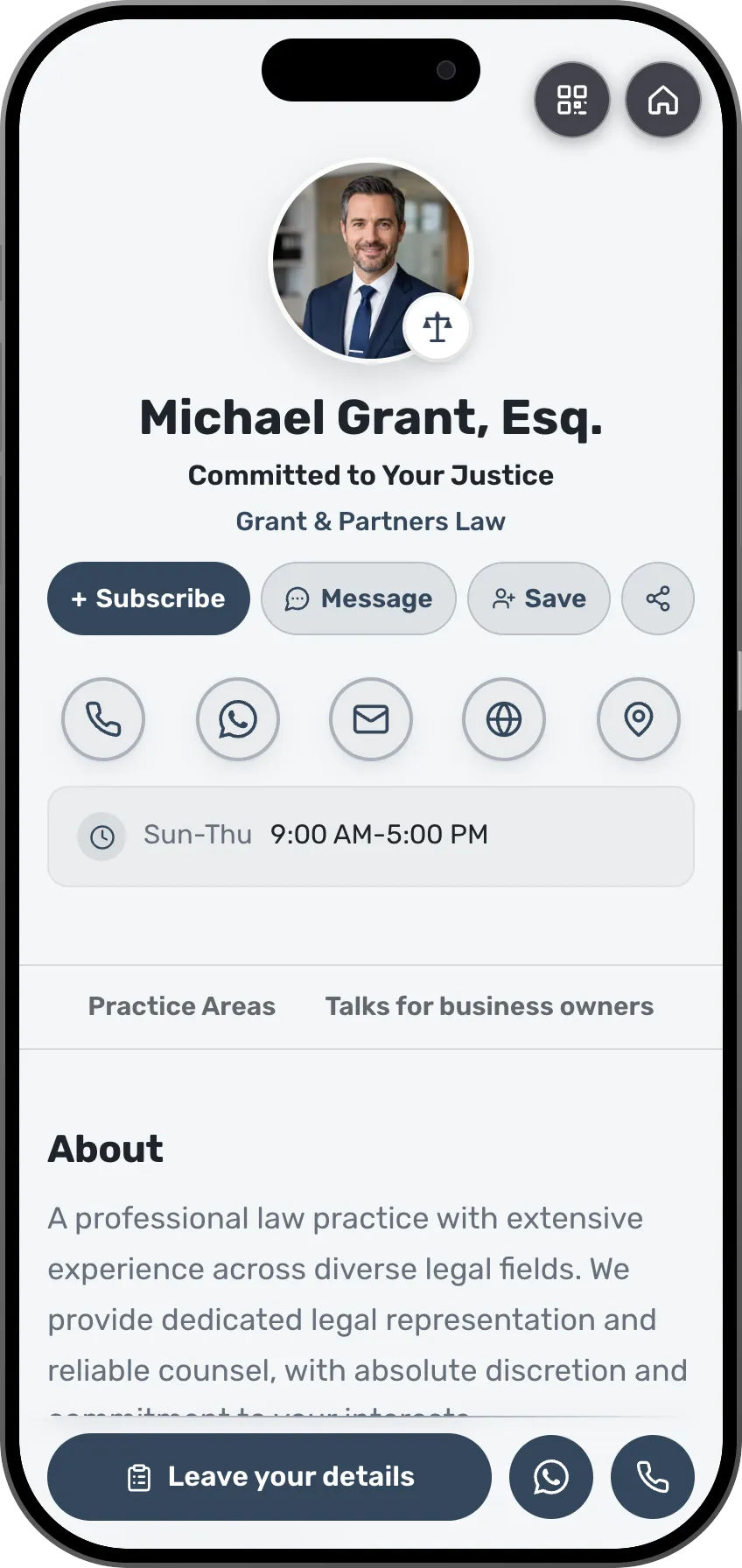 LawyersShe finds out what it is about before you answerSee the profession page
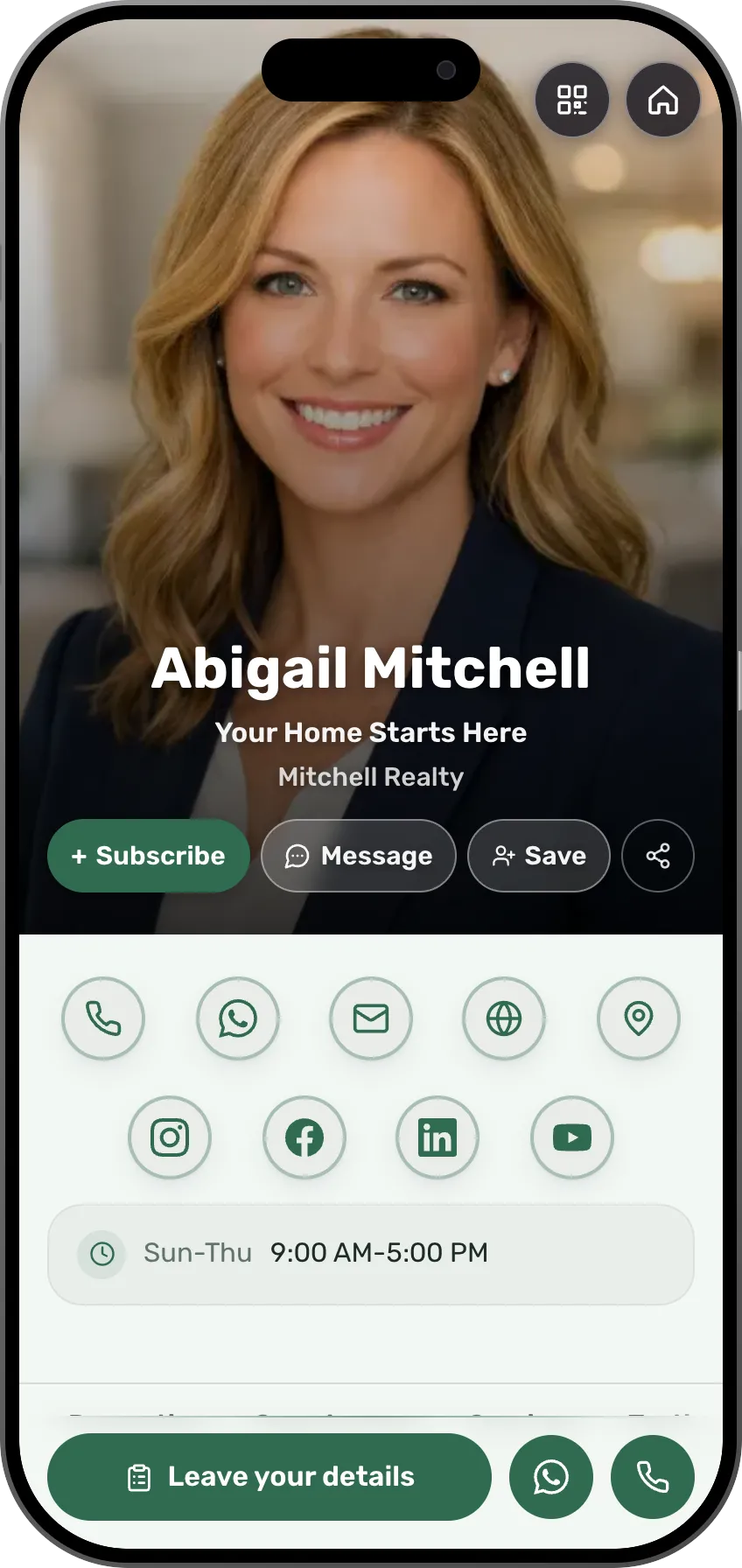 Real estate agentsQuestions about a property answered at once, and the person's details savedSee the profession page
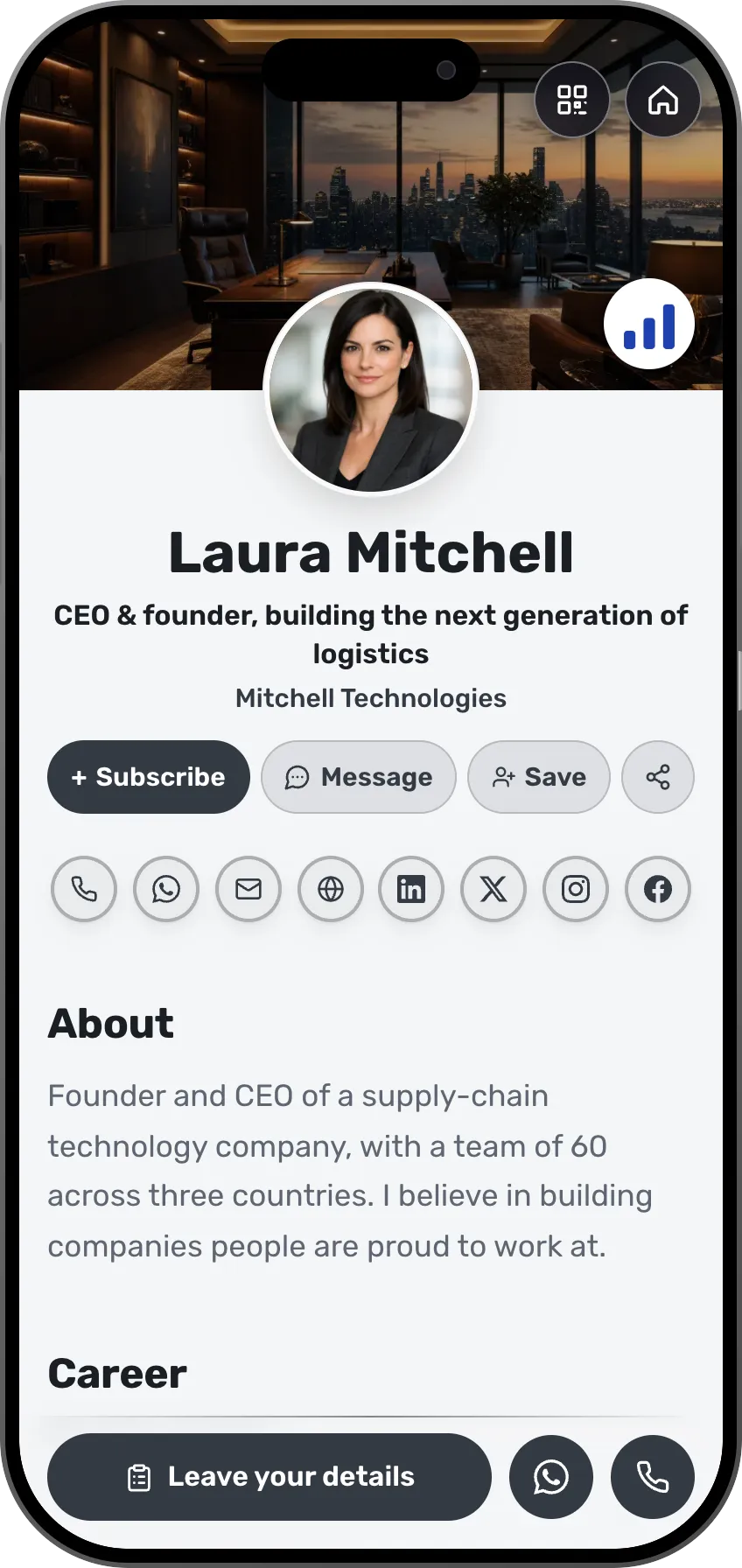 CEOs and foundersVisita drafts a card for everyone on the teamSee the profession page
- More professions and fieldsEach field has its own page, with ready-made templates.See all professions
Business goes to whoever answers first.
Frequently asked questions
What is Visita?
Visita is the AI personal assistant that comes with MyVisito. She works as an AI agent on your digital business card: she answers visitors from what the card says, saves their details and asks you when someone wants to meet. She also builds, edits and translates the card with you.
What happens when a visitor asks to meet?
Visita takes the visitor's name, confirms their email with a short code and sends you one question. It reaches the phone you verified: on WhatsApp with Yes, Another time and No buttons, or by text message with a link on a US or Canadian number. It also arrives by email and in the app. If the visitor named a day and a time, your Yes sets the meeting, and you both get the confirmation with a calendar invite. The visitor reads your answer in the chat, or by email if they have left.
What does she know, and what does she keep to herself?
She knows your card, your shop, your events and what you taught her, and she answers only from that. She shares a phone number or an email only when your card already shows it. A time is confirmed only after you say yes.
Which languages does she speak?
She answers each visitor in the language they write in. Her question to you arrives in the language of your account, so a visitor can write in German and you can answer in English.
What does a conversation cost?
Her conversations use the AI credits included in your plan, and the dashboard shows how many are left.
Which plans include Visita?
Her questions and the card forming on the phone are free; her written build and the edits by chat start on Premium, with an AI allowance that grows with the plan. Answering visitors on your card comes with every plan, with a monthly allowance that grows with it.