Contacts saved as just a name and a number
To get back to someone a month later, you need to know where you met. With that written next to the name, you know what to say.
A contact in your phone
- A name
- A phone number
- An email address
A contact in MyVisito
- Where you met, and at which event
- What they care about
- What you promised
- The next step, with a reminder
- A follow-up drafted and ready
How it works
Capture without typing
Exchanges from your card, paper cards scanned in seconds and file imports all land in one CRM.
Keep the context
Tag the event, flag the promising ones and note what matters. Where each person came from is saved automatically.
Follow up on time
AI drafts the follow-up in your voice, and reminders ring when it's time to return.
What happens to a contact next
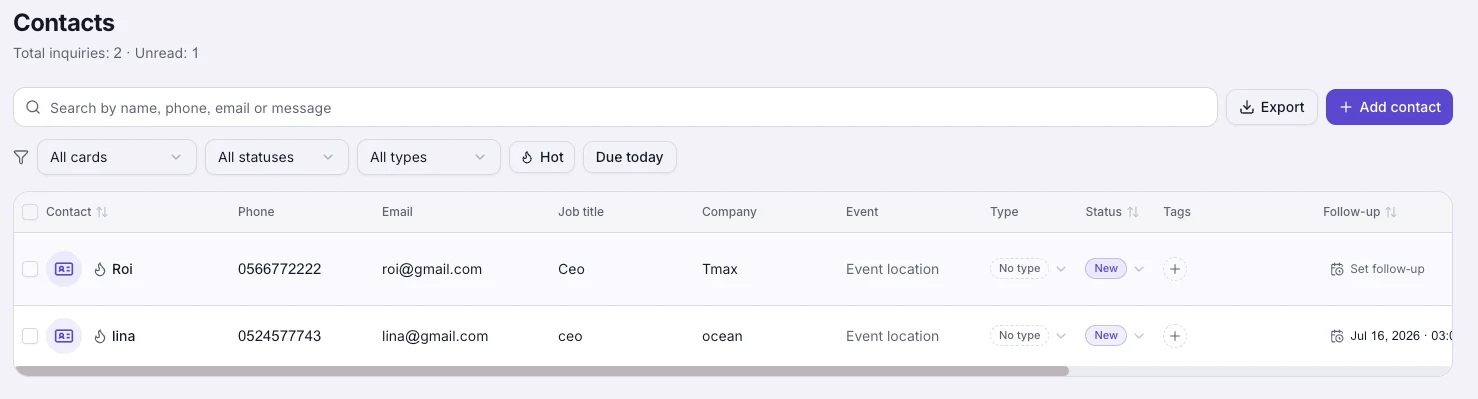
A CRM built for meetings
Status, tags, budgets, hot marks and notes, edited inline like a spreadsheet and shared with your team by role.
Follow-ups drafted for you
Ask Visita for a follow-up to any contact, and she drafts the message and suggests a next step, in your language and theirs. You read it and send it yourself.
Your leads, in your tools
Every captured contact can flow to HubSpot, Salesforce, Pipedrive, Mailchimp, Google Sheets or any webhook, automatically.
Everything inside
Remember who you met, and get back to them on time.
Contacts and CRM
Each name on your list comes with where you met, where things stand and when to get back to them.Business card scanner
Photograph a paper card and the AI fills in the contact for you, with the card photo and where you met.AI follow-up messages
A summary of every meeting and a follow-up message drafted in the other person’s language.Event lead capture
At a booth or a conference visitors leave details in a tap, and the leads land with you.CRM integrations
Every new lead flows automatically into HubSpot, Salesforce, Google Sheets and more.
Who it is for
A contact list for every profession
Every meeting is saved with where it happened.
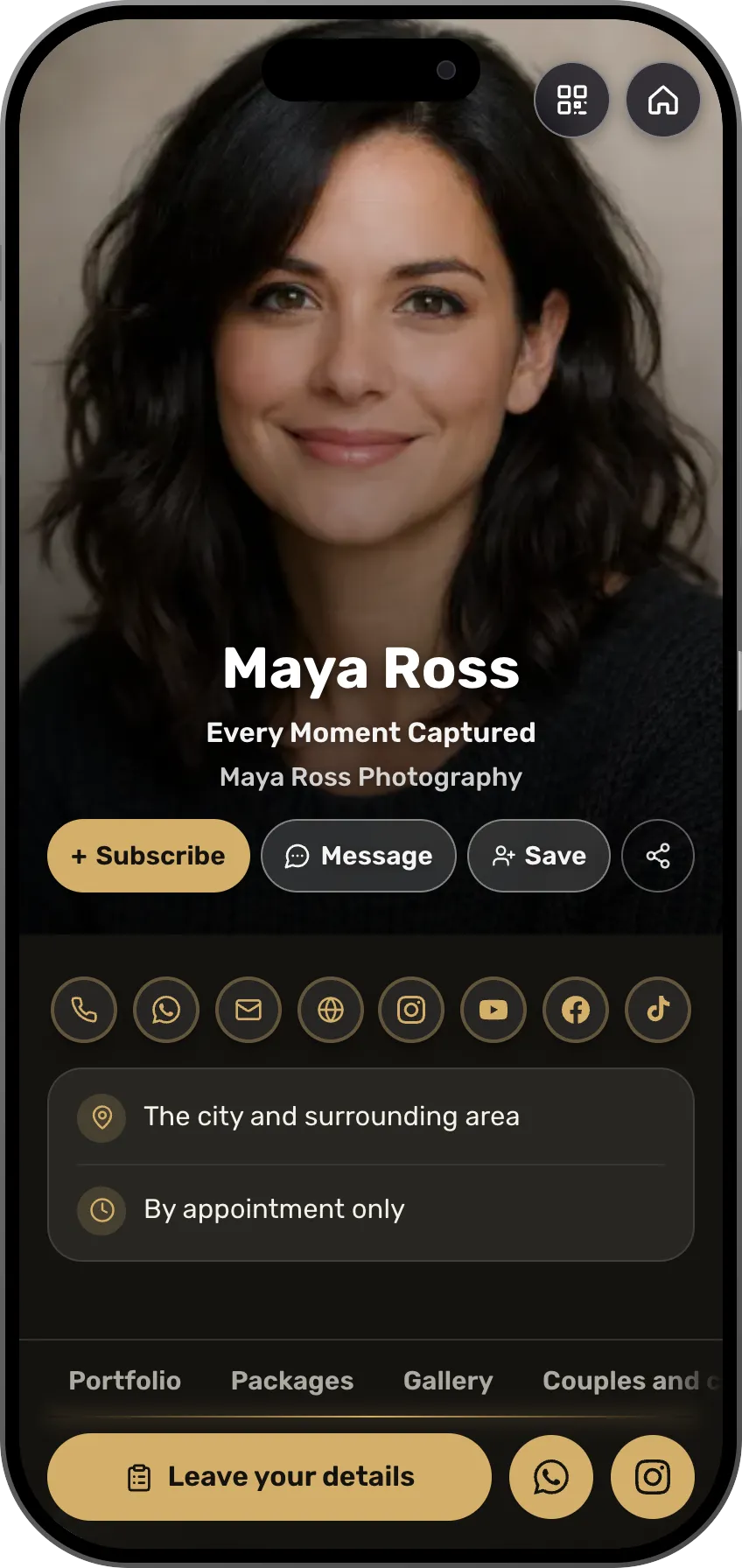 PhotographersEvery inquiry from the portfolio is saved with the type of shootSee the profession page
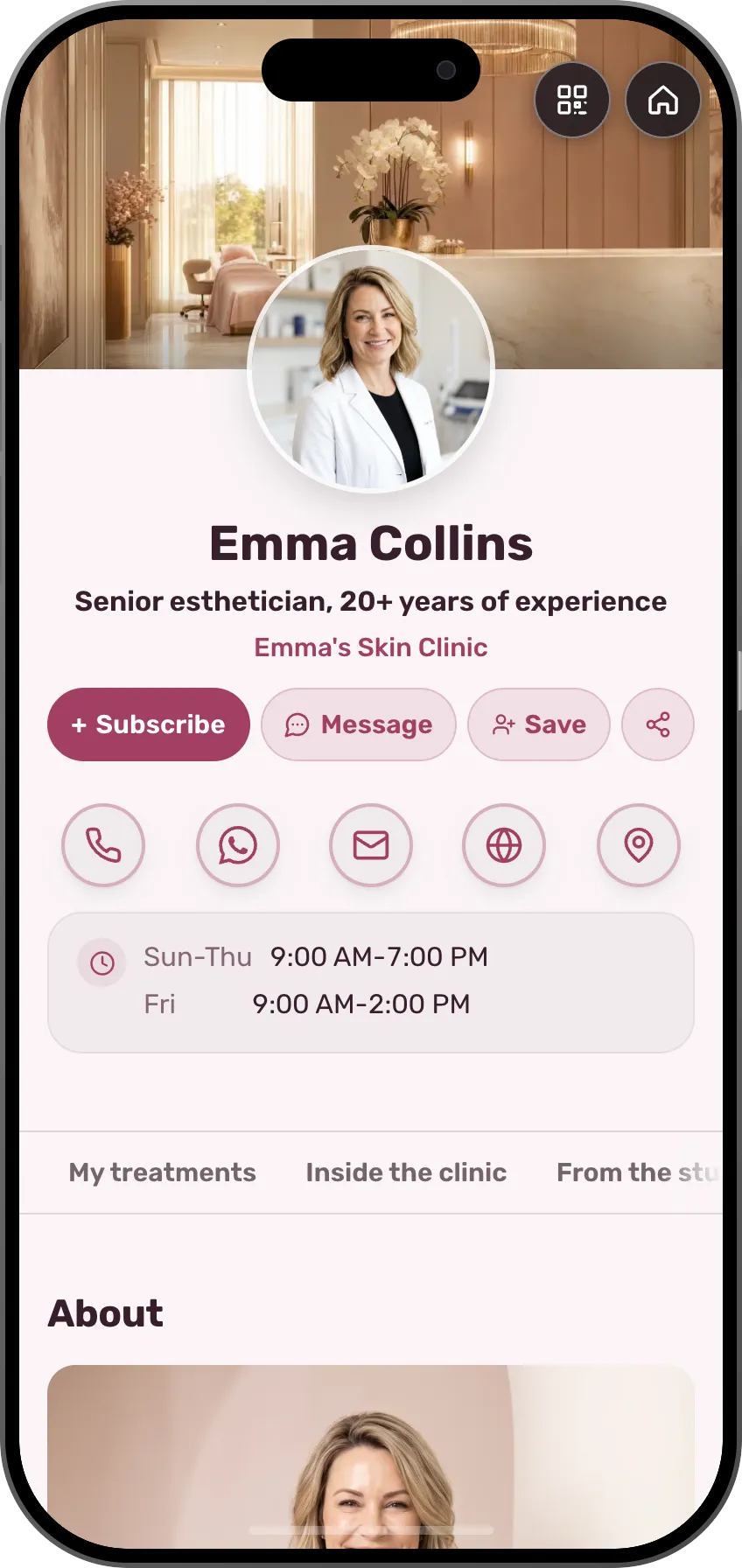 Beauty and cosmeticsWhoever booked, with the treatment and the dateSee the profession page
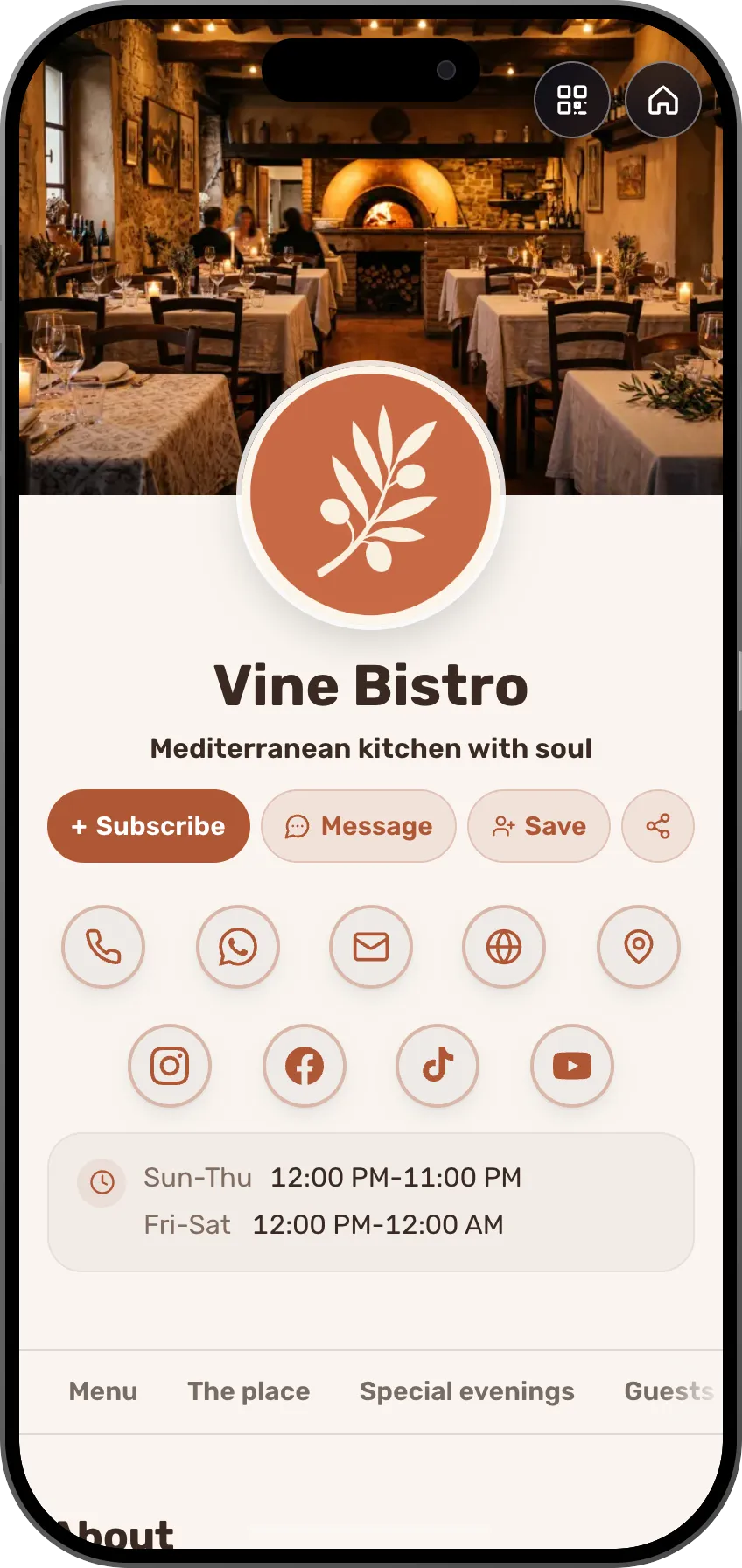 Restaurant, café and bakeryWhoever asked for a table, with the date and the party sizeSee the profession page
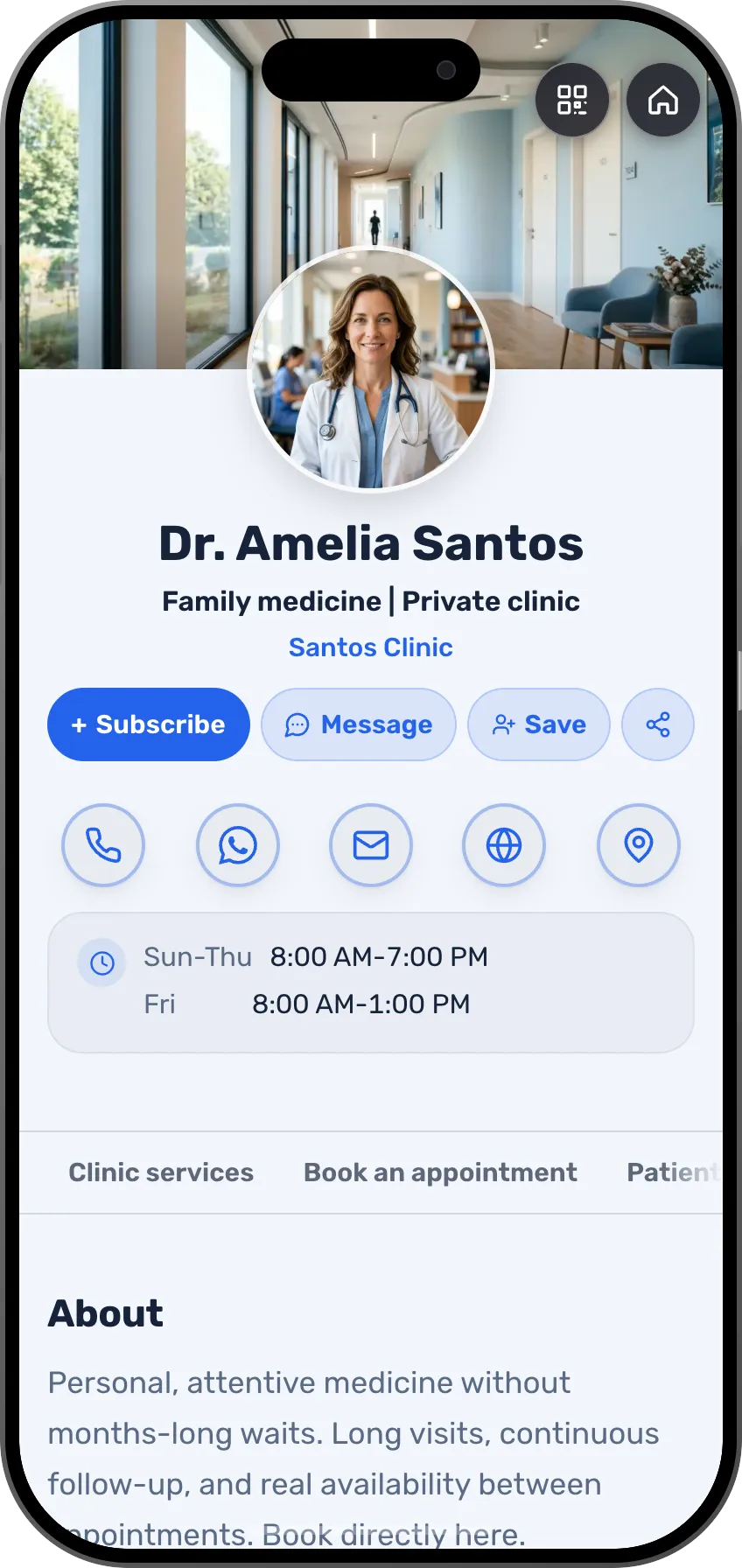 DoctorsA patient who asked for an appointment, with the date and the requestSee the profession page
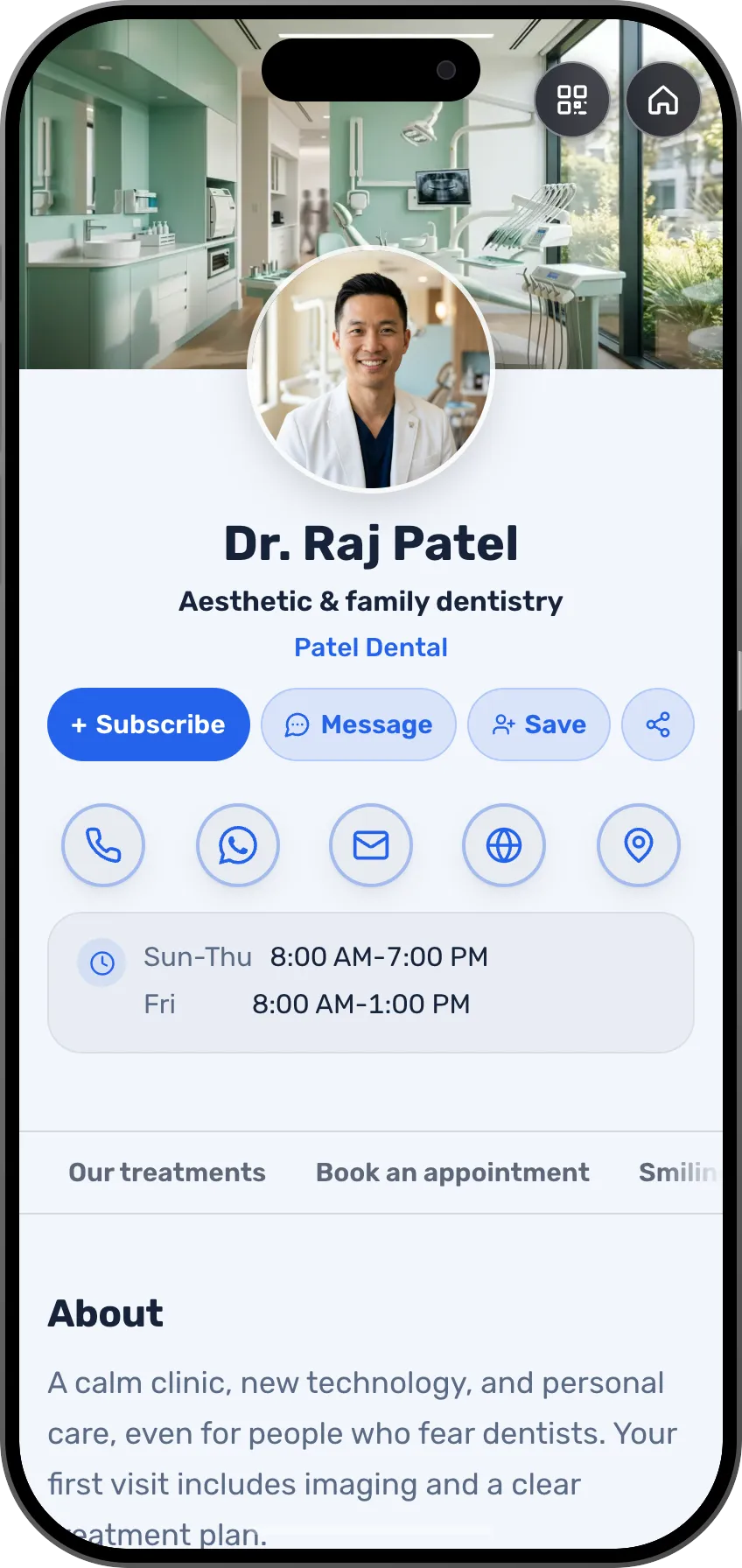 DentistsAppointment requests and inquiries, with the next stepSee the profession page
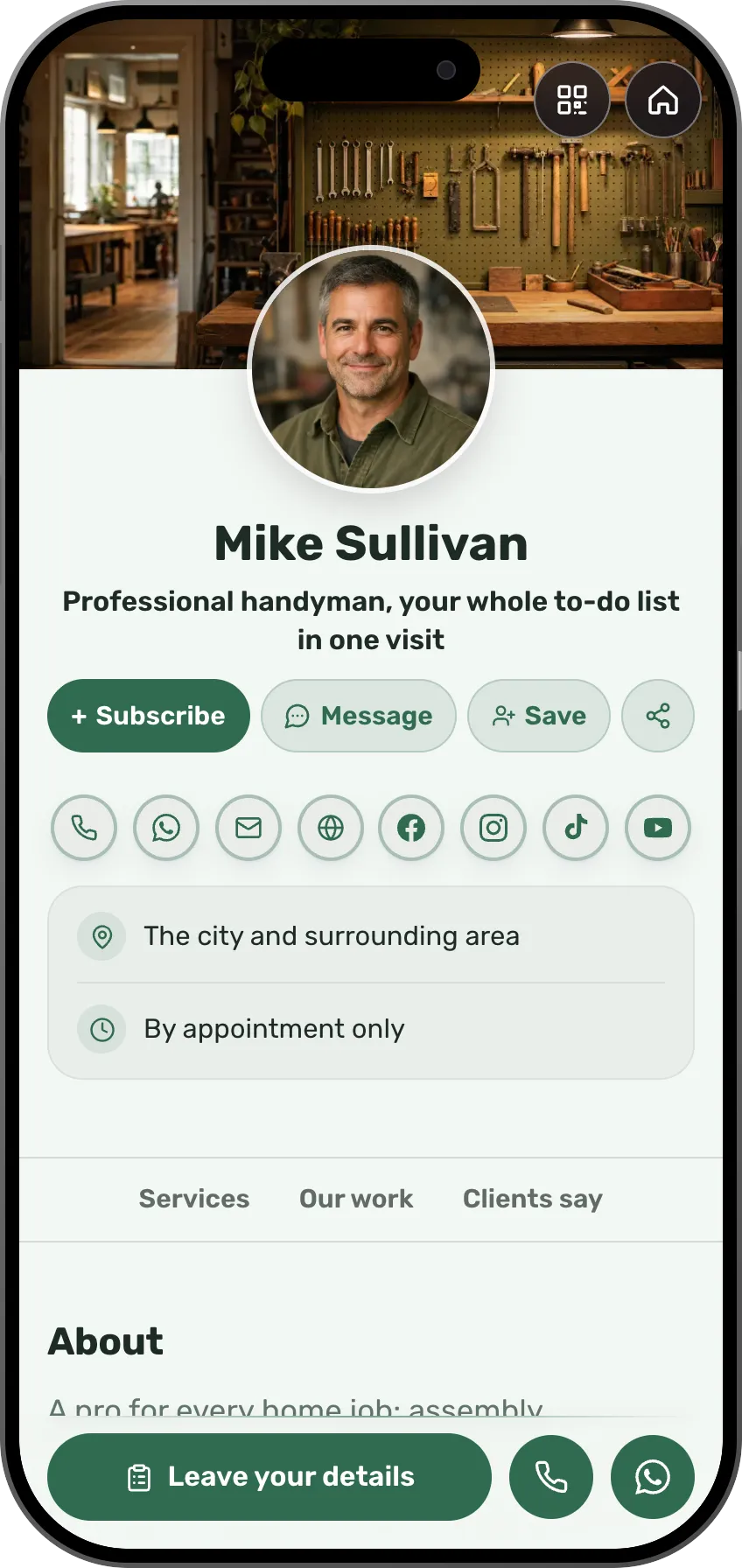 TradespeopleEvery call-out is saved with the address and the photosSee the profession page
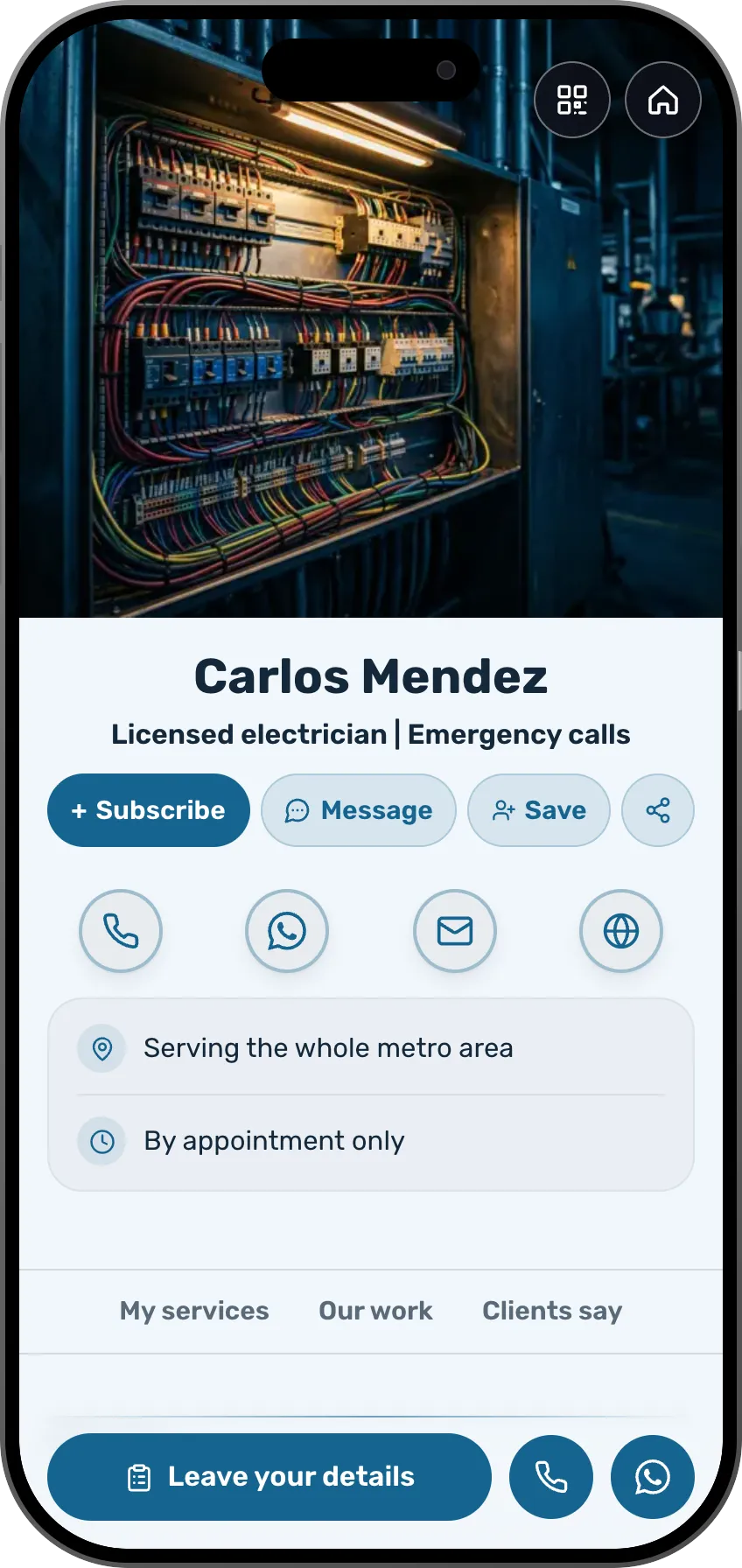 ElectriciansSomeone you worked for a year ago, with what you fixed thereSee the profession page
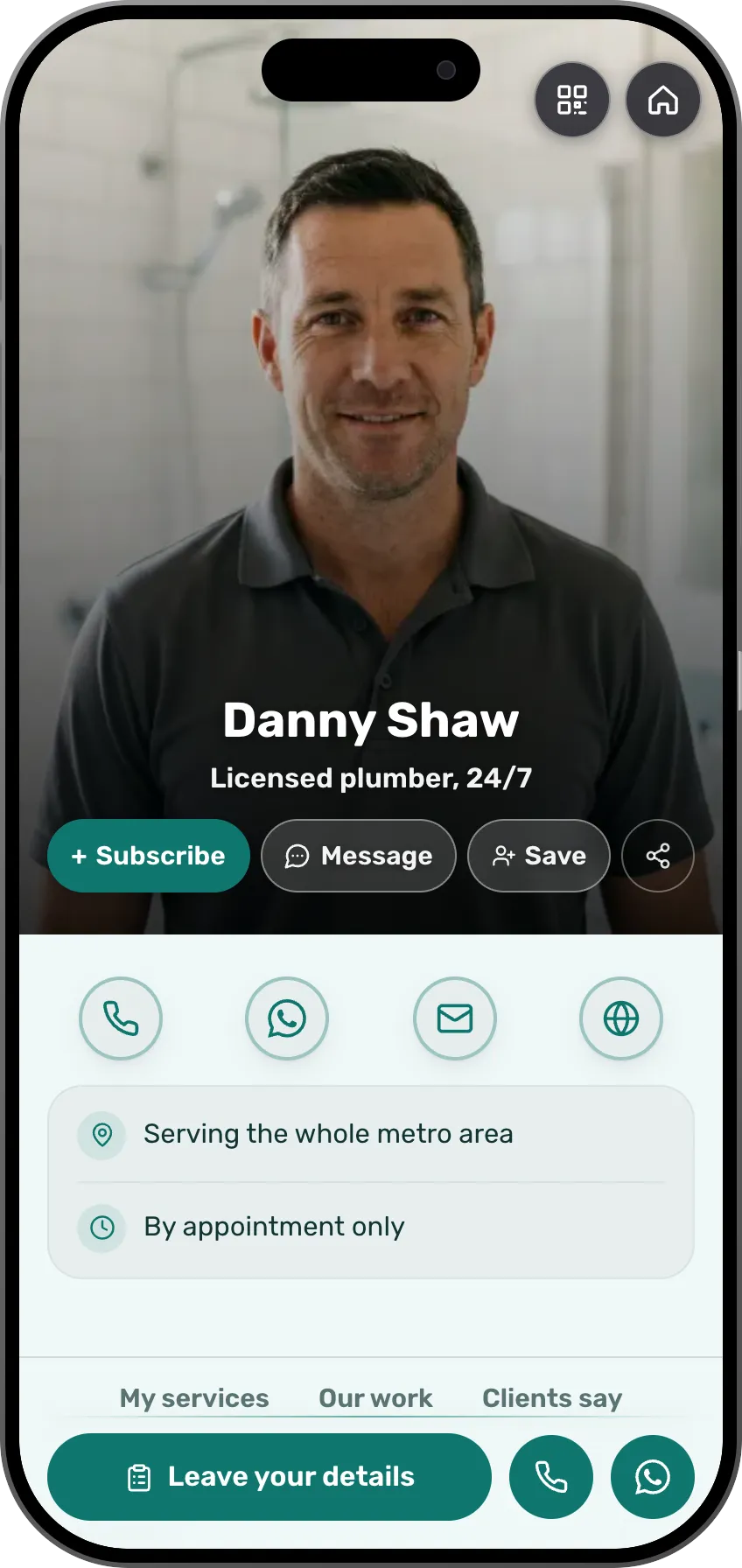 PlumbersInquiries from the card with the address, no digging through chatsSee the profession page
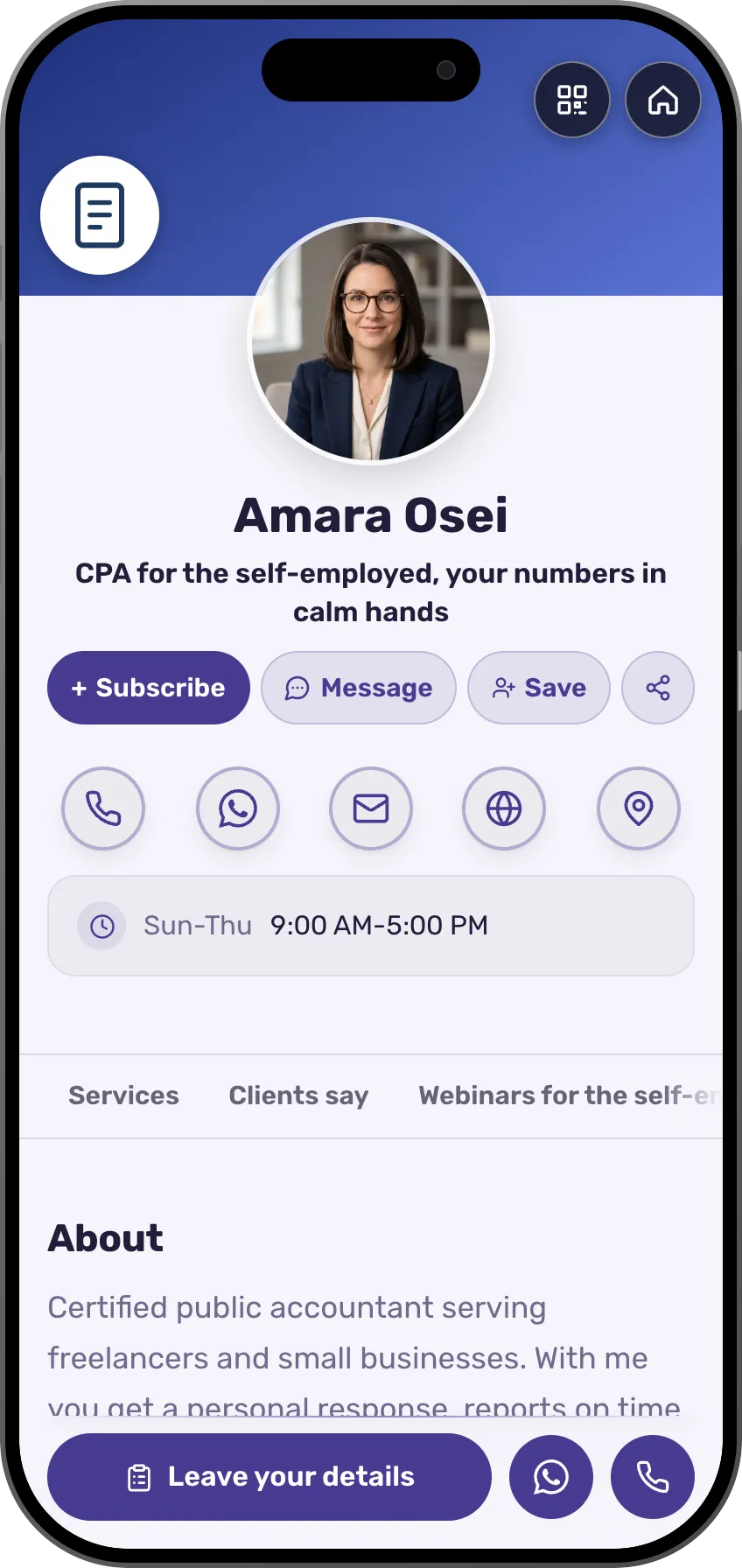 AccountantsEveryone who reached out, by status, with a reminder to follow upSee the profession page
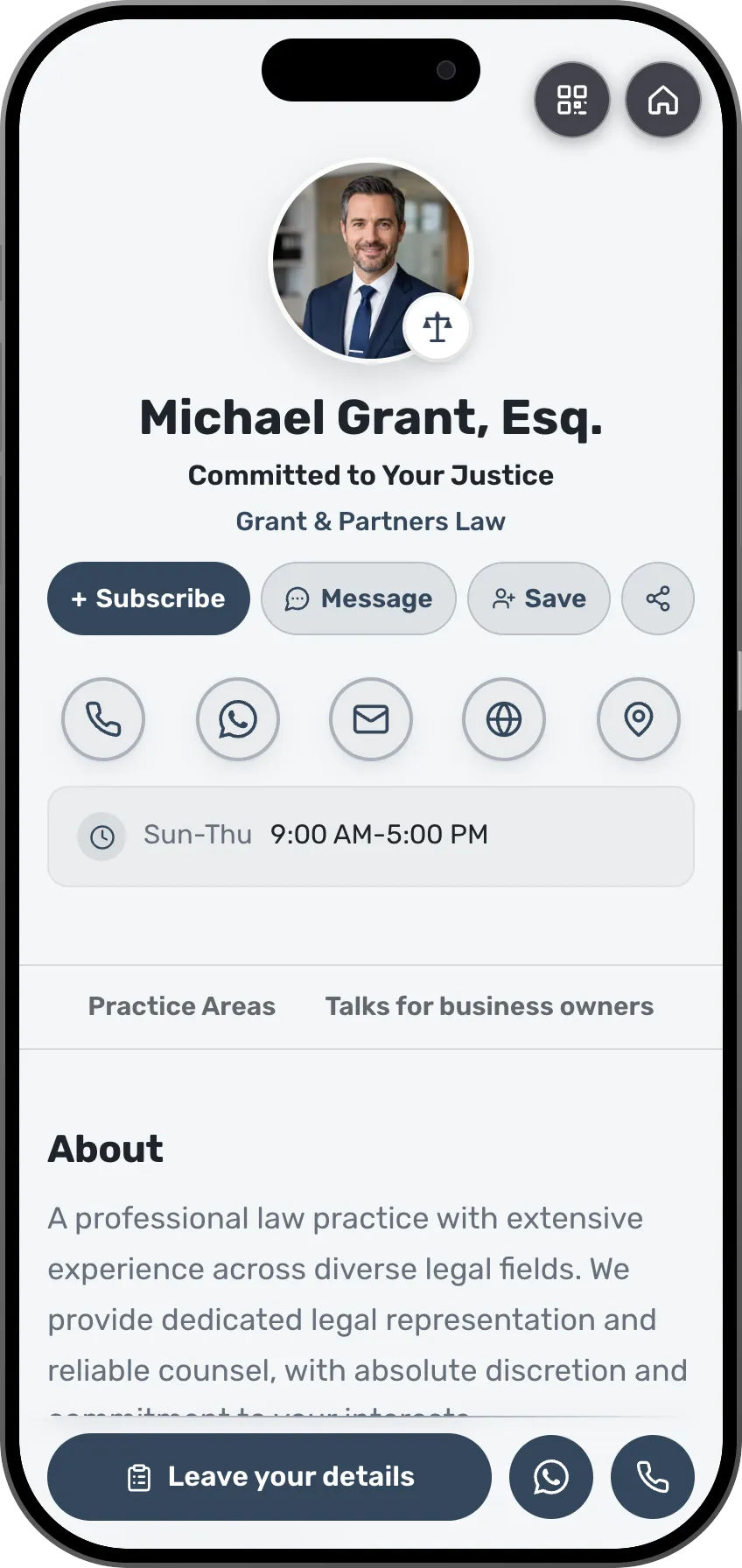 LawyersAn inquiry from the card with the area of interest and the budgetSee the profession page
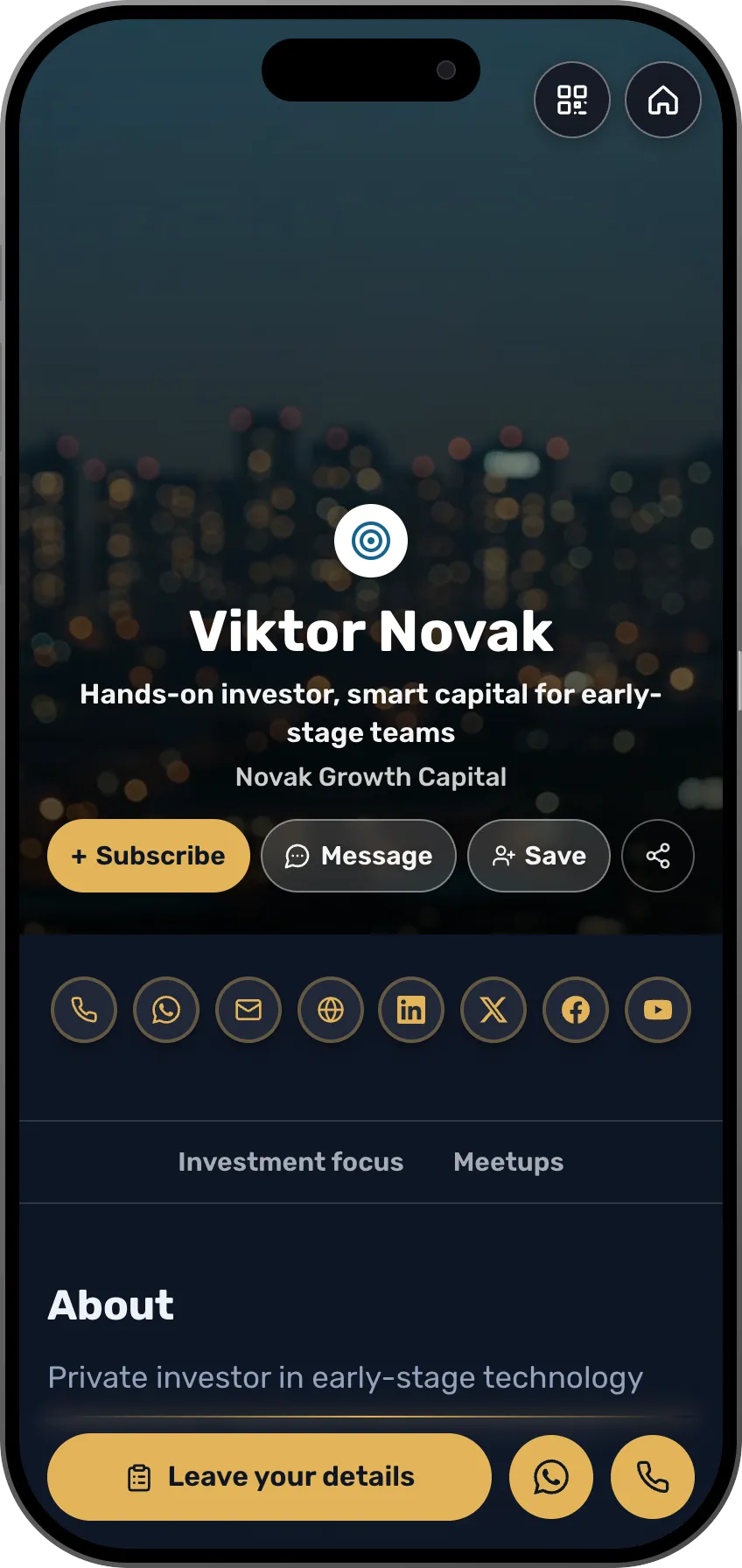 InvestorsFounders you met, with what they are building and whenSee the profession page
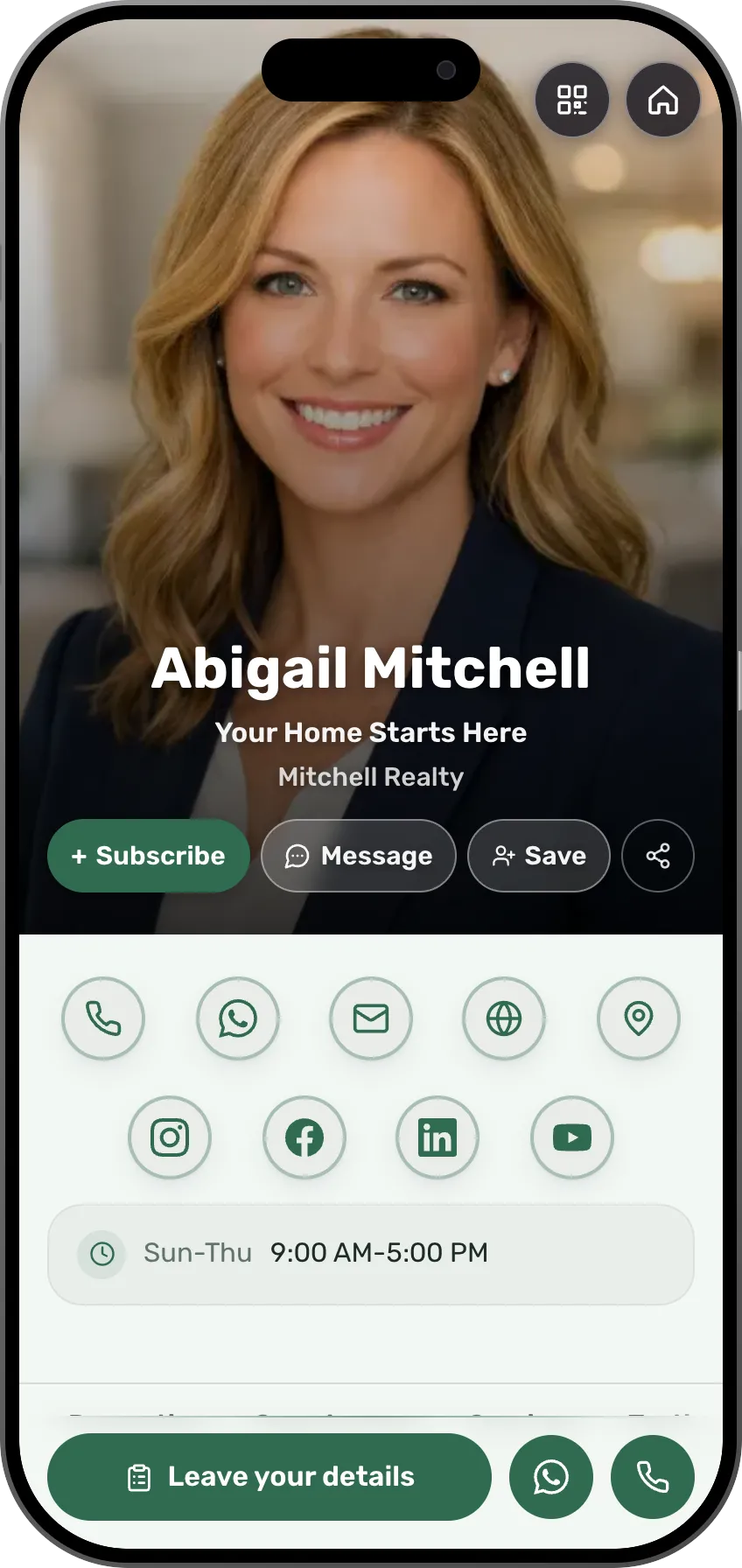 Real estate agentsEvery property inquiry is saved with the property attachedSee the profession page
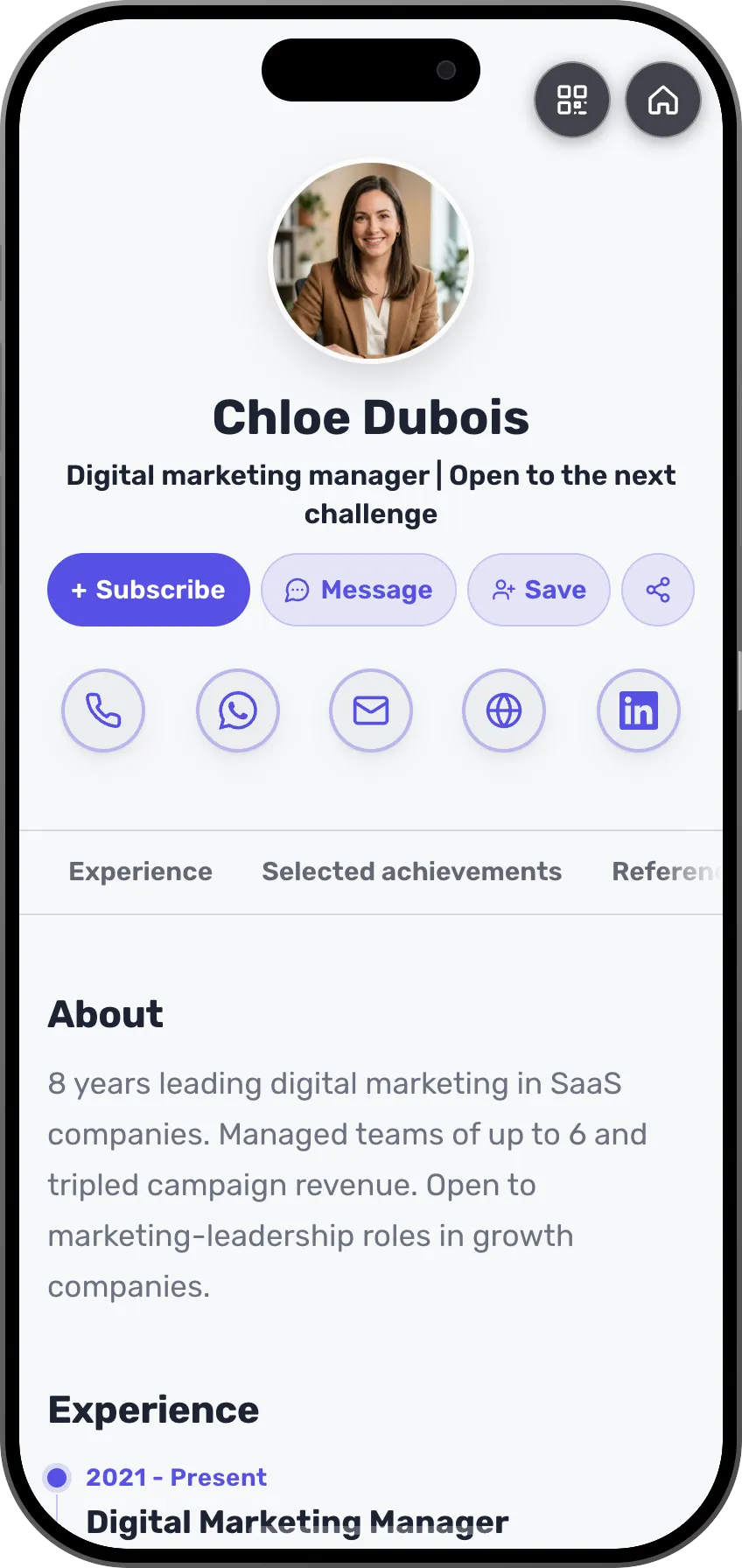 Job seekersRecruiters and contacts from conferences, with where you metSee the profession page
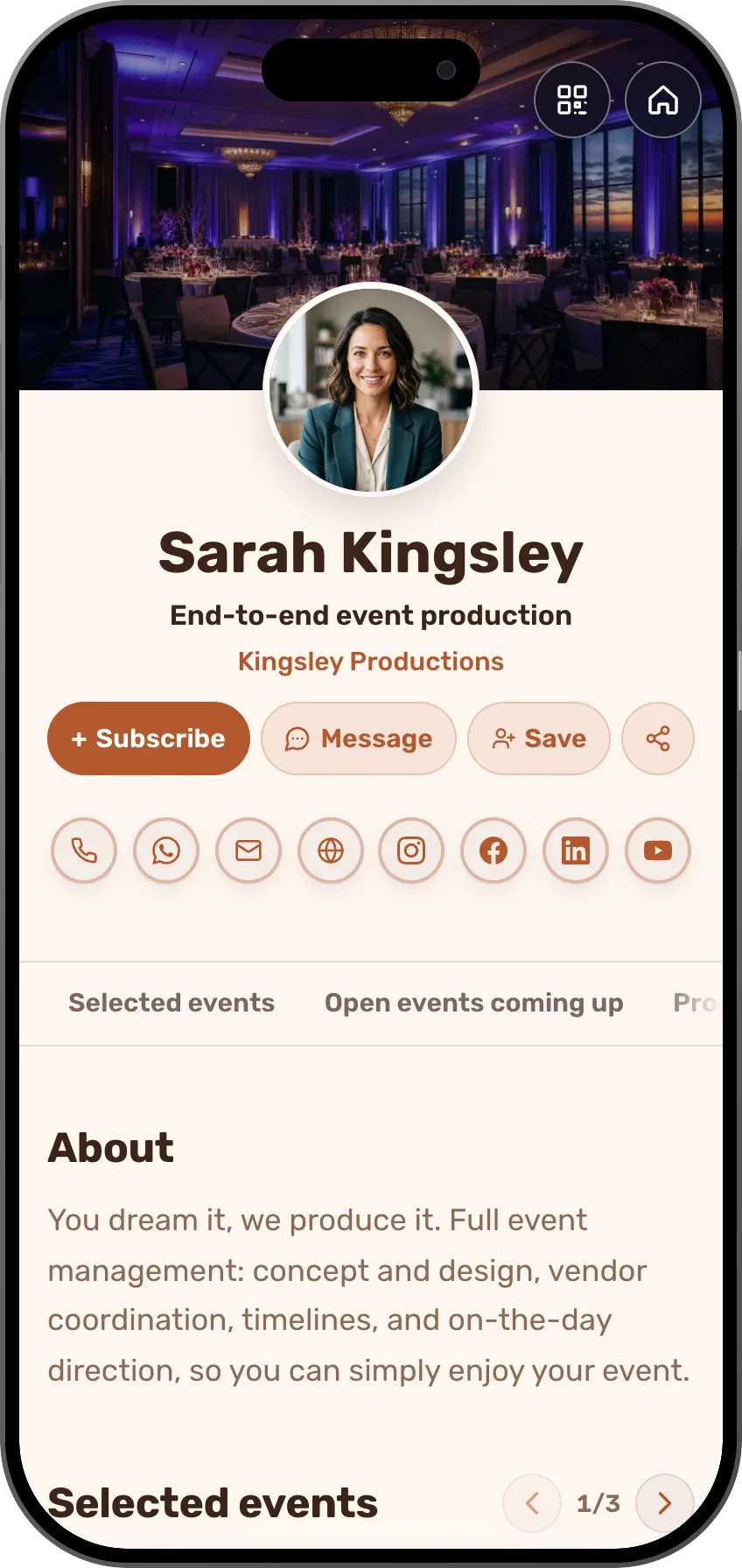 Event plannersHosts and guests from past events, ready for the next oneSee the profession page
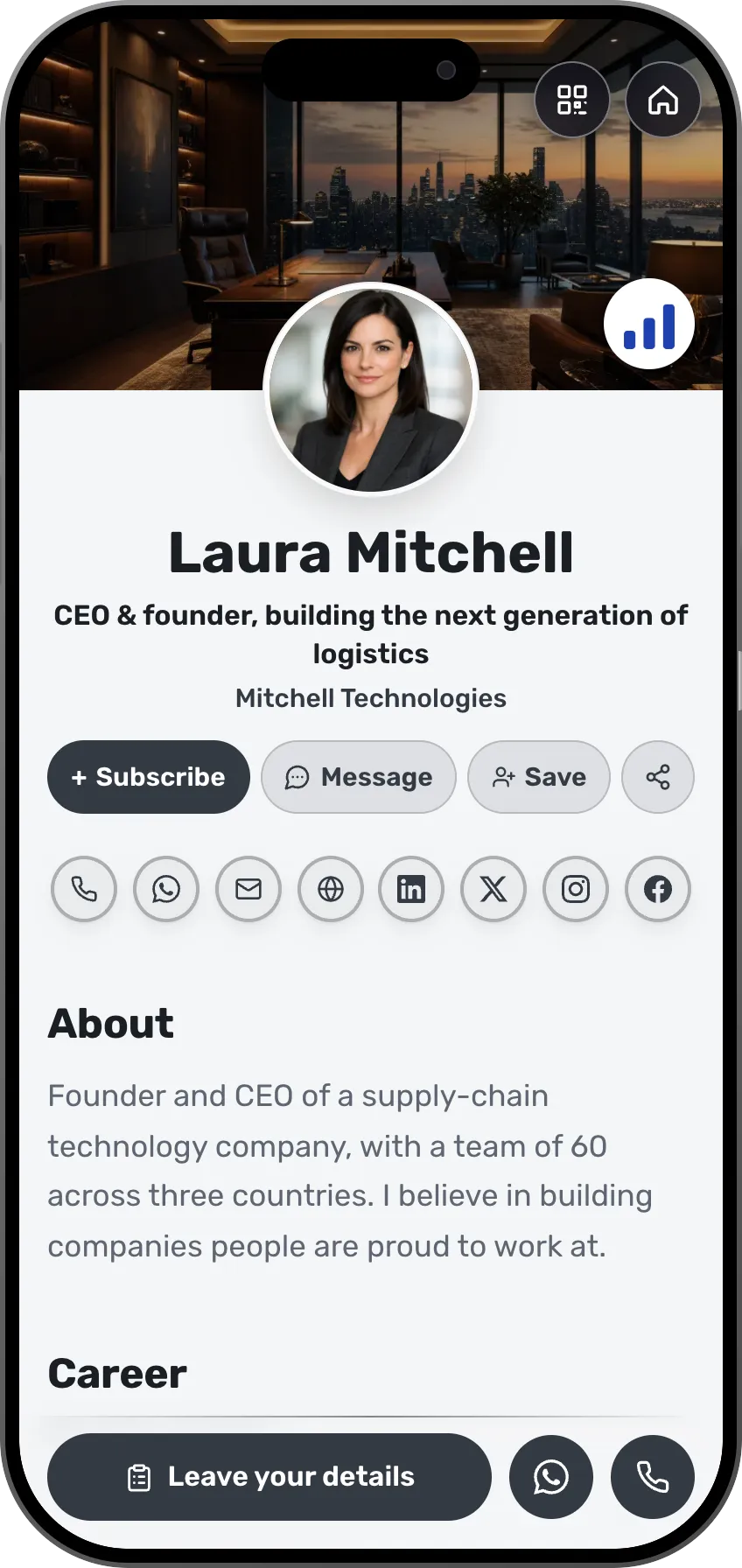 CEOs and foundersEveryone the team met, in one CRM with the contextSee the profession page
- More professions and fieldsEach field has its own page, with ready-made templates.See all professions
A good network is people who remember you and know what to call you for.
Frequently asked questions
How do contacts get in?
People leave details on your card, you scan paper cards, visitors book meetings, and you can add contacts manually or import a CSV or vCard file.
Does it replace my CRM?
For meetings and networking, it can be all you need. If you already use a CRM, your contacts sync to it automatically.
Can my team share contacts?
Yes, by role: owners and managers see the whole workspace, members see their own contacts.
What does the AI follow-up do?
It drafts a personal message and suggests a next step based on the contact's context. You review and send.
Is scanning paper cards free?
Your first 5 scans are free on every plan. Paid plans and scan credits give you more.