A digital business card for professionalsYour practice areas on one card, and meetings booked from it.



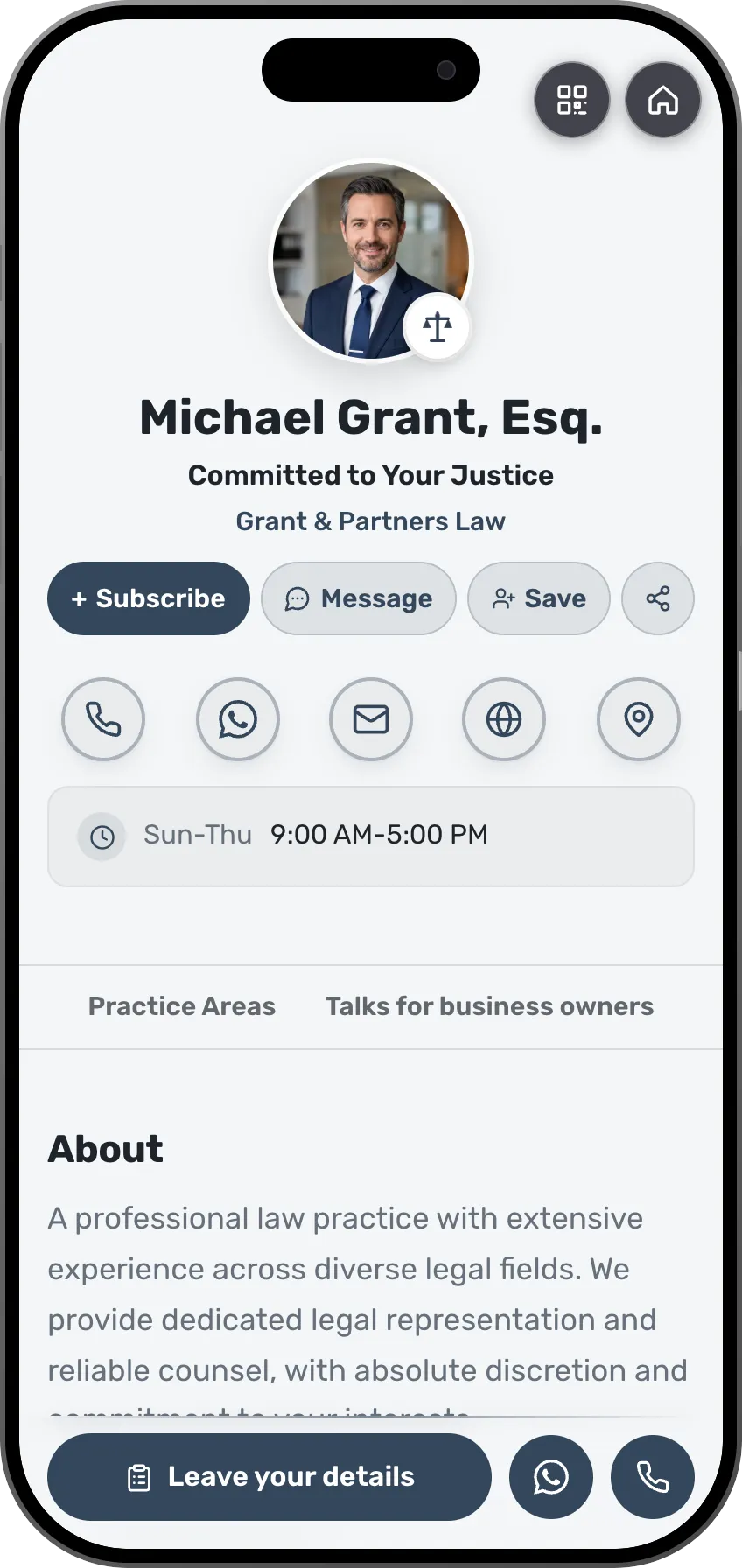
Michael Grant, Esq.
Committed to Your Justice
Grant & Partners Law
About
A professional law practice with extensive experience across diverse legal fields. We provide dedicated legal representation and reliable counsel, with absolute discretion and commitment to your interests.
Practice Areas




Talks for business owners

The website, the calendar, the webinars and the inquiries, on one card for the practice.
Today each one is a separate tool with its own password, and the inquiries end up scattered across all of them. On the card they land on one list.
What you keep today
- A firm website you build and maintainA separate app, its own login
- A scheduling appA separate app, its own login
- A platform for webinars and talksA separate app, its own login
- A spreadsheet of inquiriesA separate app, its own login
With MyVisito
One card for the practice holds all of it
- The card is the firm's page, updated from your phone
- Meetings booked on the card, straight into your calendar (from Starter)
- A webinar invitation and sign-ups, from the same account
- Every inquiry on your list, with its source
What your practice gets
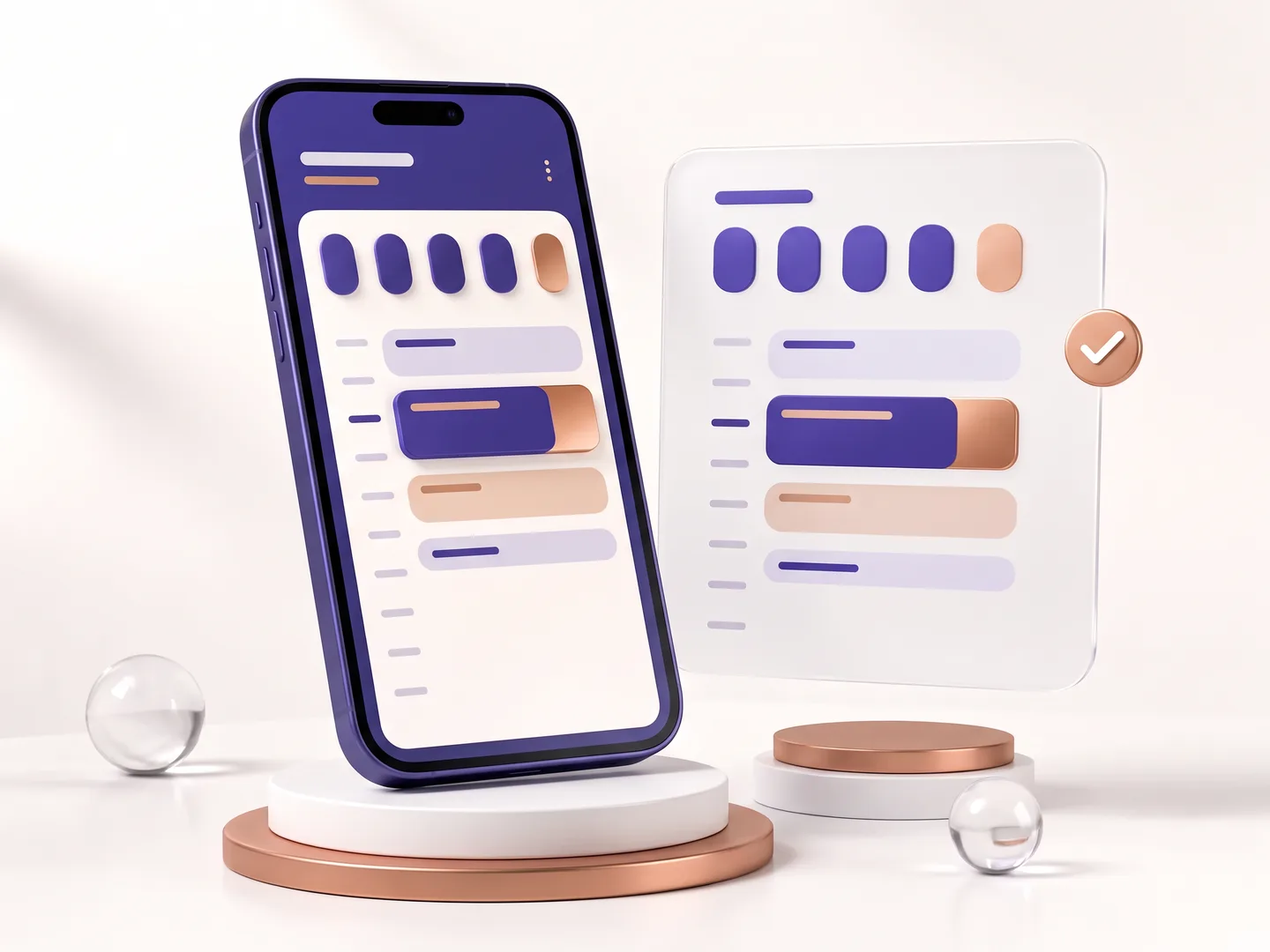
From the first inquiry to the meeting in your calendar.


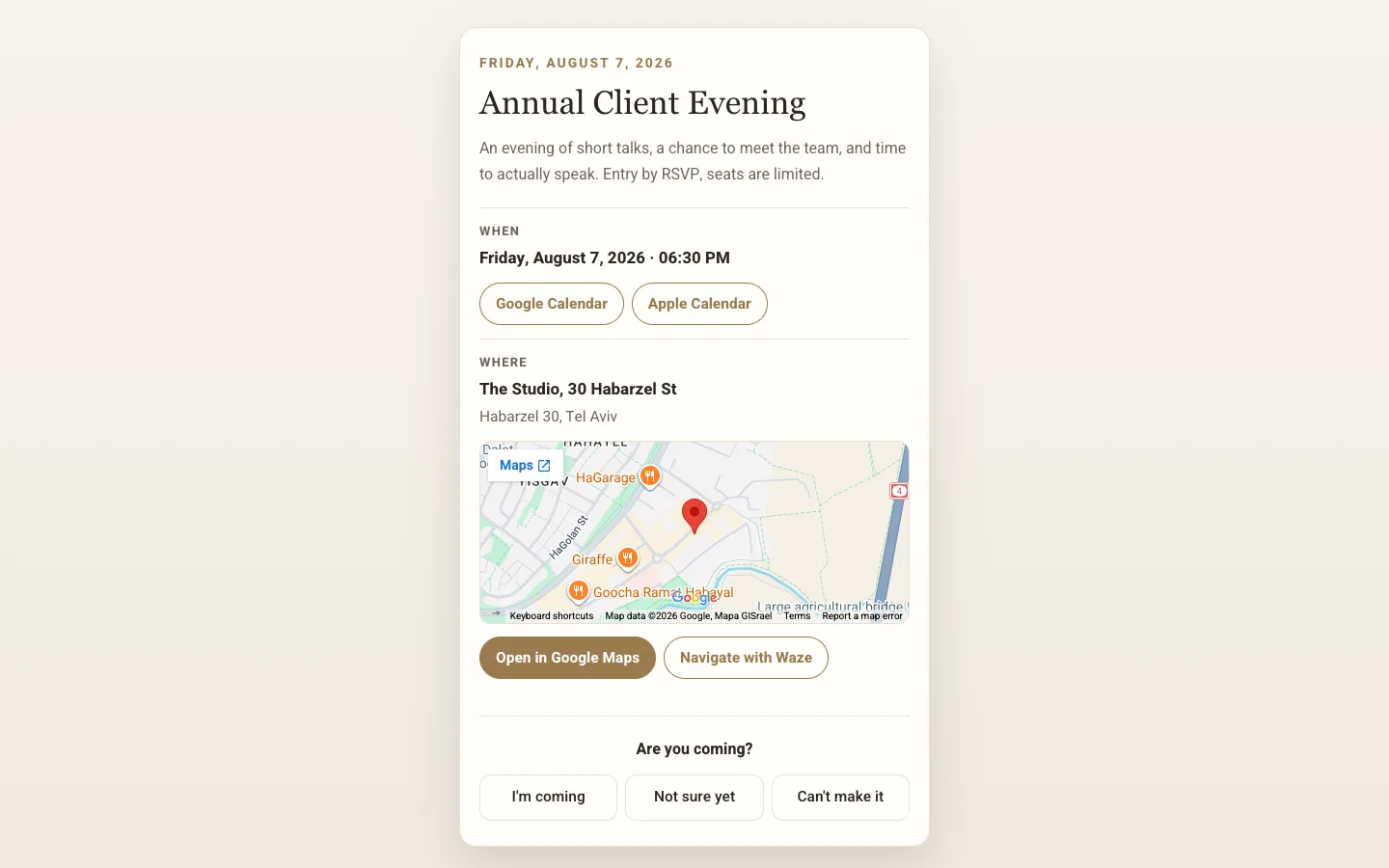


Every practice has a ready card. Pick one and see.
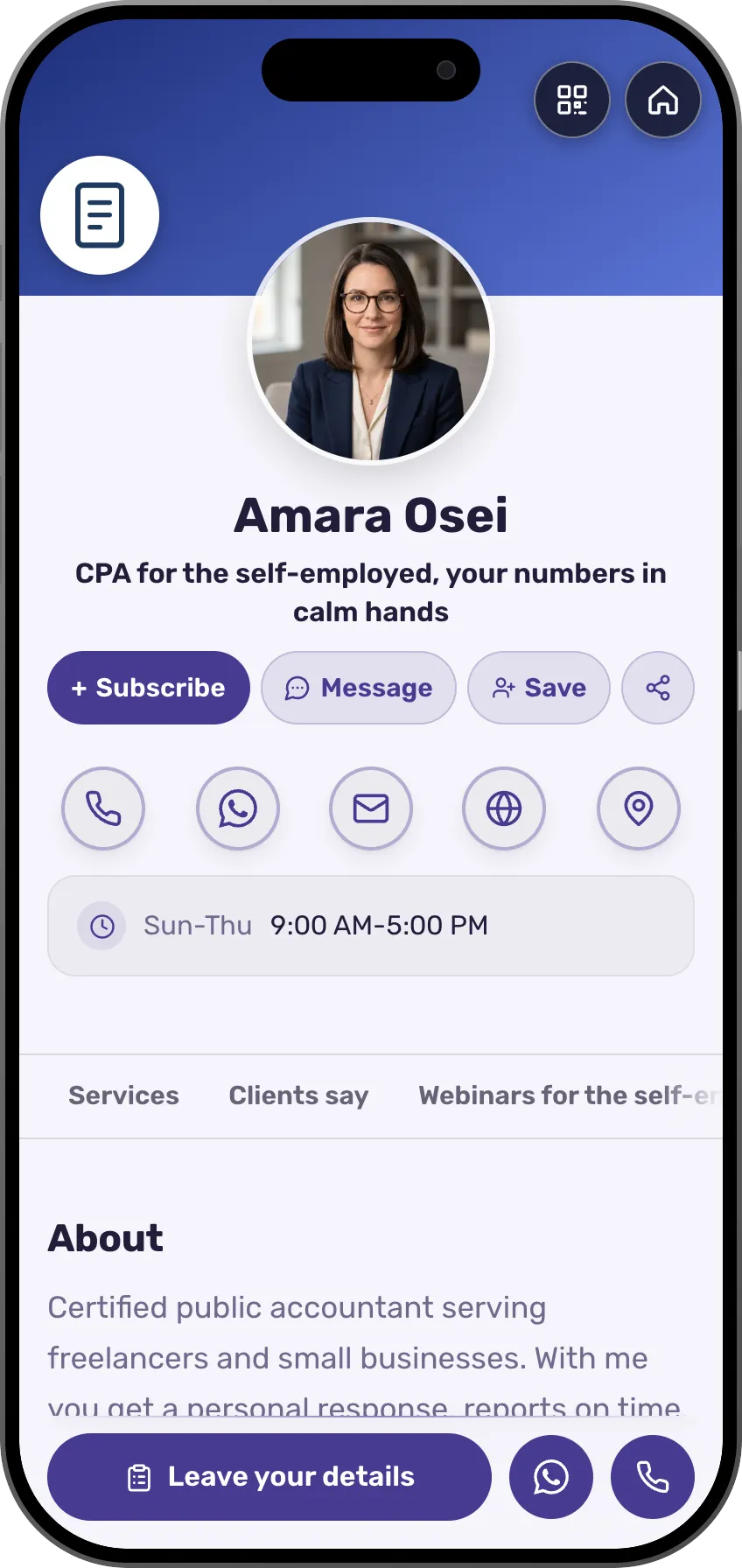
An accountant card with what you handle, your experience and intro-meeting booking.



Amara Osei
CPA for the self-employed, your numbers in calm hands
About
Certified public accountant serving freelancers and small businesses. With me you get a personal response, reports on time, and tax planning that leaves you more at the end of the year.
Services




Clients say
Webinars for the self-employed
How it works
Tell the assistant about your practice
The assistant builds a card with your practice areas and services, or you start from your profession's template.
Set your meeting hours
Choose the hours people can book, connect Google Calendar, and add an upcoming talk or webinar.
Share it wherever you meet people
In your email signature, on your Zoom background, on the screen at the end of a talk and at your front desk.
Templates for professionals
Each template comes ready with room for your practice areas, experience and meetings.
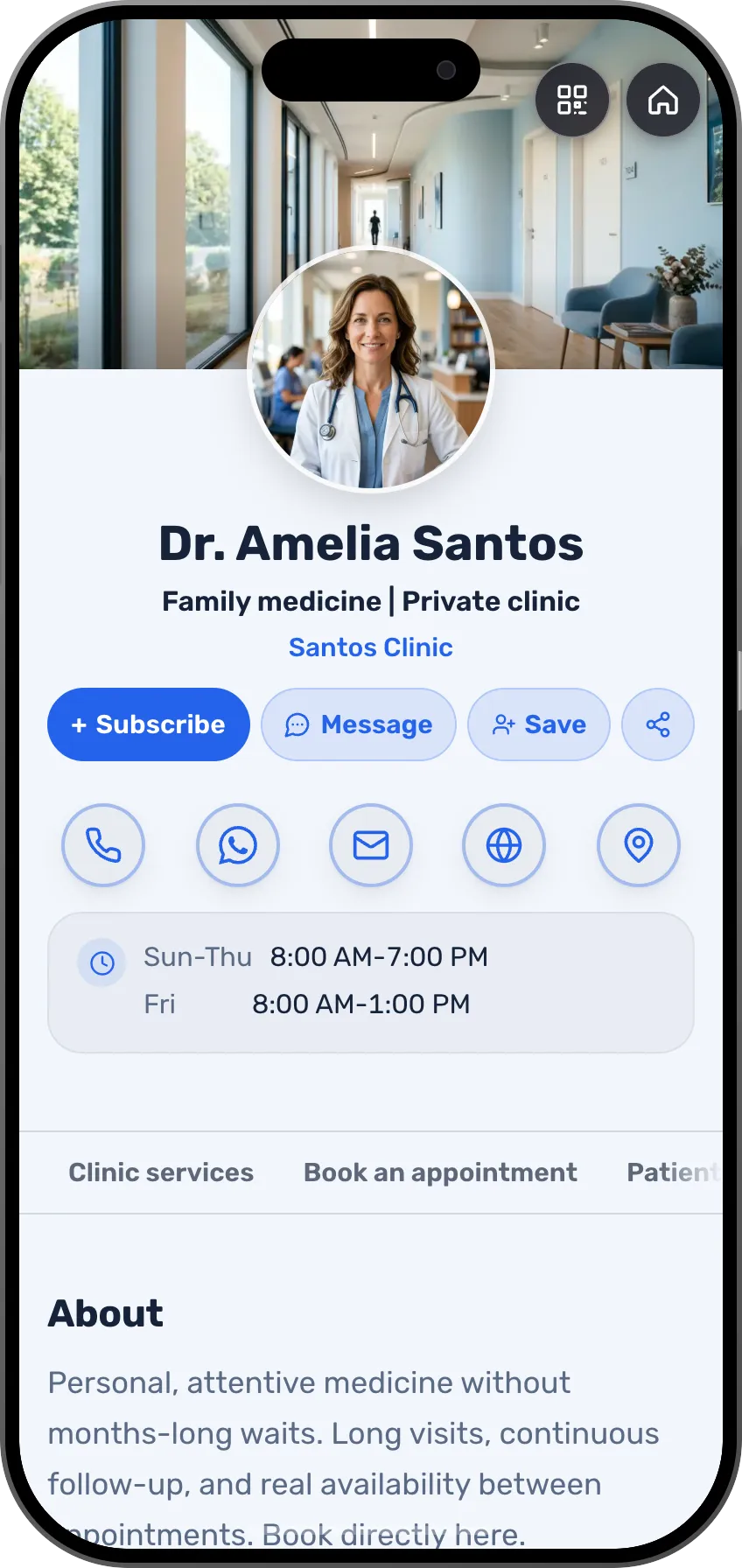
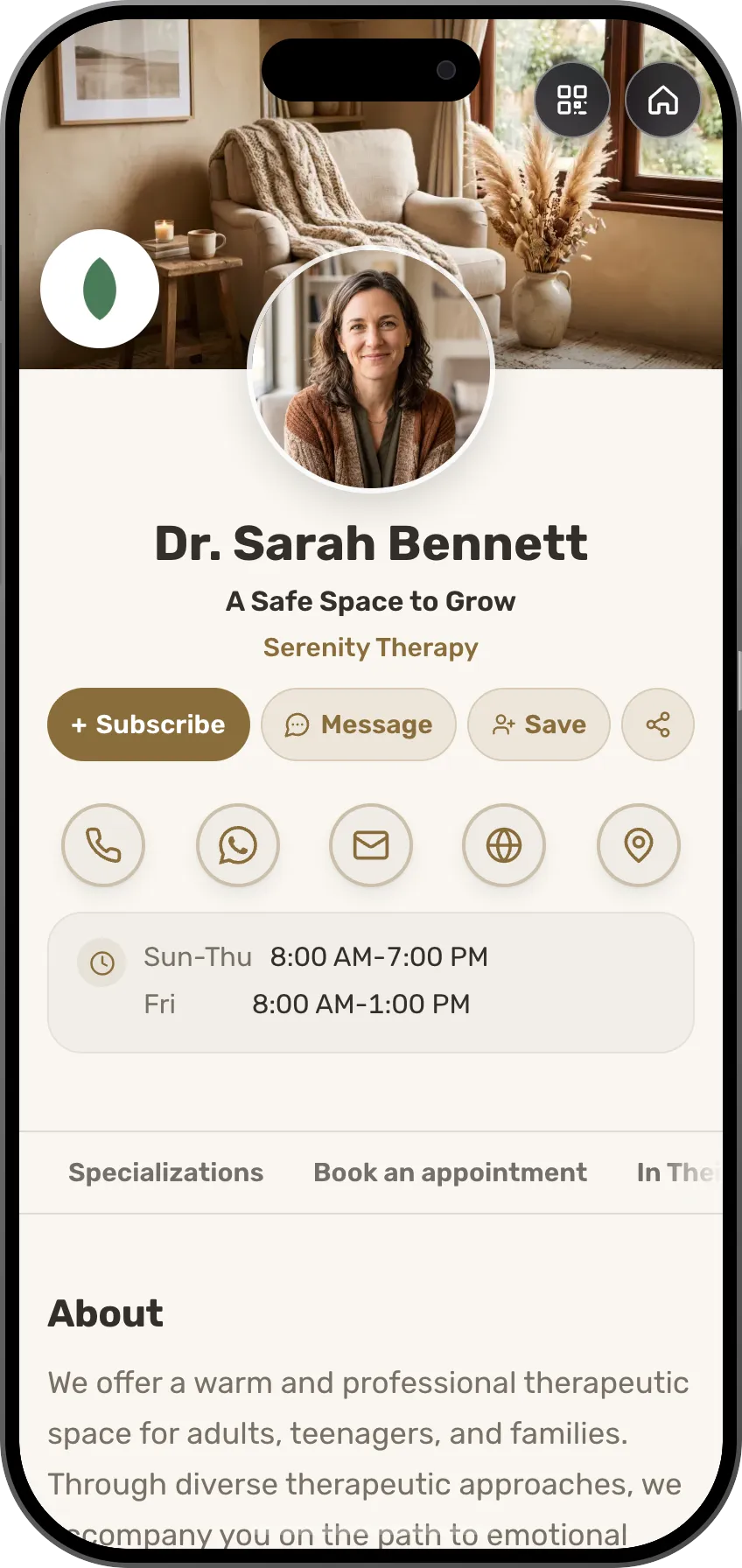
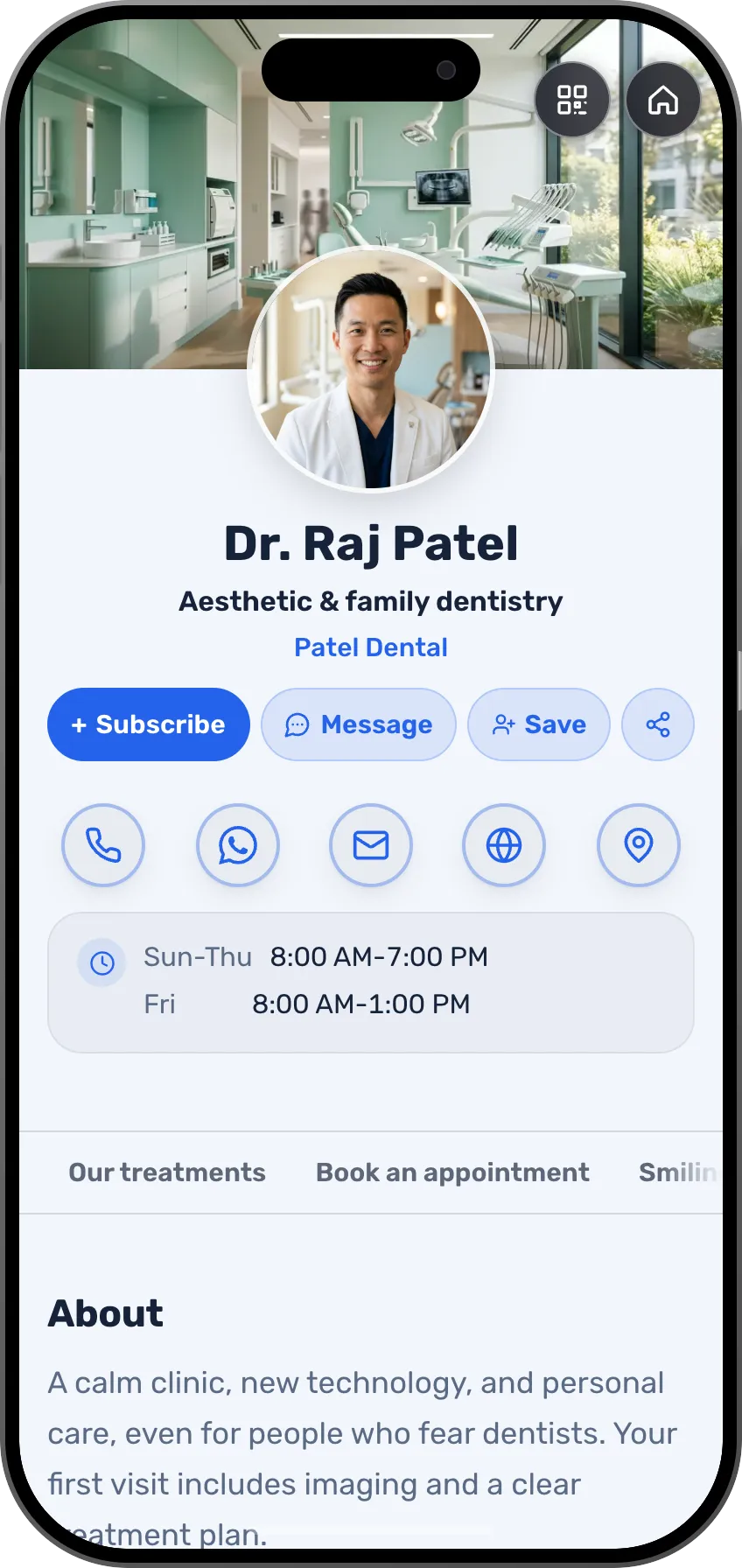
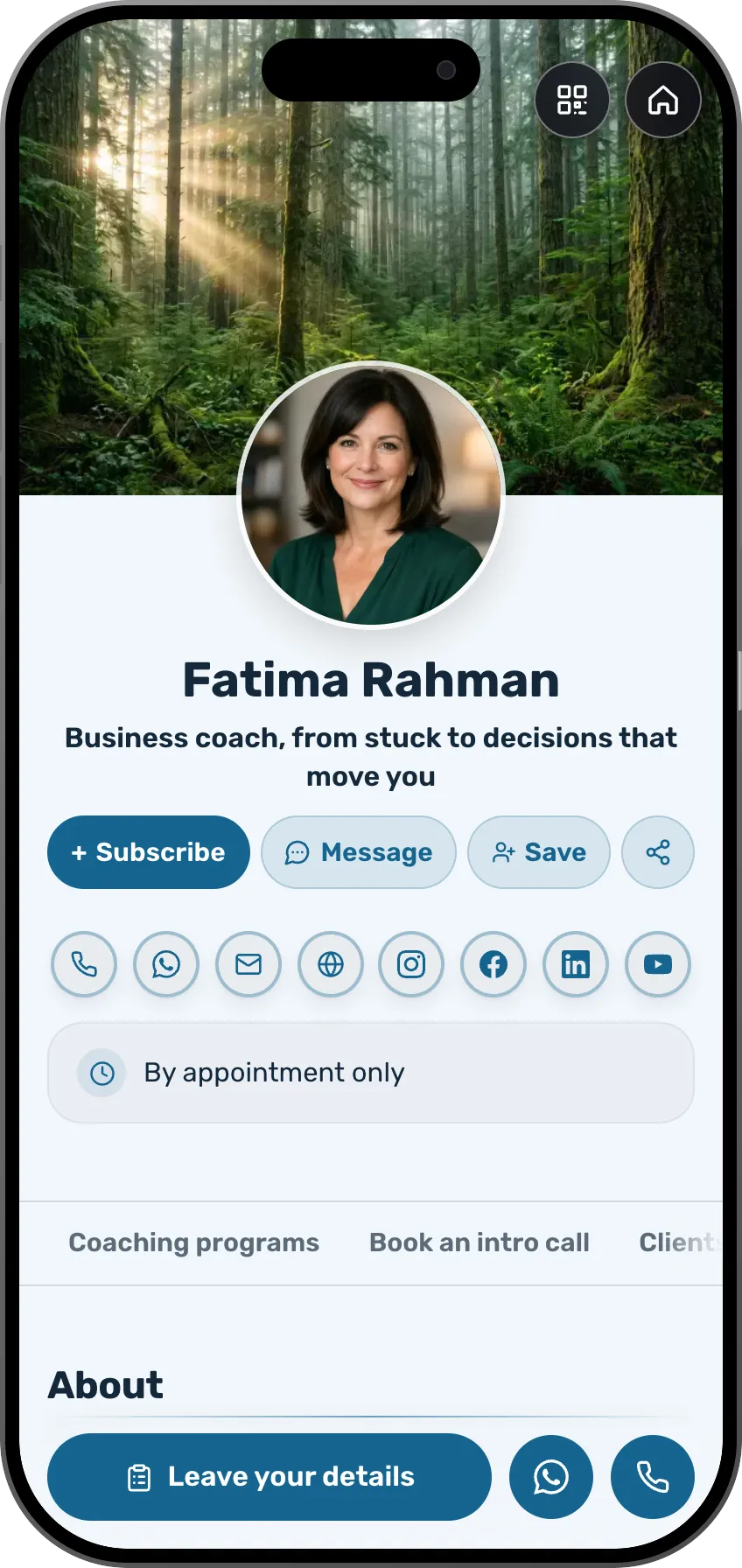
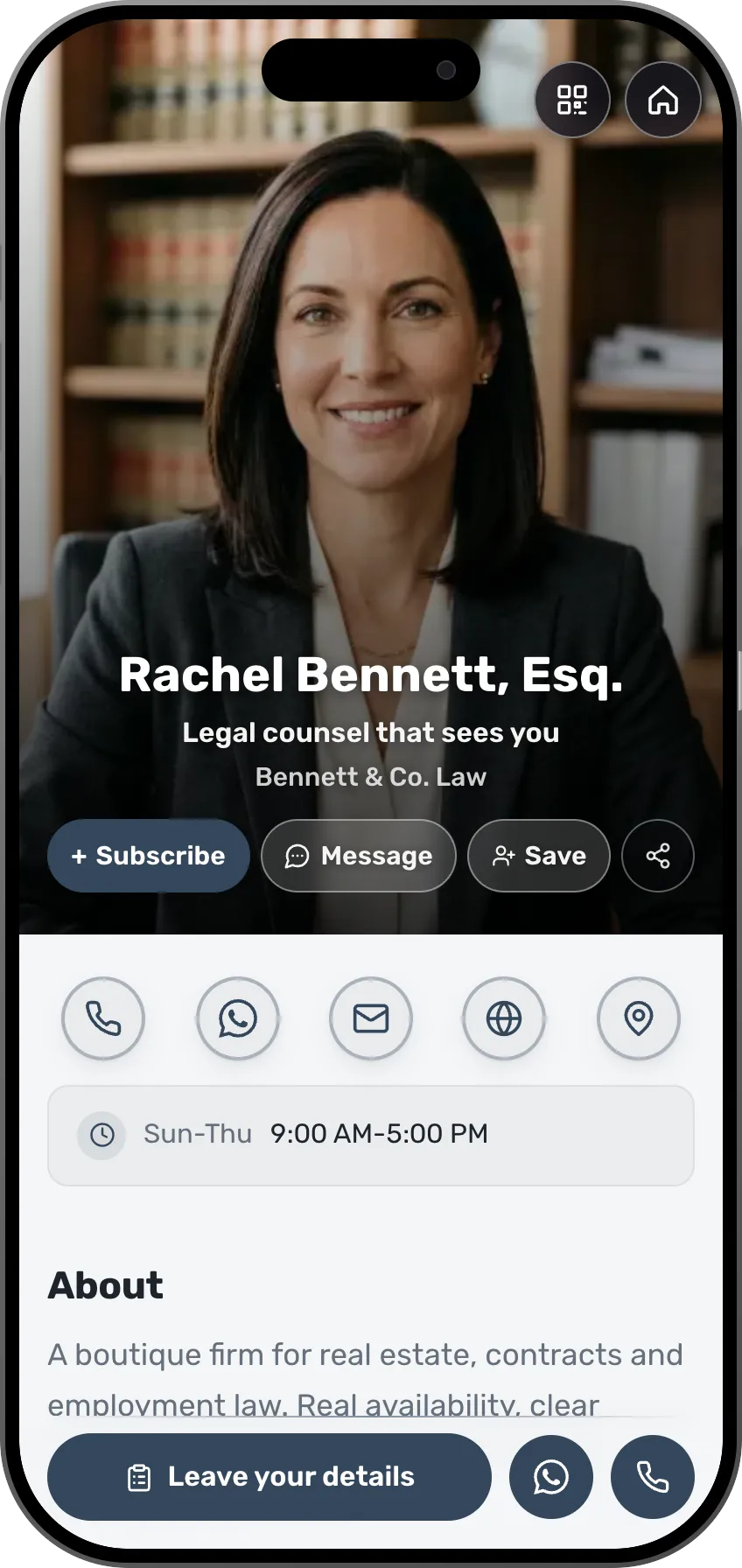
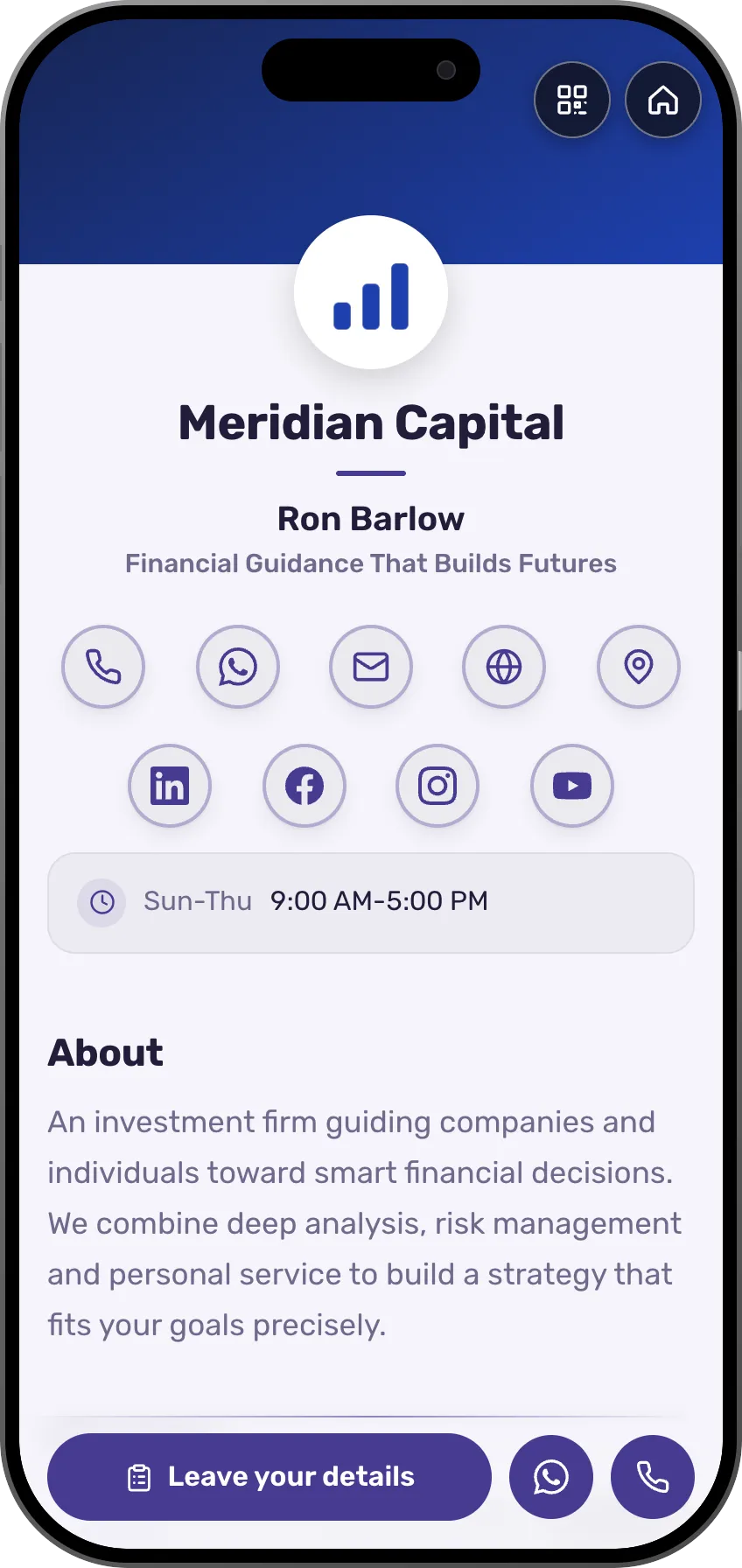
126 designed templates, sorted by profession
A card in any of 27 languages, and visitors see the version in theirs
Sell a paid consultation, a course or a guide from your card
Checkout is secure and the money goes to your account. The shop opens on Starter, with a 0% MyVisito fee from Premium and a 7-day trial.
What can you sell from the card?
Online course
Lessons in modules, quizzes and a certificate. Buyers pay once and get their own learning area
1:1 session
Your time, on Zoom, by phone or in person. They pick a slot, pay upfront, and the meeting lands in both calendars
Document or eBook
A guide, a workbook or a template. The file link is delivered right after payment, on the order page and by email
Media file
A track, a set, a sound kit or a recording. A preview on the offer page, and the file itself delivered by a private link
Link access
Entry to something you already have: a closed group, a content library or a recording. After payment, buyers get the link
Free download
A gift for an email, say a checklist or a short guide. Whoever leaves details gets the link right away and joins your audience
Services, price lists and menus show on the card itself with a quick-contact button (WhatsApp, leave details or book a slot). People reach out, and you close.
Income calculator
How much could you sell from your card in a month?
Estimated monthly income
$2,160
Your price times your sales, before the platform fee and payment processing.
The money lands in your account
With your own Stripe account, payments go straight to you. In some countries where Stripe does not open seller accounts yet, MyVisito handles the payments and pays out to your bank account.
From your card straight to checkout
They open your card, choose an offer and go straight to Stripe checkout.
Every fee spelled out upfront
Our platform fee drops as your plan goes up, and Stripe's processing fee is listed next to it on every sale. The full table is on the pricing page.
Free trial, cancel anytime.
By kind of event
Talks and webinars with sign-ups
A sign-up page with the Zoom link, and a reminder to everyone who registered before you start.
Keep everyone you meet on one list, with where you met and what you agreed.
Scan the card of someone you met or snap a paper one, add a note about what you agreed, and message them from the same place.

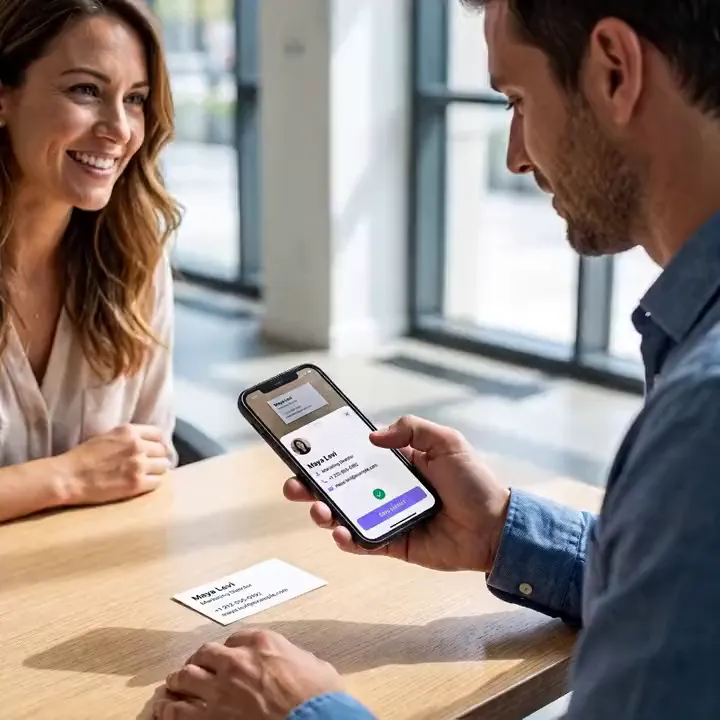
Scan a paper card, and the person is on your list.
Frequently asked questions
What does the free plan include?
A card at your own address, a QR code, a contact form, your contacts list and one live event with sign-ups. The shop, courses, meeting booking and your services list open on the paid plans, from Starter, and selling at a 0% MyVisito fee from Premium, with a 7-day trial.
How does someone book a meeting with me from the card?
You open the times people can book, they pick one from your card, and you confirm. You both get a calendar invite, and if you've connected Google Calendar, the meeting lands there directly.
Can I charge for a consultation?
Yes, from the Starter plan. A paid consultation is a product in your card's shop, and people pay for it through Stripe.
What happens to the details of people who reach out?
They're saved in your contacts list only, with the source of every inquiry. You can export them, sync them to HubSpot, Salesforce or Google Sheets, and delete them at any time.
Does this replace my firm's website?
For a small practice, usually yes: your expertise, experience, meetings and inquiries on one page. If you have a site, the card is the short link you hand out and the page people book from.
How many templates are there, and can I change them?
There are 126 designed templates, sorted by profession, and each one is a complete card with its sections ready. You can change everything in it: colors, font, background image and the order of the sections. Or tell the AI assistant what you do, and it drafts a card laid out for your profession.
Which languages does a card work in?
The card itself can be written in 27 languages, including English, Spanish, Arabic, Hebrew and Russian, and visitors see it in their own language when there's a version for it. Sales pages, courses and event invitations work in 22 languages, and the app itself runs in English, Hebrew and Russian.
Can I get paid from any country?
Taking payments (a shop, courses and paid event tickets) is open to sellers based in one of the 35 supported countries, and buyers can pay from other countries too. MyVisito itself is available in most countries. Where it is, the card, the free plan, contact exchange, your contact list and event invitations all work.
- 126
- Designed templates
- 27
- Card languages
- 22
- Shop and event languages
- 35
- Countries you can sell from
- 22
- Live integrations
Integrations with the tools you use.
A new inquiry goes to your CRM or a sheet, a meeting lands in your calendar, and a consultation gets its Zoom or Meet link by itself.
Calendar and meetings
Meetings go into your Google Calendar, and whoever booked gets an invite for theirs.
- Google Calendar
- Zoom
- Google Meet
- Calendly
CRM
Every new inquiry from the card shows up in your CRM.
- HubSpot
- Salesforce
- Pipedrive
- Dynamics 365
Email marketing
Whoever left details on the card joins your mailing list.
- Mailchimp
- Klaviyo
- MailerLite
- Brevo
- Kit
- beehiiv
Automation and sheets
Every inquiry is written to a sheet or starts a Zapier flow.
- Zapier
- Google Sheets
- Google Contacts
- Outlook
Make and n8n connect too, and more are on the way.




Read next
Meeting scheduling
A booking button on the card, with a confirmation and a calendar invite for both sides.Contacts and CRM
Each name on your list comes with where you met, where things stand and when to get back to them.AI follow-up messages
A summary of every meeting and a follow-up message drafted in the other person’s language.