A calendar full of calls that repeat themselves
When every explanation is a call, your income depends on the hours in your calendar. A course is recorded once and sold to anyone who wants to learn.
Today
- The same explanation in every call
- Income capped by your calendar
- Materials scattered across chats
- No record of who learned what
With a course
- One explanation reaches every student
- Sold while you work or sleep
- Lessons, files and quizzes in one player
- Progress and certificates tracked for you
Watch the builder at work
Watch a chapter, a lesson and a quiz come together in the course builder.
Screen recording of the course builder
How it works
Create a course
Choose "course", name it, pick its language. The AI drafts an outline you refine, or you type your own chapters.
Fill the lessons
Video, slides, files, quizzes and assignments per lesson. Free preview lessons, drip by days, or a start date with chapters that open on schedule.
Publish and sell
The course gets its own address, a sales page with reviews and a checkout. Students learn in the player on any phone, no app needed.
The builder, screen by screen
Screenshots from the product. Tap any one to enlarge it.
A lesson, fully equipped
Video, slides, files, a quiz with a pass mark and an assignment, and you set when the lesson opens. It all sits in one lesson card.
The design tab
Cover, page accent and a designed default look, with the phone preview updating as you type.
The student player
The lesson list with progress, notes, questions to the instructor and the next-lesson flow, on any phone.
Pricing and terms
Price, sale price with a countdown, coupons, and refund-policy templates that also decide when your money is released.
Who builds courses here
Three examples of courses you can build on MyVisito.

The coach's program
A four-week program with a video per day, a checklist to download and a quiz at the end of each week.
How it works today
Sold straight from the card, and a new lesson opens every day after purchase.

The therapist's self-paced course
Calm recorded sessions with worksheets, sold to people who cannot make it to the room.
How it works today
Free preview lesson on the sales page, a certificate at the end, and every student in your audience.

The creator's masterclass
A live cohort with a start date: chapters open on schedule, students ask questions inside the lessons.
How it works today
Start date, per-chapter opening dates and automatic reminders 72h and 24h before the start.
An easy player for students
Mobile-first lessons with notes, questions to the instructor and progress that follows them, on any device with no app.
A branded completion certificate
At the end of the course, students get a certificate with your name and brand, in their own language, ready to share.
A sales page to share anywhere
Every course gets its own link, like myvisito.com/course/your-name. Put it in a story, a chat or a campaign, and buyers see the page in their own language.
Everything inside
Courses sell through your shop, so the sales page, checkout and analytics come included.
Selling from the card
Sell courses and digital files straight from your card. Every service gets a quick-contact button.Built-in payments
Secure card, Apple Pay and Google Pay checkout, with the money landing in your account.Analytics
How many opened it, what they tapped and where they came from, by section and by date range.
Who it is for
Courses on the card, in every field
The course sells from your card, and the student learns in their own player.
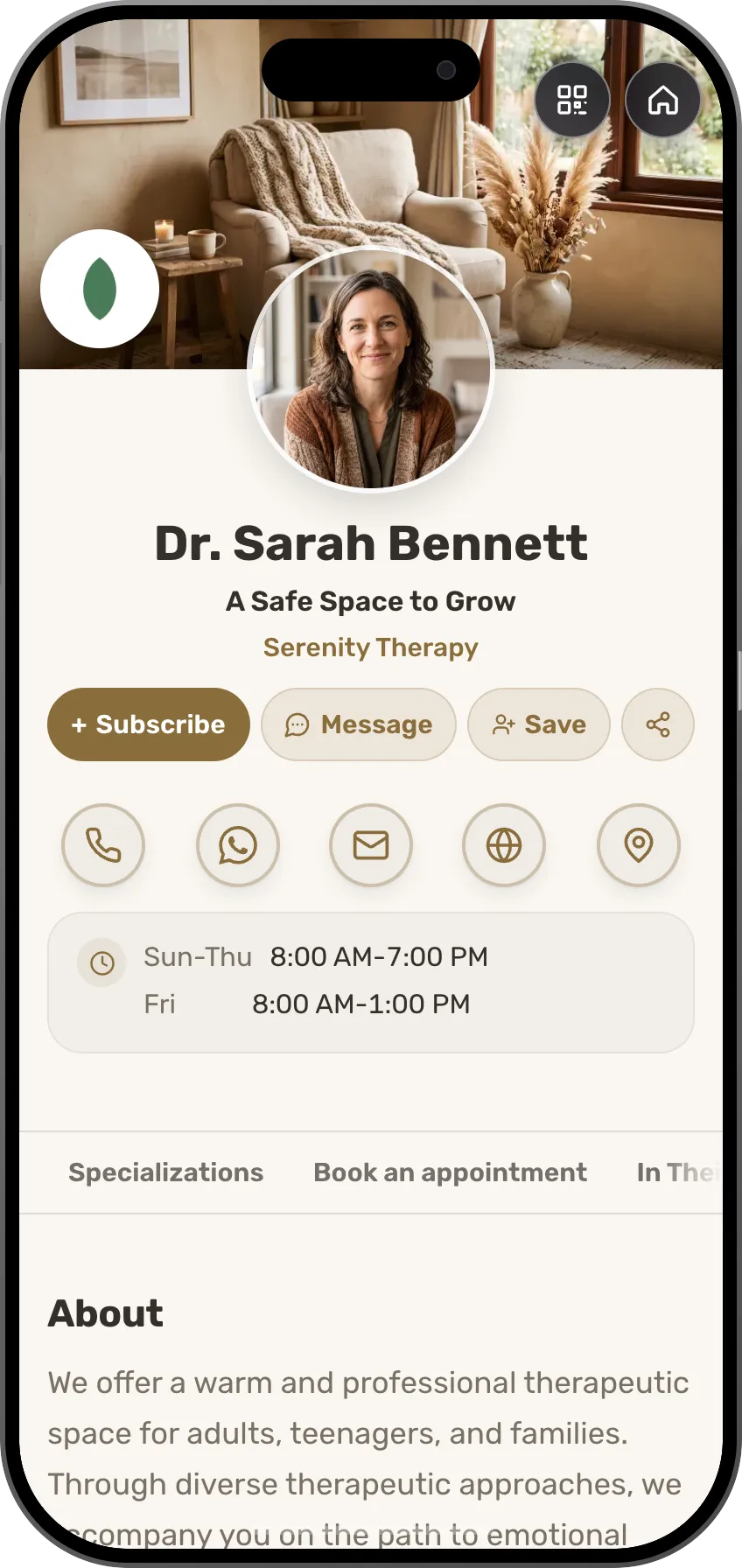 TherapistsA short course to practise between sessionsSee the profession page
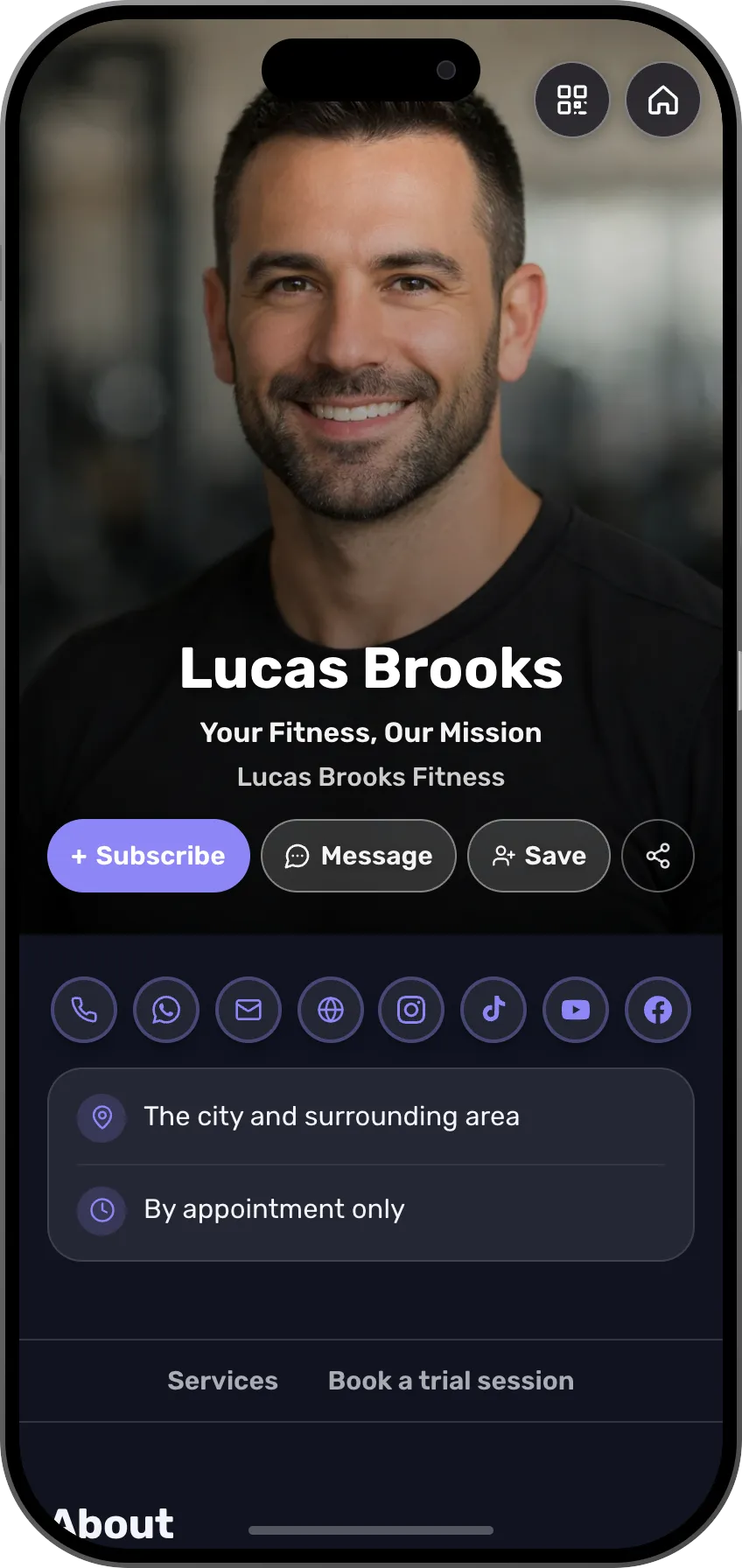 Fitness trainersA 30-day challenge with video lessons and a certificateSee the profession page
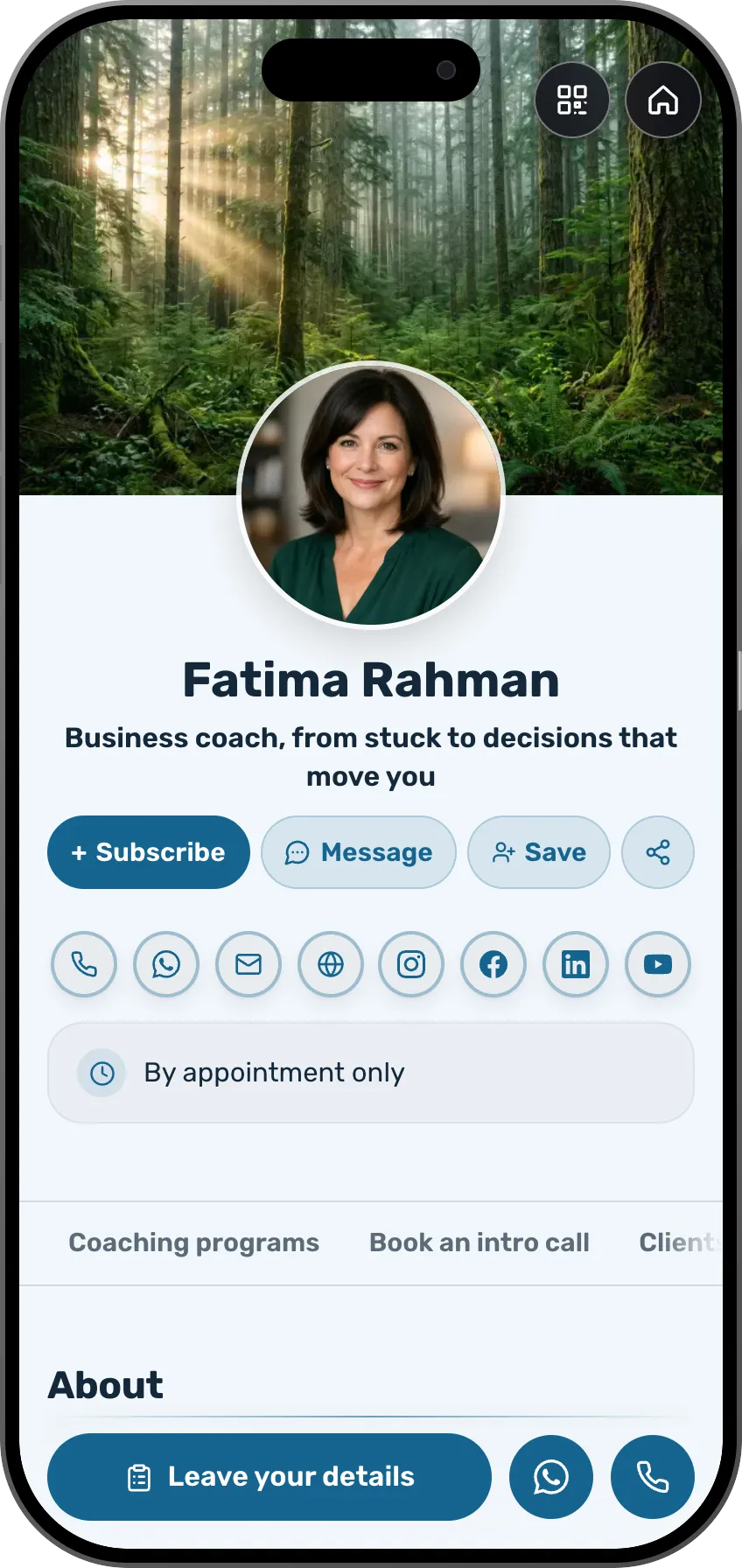 Coaches and consultantsA digital course with a workbook and drip lessonsSee the profession page
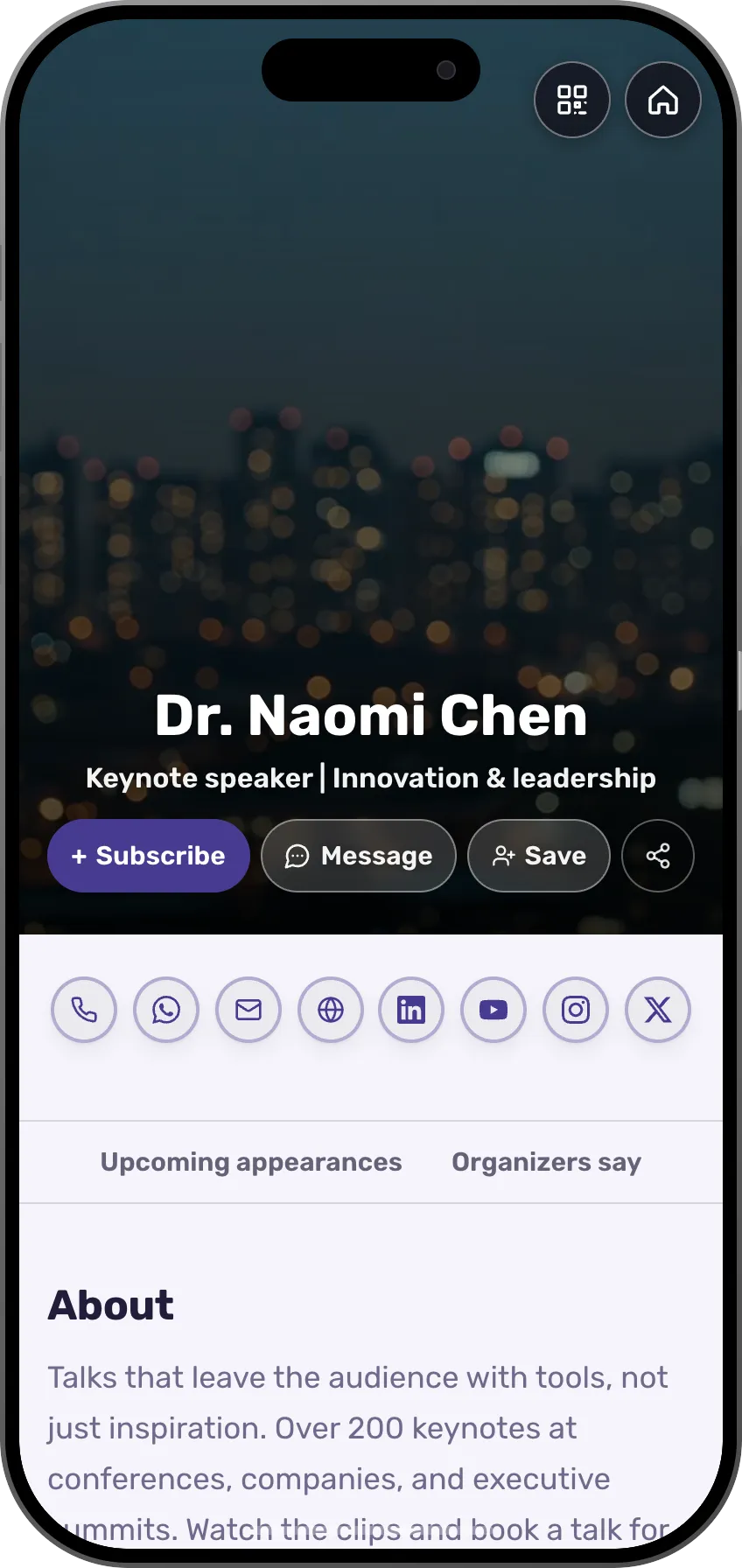 SpeakersThe talk as a course, watched at the attendees' own paceSee the profession page
 DevelopersA technical course with chapters, code and quizzesSee the profession page
- More professions and fieldsEach field has its own page, with ready-made templates.See all professions
In a classroom you teach whoever is in the room. A course reaches everyone else.
Frequently asked questions
Do students need an app?
No. The course player is a web page that works beautifully on any phone, tablet or computer.
How do students access their course?
Right after purchase, and any time later through a personal portal they open with a code sent to their email. All their courses live there.
Can I release lessons gradually?
Yes. Drip lessons by days since purchase, schedule them for a date, or mark free preview lessons that play on the sales page.
Are there quizzes and certificates?
Yes. Quizzes with pass marks per lesson, and branded completion certificates in the student's language: English, Spanish, French, German, Japanese, Hebrew and more.
How many courses can I create?
Drafts are unlimited. How many courses you can publish depends on your plan, and the top plans have no limit.
Can students leave reviews?
Yes. Reviews come from verified purchases, and you approve each one before it appears on the sales page.
Can I run a course with a start date?
Yes. Sell now, start later: set a start date and opening dates per chapter. Students get reminders 72 and 24 hours before, and the refund window follows the start.
Are there assignments and questions?
Yes. Students submit assignments and ask questions inside a lesson; you answer from your account, and the whole thread stays with the course.