














Build your brand.
a link in bioWhat a website was supposed to do, your card already does. It shows who you are, what you offer, your work and your prices, on one link for your bio and your email signature.







Step 1 of 5 · The visitor, on your card
A visitor asks
Mark opens Rachel's card and asks for a meeting on Sunday at 11:00.
Build your shop.
a courseA guide you wrote, a course you recorded or an hour of consulting becomes a product with a price on your card. The buyer pays through Stripe, and the money lands in your bank account.
There's a free plan, no credit card needed, with your card, your contacts and events with RSVPs. Selling, event tickets and the whole shop open on Premium, with no MyVisito fee and a 7-day trial.


Mei-Ling Zhao
Design That Tells Your Story
Lumen Studio
About
A design and branding studio that turns ideas into visual experiences. We build a complete brand language, from the logo to the digital product, with care for every detail.
Selected Work


New offer
Offer name
Price
$180

Night Bloom: Collection Launch Party with a DJ
One night where the new collection steps off the runway and onto the dance floor. A short show at 9:00 PM, then a DJ set into the small hours, an open bar for the first hour, and a photo corner with the collection. Entry is by personal ticket, booked in advance: show the barcode at the door and walk in. Places are limited, so register early.



Save to calendar
Where does the event take place?
Hangar 11, the Old Port
When does it start?
Thursday, 18 February 2027 · 20:30-01:00
How much is a ticket?
Entrance is free of charge.
What is the minimum age?
Entry is for ages 18 and up, and you may be asked for ID at the door.
Is there a dress code?
Not required, but it is a fashion party: come in black with a touch of violet if you like.
What does the ticket include?
Entry to the show and the party, an open bar for the first hour, and a photo at the photo corner. A Front Row ticket adds a seat in the first row of the show.

Maya Ross
New event
Event type
Event name
Build your audience.
subscribersThe exchange goes both ways: a visitor sends their details back in one tap, and the built-in scanner turns a paper business card into a contact. Everyone who buys, registers or leaves their details lands on your list, and anyone who taps Subscribe sees what's new on your card.
There is already a card built for your profession. Swap the photo, the name and the prices, and it is yours.
A founder card with your company, your story and your next meetup.



Laura Mitchell
CEO & founder, building the next generation of logistics
Mitchell Technologies
About
Founder and CEO of a supply-chain technology company, with a team of 60 across three countries. I believe in building companies people are proud to work at.
Career
From 3 founders to a team of 60 across three countries
Led operations at an international logistics company
Meetups and webinars

Pick the template for your profession, then swap in your own pictures and words.
126 designed templates by profession. Or tell the AI assistant about your work and get a draft laid out for your profession.
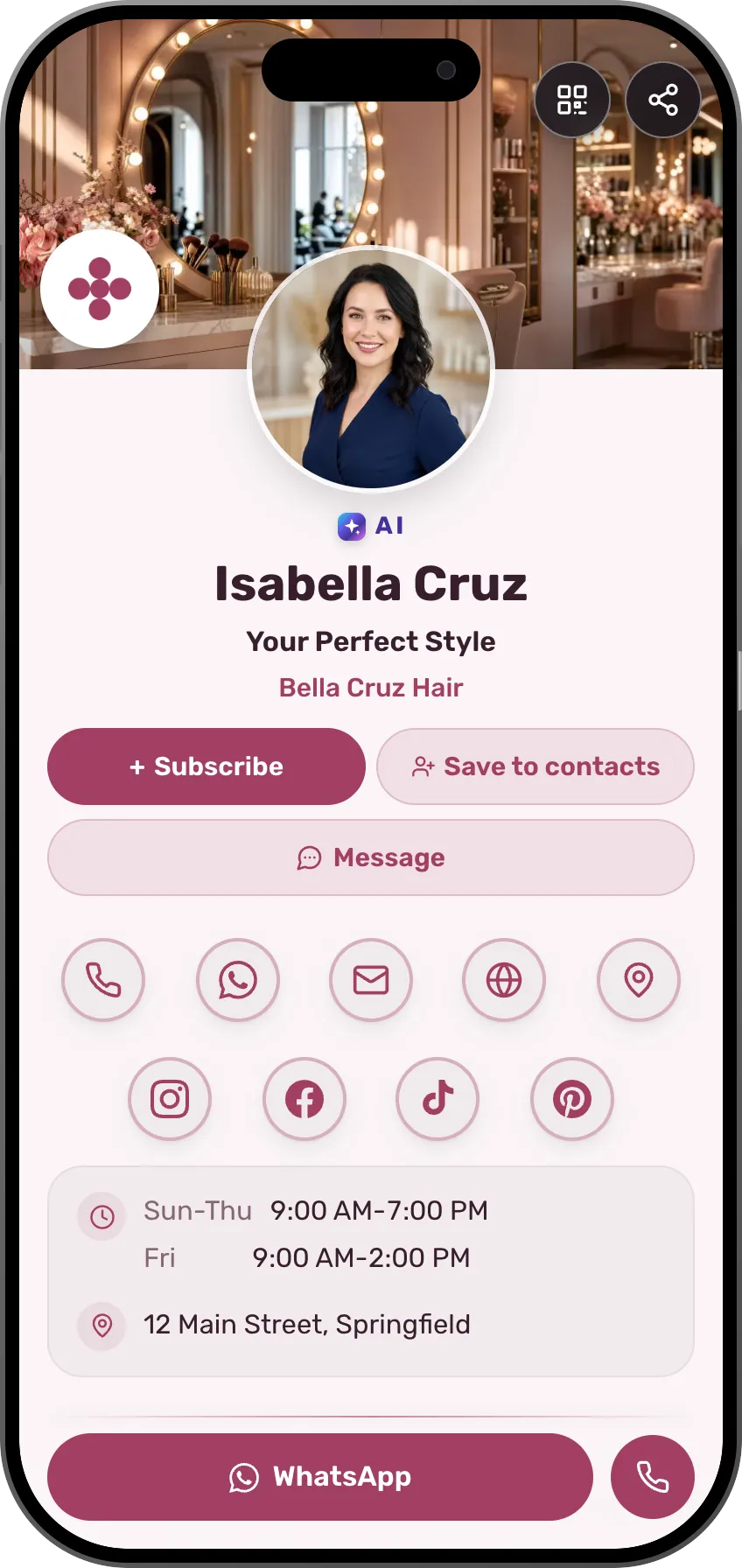
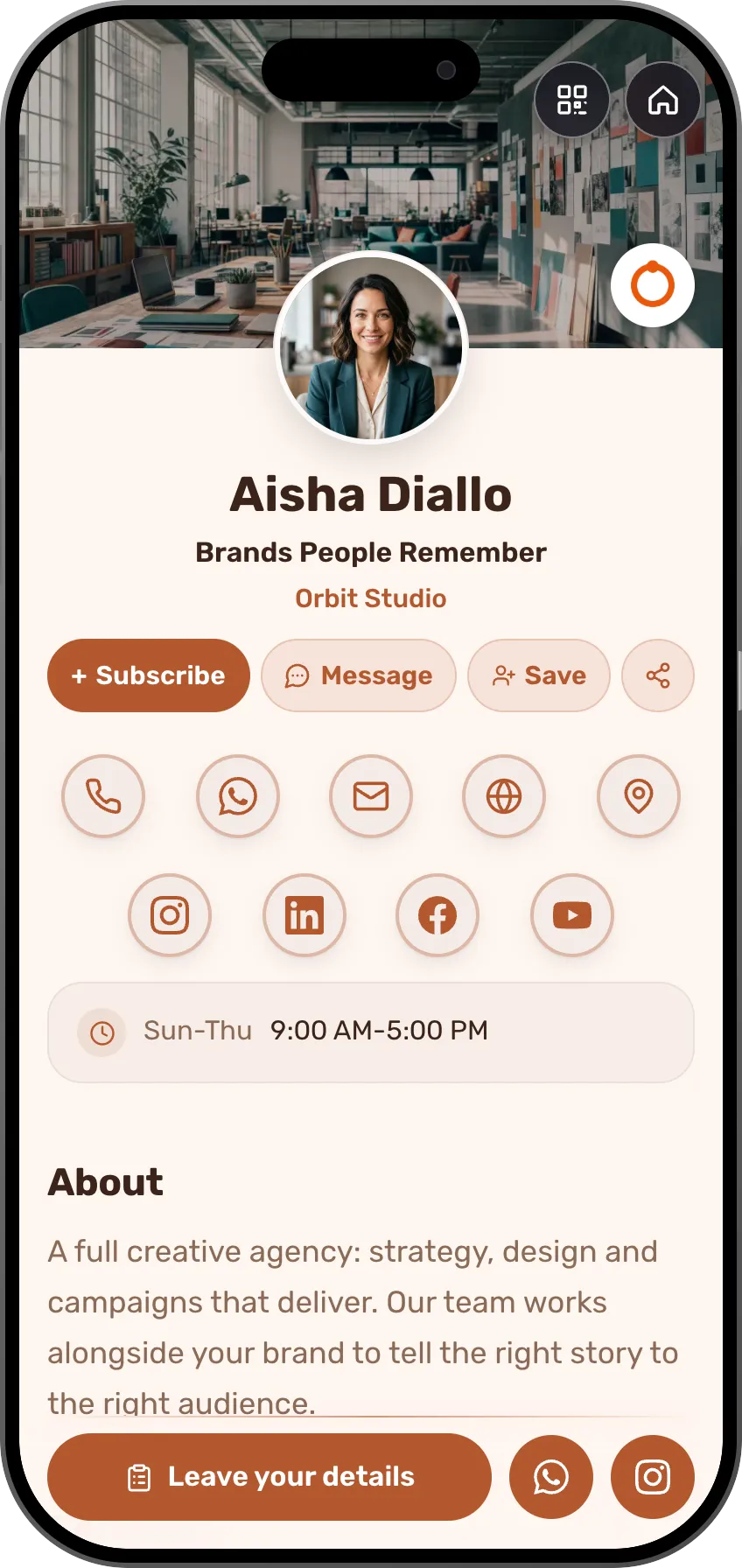
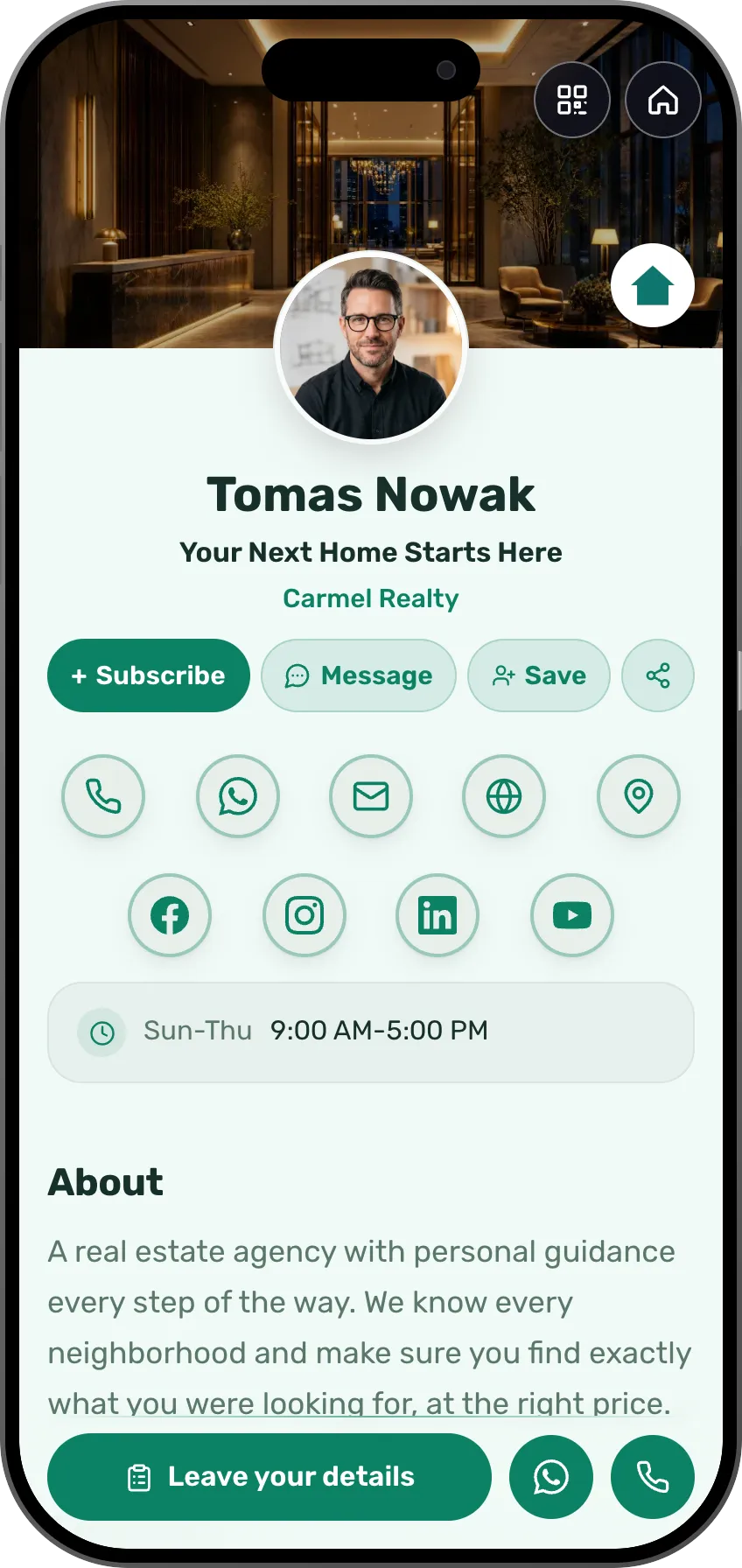
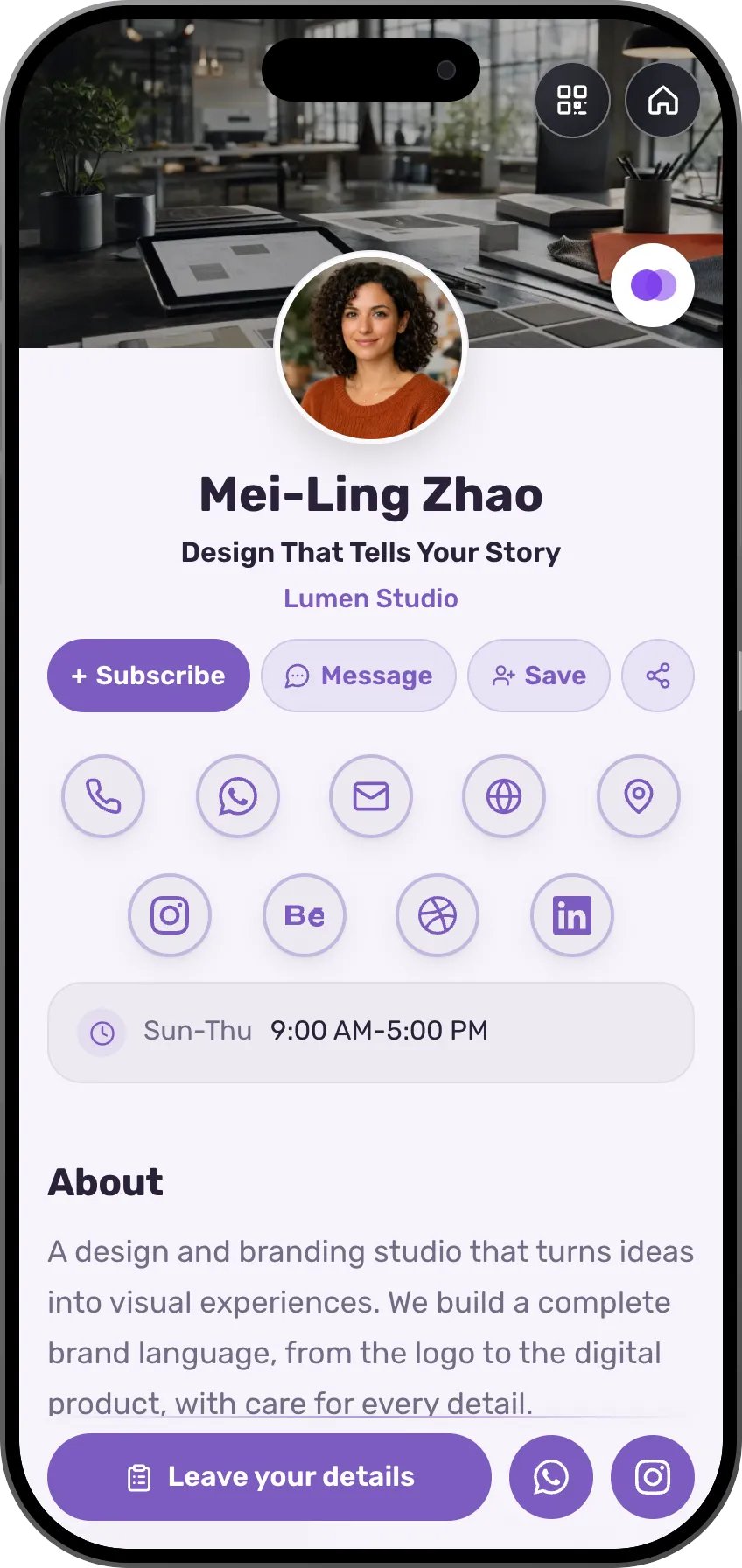
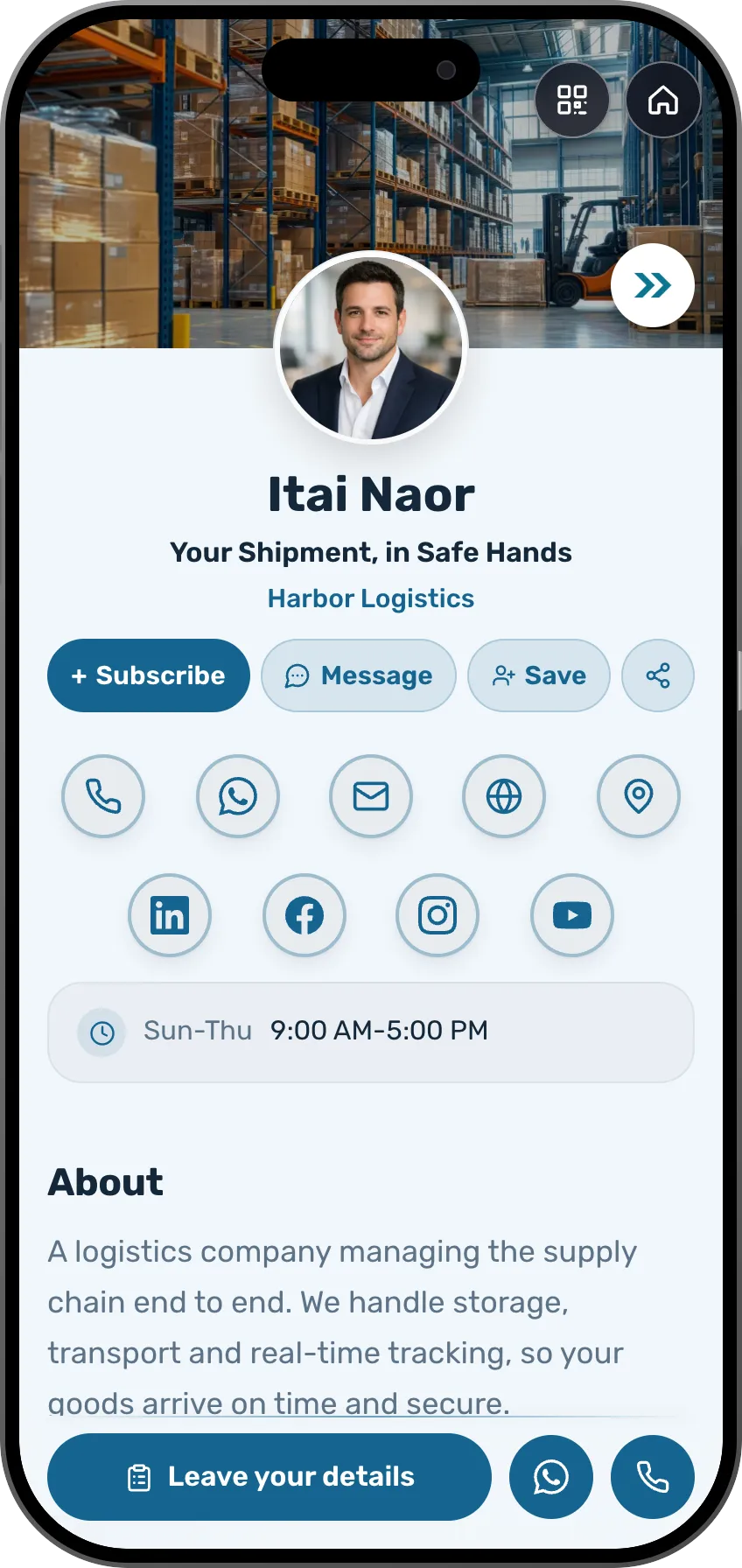
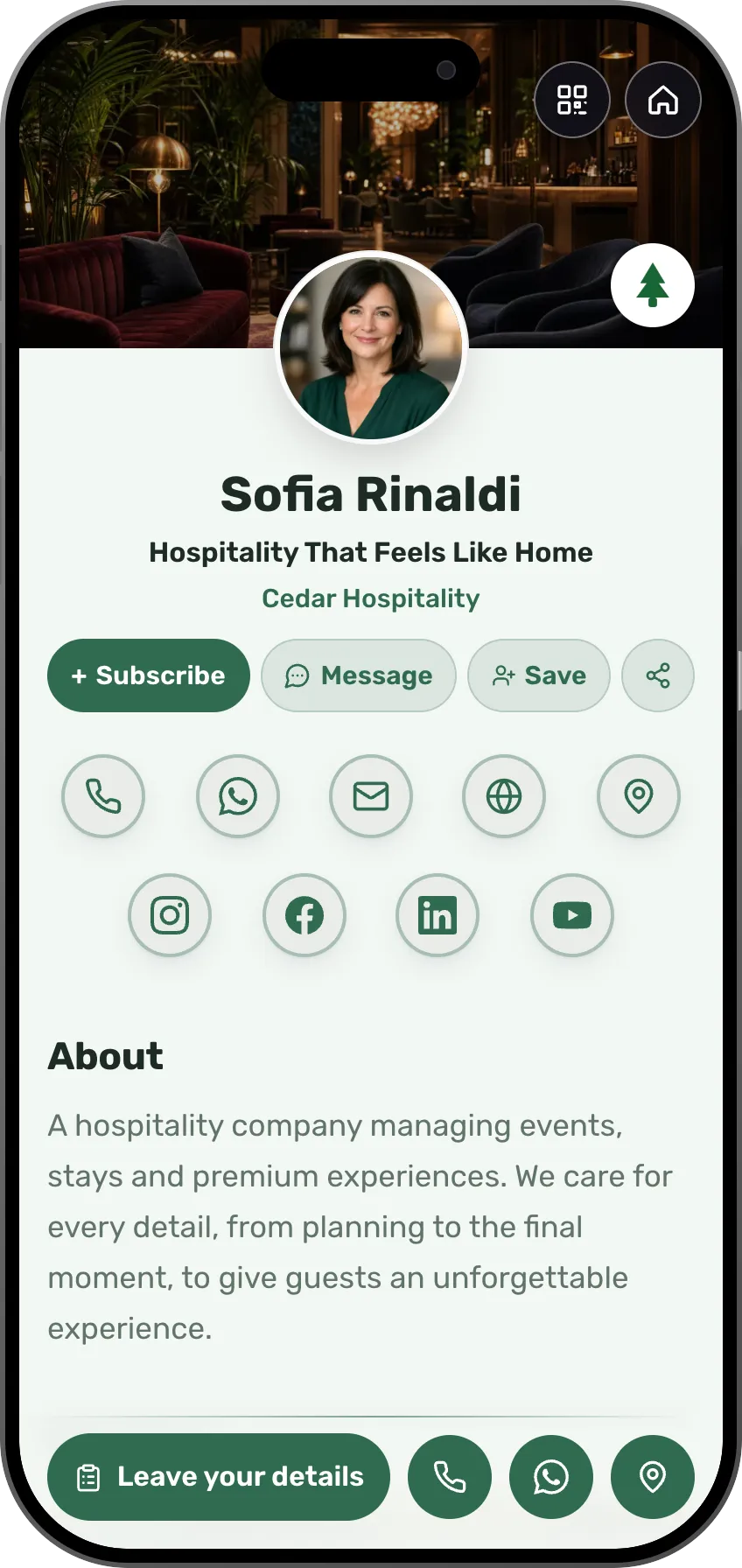
Your card works in 27 languages, and each visitor picks their own.
Add a language and everything you wrote is translated, from the headline to the last button, direction included. Pick a language under the phone and watch. How many you can add depends on your plan, and the shop and events come in 22 languages.
Mei-Ling Zhao
Design That Tells Your Story
Lumen Studio
About
A design and branding studio that turns ideas into visual experiences. We build a complete brand language, from the logo to the digital product, with care for every detail.
Selected Work
Services



One link does all of it.
One minute on what a professional runs today, tool after tool, and how one card page replaces the pile: be seen, get booked, get paid, host events and build a community.
Pricing
Start free, and pay only when your business needs more
On the free plan you get your own card, and interested people can leave their details. Paid plans start at $24 a month, and you can try one for 7 days.
- Free$0
- Premium$24 per month
- Max$98 per month
What to know before you start
What can I do with MyVisito?
Introduce yourself on a personal page with your experience, work, services and links. Add inquiry forms, meeting bookings, events, products or courses, and manage the details people share. The pricing page explains what each plan includes.
Can someone answer my visitors while I'm busy?
Yes. Visita, the AI personal assistant on your card, answers visitors in their language from what your card says and saves their details. When someone asks to meet, she asks you on WhatsApp or by text, and your Yes becomes the meeting, with an invite for both of you. She answers visitors on every plan, with more conversations a month on the paid plans.
What is a digital business card, exactly?
A personal page with an address of your own, like myvisito.com/your-name. It shows who you are and what you offer, and whoever opens it can leave details, book, buy or sign up. You put the address in your bio, send it in a message or let people scan it as a QR.
What is the difference between a QR scan, a card exchange and scanning a paper card?
A QR scan opens your card and does not identify who scanned it. Exchanging details, leaving details, a purchase or a registration is what adds a person to your list. Scanning someone else's paper card turns it into a contact of yours, once you confirm the details.
Can I give my number only to people I choose?
Yes. In the card editor, hide your phone or email from strangers. Anyone who wants them taps "Exchange details" on your card and leaves a name and a phone or email. They're added to your list right away. You get a message with one button, "Share my details", and until you tap it they get nothing. When you run a booth at a conference, you can set the card so everyone who exchanges details gets yours instantly.
Can I make a card for an AI character?
Yes. If the person on the card is a character created with AI, turn on the "AI character" switch in the editor. A small "AI" mark then appears above the name, and anyone who taps it sees, in their own language, that this is an AI character and that a real person is responsible for the card. Exchanging details and the verified badge are off on such a card, since both are meant for a real person. Links, messages, updates, the shop and courses work as usual. An AI character without the mark, or with a real person's name or face, is impersonation and against the terms.
What is the difference between a subscriber and someone who left details?
A subscriber sees your new events and products in their updates. Someone who left details, bought or registered is in your contacts, with the context. A subscription alone does not add anyone to your contacts and is never sent to your external integrations.
How does payment work when someone buys from the card?
The buyer goes to a secure Stripe checkout page, pays, and comes back to receive the product or the event ticket. The money is transferred to your account under the terms of service, once payments are enabled and verified.
Which countries can I sell from?
Selling is open right now from 35 countries, including the United States, the United Kingdom, Canada, Australia, Germany and France. The full list is on the payments page, and buyers can pay from other countries too. MyVisito is not available in every country. Where it is, everything that takes no payment works: the card, free events, free downloads and links to products sold on another site.
Which details are saved, and who can see them?
Opening a card or scanning its QR code does not by itself save the visitor’s name. Details are saved when people provide them, for example through an inquiry form, contact exchange or registration. Contact details and notes are managed in your private account. A public card may show a community count and members’ public cards, but not their private contact details. A business event’s who-is-coming list includes only guests who choose to appear.
Can I add more to my card later?
Start with contact details and selected work, then add services, meetings, events or sales when you need them. Forms and registrations collect submitted details for follow-up. Product stores and courses start on Premium; other features depend on your plan.
How is this different from building a landing page?
MyVisito combines a personal page with tools for what follows: inquiries, meetings, event registrations and contact management. Start from a template or AI draft without setting up separate hosting. A free plan is available; the product shop and courses start on Premium. Terms and fees are listed on the pricing page.
Can I use my card as a link in bio?
Yes. One link can show your work and offers while letting visitors inquire, book a meeting or register. Each card can have one primary goal, and analytics show the conversion rate for that action, so you can see how many visitors took the step you chose.
Can I manage events with MyVisito?
Yes. Create an invitation at its own address, collect registrations and RSVPs and manage the guest list. Event creation is available on Free within its plan limits. Business events sell tickets on Premium, once payments are connected. Event tickets are separate from product and course sales; the pricing page explains limits, fees and reminder options.
Can I sell online courses?
Yes. Build a course with lessons, quizzes and completion certificates, set a price, and it sells right from your page. Everyone who buys gets a personal area with their course progress. Course selling opens on Premium, with a free trial.
How do I follow up after someone leaves their details?
Submitted details are saved in your contacts. You can also add contacts manually, attach notes and tags, and set follow-up reminders. The source and information collected help you remember the context. Simply viewing a card does not create an identified contact.
How does AI help me stay in touch?
Ask the assistant which contacts to get back to, based on saved details and reminders. It can draft a personal message for you to review and send yourself by WhatsApp or email. You can also add a follow-up reminder to a contact.
How do I build a card?
Choose a template and edit its content, or tell the AI assistant about yourself to get a draft. Change the text, images and design, review the result and publish when you are happy with it. No design skills are required.
How do I share my card?
Every card has its own address. Share the link through WhatsApp, email or social media, or display its QR code. Visitors can choose to save your details to their contacts, get in touch or use one of the options you added.
Can I save a card to a digital wallet?
Yes. Visitors can add your card to Apple Wallet or Google Wallet. The wallet pass includes your photo, name and details, plus a QR code that opens the full page. They can also add a shortcut to their home screen.
Can my card use more than one language?
Yes. Cards support 27 languages; the number you can add depends on your plan. Visitors can choose from the languages you added to your card. AI translation is available on paid plans and uses credits. Language support for events, stores and courses differs and is explained for each tool.
Is it useful if I do not sell products or services?
Yes. Show your professional experience, portfolio, venture, music or personal links and give people a way to learn about you and get in touch. You can use your card without adding sales.
Can I use a card for a portfolio or résumé?
Yes. Add the experience, projects, work and links that matter to you. Your page can support a job search, a venture, creative work or professional services, with ways to get in touch, register or book a meeting.
How does the 7-day trial work?
A paid-plan trial lasts 7 days and includes the features of the plan you choose. You save a payment method, and billing begins when the trial ends. Cancel before then to avoid a charge. The trial is available once per account; changing plans during it does not reset the remaining days.
What is free, and when do I need a paid plan?
Start with a digital card, link and QR sharing, an inquiry form and contact management, without a credit card. Paid plans add features and allow more cards and languages. Selling (products, courses and event tickets) starts on Premium; on the free plan you can build your offers and see how they look, and show products you sell on another site. The pricing page lists features and fees.
Can I cancel? Do you offer refunds?
You can cancel anytime. Your paid plan runs to the end of the period you paid for, then you return to the free plan and your card stays online. Full details, including your legal cancellation rights, are in our refund policy. Refund Policy