Every card, every language
The AI reads printed cards in any language, including bilingual cards with mixed scripts. Name, phone, email, company and role land in the right fields, with the card photo kept alongside.
Straight into your contact book
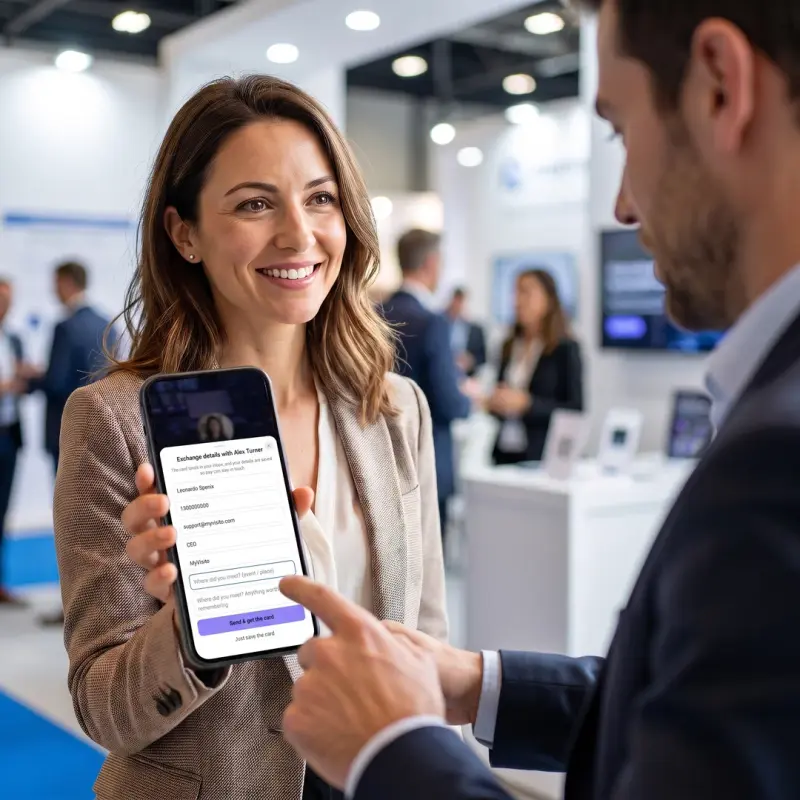
A scanned card becomes a full contact in your MyVisito CRM: where you met, tags, notes, statuses and a follow-up date. Duplicates are recognized and merged instead of piling up.
From scan to follow-up
Right after saving, send your own card back or let the AI draft a personal follow-up, while the meeting is still fresh.
At your booth, scan right from your card
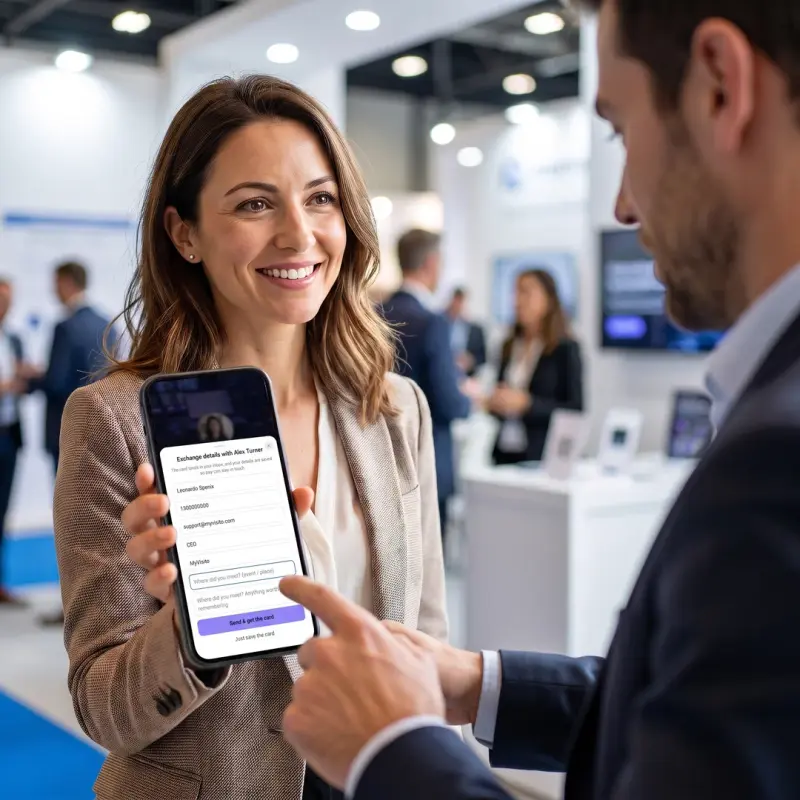
The scan button sits on your card, on every plan. Open your card on your phone, photograph the paper card of whoever is in front of you, and their details land in your contacts. Scanning only opens on your own phone.
How it works
Point the camera at the card
Open the live scanner on your phone, or with your desktop webcam, and point it at any printed card, in any language.
AI fills the fields in seconds
Name, phone, email, company and role are extracted automatically, with the card photo kept alongside.
Confirm and follow up
A glance to confirm, and the contact is saved with where you met. Send your card back or draft a follow-up on the spot.
Frequently asked questions
How does the business card scanner work?
Open the scanner, point the camera at the paper card, and the AI extracts the name, phone, email, company and role automatically. You glance over the fields, confirm, and the contact is saved with the card photo attached.
Which languages can it read?
Any language, including bilingual cards that mix scripts, like Hebrew and English on the same card.
Is the scan fully automatic?
Almost. The AI reads the card and fills in the fields in seconds, then you look them over and confirm before the contact is saved.
Can I scan a stack of cards at an event?
Yes. Event mode lets you scan card after card, tags each contact with the event automatically, and offers a WhatsApp follow-up right from the scan.
Is the scanner included in the free plan?
Every account includes 5 free AI card scans. On paid plans scanning draws from your monthly AI allowance, which covers day-to-day scanning comfortably. Scanning another MyVisito card's QR to exchange details is free for everyone, always.
More MyVisito capabilities
Contacts and CRM
Each name on your list comes with where you met, where things stand and when to get back to them.Event lead capture
At a booth or a conference visitors leave details in a tap, and the leads land with you.AI follow-up messages
A summary of every meeting and a follow-up message drafted in the other person’s language.