A conference introduction ends as a paper card in a pocket
Once that person subscribes to your updates, your next event shows up in theirs.
The old way
- Cards that stay in a pocket
- Social followers who never see you in the feed
- Guests at an event who do not know who else is there
- A WhatsApp group nobody wants to be in
- A number saved with no idea where from
MyVisito: community
- They scan, subscribe or sign up for an event
- They see it in their updates when there's a show, an offer or an event
- They see who is coming, write to you, and meet you again
How it works
Publish a card
The updates button is already on it. Share it in your story, your bio or at a conference.
People join
They scan your card at a conference, subscribe from your story or register for your event.
Your subscriber list builds itself
Everyone who subscribes shows up on your list with their name and card.
What happens the next morning

New on your card, in their updates
Add a show, an offer or an event to your card and it appears in your subscribers' updates. You don't send a thing.
Know who to talk to
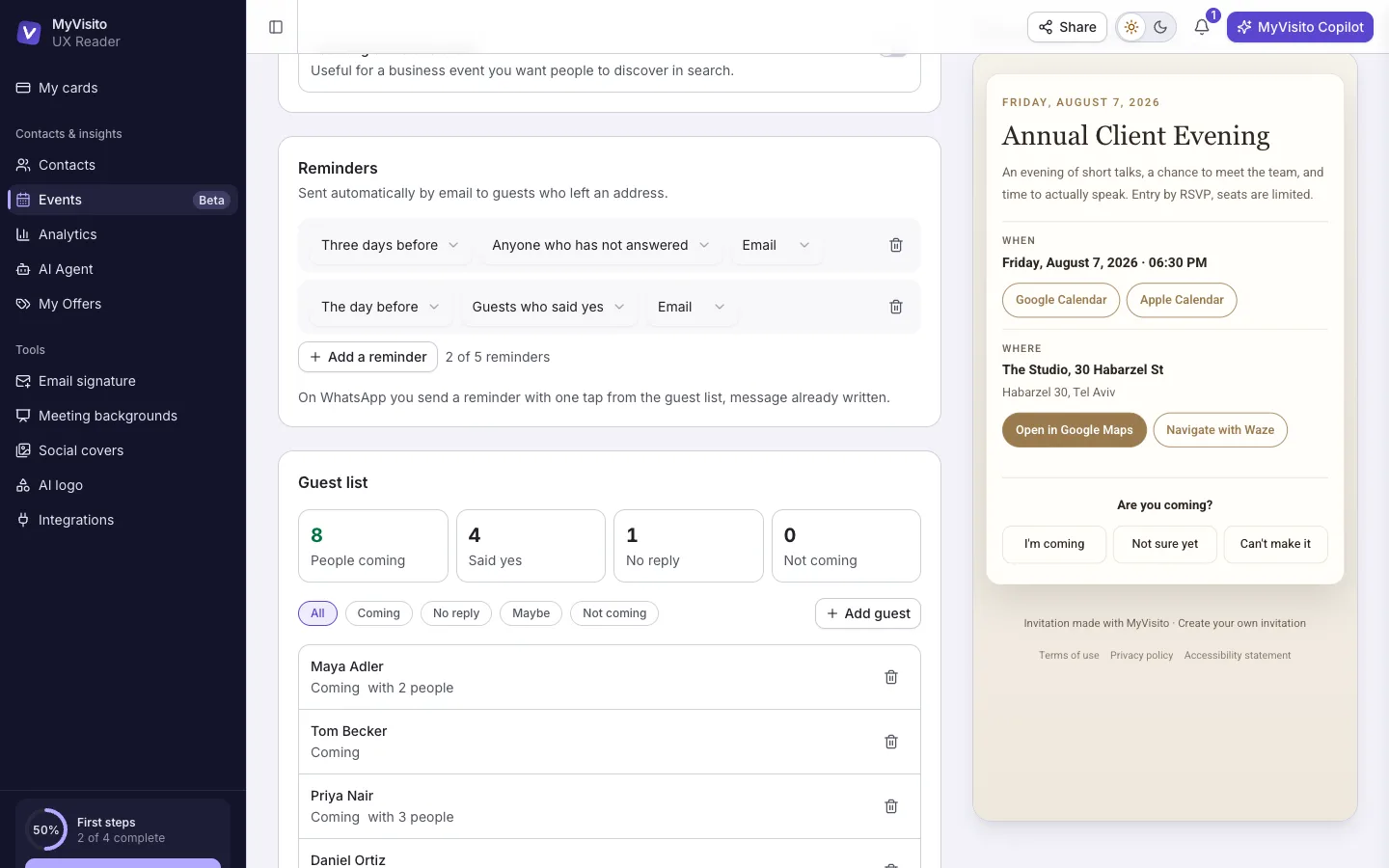
At a business event you see who's coming ahead of time, with a photo and a job title, so you arrive with a plan. Everyone's phone and email stay private.
Rooms and places
Someone looking for a DJ in your country lands in the DJs' room, and someone checking what's on at a club lands on its page. If you choose to appear in search, you can be found in both.

Everything inside
What the community adds to your card.
Contacts and CRM
Each name on your list comes with where you met, where things stand and when to get back to them.Event lead capture
At a booth or a conference visitors leave details in a tap, and the leads land with you.Events with RSVPs
Build an event, send one link, and the RSVPs count themselves with a nudge for whoever forgot.
Who it is for
A community for every profession
People who meet people for work and keep in touch through the card.
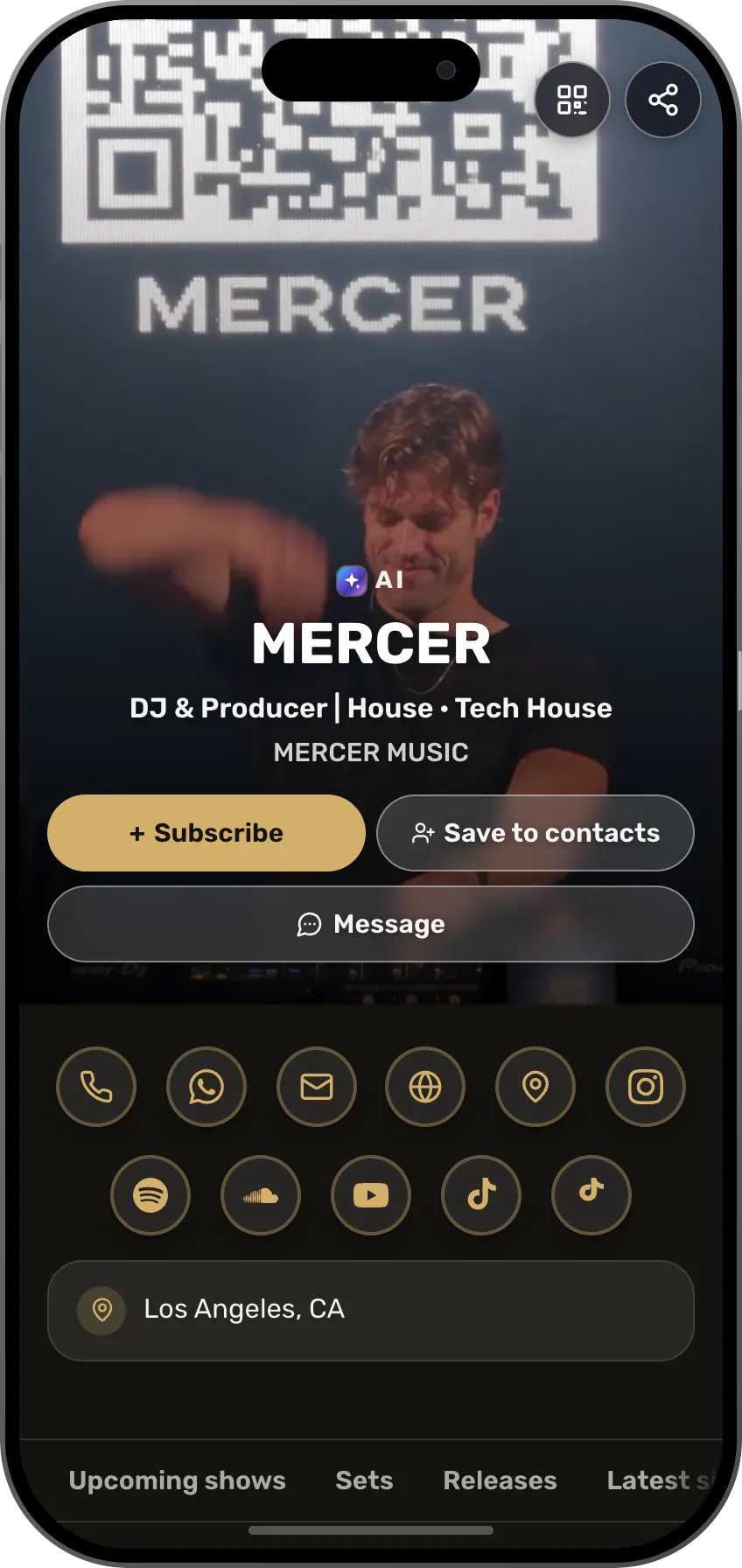 DJLast night's crowd subscribes today and sees where you play nextSee the profession page
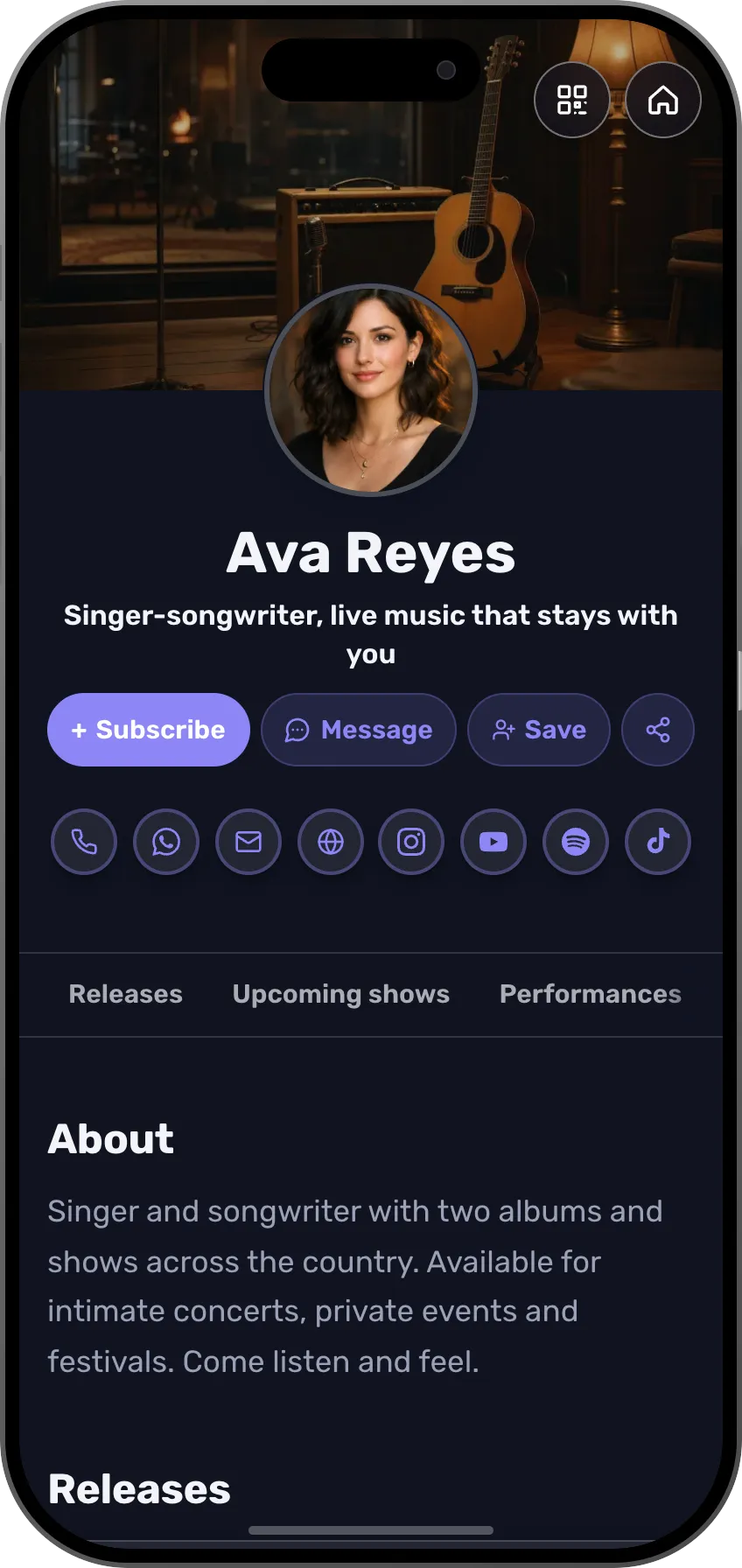 MusiciansThe crowd from the show stays on your list, and the new song shows up in their updatesSee the profession page
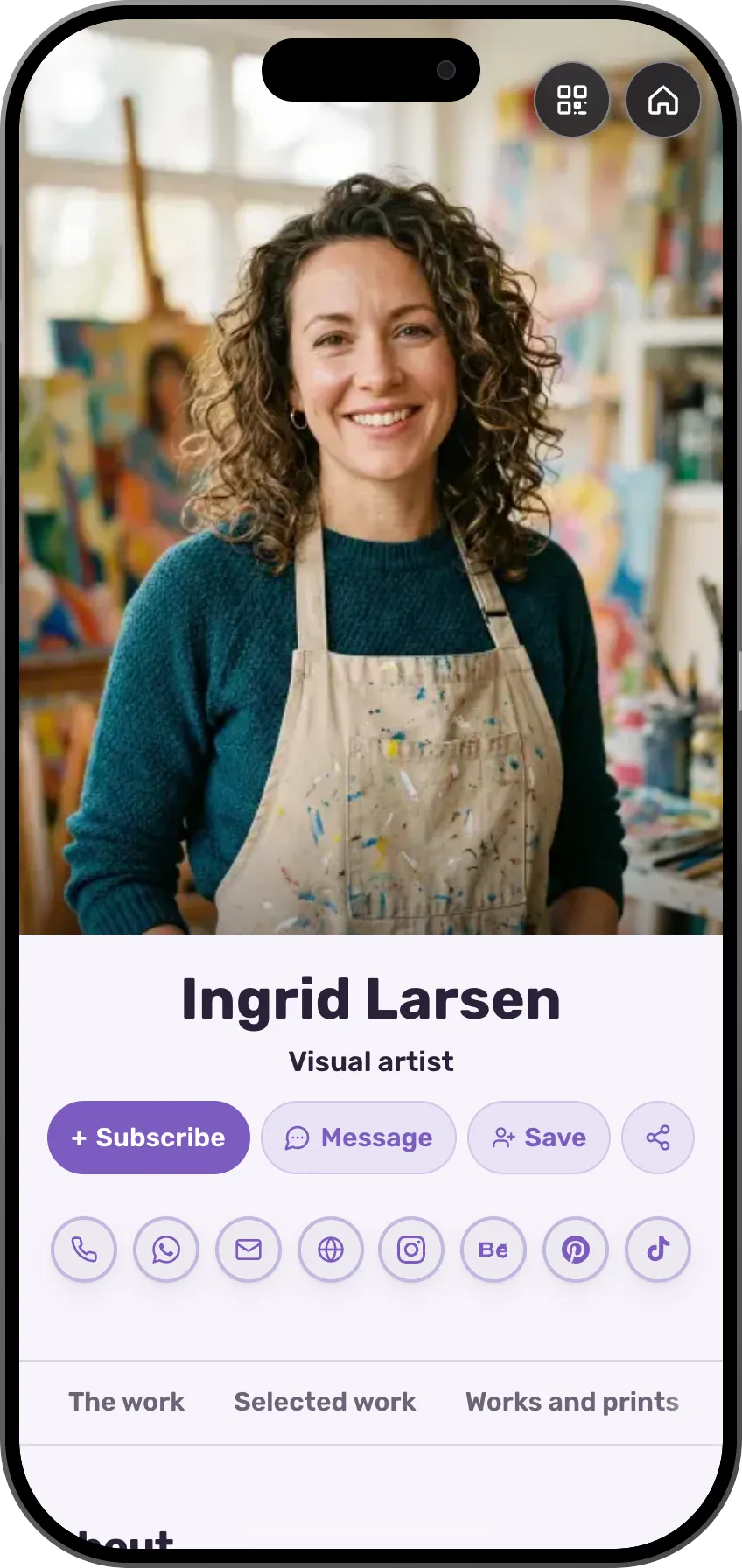 ArtistsCollectors who subscribe see every new exhibitionSee the profession page
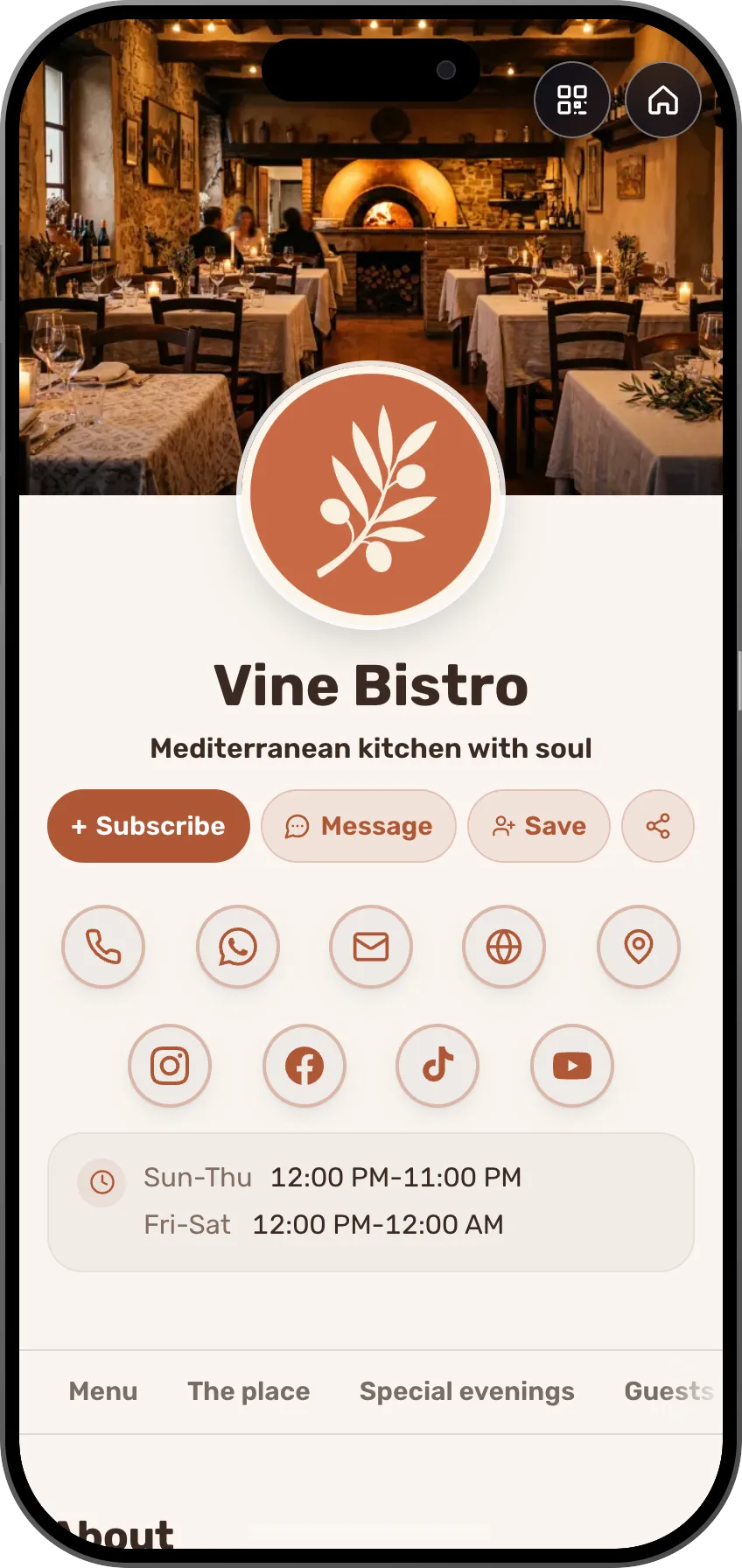 Restaurant, café and bakeryDiners who subscribed from the menu see the next tasting nightSee the profession page
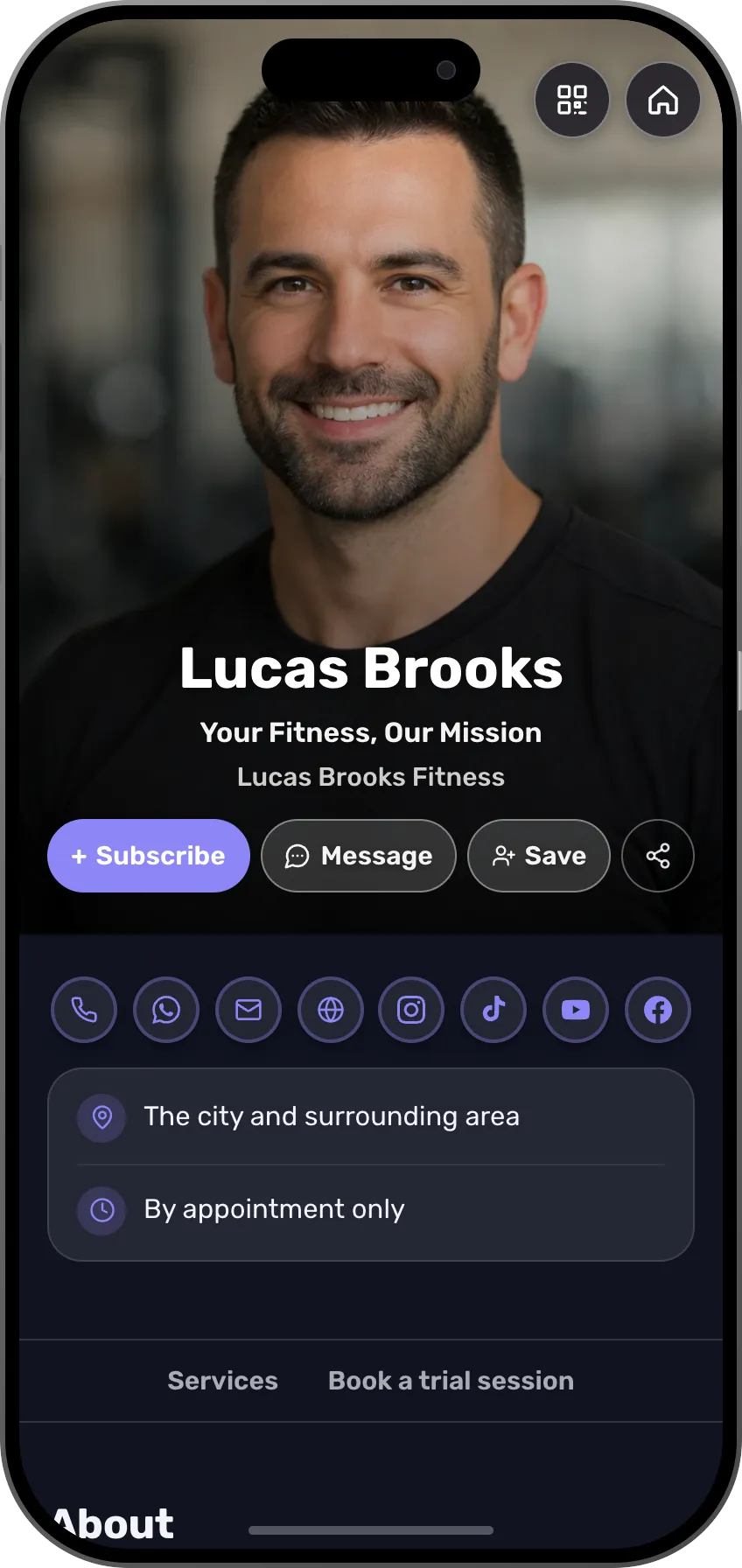 Fitness trainersYour trainees see the next workshop and register with a tapSee the profession page
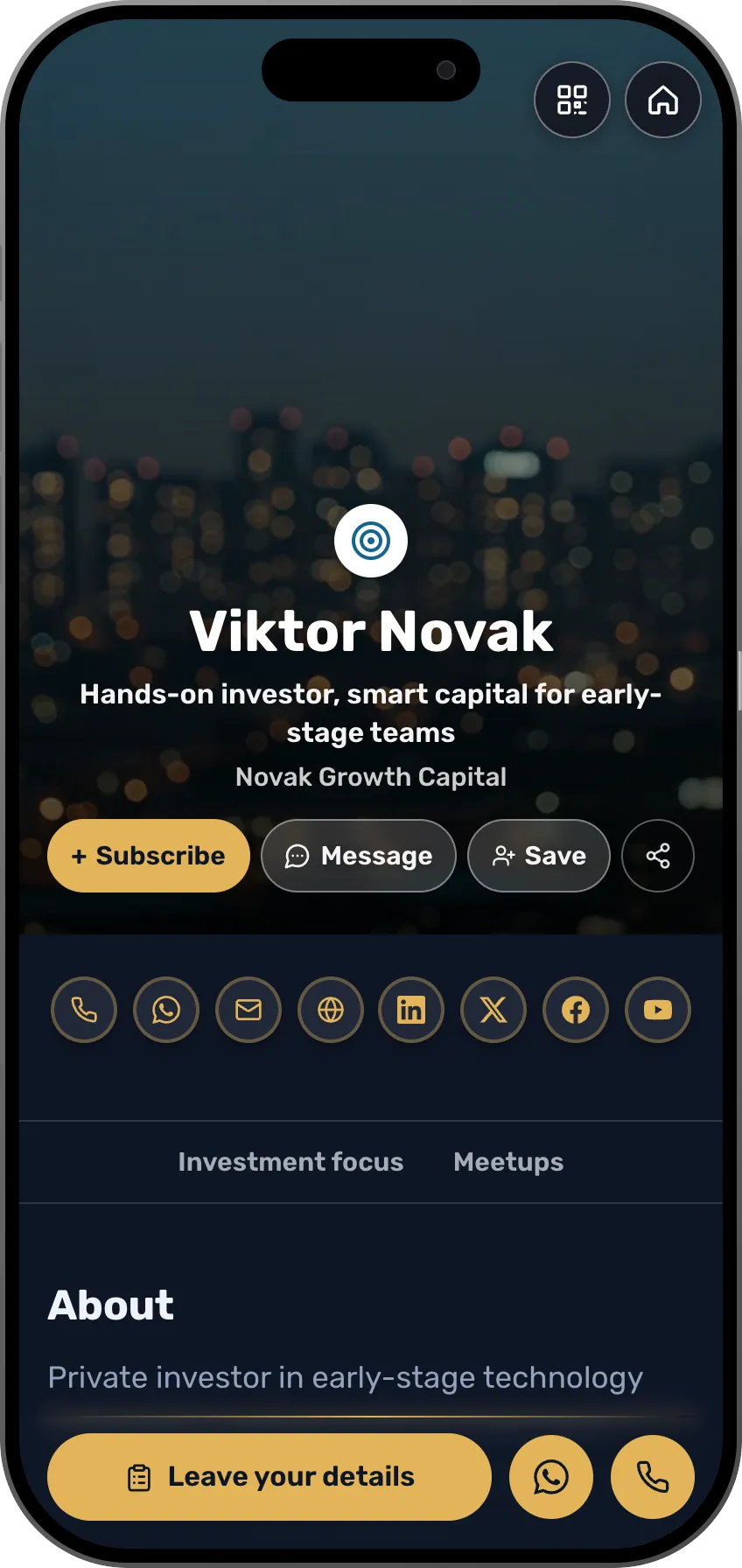 InvestorsFounders from the meetup are saved with what they are buildingSee the profession page
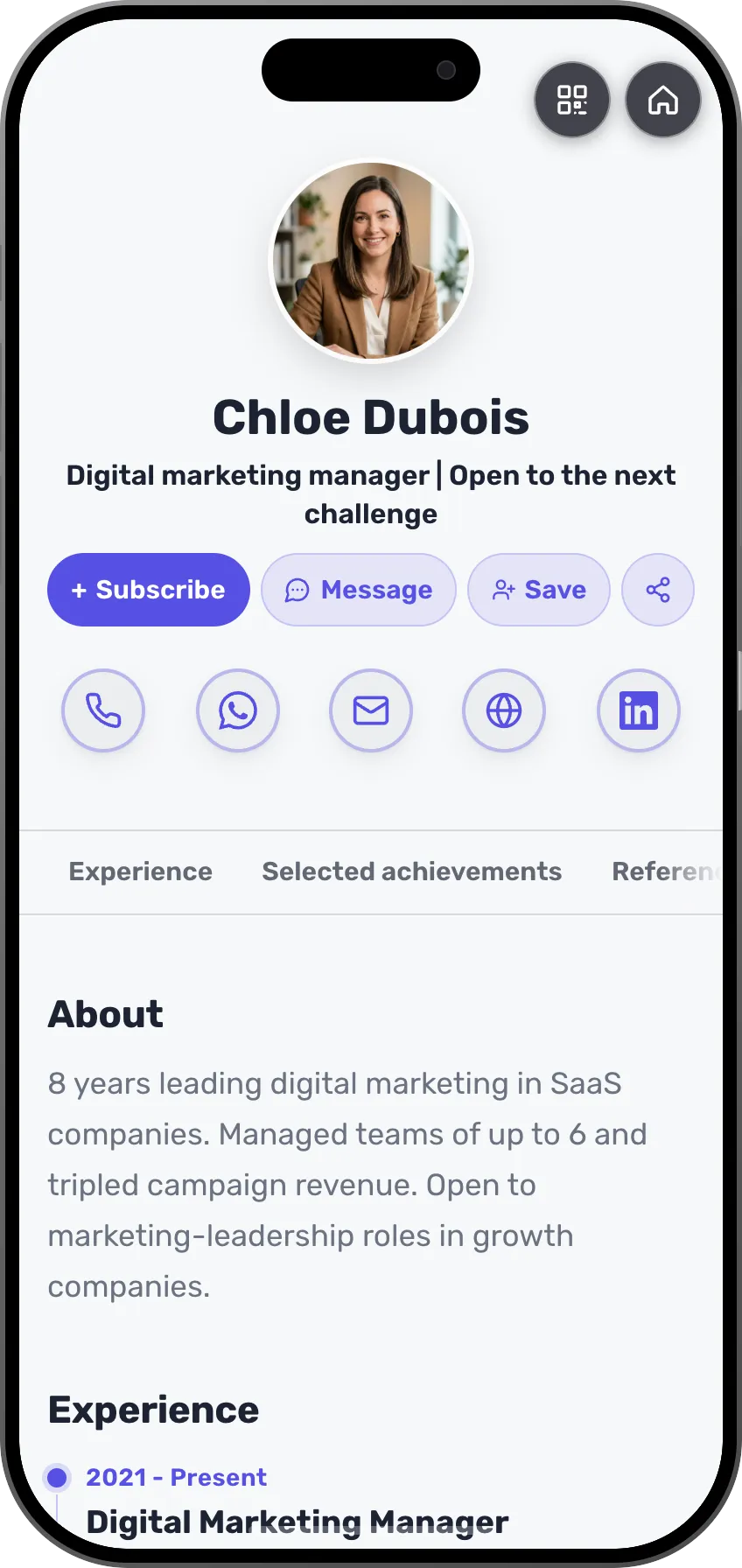 Job seekersRecruiters you met at a conference remember you, with your projects and experienceSee the profession page
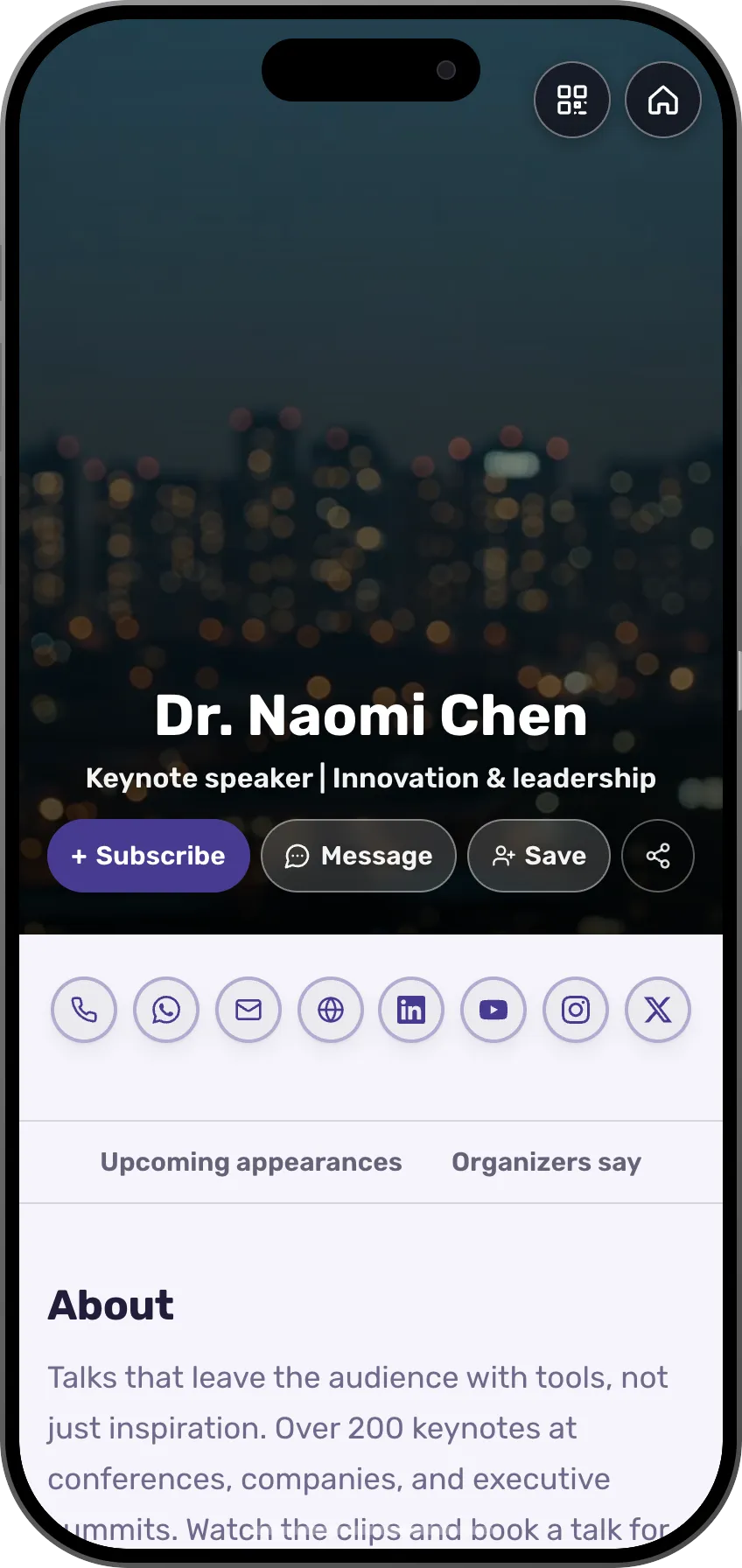 SpeakersPeople who heard you speak know when and where your next talk isSee the profession page
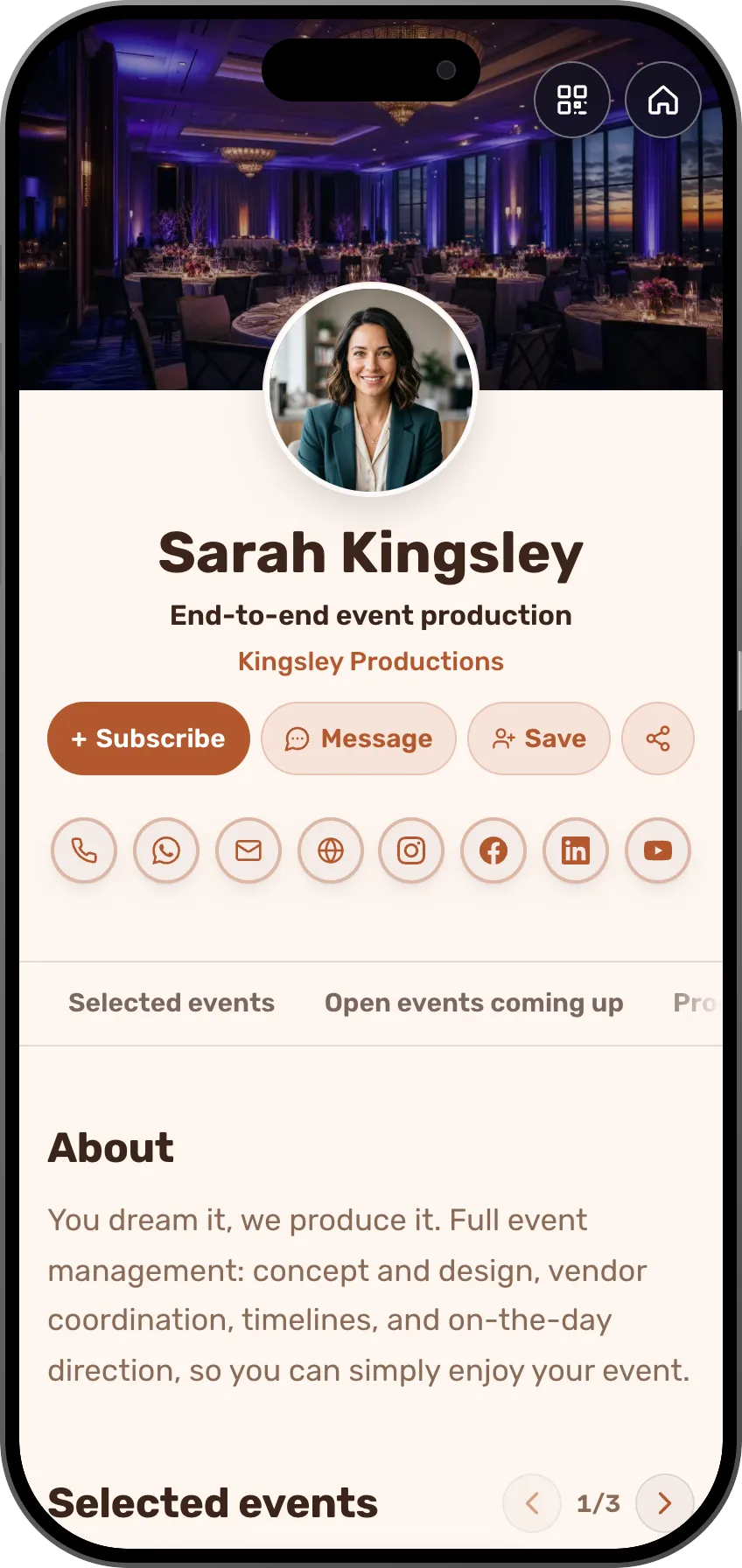 Event plannersGuests from your last event get invited to the next oneSee the profession page
 Creators and influencersYour subscribers see every update, even when the algorithm hides the postSee the profession page
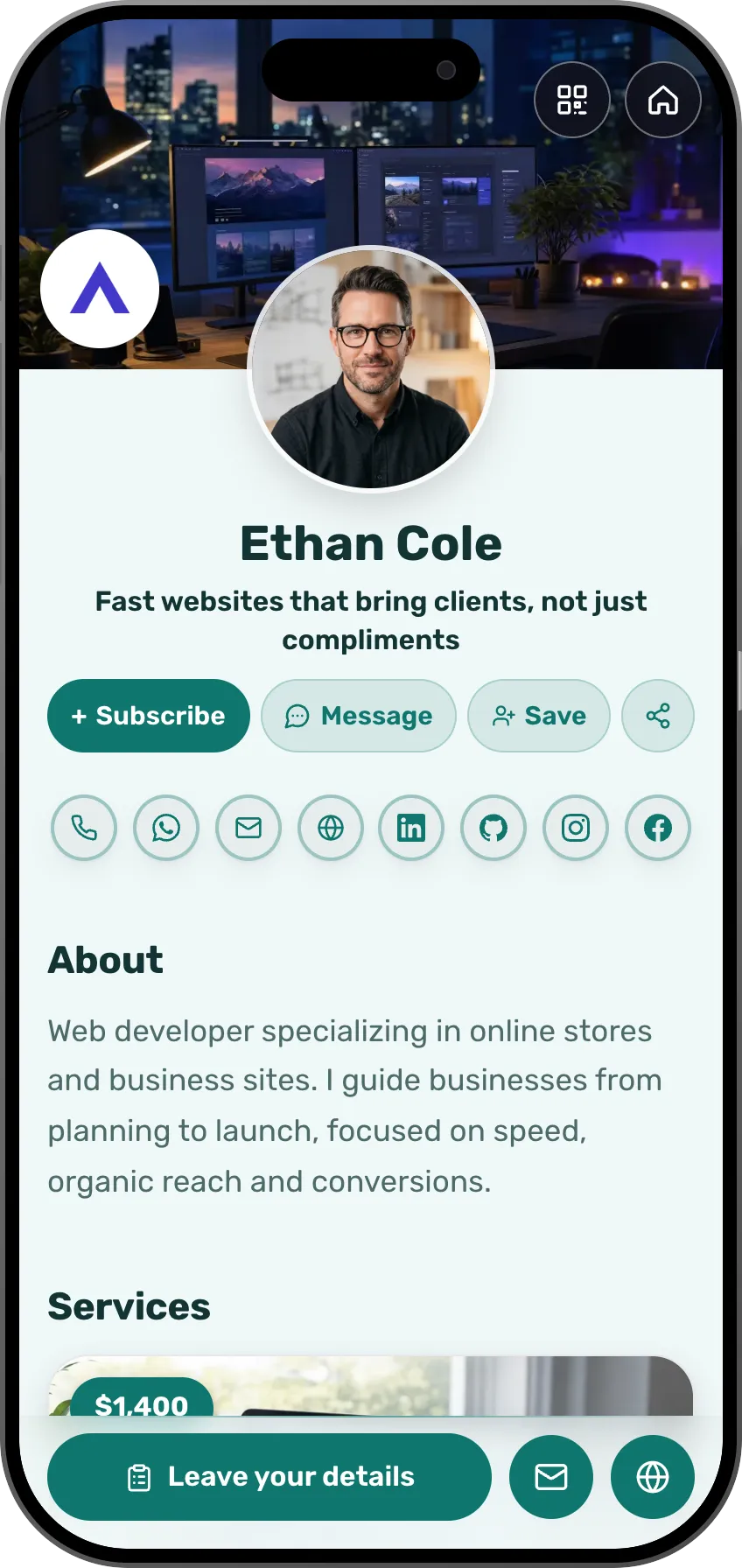 DevelopersPeople from your meetup see the next webinar in their updatesSee the profession page
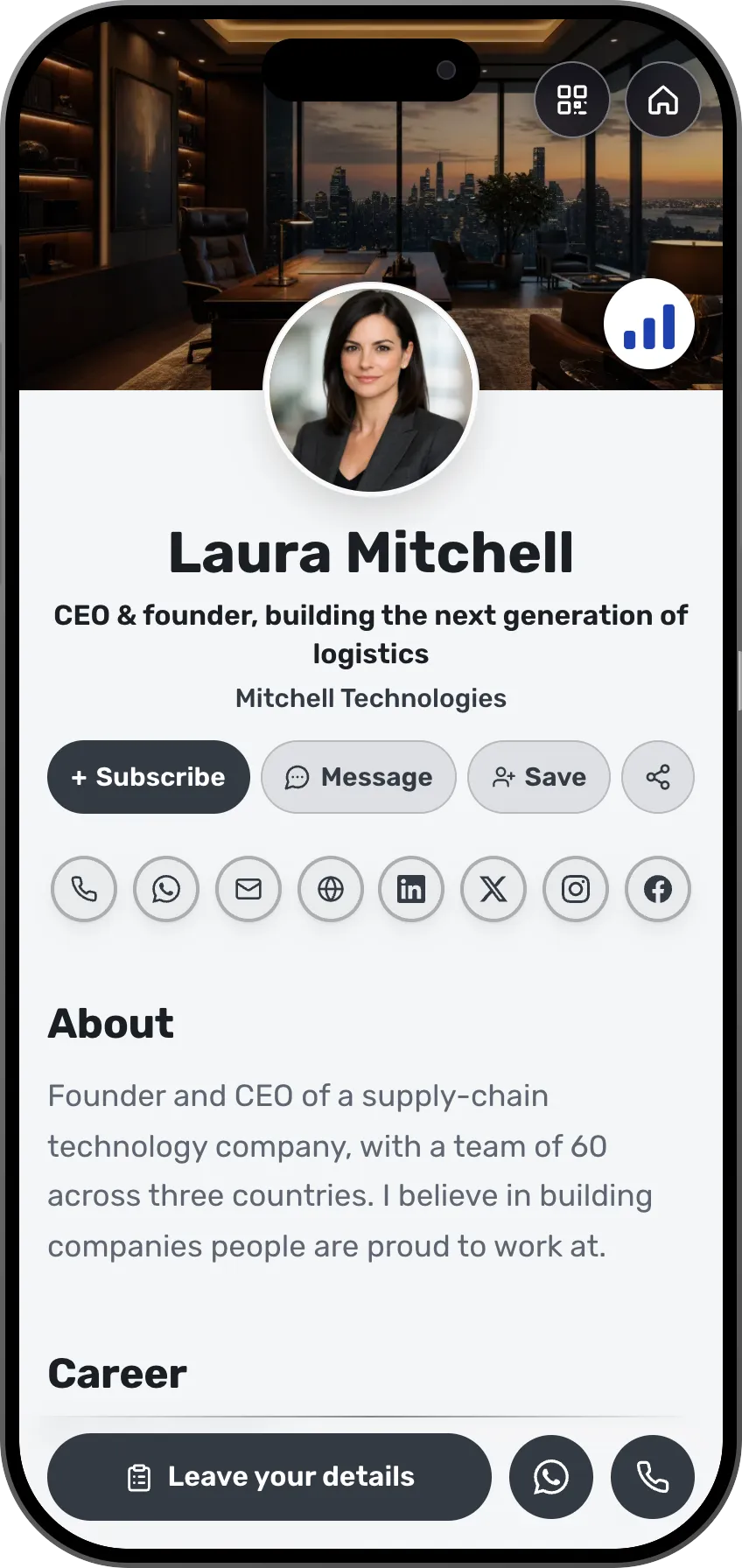 CEOs and foundersEveryone you met at the conference is saved, with where and when you metSee the profession page
A community starts when someone wants to hear from you again.
Frequently asked questions
What do my subscribers see?
What's new on your card, in their updates. They don't see your list or your other subscribers.
Who can message me?
Only a signed-in member, from the card, the offer page or the invitation. Someone with no relation to you lands in a requests folder, with no email to you. There are no read receipts and no online status.
What is "who is coming"?
At a business event you can open a list: every guest chooses at registration whether to appear on it and what they are looking for tonight. A member with a card appears with a photo and a profession, never with a phone or an email.
Is there a feed?
Not a feed of posts. Your home screen shows what's new with the people whose updates you get, in order. No likes, no ranking.
What are rooms?
Every card joins the room of its profession, by country. Whoever looks for someone in a field finds you, if you chose to be visible in search.
Is it free?
Yes. Updates, messages, the rooms and the quick card are open on every plan, the free one included.