
















5Nov
Warehouse Night
TicketsMERCER, the full artist page
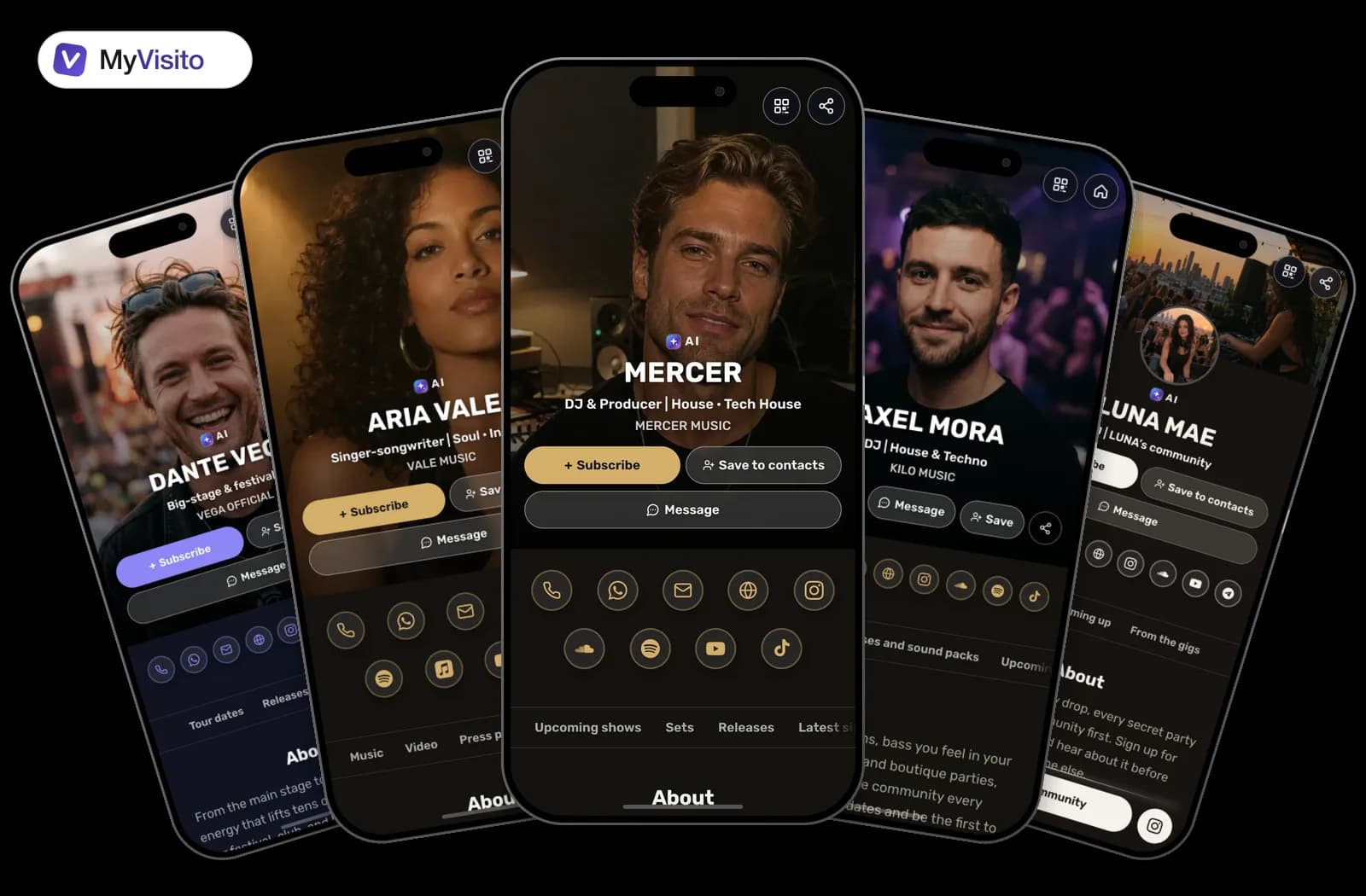
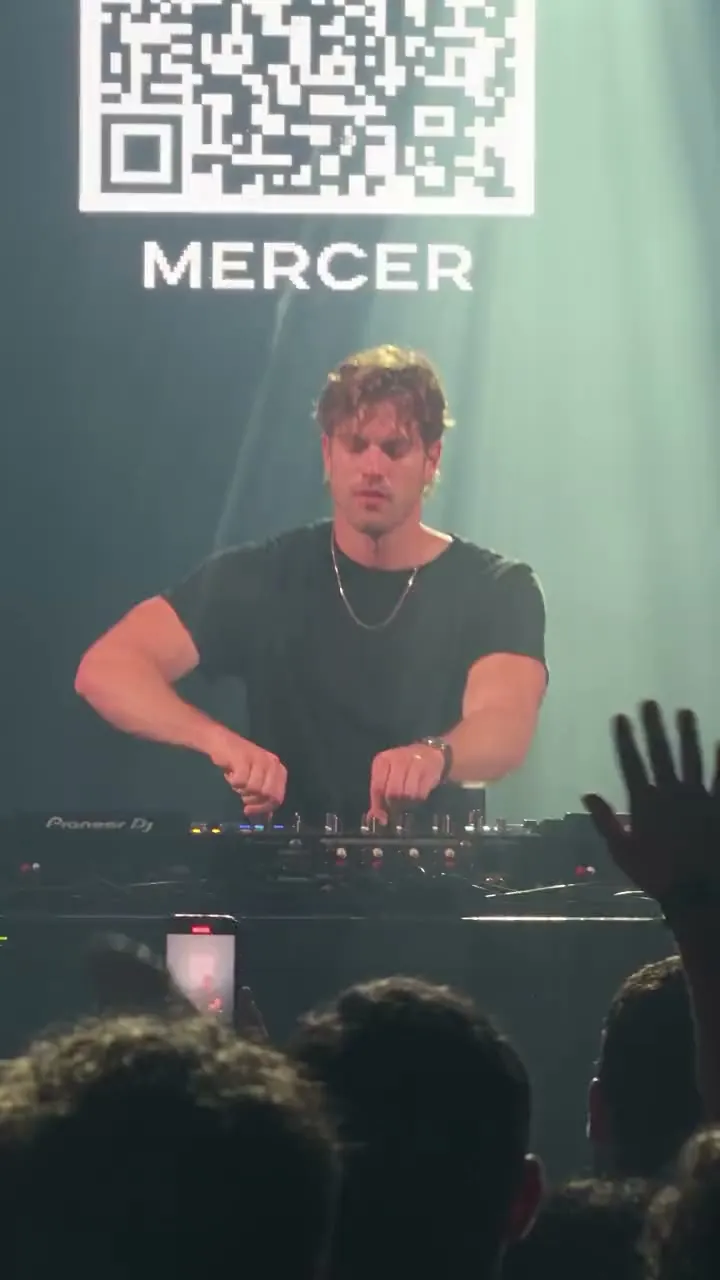
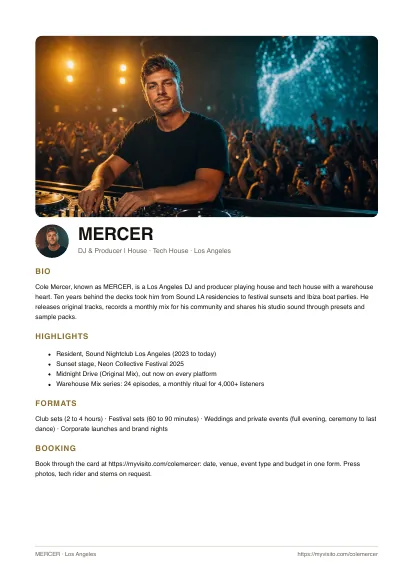
House and tech house with a warehouse heart. Ten years behind the decks, a new mix every month, and presets and sample packs straight from the studio. See the dates, hear the sets, buy a pack and book a show, all here.
Your shows as posters, your releases with their covers, your merch with a price. All on one page.
Warehouse Night
Tickets
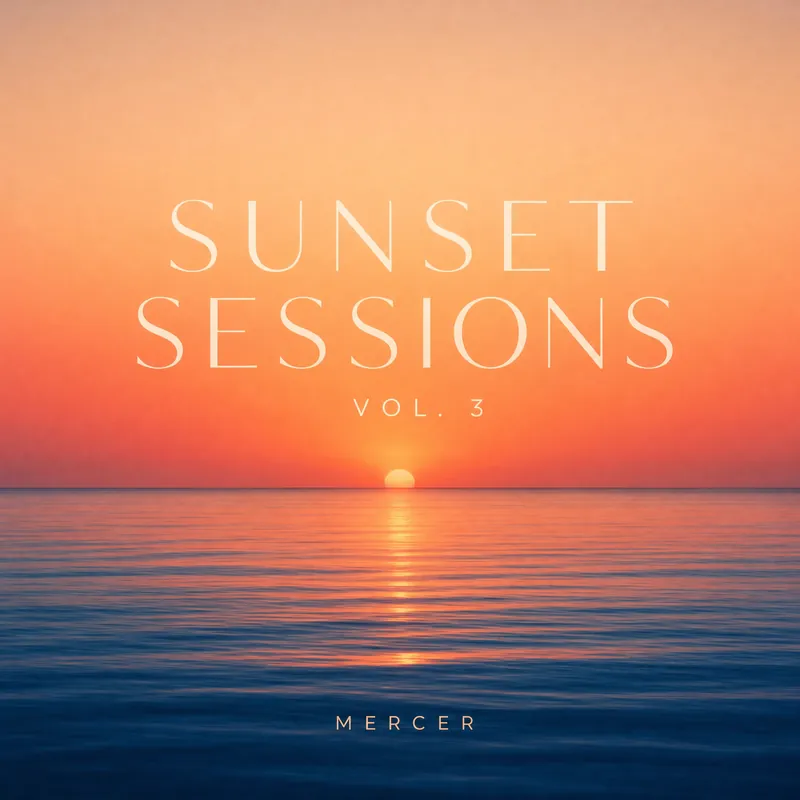
Sunset Sessions
Tickets
MERCER: Rooftop Sessions
Guest list
Desert Festival
Tickets
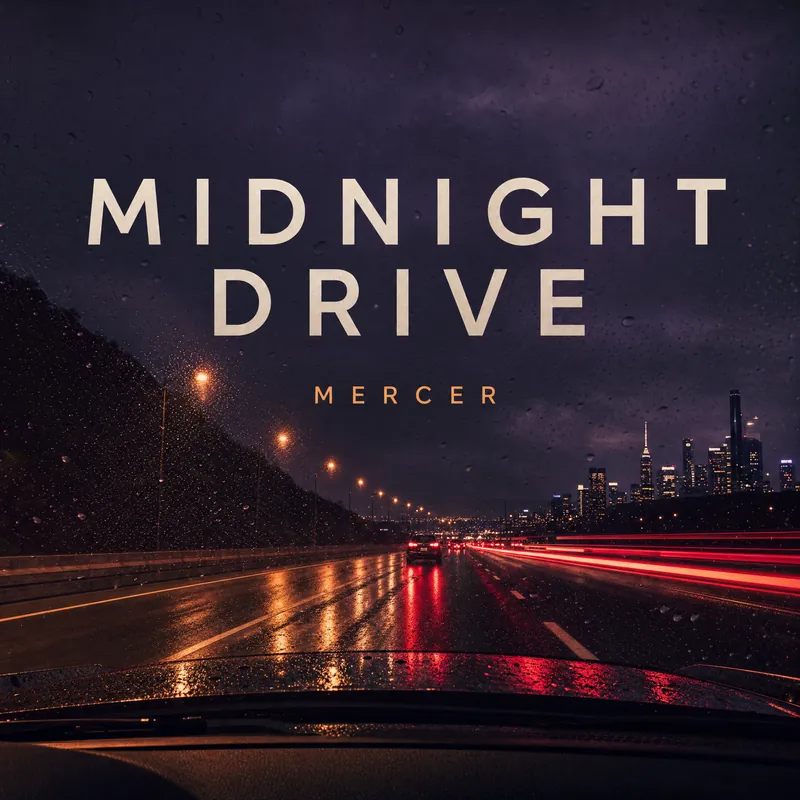
Midnight Drive
SpotifyApple MusicSoundCloudYouTube

Midnight Drive (Original Mix)
Spotify

Warehouse (Extended)
SoundCloud

Sunset Sessions EP
Beatport

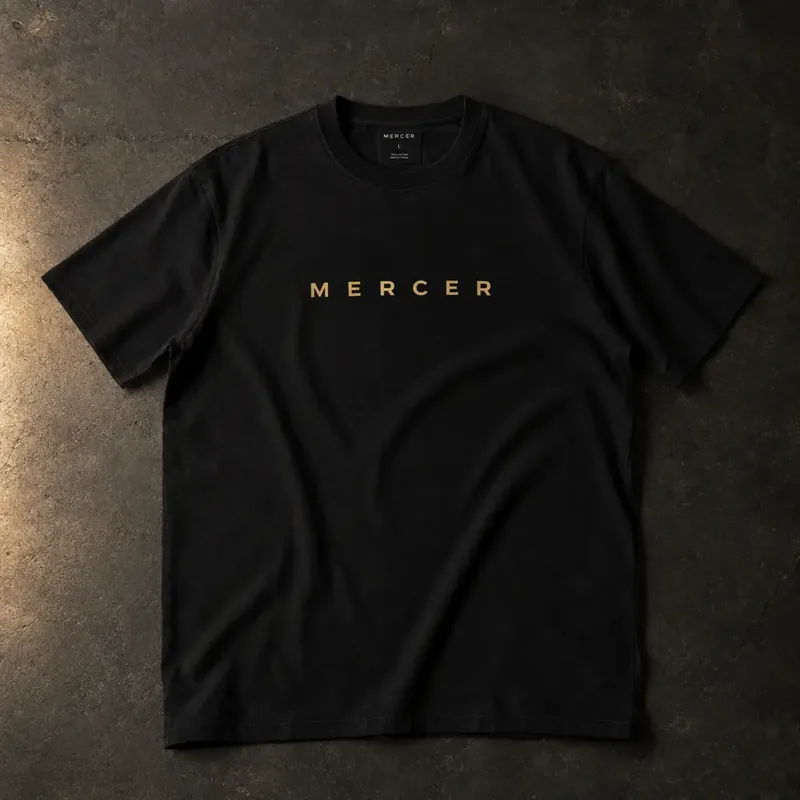
MERCER tee
$35
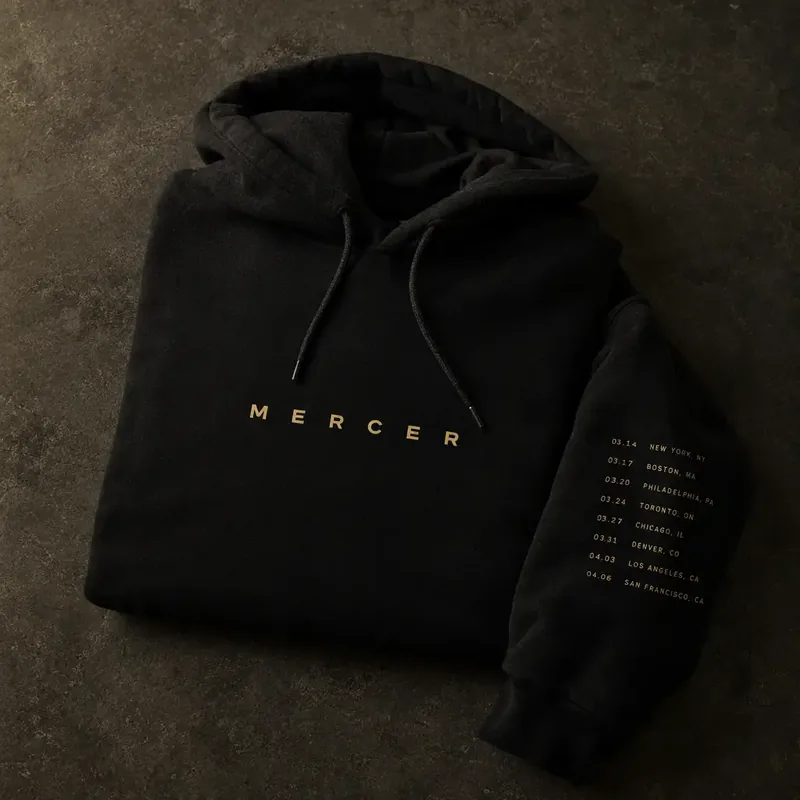
Tour hoodie
$69
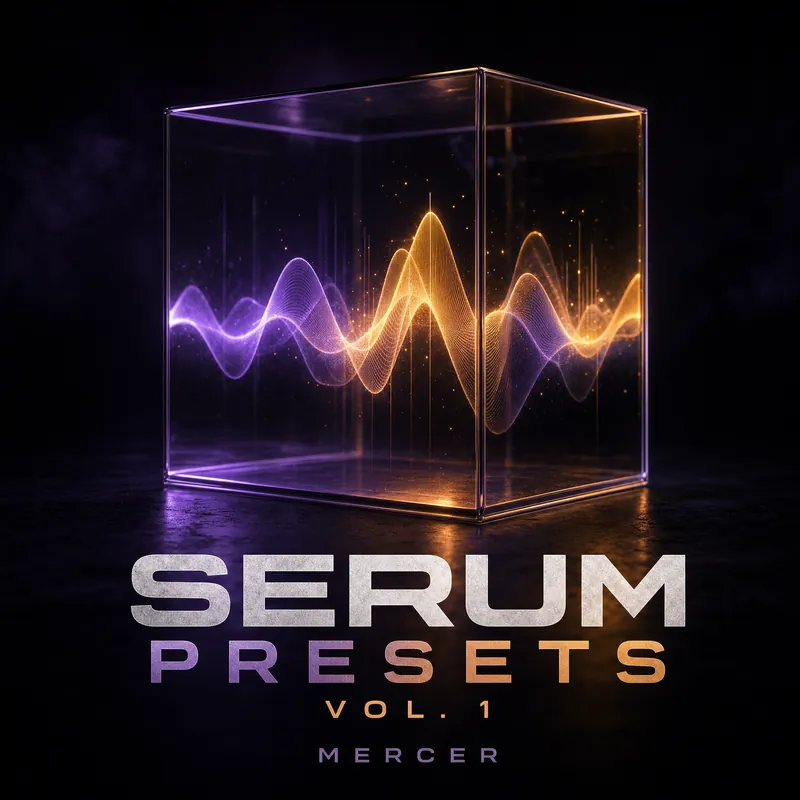
Serum Presets Vol. 1
$29
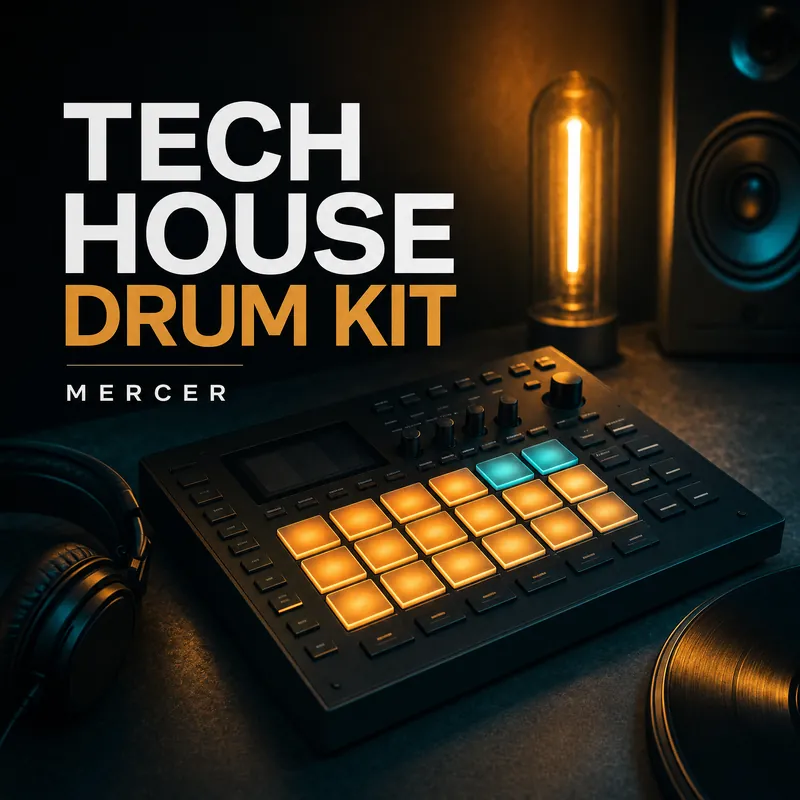
Tech House Drum Kit
$24House and tech house with a warehouse heart. Ten years behind the decks, a new mix every month, and presets and sample packs straight from the studio. See the dates, hear the sets, buy a pack and book a show, all here.
Everything a fan or a promoter can pay you for, from the same link.

Host your own night and sell the tickets from its invitation page. Before the door opens, you see who is coming.

Upload the file, set a price. The buyer pays on Stripe and downloads right away.

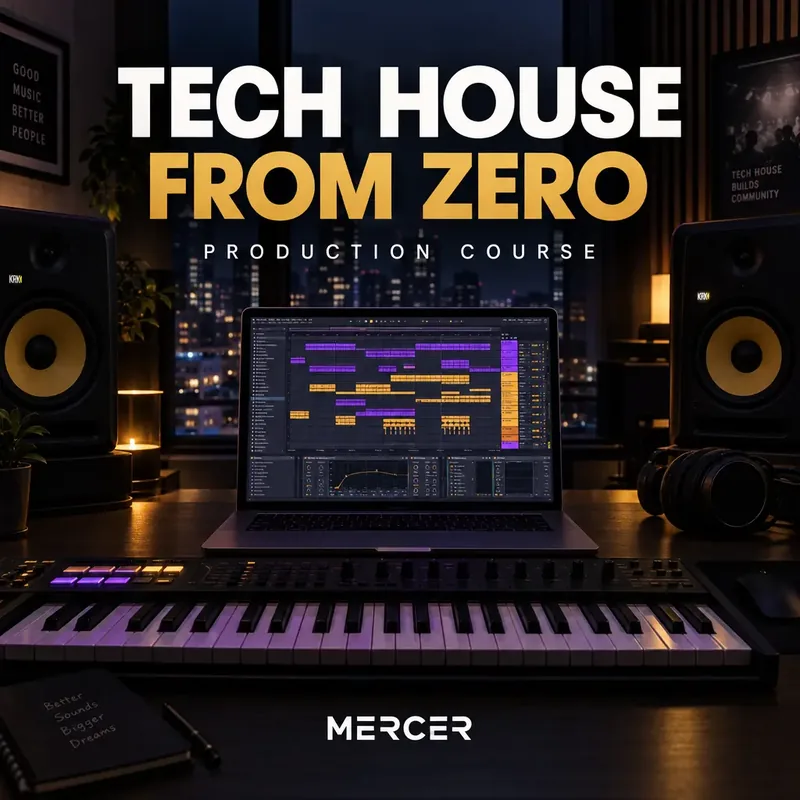
Record the lessons and upload them. Everyone who buys gets a student portal and a certificate at the end.

A fan picks a size and pays through Stripe, shipping included. You get the order with their address and ship it.

A one-on-one production lesson or a mix feedback session, paid up front when it is booked.

A promoter who heard you sends a gig request from the page. You reply with a quote when it suits you.
Payments run on Stripe Checkout. Event tickets, digital products, merch and courses sell on Premium, with no MyVisito fee on sales.

Last 30 days
The drop has its own page. It says which genres you take, a sender uploads the track, and you listen to everything in one place.

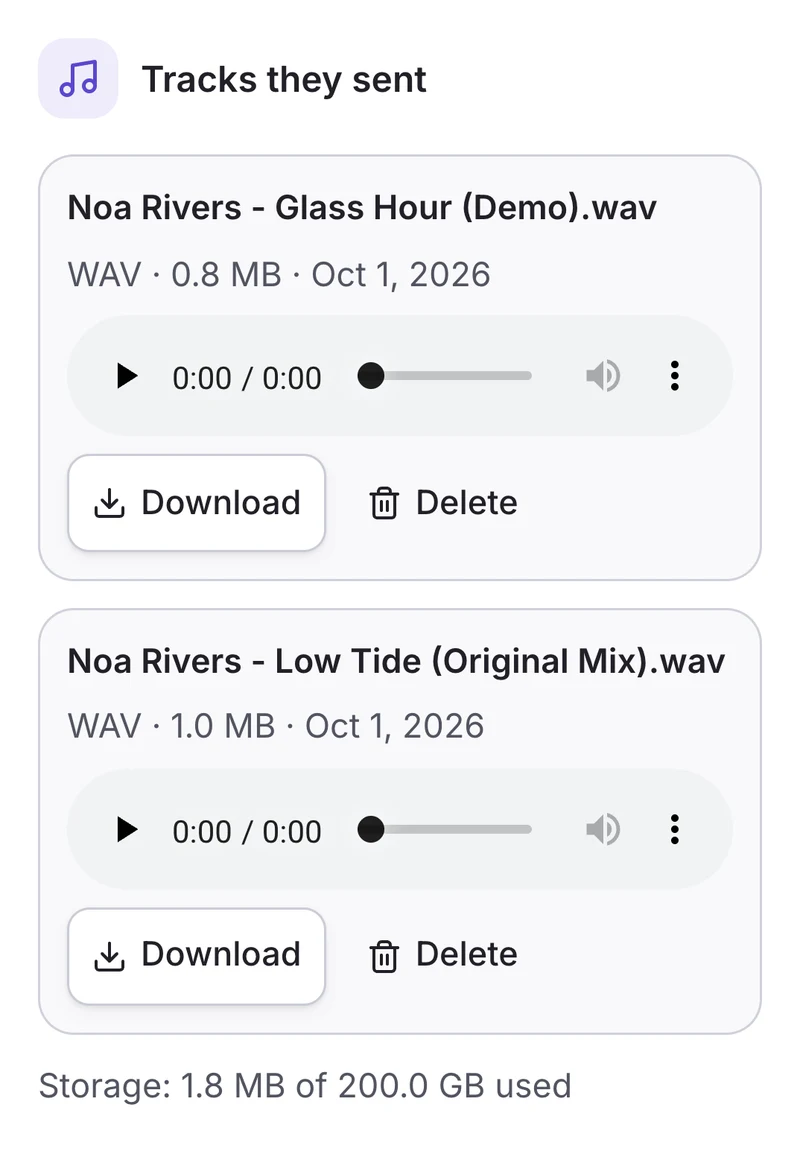
Mark your genres, as many as you like, and they show on the card and on the drop's page. You can also ask for the extended version and whether the track is out yet.
You choose what you take: MP3, WAV, AIFF or FLAC files, a private link, or both, and how many tracks per send. Share the drop page's address and its QR code in your bio or a story.
Every send is saved in your audience list, under "Drop", with the name, the notes and the tracks. Play them in the player and download the file. The sender's contact details are on the same screen.
A drop with links is open on every paid plan. Track files from Premium and up.
Send the flyer you already posted, or fill in a short form, and the date lands on your card.
Link the bot once. Send it a flyer or one line with the date and the venue, it reads them back, you tap Add.
Paste a flyer or a screenshot of your story into the chat and say "add these shows". She lists them, you confirm.
Date, venue, a ticket link and the poster. A show that has passed moves to your past shows, and upcoming ones wear a Today or Tomorrow badge.
Each feature shows the plan it opens on.
Plans and prices: see the pricing page
Mixes to hear (Spotify, SoundCloud, YouTube), a gig schedule with tickets, social links, an updates signup and a booking button for promoters. A phone number is optional; you can keep just the booking button.
Yes. The shows block lists a date, venue and link for each gig, and pulls the event image from the link automatically. Past dates move to a past-shows list on their own.
Your card has a Subscribe button. A fan who taps it becomes a subscriber and sees every new gig or track you add on their updates screen.
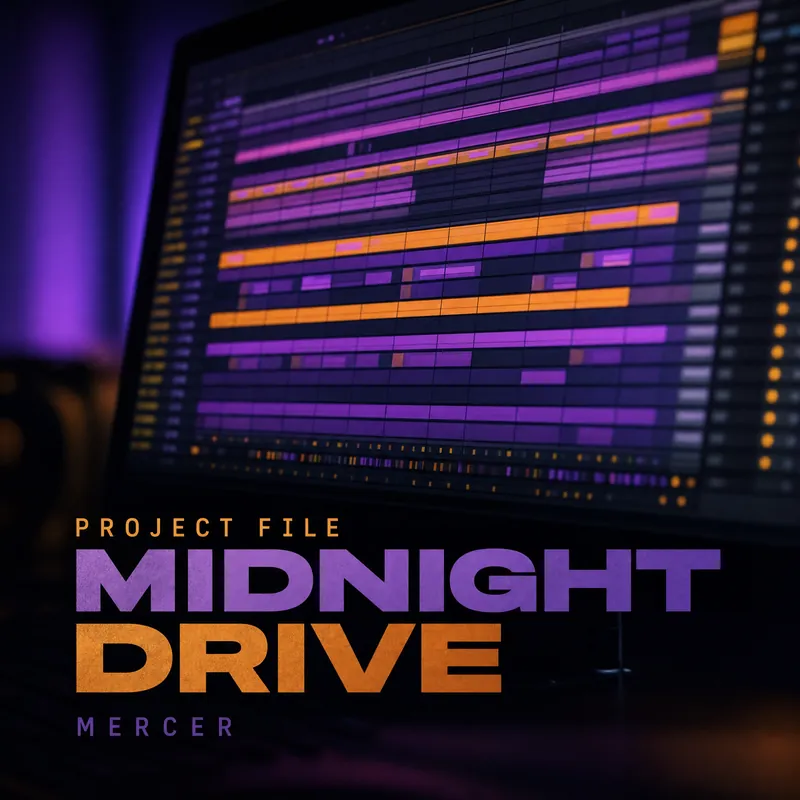
Yes, on Premium. Sample packs, presets, project files and merch sell from your card (courses too), and payment goes through Stripe Checkout. For merch you set a shipping price. The buyer enters an address at checkout, and you ship the order yourself.
Yes, on Premium. The drop is a section of your card with its own page to share: the page says which genres you take, and the sender adds a private link to the track. From Premium they can upload the file itself. Everything that arrives is saved in your audience list under "Drop", and each plan takes a set number of sends a month.
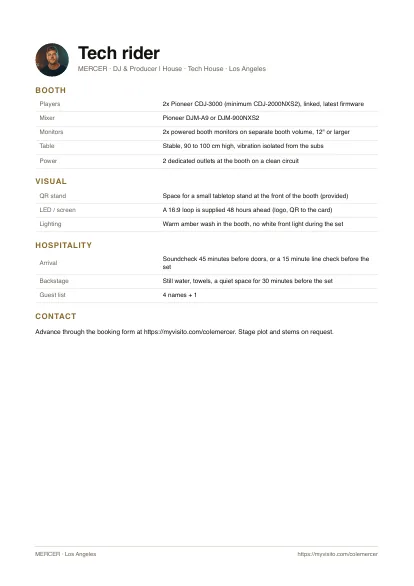
Yes. Send promoters one link with your sets that play, your show dates, photos from your gigs, quotes from organizers and your press kit to download. A ready Artist EPK template is in the editor too, and with a paid plan promoters send gig requests from the same link.
We use essential storage to run MyVisito. Optional analytics, including tools a card owner configured, run only with your permission. Cookie policy