

Mei-Ling Zhao
Design That Tells Your Story
Lumen Studio
My shop


About
A design and branding studio that turns ideas into visual experiences. We build a complete brand language, from the logo to the digital product, with care for every detail.
Selected Work


What it takes today to sell one course
Several separate tools, and each one costs money. Here the store is already inside your business card.
The old way
- A website, expensive to build and maintain
- A store platform, one more subscription
- A payment provider, one more setup and fee
- A PDF price list nobody opens
- Requests scattered across chats
MyVisito: one page
- They open your card or the offer page
- They buy, register or leave an email
- You get paid and keep the buyer's details
What you can sell in your field
Pick your field to see ideas. Tap one to see how it works.
What do you do?
- A downloadable guideWhat you know, as a file people buy and get right away.A download
- A digital courseLessons people pay for once and study in their own private area.A digital course
- A paid sessionAn hour with you, on Zoom or in person, paid in advance.A paid session
- A ticketed workshopOne evening. Everyone who buys a ticket lands on your attendee list.A ticketed workshop
- SubscribersSubscribers see your next offer or event in their updates.Brings people to you
- How much you could earnEnter a price and a quantity and see the math for your field.Open the calculator
How it works
Add an offer
Pick a kind of offer, start from a ready template, and get a sales page at its own address.
Connect payment
Connect Stripe to accept Apple Pay and Google Pay, with the money going straight to your account. Or sell through MyVisito Payments where it is available, with a scheduled bank transfer and one itemized fee.
Share and sell
The offer shows on your card, on your store page and on its own link for a story or a campaign. Buyers see it in their own language. If you like, add a coupon, a sale price with a countdown or a date when sales open.
What it looks like inside
Screenshots of the offer editor and a published offer page. Click to enlarge.
The offer editor
Details, files, price, coupons, buyer form and delivery, with the phone preview updating live.
The offer page
myvisito.com/download/your-name: cover, highlights, price or free, and one button in the buyer's language.
One storefront, four shapes
Ready templates, shown the way they look on a phone. Pick the one that fits and change anything in it.
The seller
A course and a downloadable kit with prices and Buy buttons, on a designer's card.
See the templateThe restaurant
A full menu with dietary tags behind a QR on the table, plus a table booking request.
See the templateThe salon
A price list by category with durations and price ranges, and a leave-your-details button on every treatment.
See the templateThe agent
A gallery of properties with photos and prices; each one takes an inquiry into the CRM.
See the templateOffers that look worth buying
Photos, video, highlights and verified reviews on every offer page. A clear price, one buy button, in 22 languages.

Every offer has its own address
The link looks like myvisito.com/course/your-name. The page works without a card, and it can show up on Google if you want it to. Your store page shows all your offers together.
Every buyer becomes a relationship
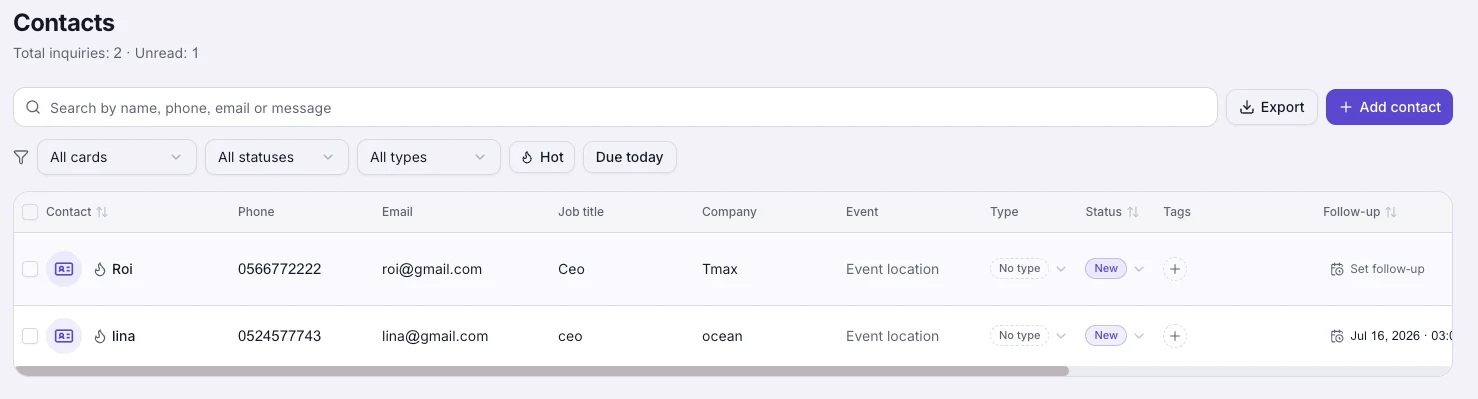
Orders and buyers on one screen, with each buyer's history. When someone buys again, you already know what they bought last time.
Everything inside
Every selling tool, connected to your card.
Selling from the card
Sell courses and digital files straight from your card. Every service gets a quick-contact button.Built-in payments
Secure card, Apple Pay and Google Pay checkout, with the money landing in your account.Analytics
How many opened it, what they tapped and where they came from, by section and by date range.
Who it is for
A shop on the card, for every profession
Pick your profession and see the templates.
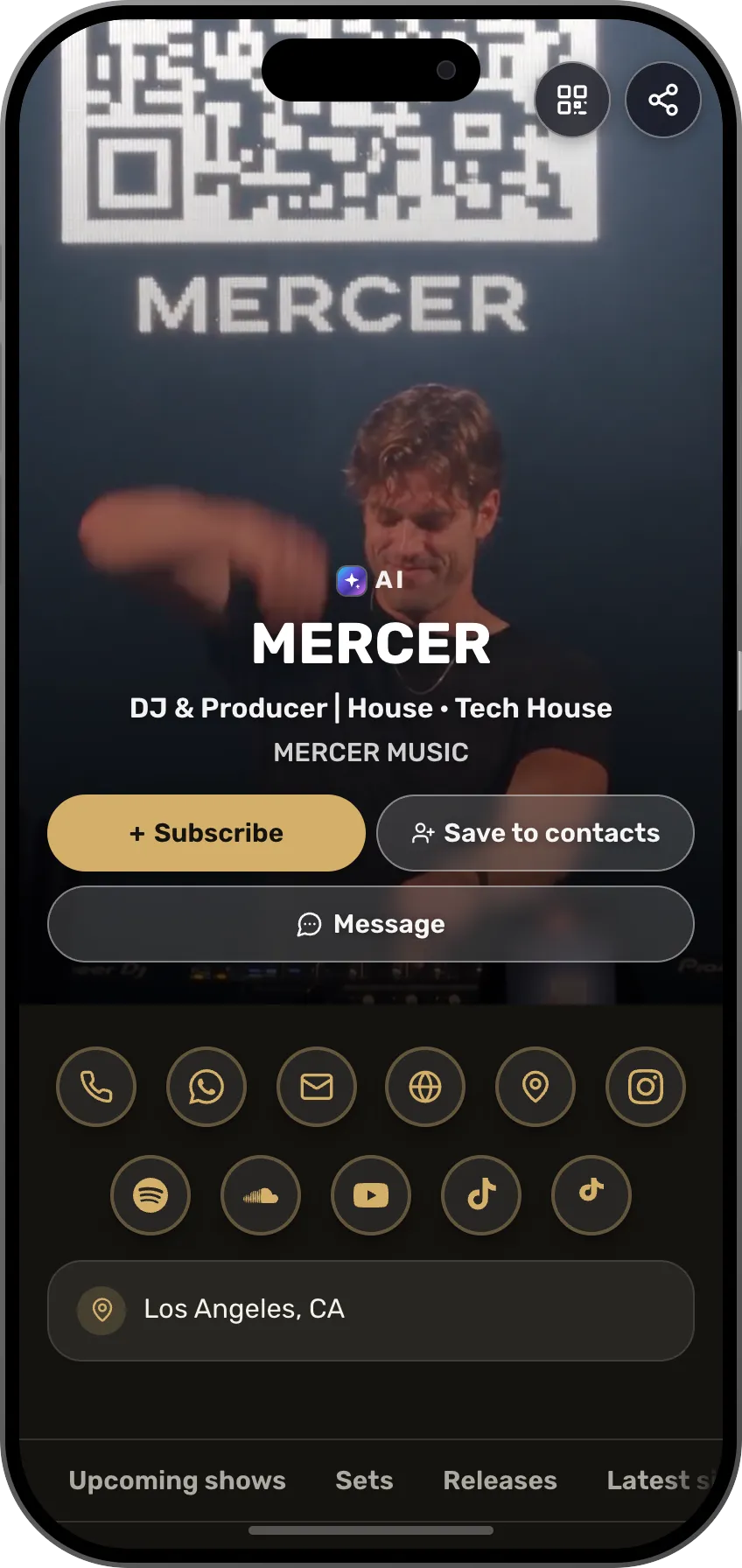 DJSets and sound kits for sale, and a private-event price as a paid sessionSee the profession page
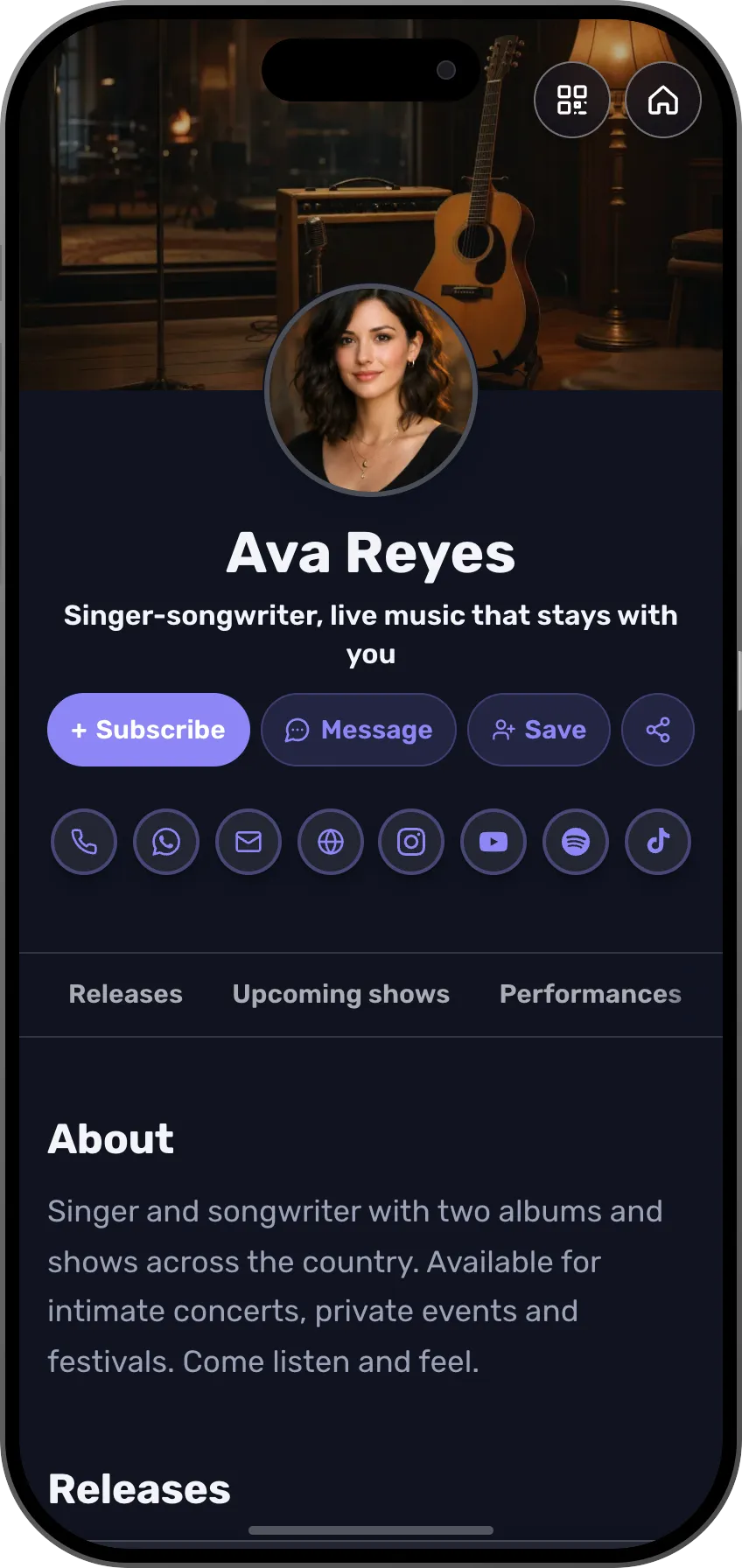 MusiciansSongs, recordings and an eBook for students, and a new track as a free download for an emailSee the profession page
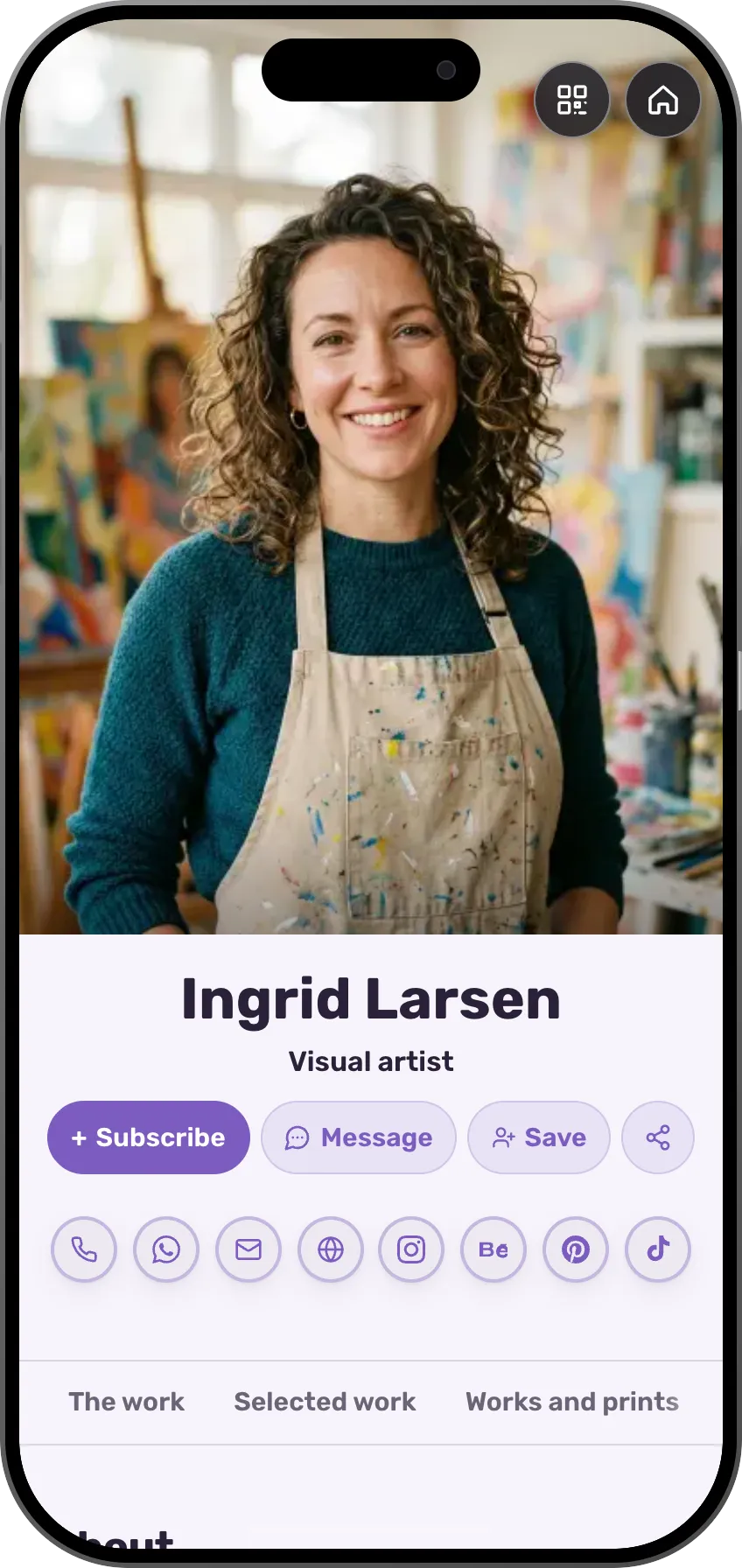 ArtistsPrints, working files and guides, and an online workshop as a courseSee the profession page
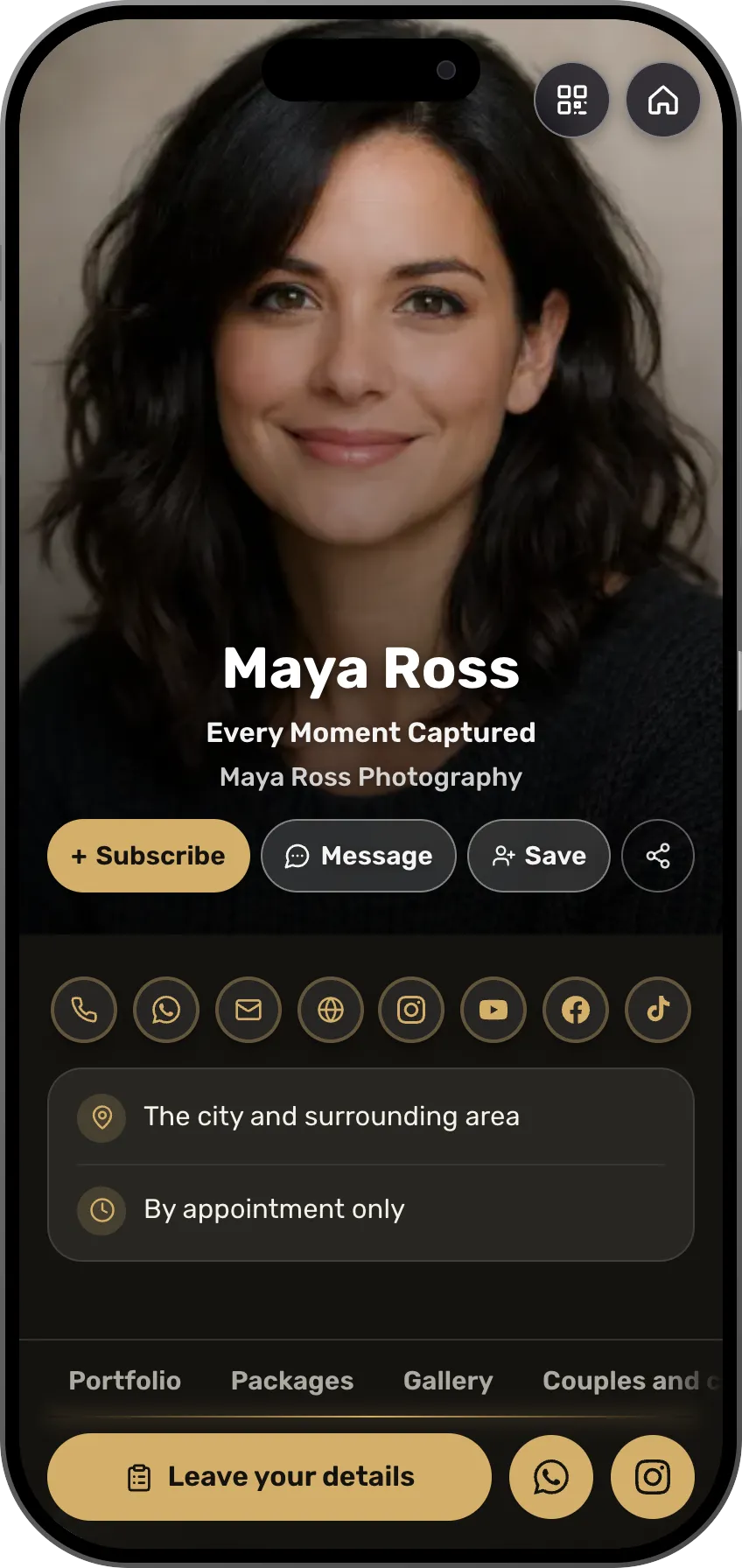 PhotographersPresets, guides and a paid consultation, next to the portfolioSee the profession page
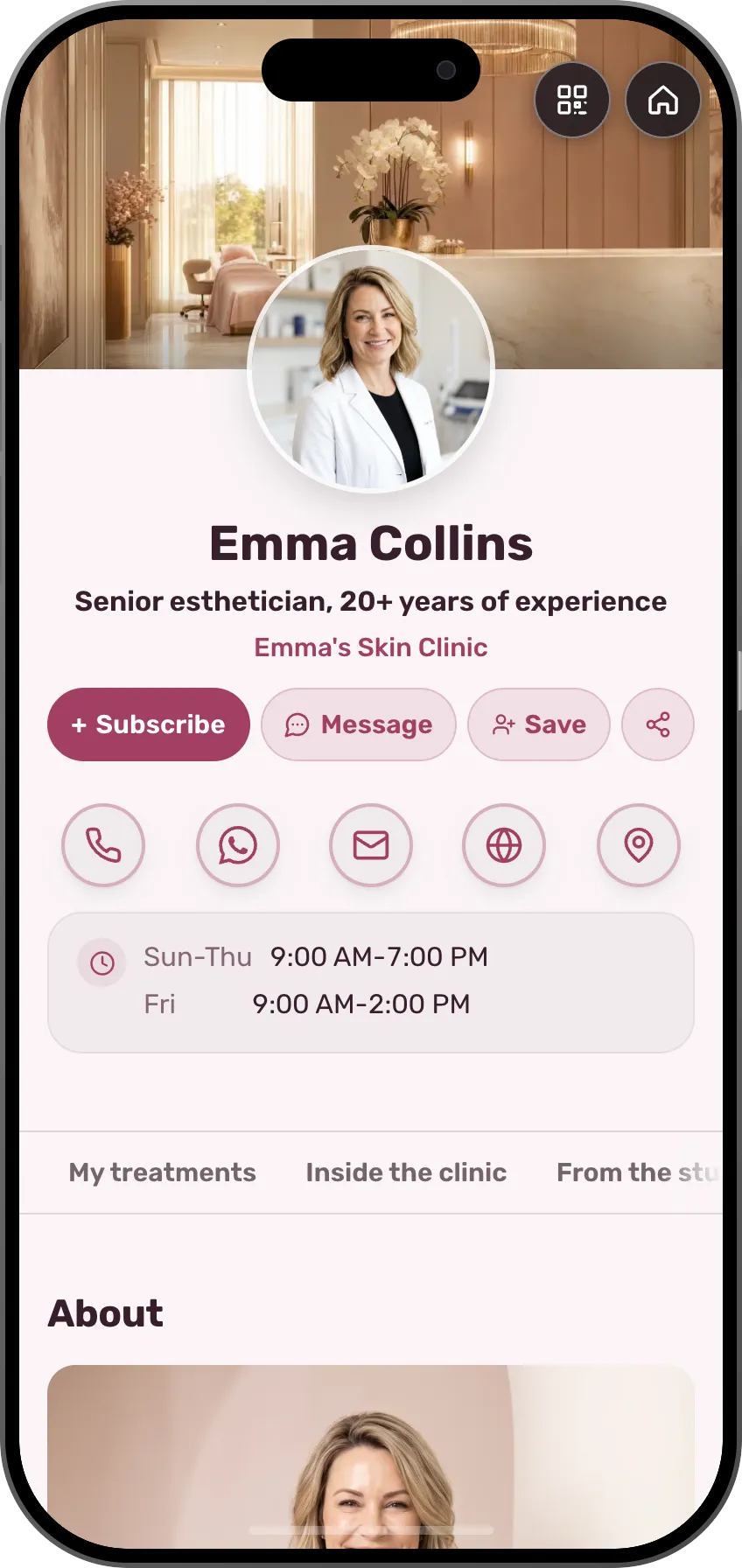 Beauty and cosmeticsA care kit and a home-care guide, and an appointment paid up frontSee the profession page
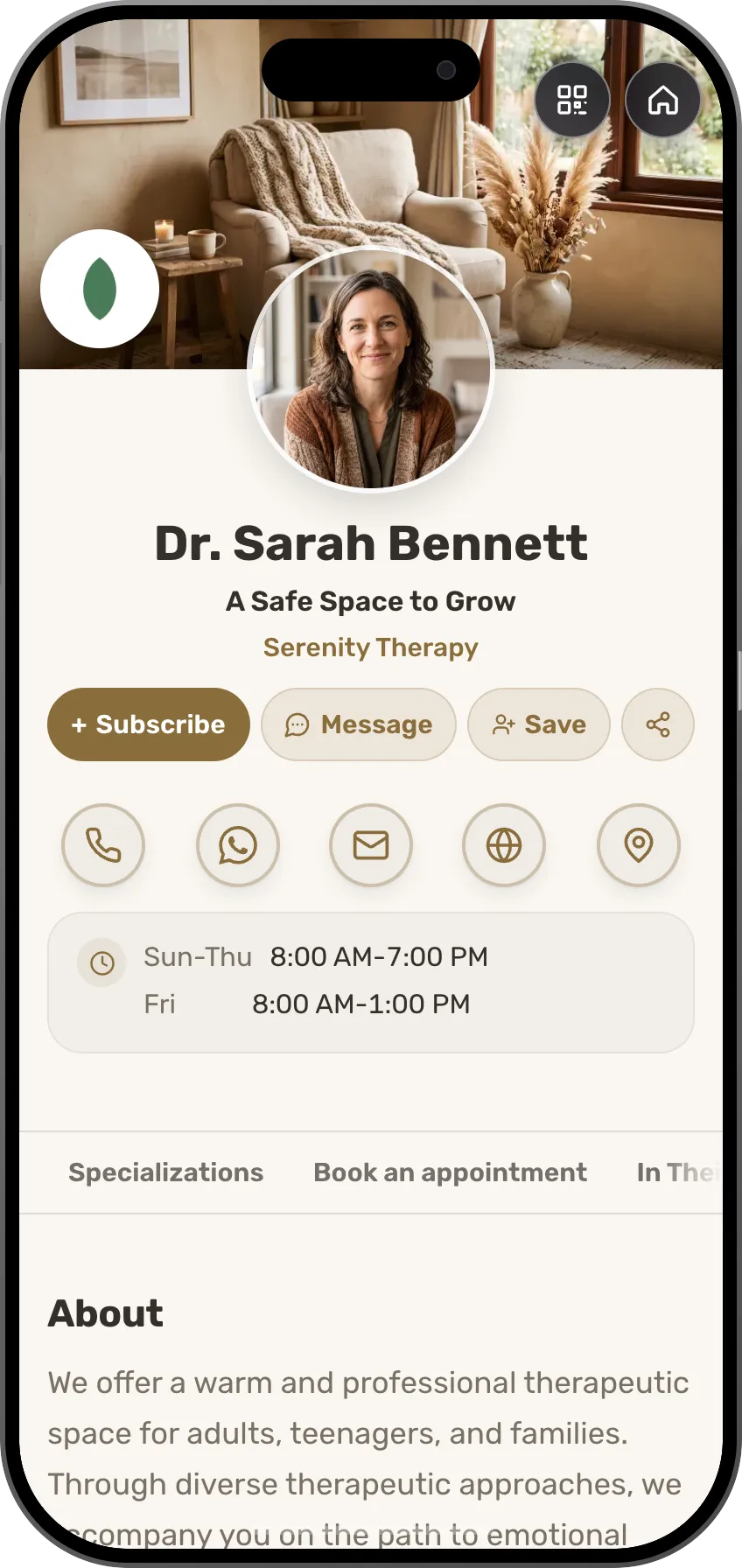 TherapistsA first session paid up front, and a short course for beginnersSee the profession page
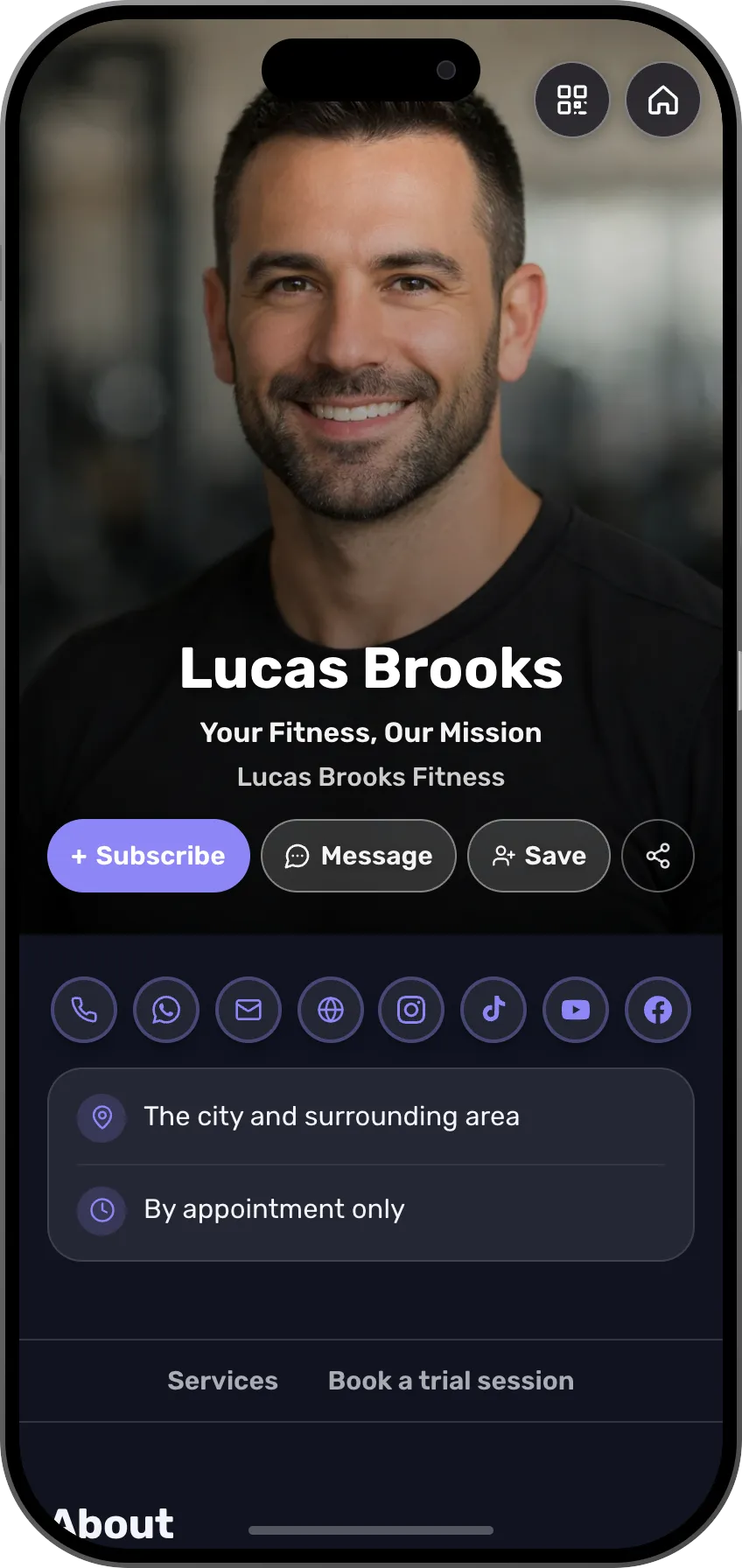 Fitness trainersTraining plans, a 30-day challenge as a course, and 1:1 sessionsSee the profession page
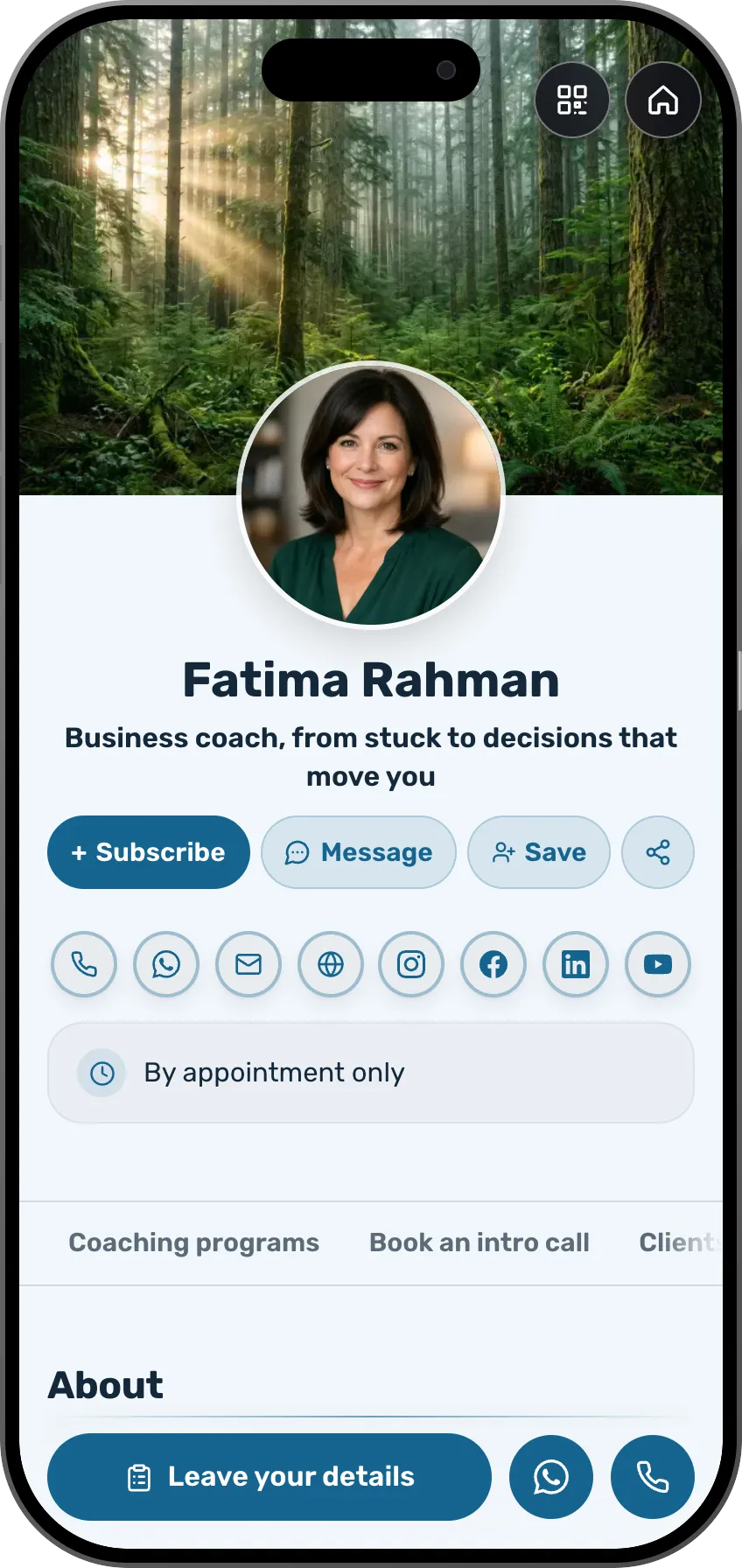 Coaches and consultantsA digital course, a 1:1 sprint and a free workbook for an emailSee the profession page
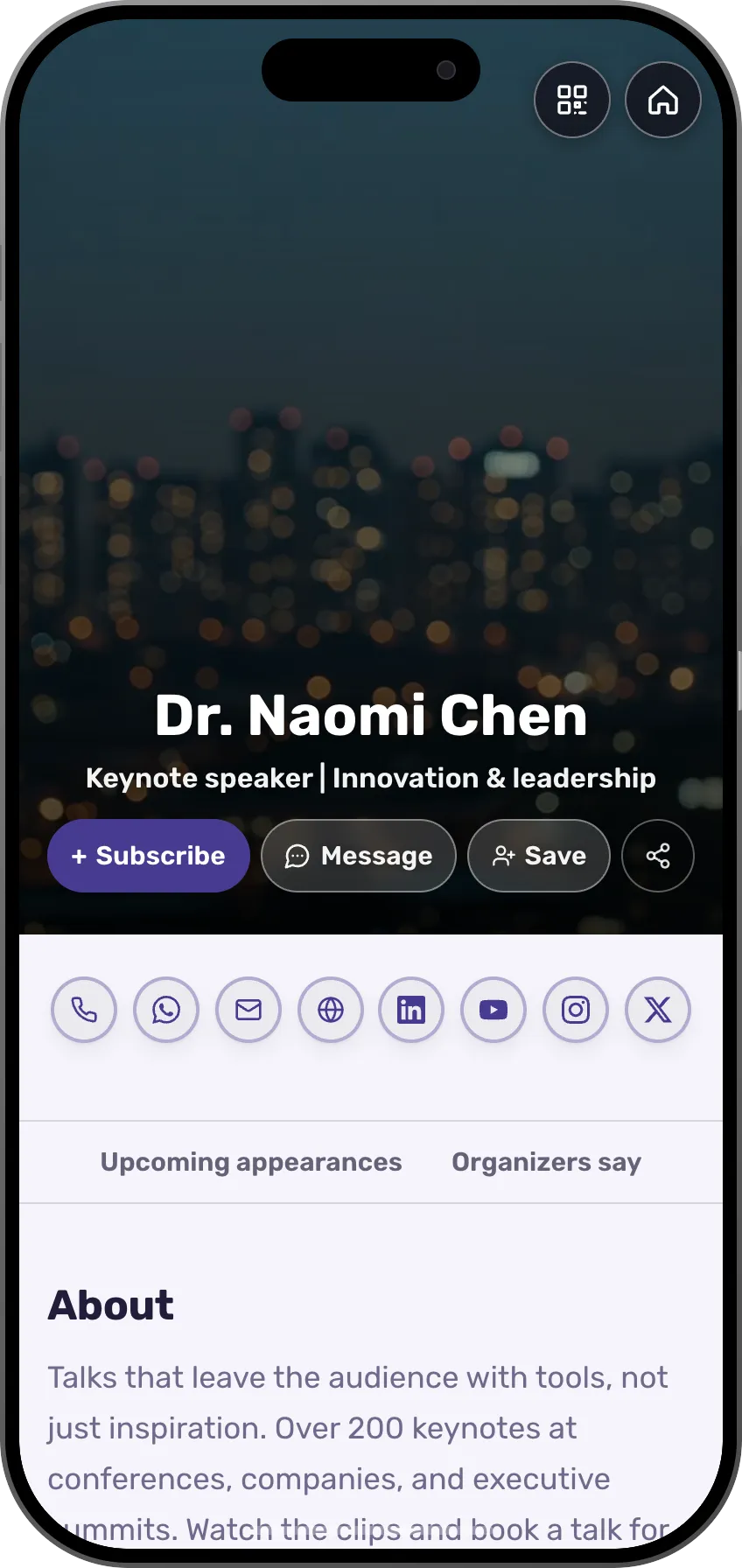 SpeakersA recorded talk, a guide for attendees and a paid sessionSee the profession page
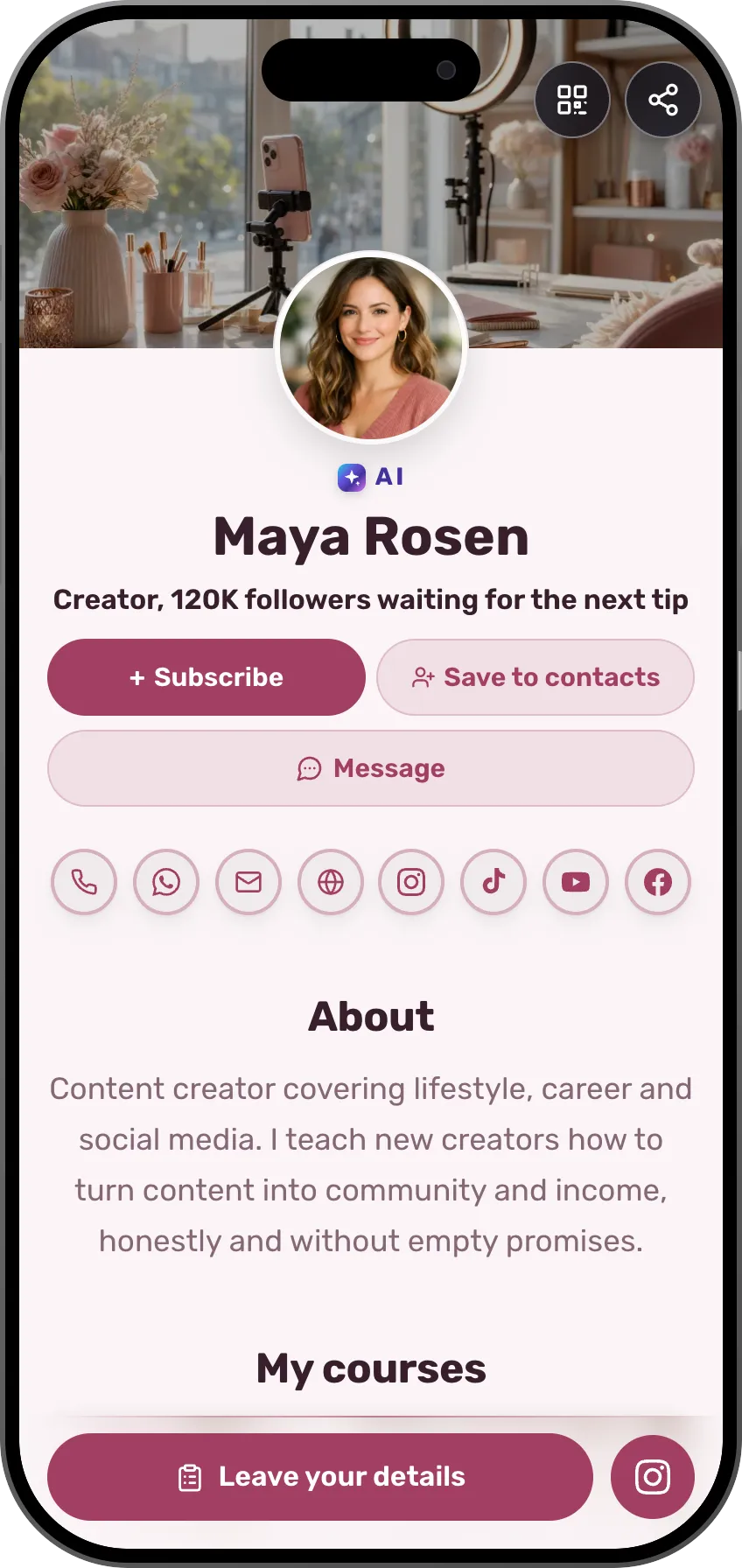 Creators and influencersPresets, guides and access to a closed group through a linkSee the profession page
- More professions and fieldsEach field has its own page, with ready-made templates.See all professions
People buy from people. That's why the shop lives inside your card.
Frequently asked questions
What can I sell?
Eight kinds of offers: a digital course, a paid 1:1 session, a guide or eBook, a media file, a physical product shipped by post, link access, a free download for an email, and a product you sell on another site. Price lists, menus, listings and services show on the card with a quick-contact button.
Do I need a business card to sell?
No. Every offer has its own address, myvisito.com/course/your-name for example, and a sales page that stands on its own. It also shows on your card and your store page.
Does MyVisito hold my money?
With your own Stripe account, payments go straight to you. In some countries where Stripe does not open seller accounts yet, you sell through MyVisito Payments: we collect, handle refunds and support, and the money reaches your bank account on a scheduled transfer. The details are in the commerce rules.
What does selling cost?
The shop sells on Premium (the free plan shows products you sell on another site), with no MyVisito fee on sales on Premium and Max (0%), plus Stripe's processing fee.
Can I give discounts?
Yes. Coupons with limits and time windows, a secret personal link, sale prices with a real countdown, and a sale-start date set in advance.
Which languages can I sell in?
The offer page, the checkout and the buyer emails run in 22 languages, and you can translate an offer with one click. The buyer sees everything in their own language.
How do buyers get what they bought?
Right after payment, on a personal order page and by email, and later in their own purchases area. A course opens in a player with progress and a certificate.
Who can open a shop?
On the free plan you build any kind of offer and see how it looks, and products you sell on another site go live by link. Selling every kind that takes payment through MyVisito (eBooks, access links, courses, paid 1:1 sessions, media files, products shipped by post and a free download for an email) opens on Premium. Premium and Max sell the same eight kinds, and both keep the files with us. Sellers must be 18 or older. The first time, you connect Stripe or MyVisito Payments, and from the moment it is approved your offers go live.