A digital business card for accountants and financial advisorsYour services, your licence and a way to book a first meeting, on one card.



Amara Osei
CPA for the self-employed, your numbers in calm hands
About
Certified public accountant serving freelancers and small businesses. With me you get a personal response, reports on time, and tax planning that leaves you more at the end of the year.
Services




Clients say
Website, calendar, inquiries and webinar, in one link you send on WhatsApp.
Today you send the Zoom link to each registrant by hand and copy every inquiry into a spreadsheet.
What you keep today
- A firm website from three years agoA separate app, its own login
- Meetings booked by phone and emailA separate app, its own login
- Inquiries in a spreadsheetA separate app, its own login
- A webinar with a Zoom link on WhatsAppA separate app, its own login
With MyVisito
One card holds all of this
- A card you update from your phone, in a minute
- First meetings booked in the hours you set (from Premium)
- An inquiry list with the question and the date
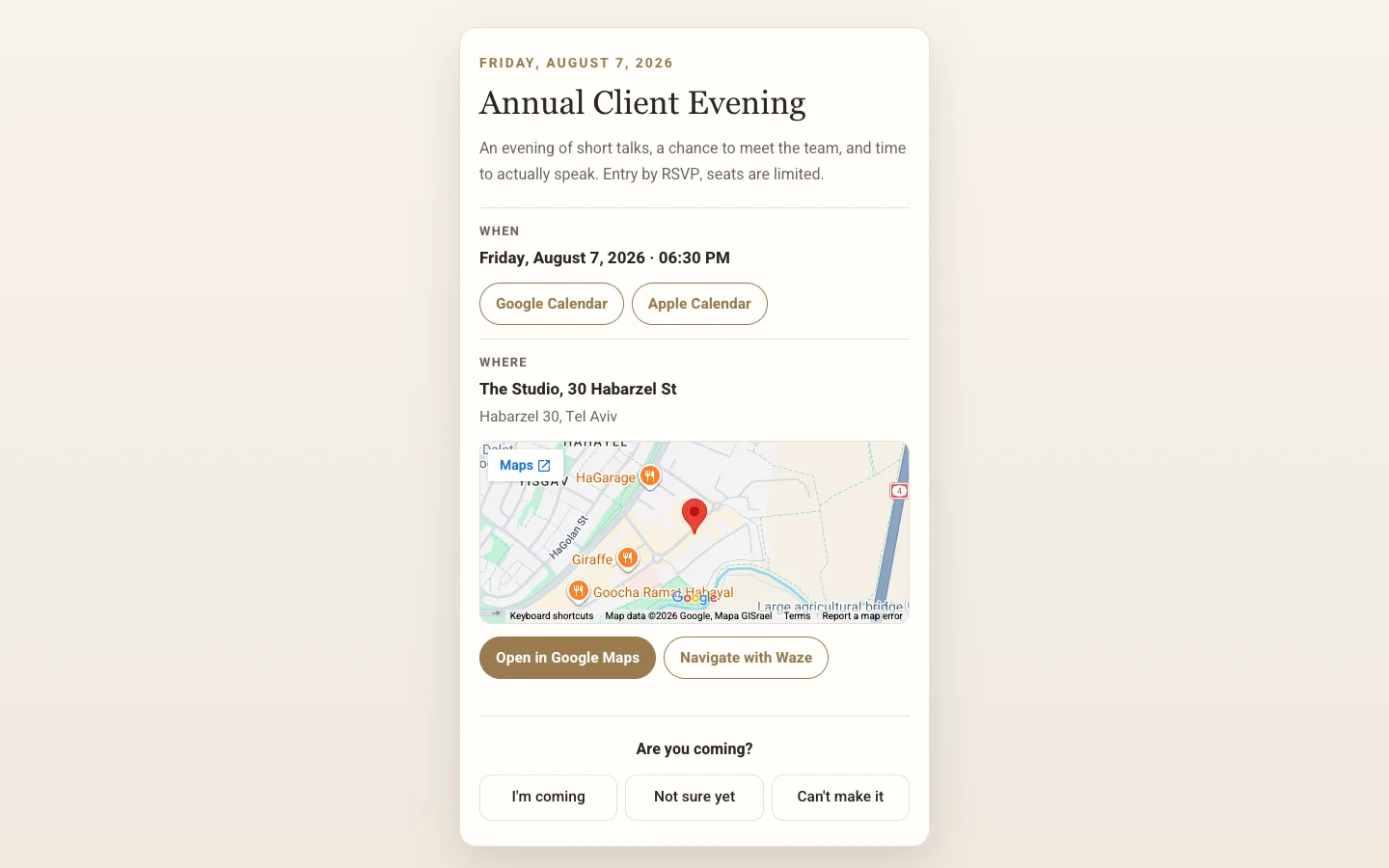
- Its own invitation page, sign-up and a reminder
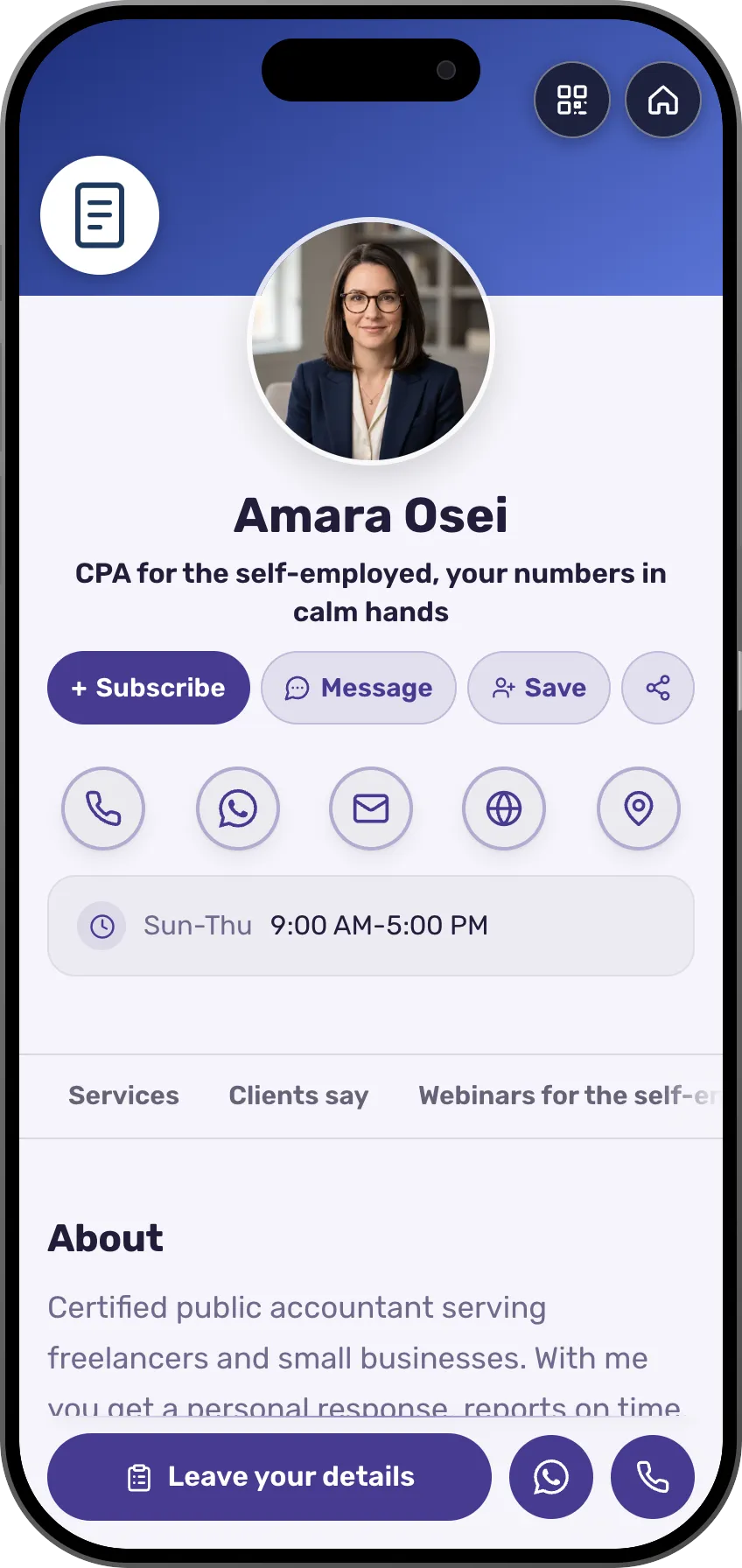
Amara Osei's week in tax season
What accountants and advisors get
From the first question on WhatsApp to the webinar before the filing deadline.


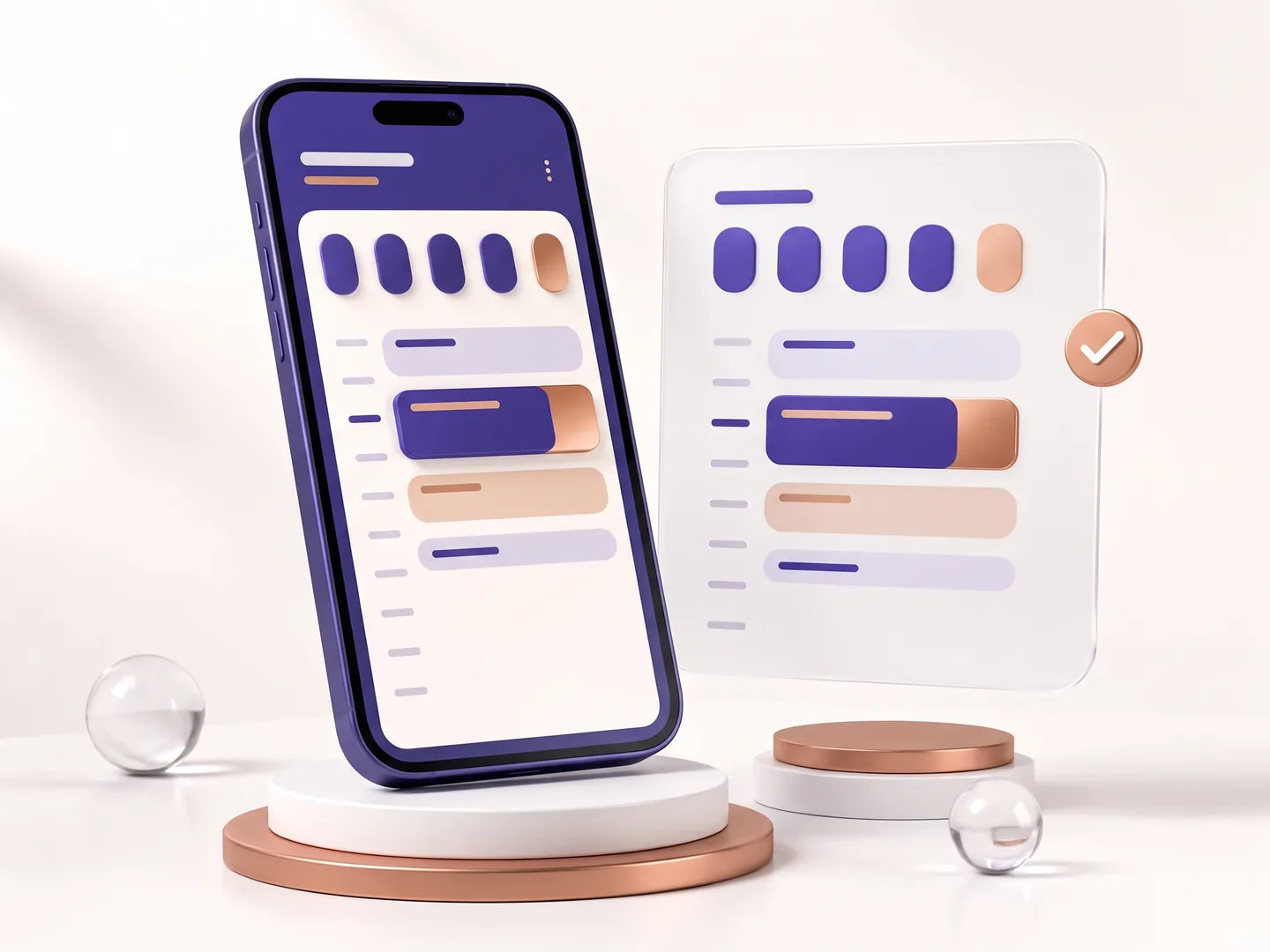


How it works
Pick a finance template
Or tell the AI assistant about your practice. The services and the licence are already in place.
Set hours for first meetings
Choose the hours and the meeting length, and connect Google Calendar if you like.
Send the address instead of a paragraph
On WhatsApp, to whoever asked about a tax return or a mortgage. They book the meeting from there.
Templates for accountants and advisors
An orderly, calm design with the services, the licence and a way to book a meeting.
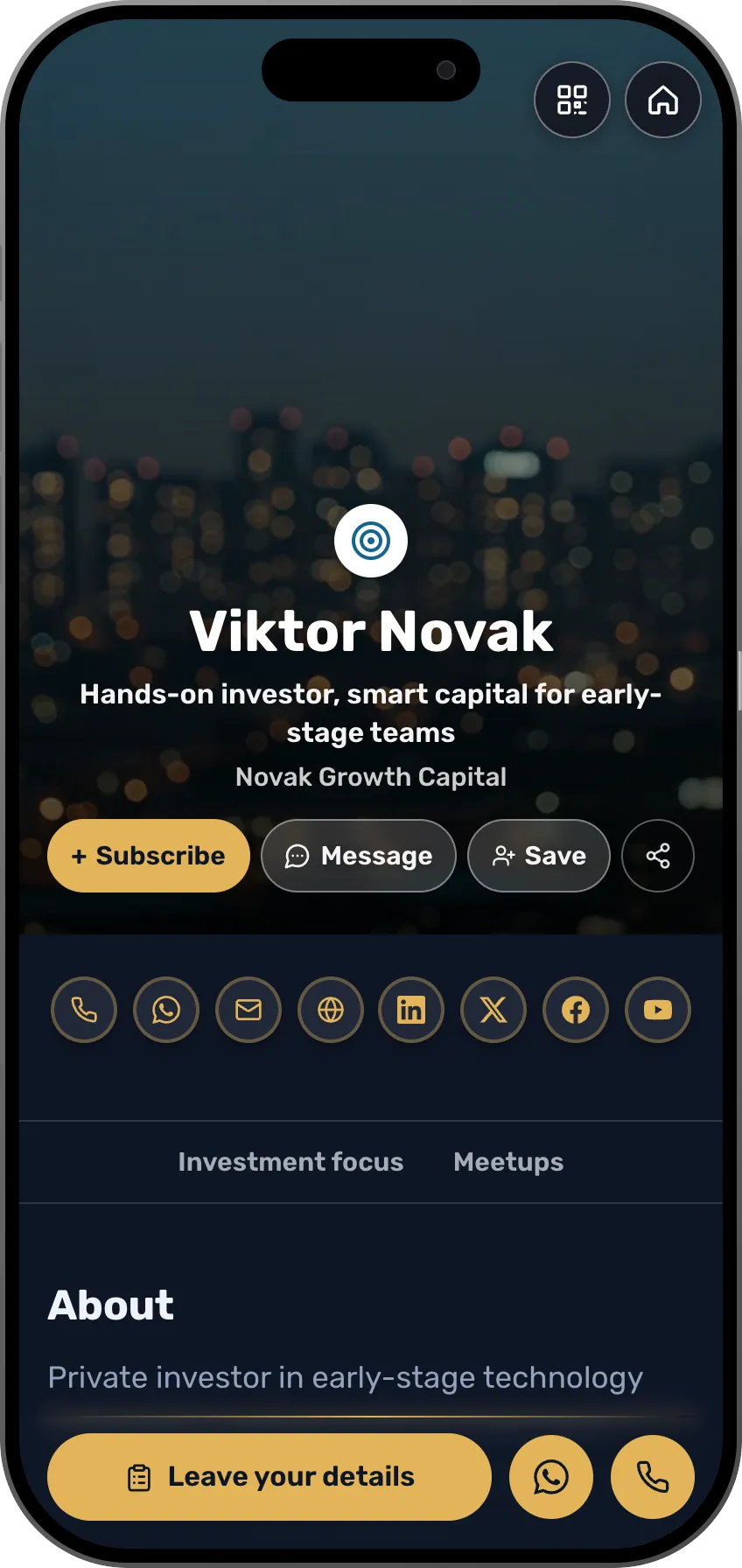
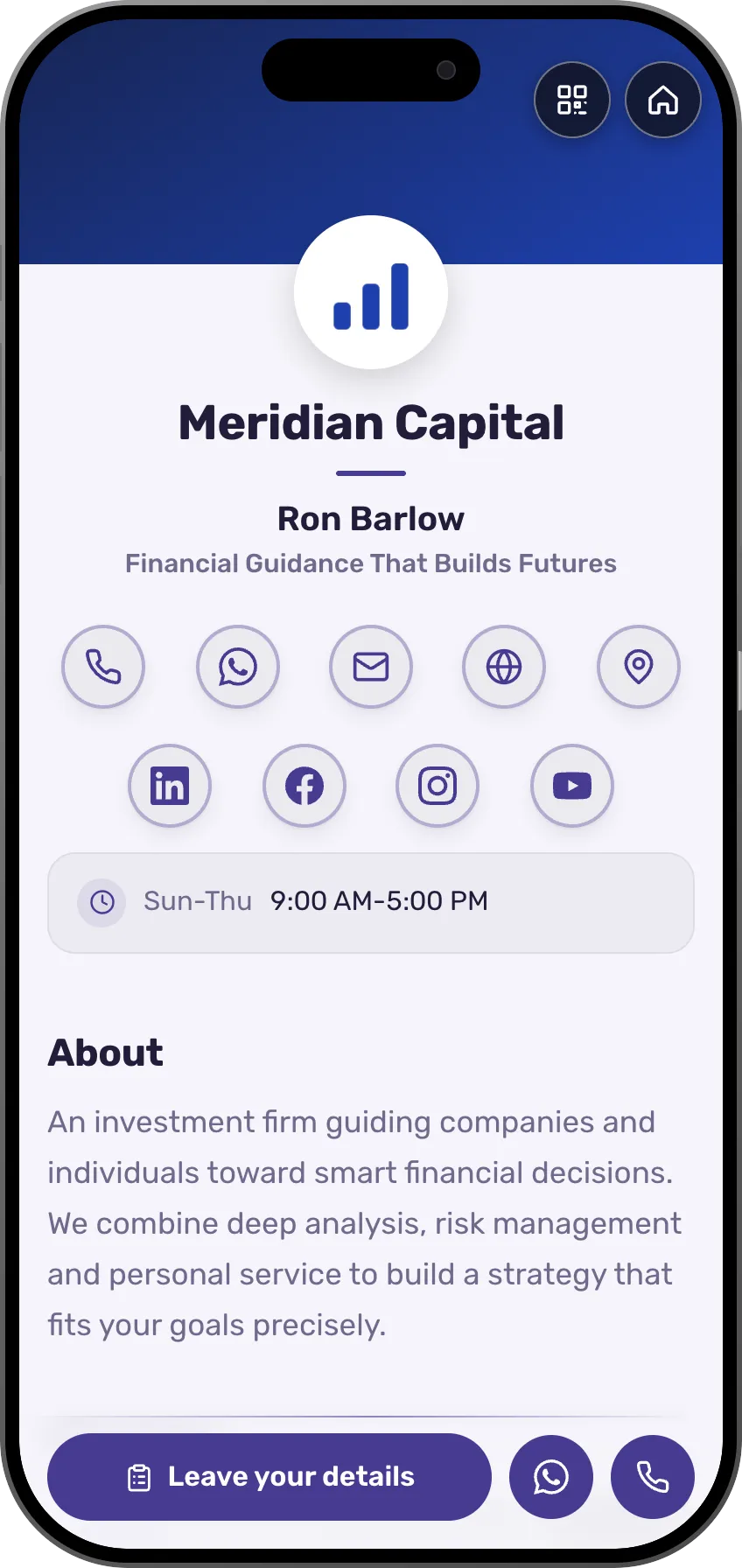
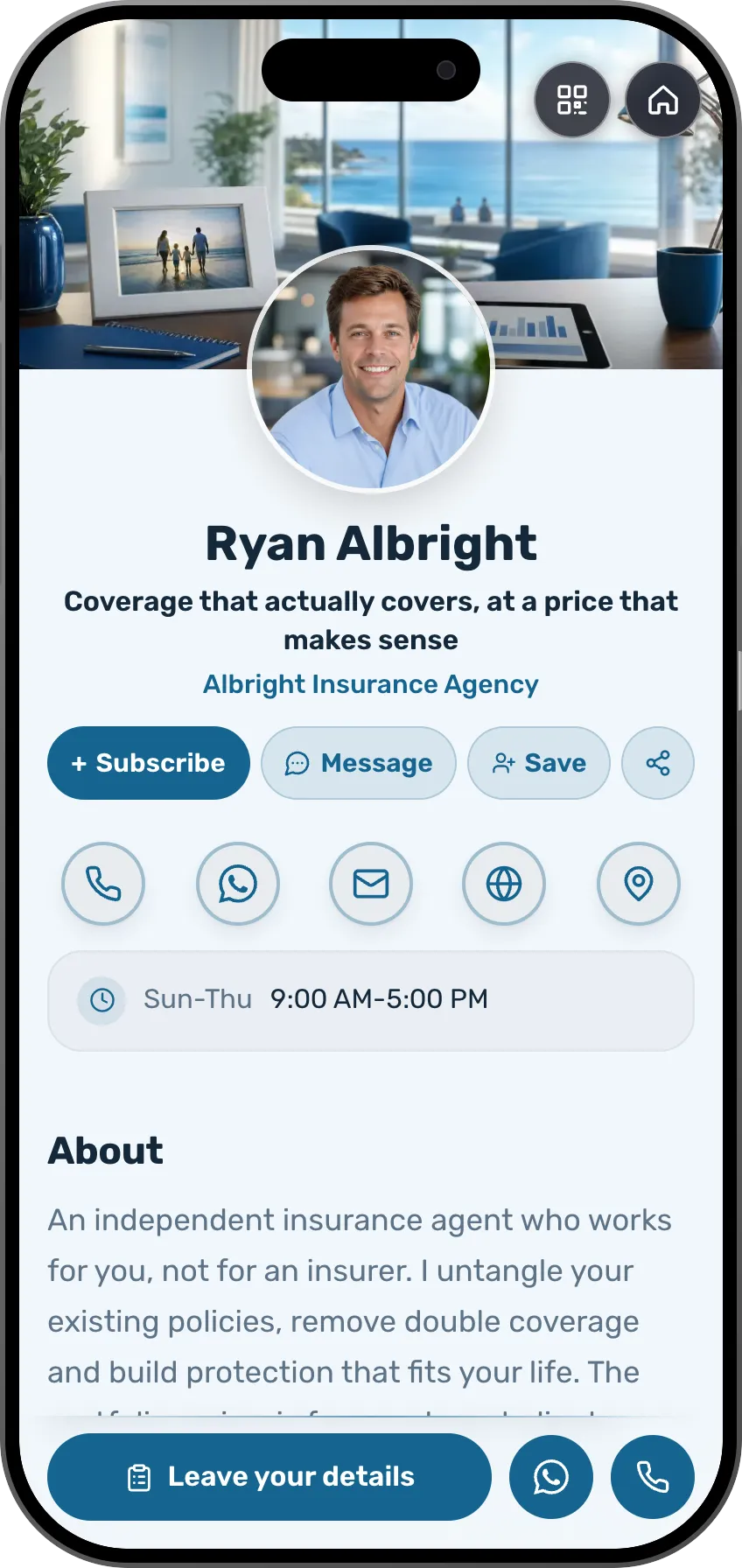
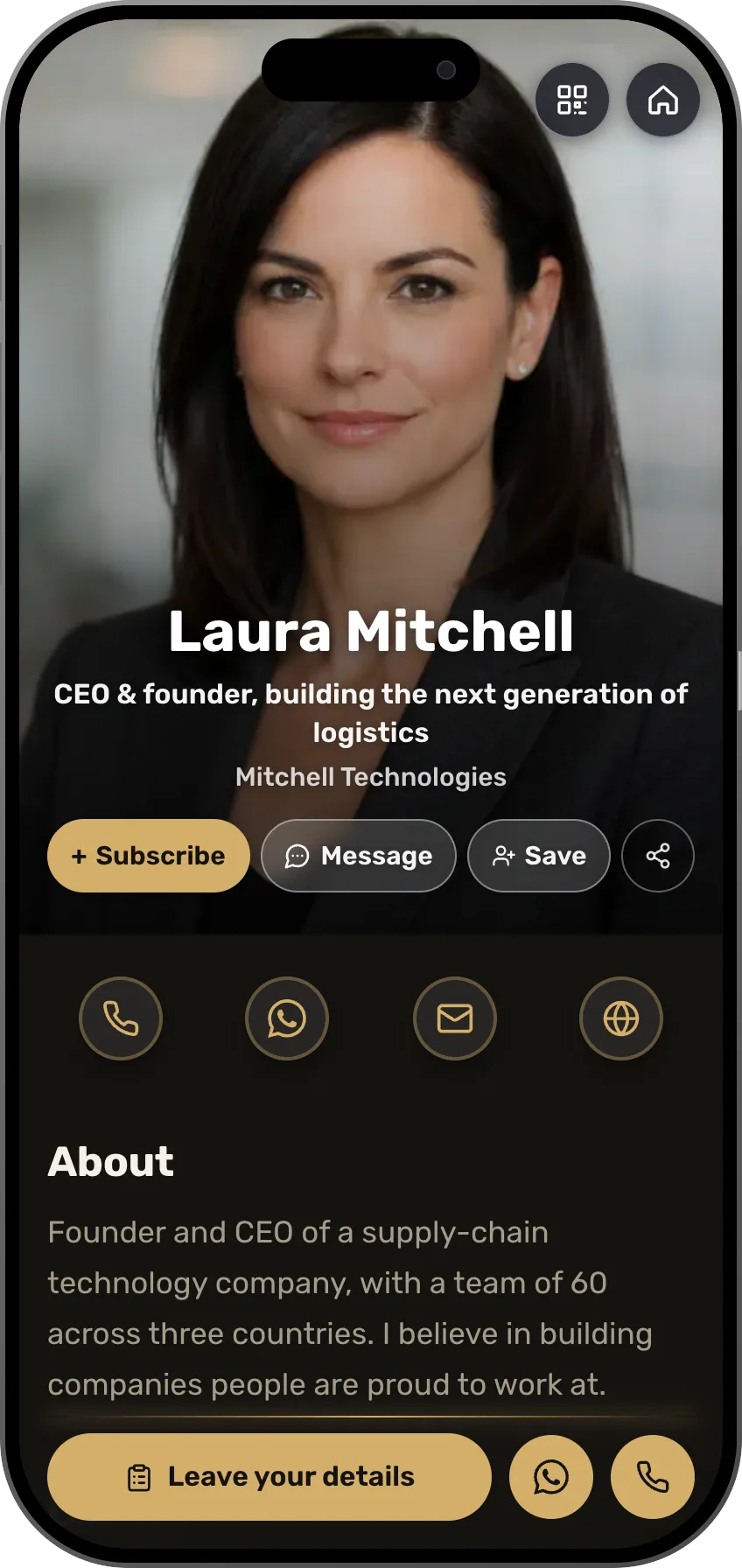
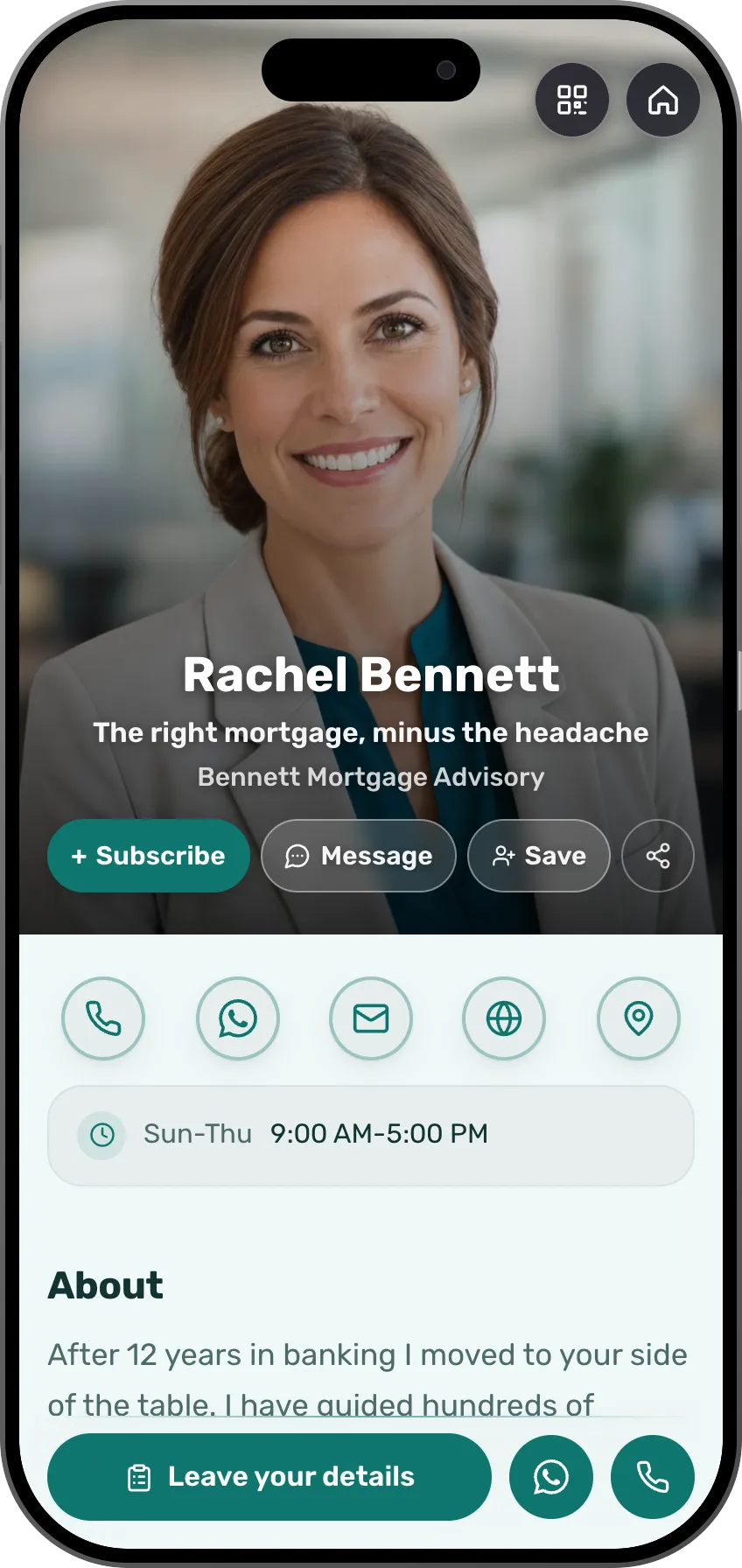
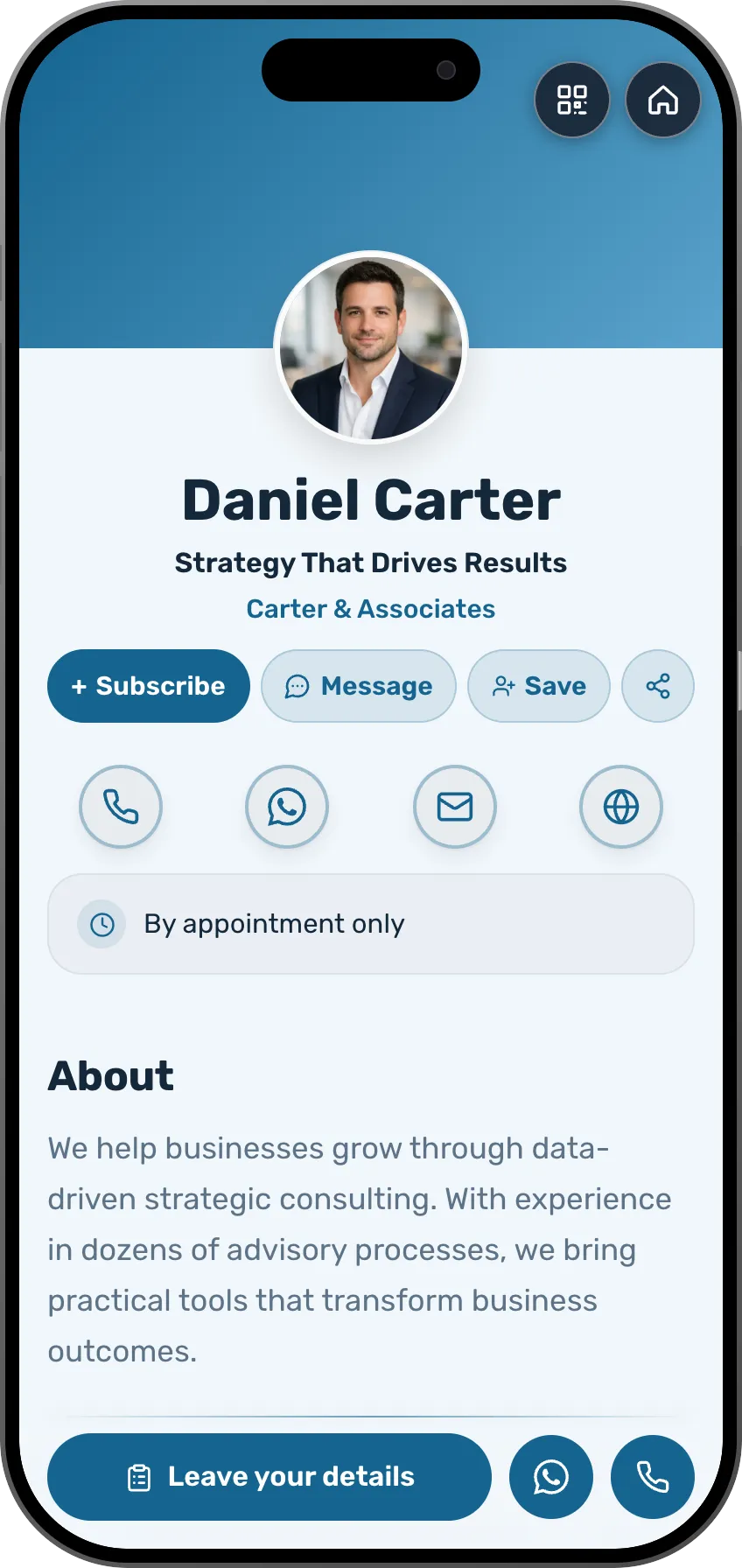
126 designed templates, sorted by profession
A card in any of 27 languages, and visitors see the version in theirs
By kind of event
Webinars and evening meetups with sign-up
Everyone who signs up gets the Zoom link and a reminder before you start.
Keep everyone you meet on one list, with where you met and what you agreed.
Scan the card of someone you met or snap a paper one, add a note about what you agreed, and message them from the same place.

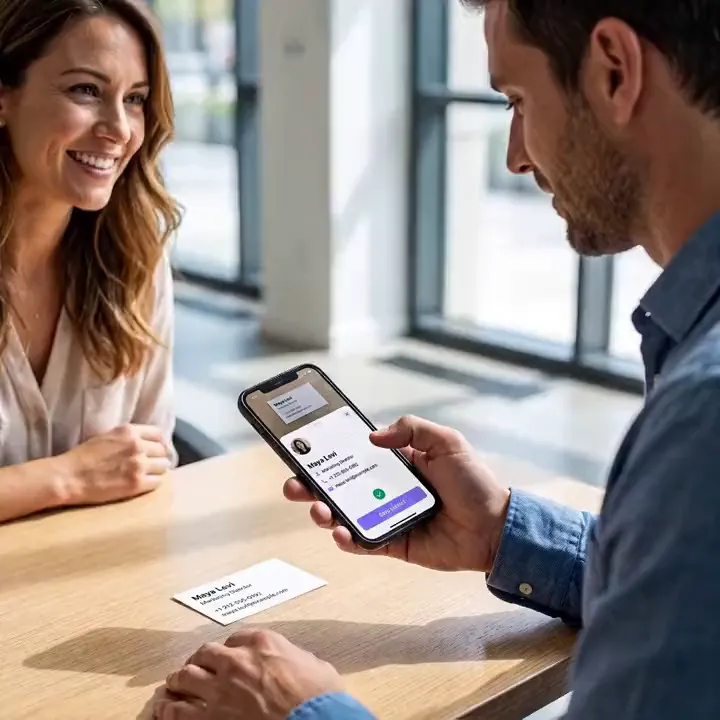
Scan a paper card, and the person is on your list.
Frequently asked questions
What is in the free plan?
A card at your own address with your services, licence and education, an inquiry form and your contacts list. Booking and testimonials open on Premium, with a 7-day trial.
Can I show prices?
You can. The price list section shows a service and a price with a contact button beside it. Most offices write "from" or discuss the price at the meeting.
How is a first meeting booked?
Mark the days and hours you're free. A visitor picks a time and writes a line about what the meeting is for, and once you confirm, you both get a calendar invite.
Can I invite people to a webinar for the self-employed?
Yes. An event with its own sign-up page, a Zoom link sent to registrants and reminders. Every registrant joins your list.
Does the card suit an office with several partners?
Yes. Every partner gets a card, and on the team plan all of them share one design, with the inquiries in one place.
How many templates are there, and can I change them?
There are 126 designed templates, sorted by profession, and each one is a complete card with its sections ready. You can change everything in it: colors, font, background image and the order of the sections. Or tell the AI assistant what you do, and it drafts a card laid out for your profession.
Which languages does a card work in?
The card itself can be written in 27 languages, including English, Spanish, Arabic, Hebrew and Russian, and visitors see it in their own language when there's a version for it. Sales pages, courses and event invitations work in 22 languages, and the app itself runs in English, Hebrew and Russian.
Can I get paid from any country?
Taking payments (a shop, courses and paid event tickets) is open to sellers based in one of the 35 supported countries, and buyers can pay from other countries too. MyVisito itself is available in most countries. Where it is, the card, the free plan, contact exchange, your contact list and event invitations all work.
- 126
- Designed templates
- 27
- Card languages
- 22
- Shop and event languages
- 35
- Countries you can sell from
- 22
- Live integrations
Integrations with the tools you use.
A new inquiry goes to your CRM or a sheet, a meeting lands in your calendar, and a consultation gets its Zoom or Meet link by itself.
Calendar and meetings
Meetings go into your Google Calendar, and whoever booked gets an invite for theirs.
- Google Calendar
- Zoom
- Google Meet
- Calendly
CRM
Every new inquiry from the card shows up in your CRM.
- HubSpot
- Salesforce
- Pipedrive
- Dynamics 365
Email marketing
Whoever left details on the card joins your mailing list.
- Mailchimp
- Klaviyo
- MailerLite
- Brevo
- Kit
- beehiiv
Automation and sheets
Every inquiry is written to a sheet or starts a Zapier flow.
- Zapier
- Google Sheets
- Google Contacts
- Outlook
Make and n8n connect too, and more are on the way.




Read next
Meeting scheduling
A booking button on the card, with a confirmation and a calendar invite for both sides.Contacts and CRM
Each name on your list comes with where you met, where things stand and when to get back to them.Events with RSVPs
Build an event, send one link, and the RSVPs count themselves with a nudge for whoever forgot.