What you get for a webinar
The things you'd usually do by hand happen here on their own.
Only registrants get the link
Connect Zoom or Google once, and the meeting is created the moment you publish. Each registrant gets the link by email.
A recurring series
Every week or every day until a date: one registration, one link for every session.
The audience stays
Every registrant is saved to your audience with the webinar you met at, and you invite them to the next one straight from the list.
Who it is for
Who runs webinars this way
How people in different fields use it.
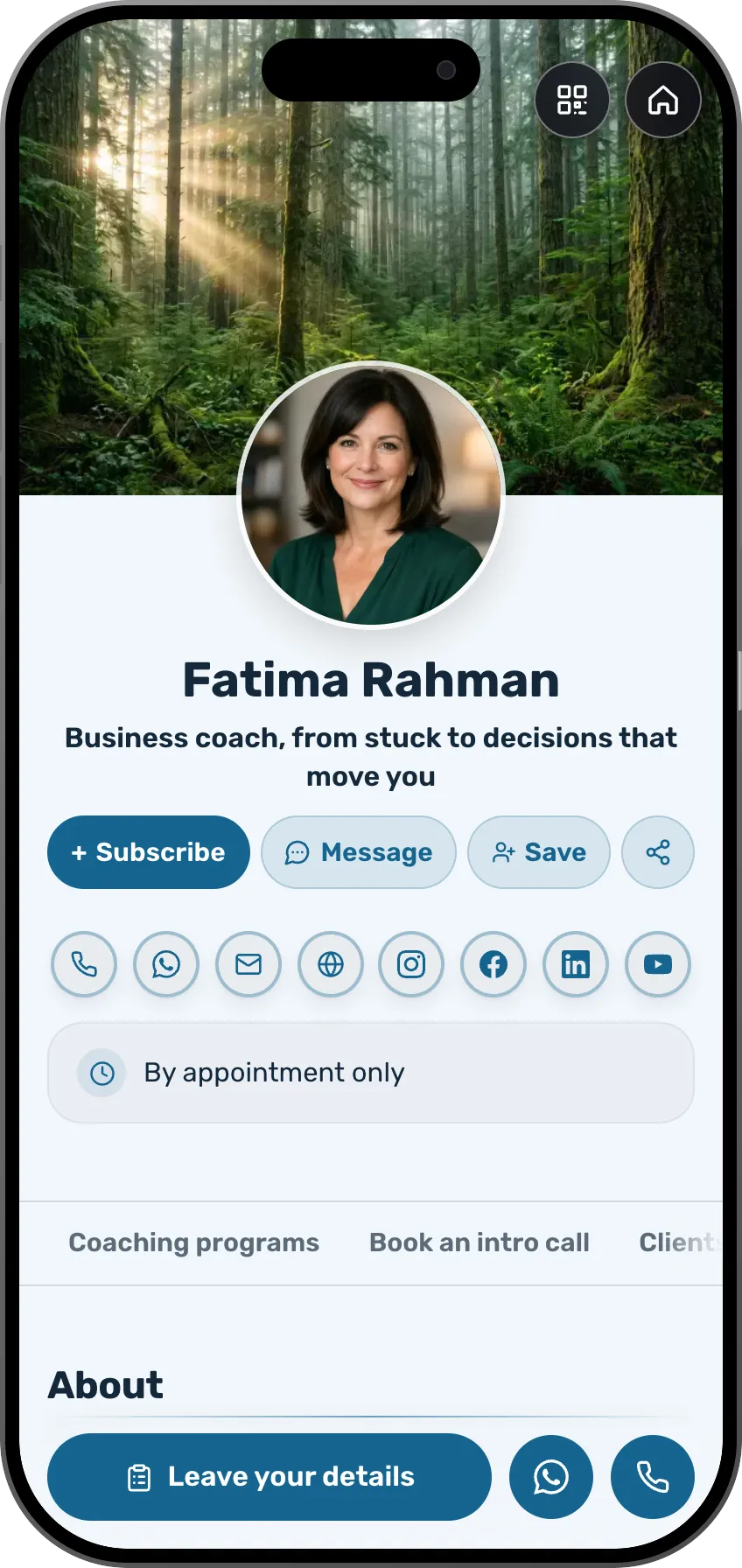 Coaches and consultantsA webinar with a Zoom link sent only to registrantsSee the profession page
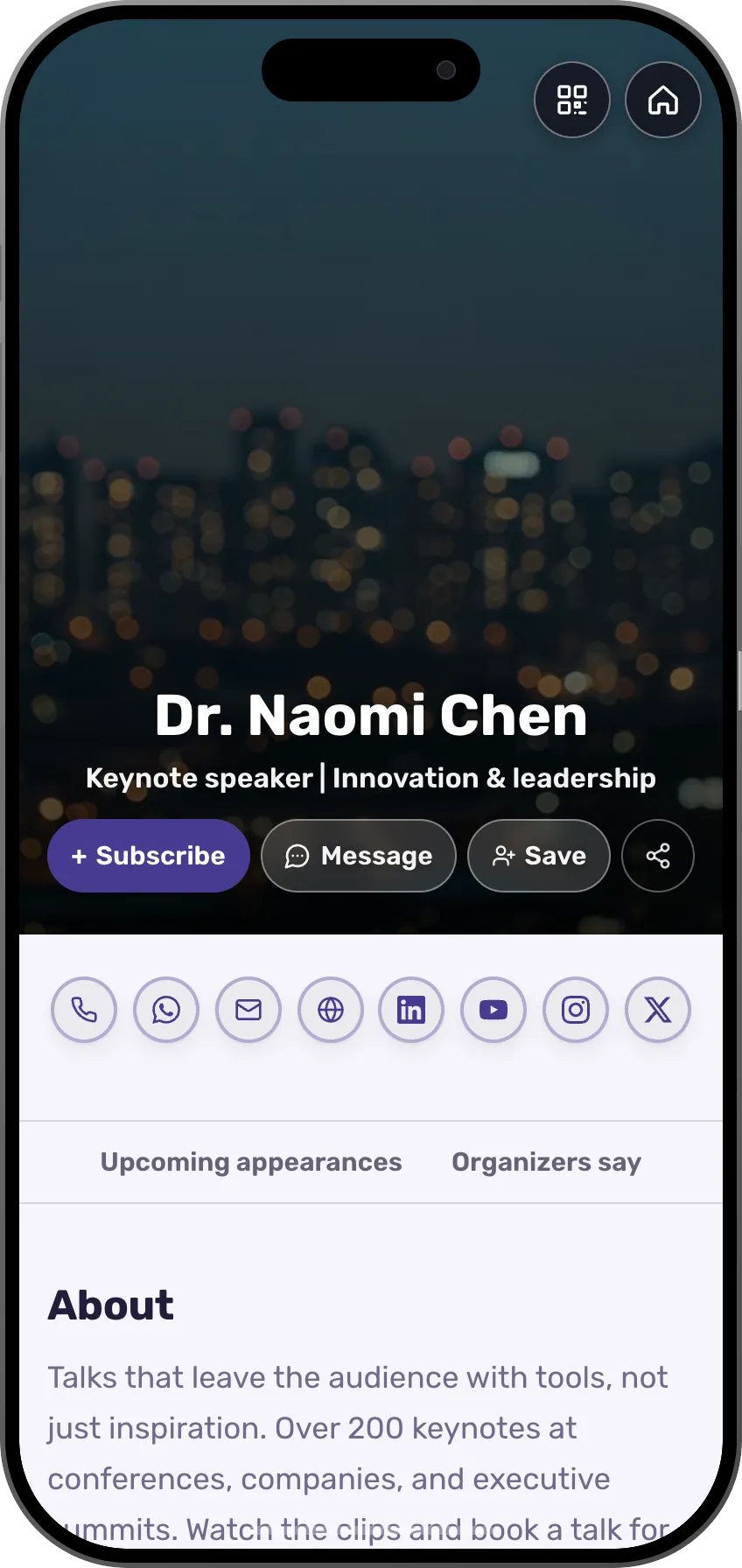 SpeakersA talk with tickets, on Zoom or in a hallSee the profession page
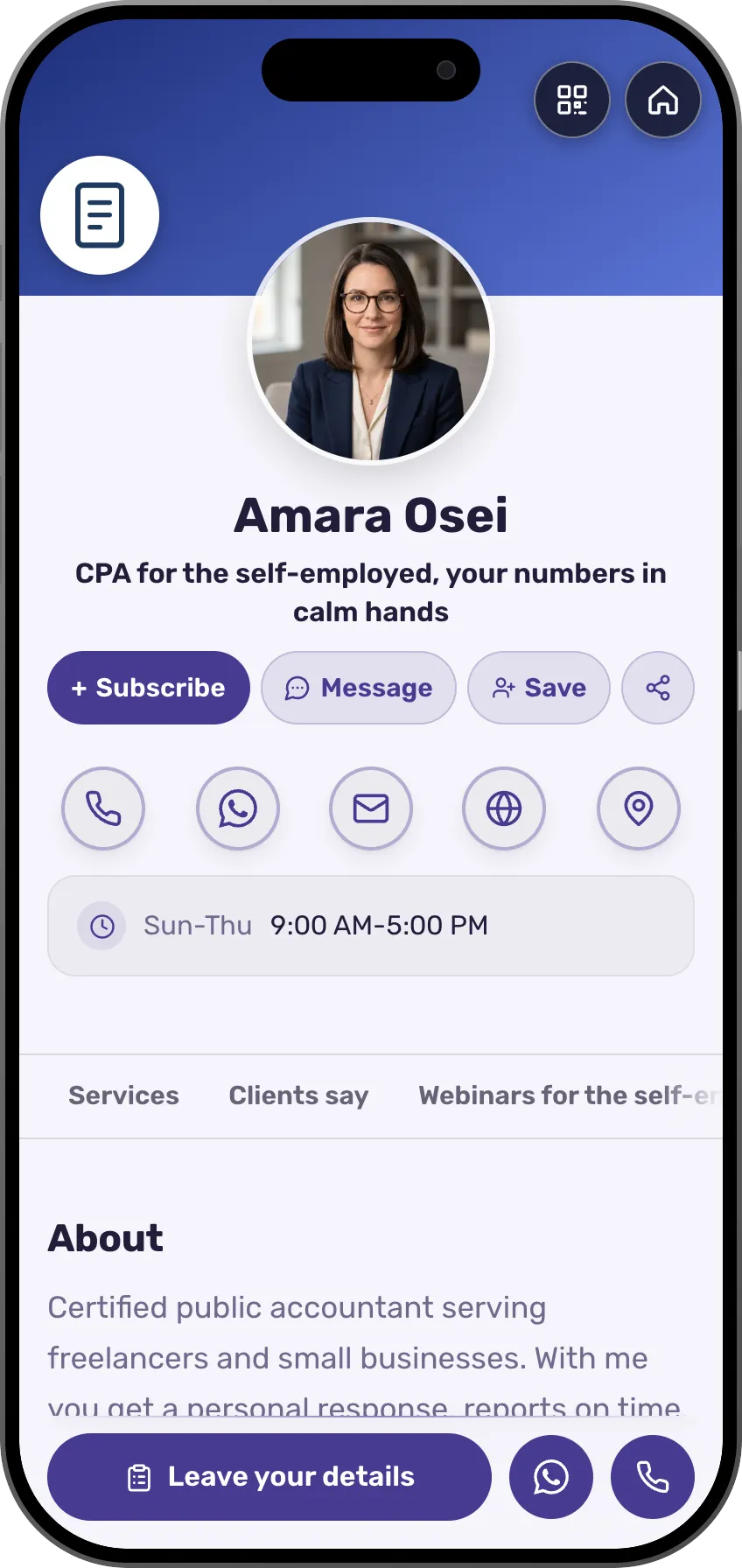 AccountantsA talk before the tax year ends, with registration and a countdownSee the profession page
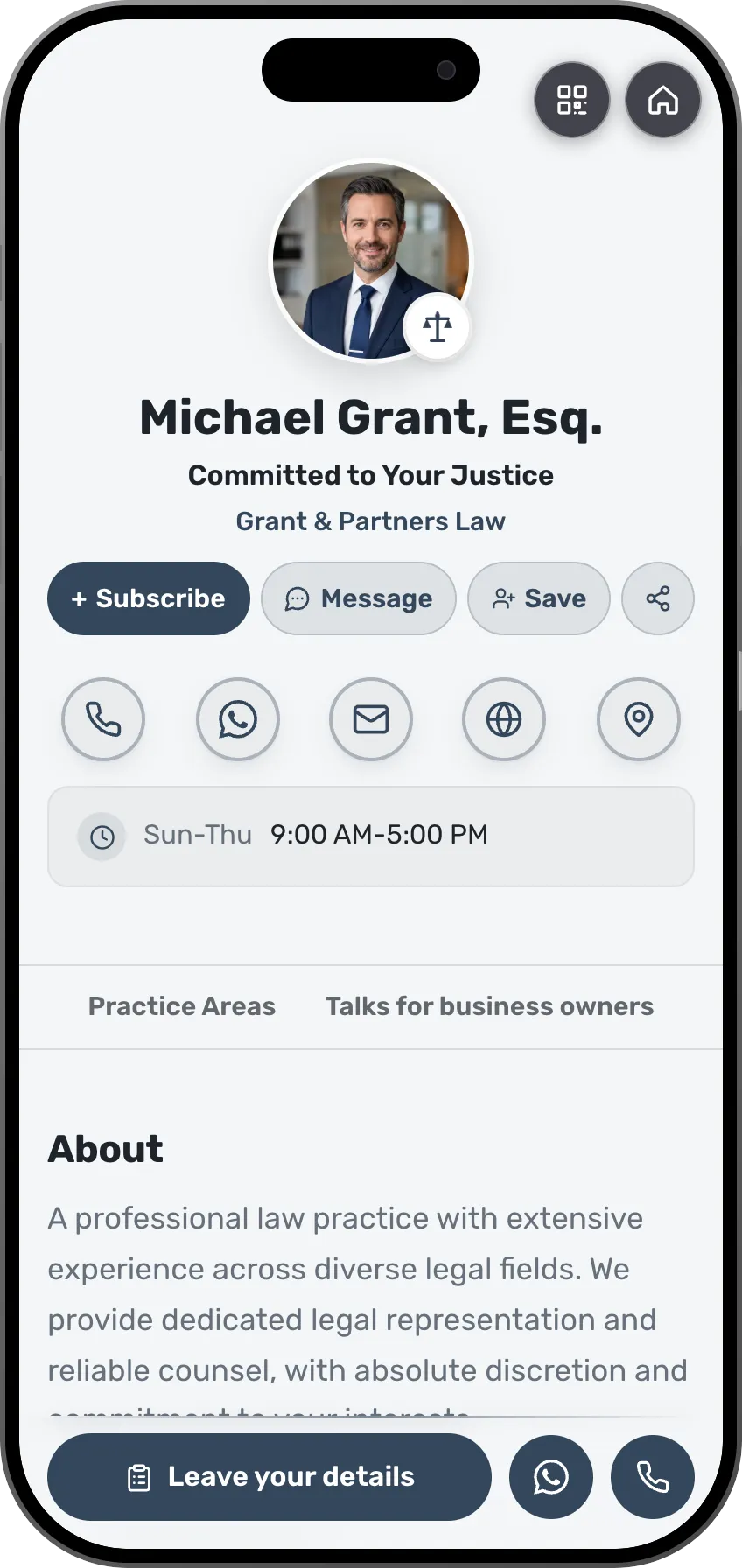 LawyersA client meetup with RSVPs and a reminderSee the profession page
 DevelopersA tech meetup with registration and who is comingSee the profession page
 TherapistsA small workshop or a webinar, with registration and a reminderSee the profession page
More kinds of events
More events you can host here.
- WorkshopTicket salesSee the page
- ConferenceTicket salesSee the page
- LaunchRSVPsSee the page
- PartyTicket salesSee the page
- BirthdayRSVPsSee the page
- WeddingRSVPsSee the page
- Bar or bat mitzvahRSVPsSee the page
- ShowTicket salesSee the page
- Music nightTicket salesSee the page
- MeetupRSVPsSee the page
- TalkTicket salesSee the page
- RetreatTicket salesSee the page
Frequently asked questions
Do I need a paid Zoom account?
No. Connect any Zoom or Google account, and the system opens a meeting or a webinar by what the account allows. You can paste your own link too.
Can I charge for a webinar?
Not for now. A webinar on MyVisito is free sign-up: people register and get the join link by email. There are no tickets and no payment on a webinar.
Do registrants need an app?
No. They register in the browser and get the link by email and in a calendar invite.