
Fatima Rahman
Business coach, from stuck to decisions that move you
About
Business coach for small business owners and freelancers. Together we build a management routine that works, price properly, and give you back control of your time and bottom line.
Coaching programs


Book an intro call
Book an appointmentClients say
The back-and-forth of setting a meeting
"When works for you?" "Tuesday?" "Can't do Tuesday." Ten messages, and then everyone forgets. One button on the card ends it.
The old way
- Messages back and forth until a time is found
- A separate scheduling tool, one more subscription and link
- A meeting set but never in the calendar
- A Zoom link sent by hand, if at all
- Who booked and when, scattered across chats
MyVisito: one button
- They open the card and tap Book a meeting
- They pick a free slot and leave their details
- You confirm, both get an invite, and the person is saved with you
How it works
Set your availability
Set hours for each day, a meeting length, and how many times a visitor can suggest. Block out a holiday with a tap.
The visitor picks and asks
A month view and slots from your hours, in the visitor's language. The request waits for your approval and does not hold the slot until you confirm.
You confirm, and both are in the calendar
Approve, offer another time or decline, with one tap from the email or from messages. Both sides get a calendar invite, and for an online meeting a Zoom or Meet link too.
What happens once someone asks
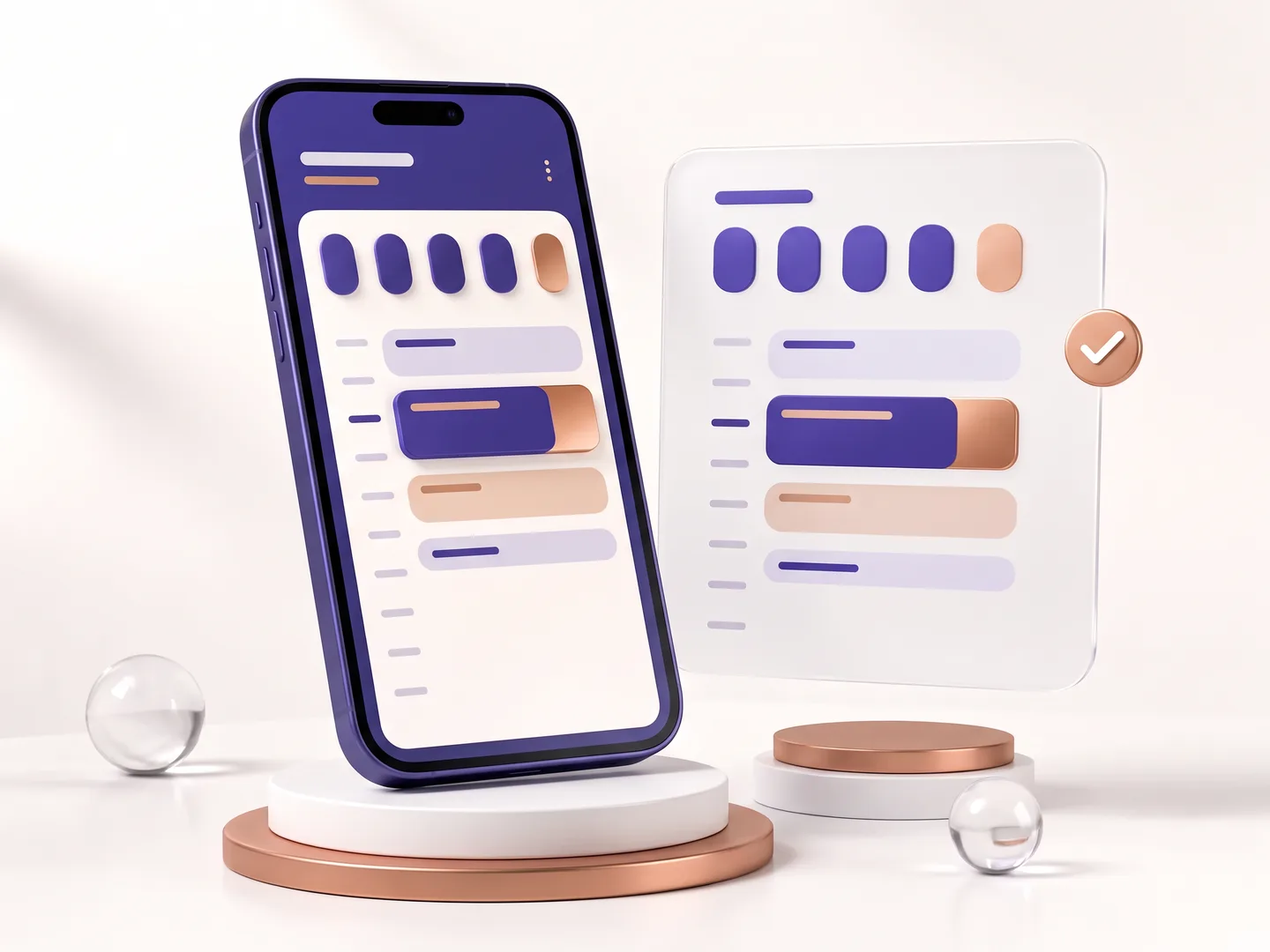
Works with the calendar you already use
Connect your Google account once, and from then on every meeting you confirm lands in your calendar by itself.
Booking for artists
For a DJ or a band, the button becomes a gig request with the date, venue and budget, and the booking agency's name sits in small print under it. The request lands in your messages with every detail.
Every meeting stays with you
Each contact shows when you met and what was agreed, and you can set a reminder to get back to them.
Everything inside
Everything for booking meetings from your card.
Meeting scheduling
A booking button on the card, with a confirmation and a calendar invite for both sides.CRM integrations
Every new lead flows automatically into HubSpot, Salesforce, Google Sheets and more.Contacts and CRM
Each name on your list comes with where you met, where things stand and when to get back to them.
Who it is for
Booking for every profession
The same button, in your profession's words: an appointment, a meeting, a consultation or a booking.
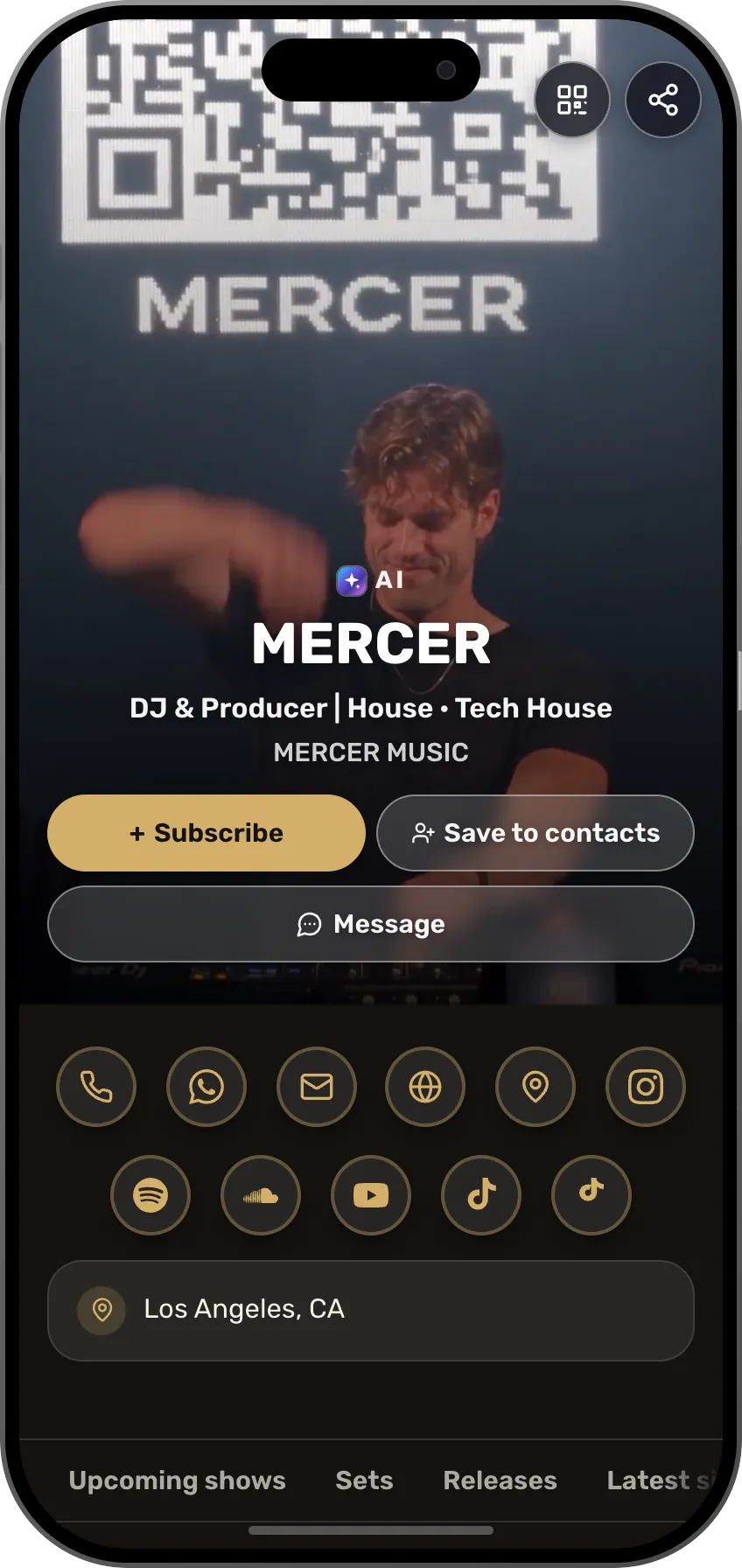 DJA gig request for an event, with a date and a budgetSee the profession page
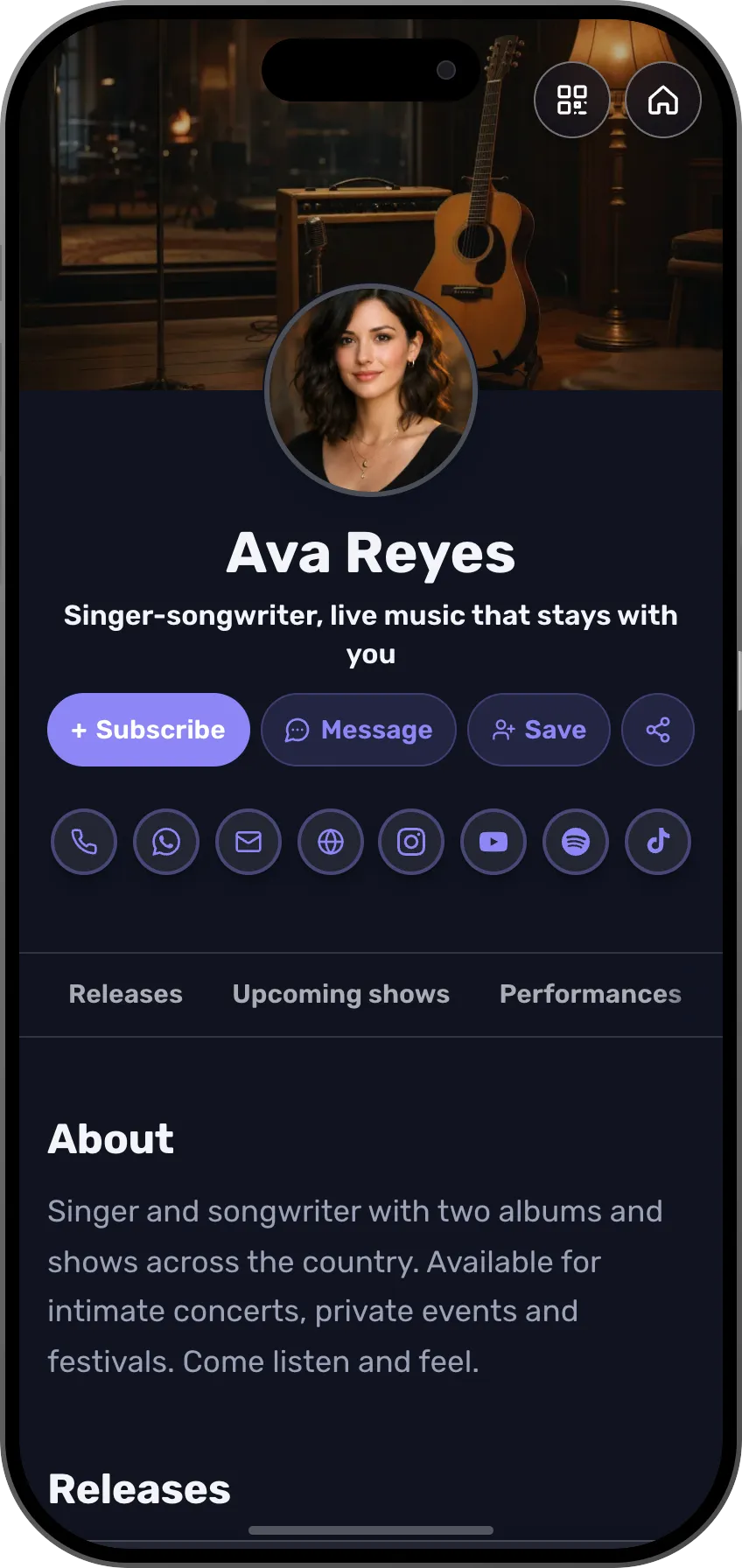 MusiciansA show booking, with your agency named under the buttonSee the profession page
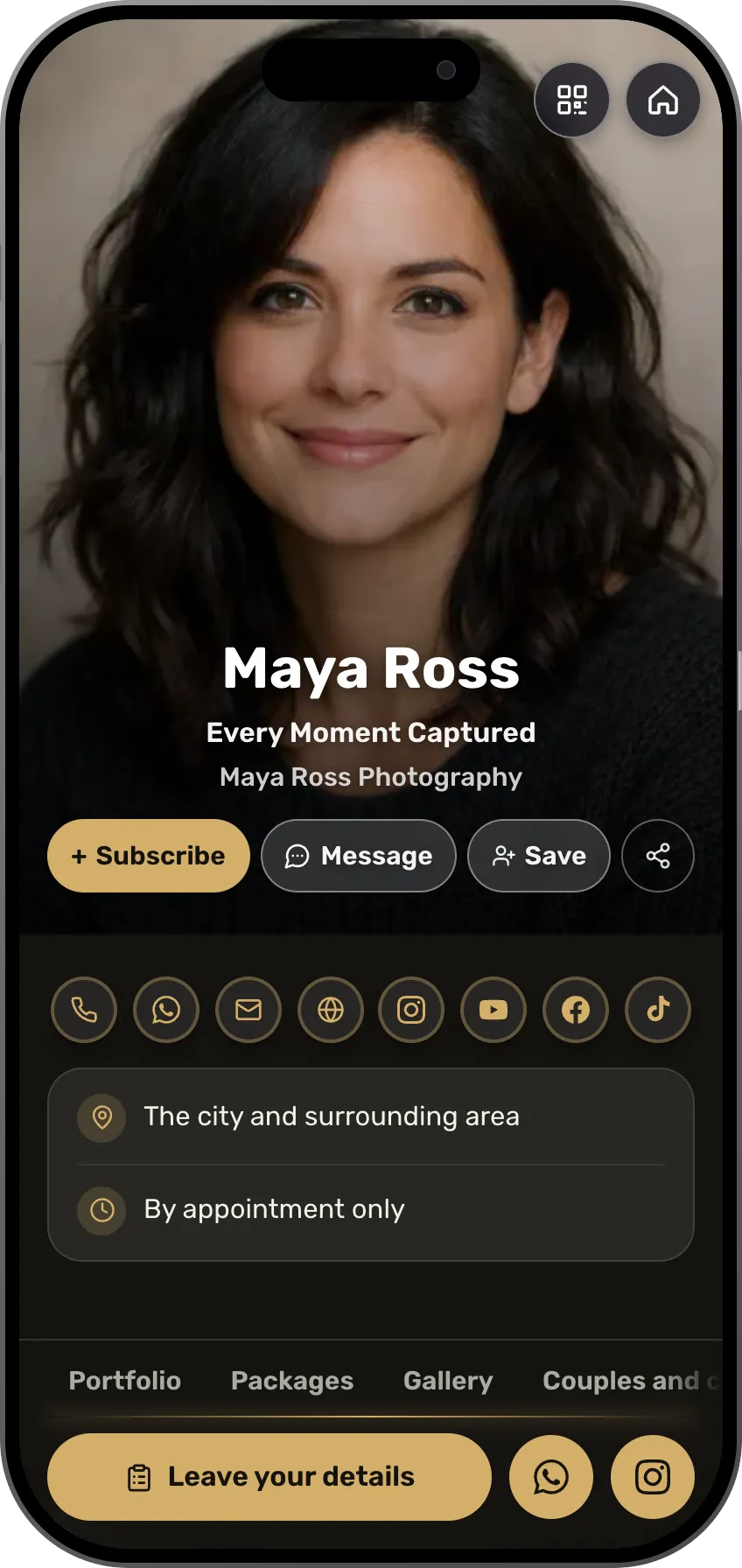 PhotographersAn intro meeting before a shoot, from your free hoursSee the profession page
 Beauty and cosmeticsAn appointment booked straight from the price listSee the profession page
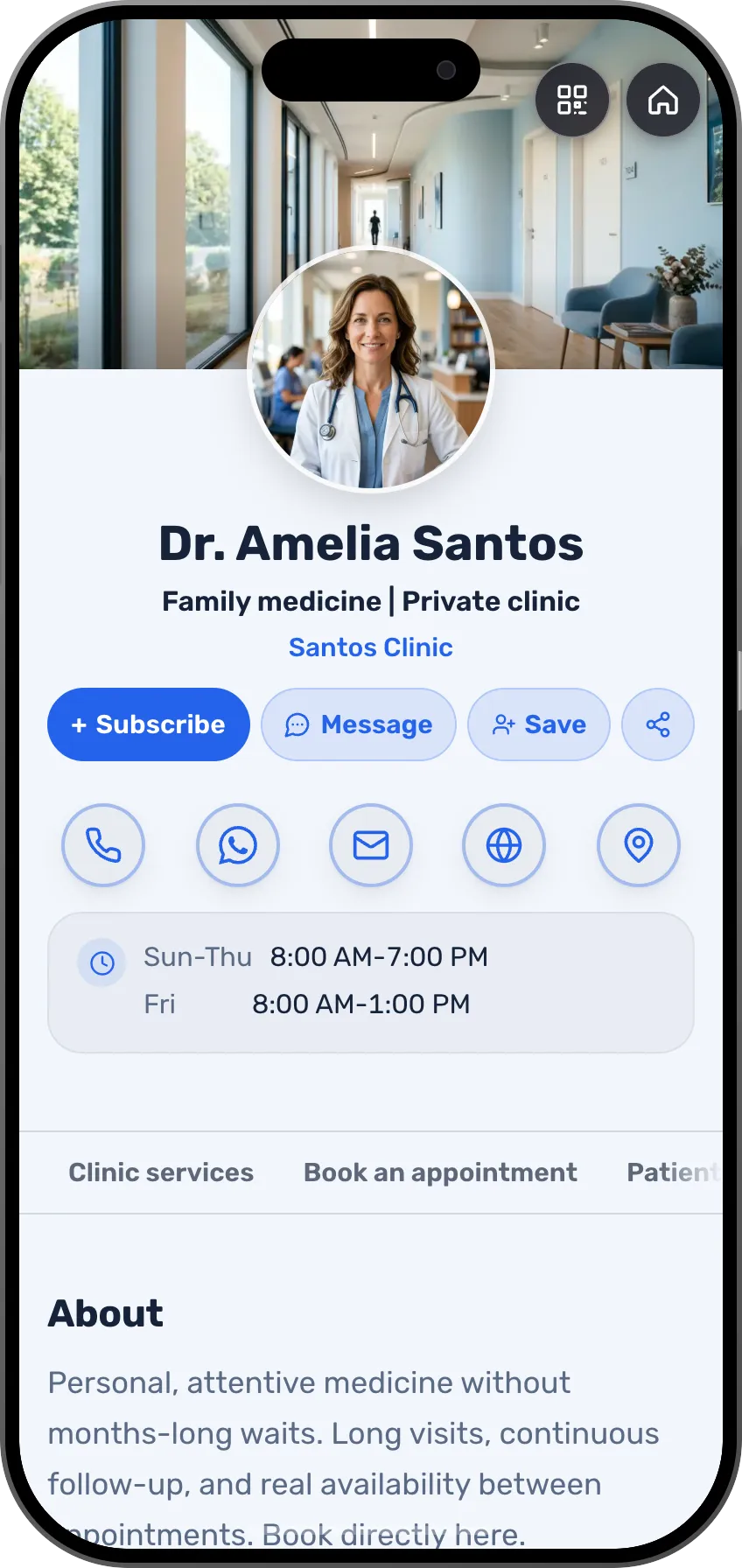 DoctorsA clinic appointment without phone calls, and the patient gets an inviteSee the profession page
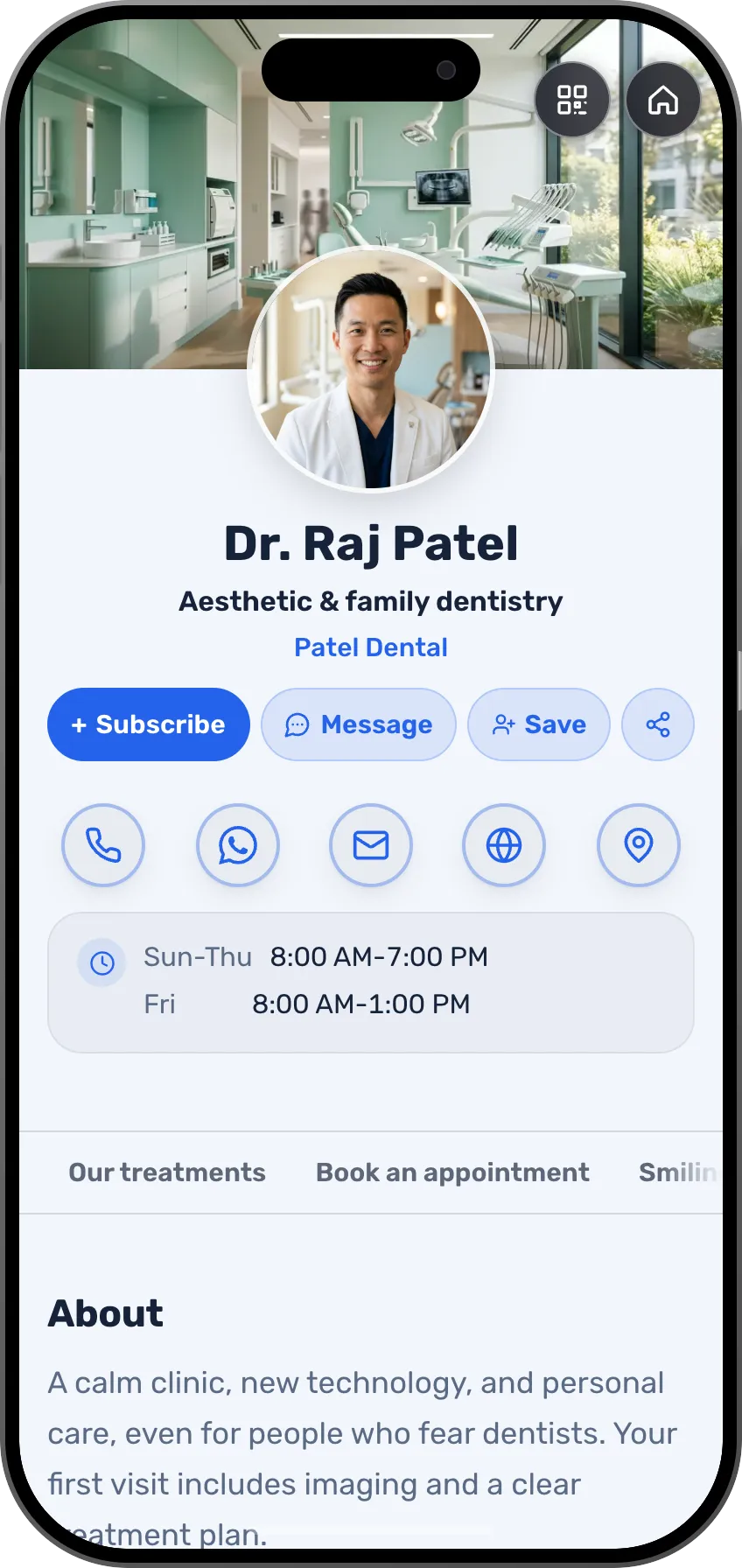 DentistsA first visit or a check-up, from the card on the counterSee the profession page
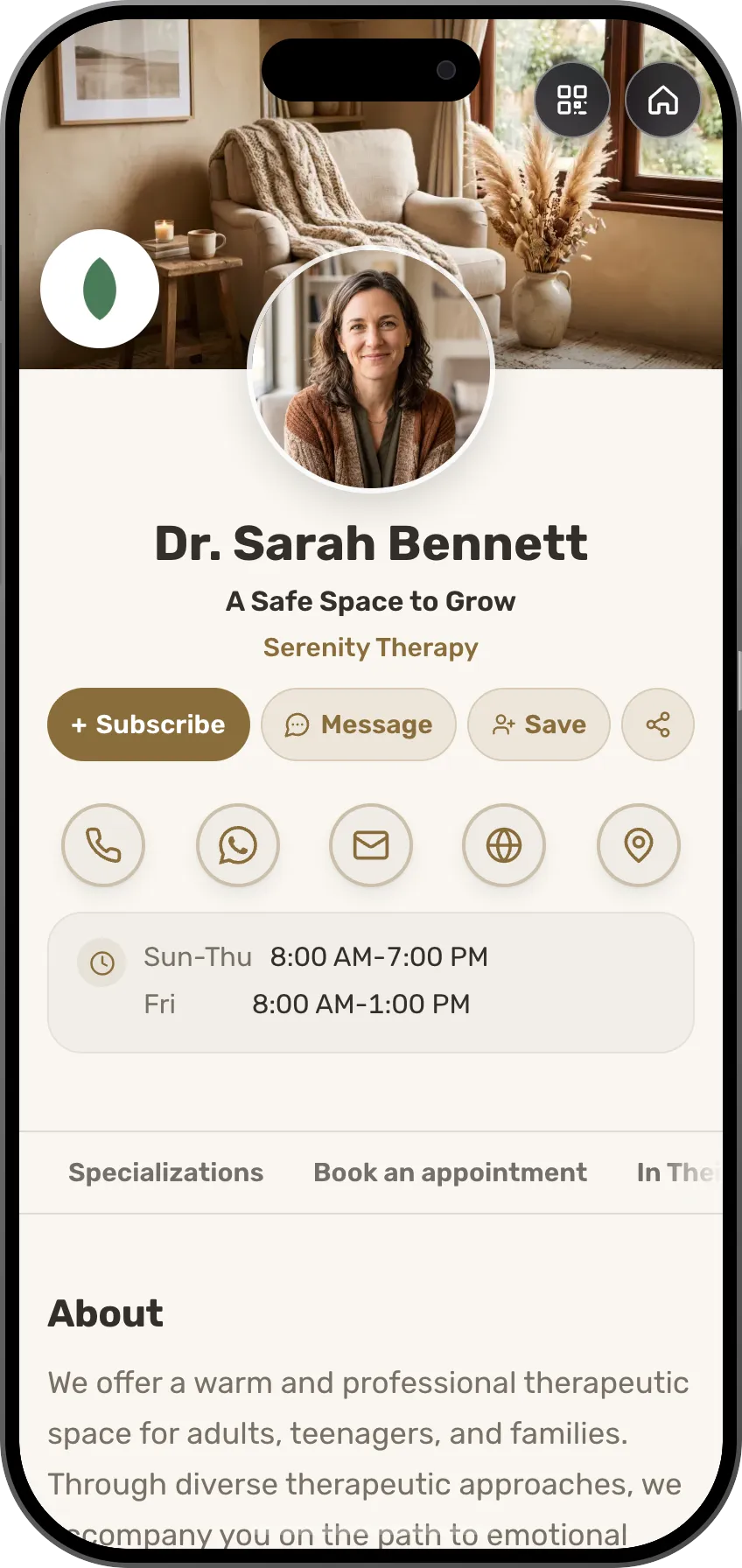 TherapistsA free intro call, then a session paid up frontSee the profession page
 Fitness trainersA trial session, then paid 1:1 trainingSee the profession page
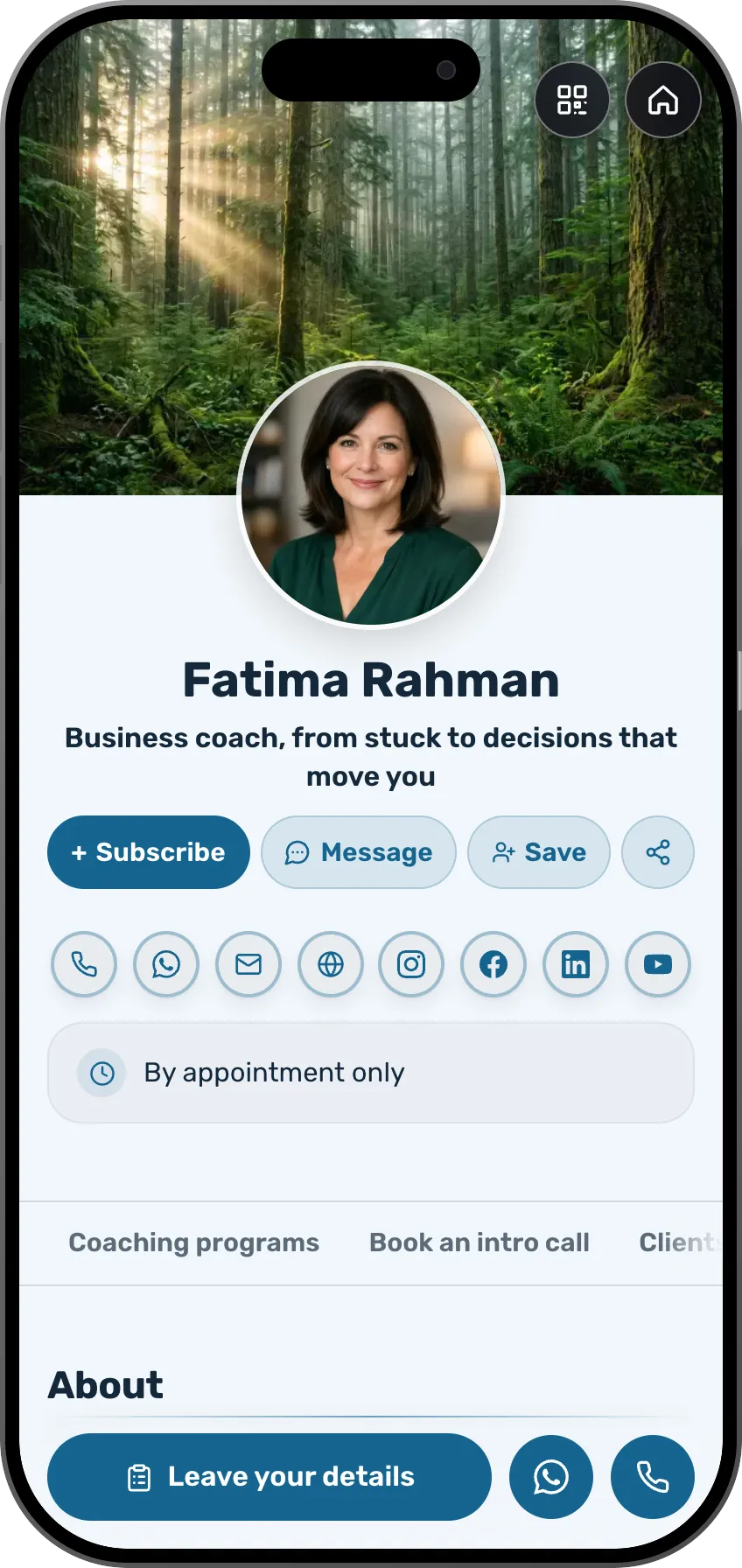 Coaches and consultantsA consultation paid up front with an automatic Zoom linkSee the profession page
 TradespeopleA home visit from the next free daySee the profession page
 ElectriciansA scheduled call-out, without catching you mid-jobSee the profession page
 PlumbersA visit time, with the address saved on the contactSee the profession page
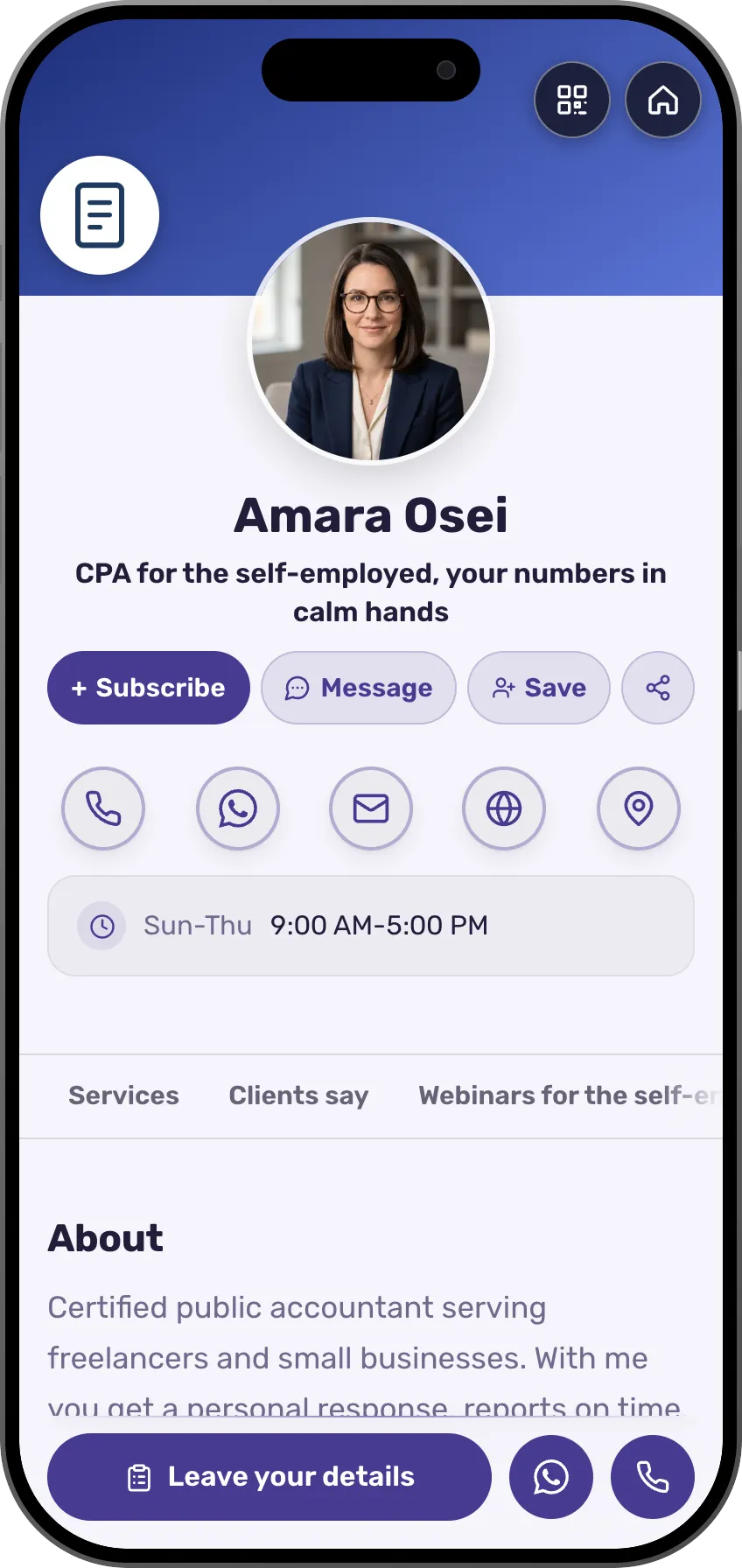 AccountantsA consultation, in person or on Meet, your choiceSee the profession page
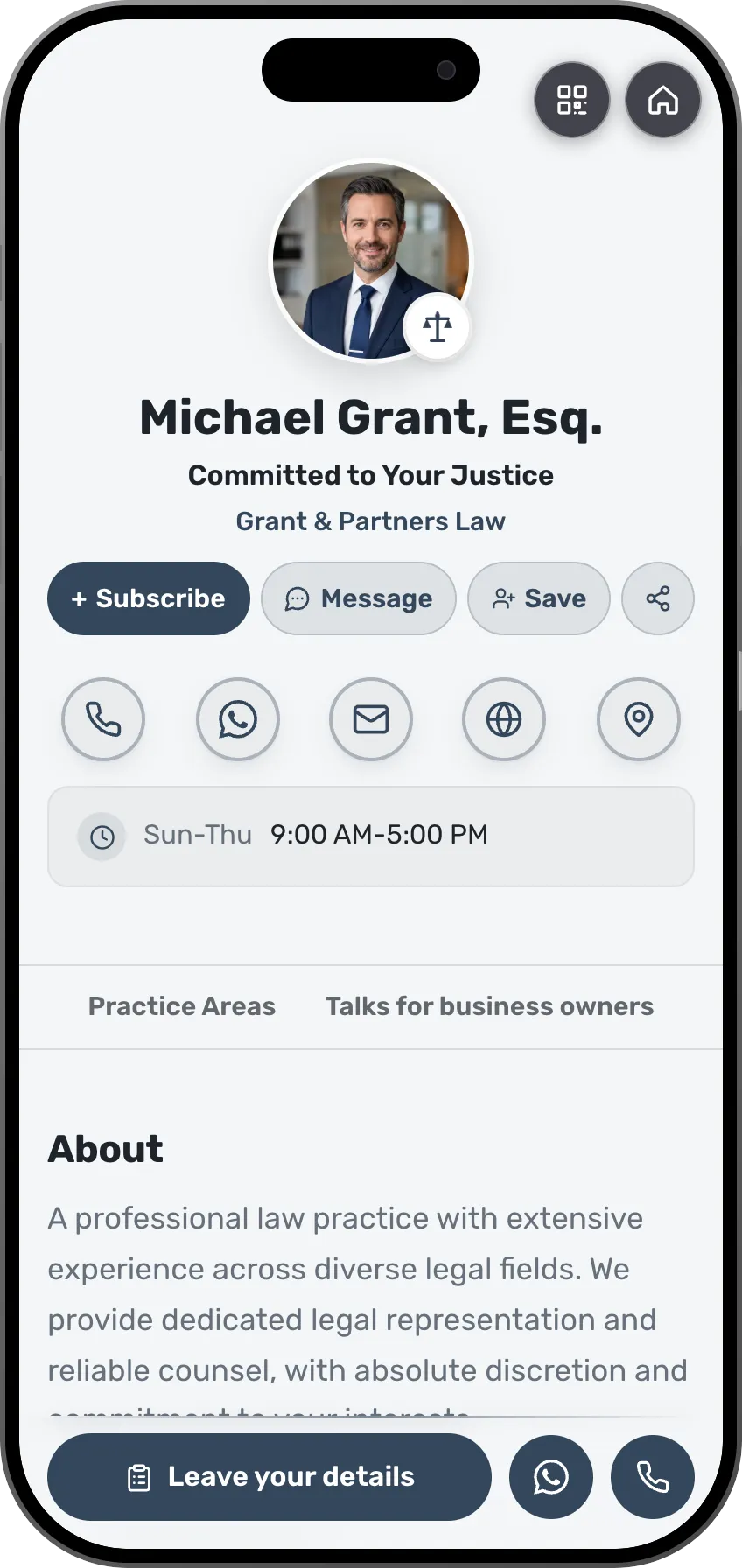 LawyersA short intro call before a case is openedSee the profession page
 Real estate agentsA property viewing at a time that suits you bothSee the profession page
- More professions and fieldsEach field has its own page, with ready-made templates.See all professions
Once people decide to book, they want to pick a time right there.
Frequently asked questions
Does it cost anything?
Booking from the card opens on the Starter plan, and every paid plan starts with a free trial. The built-in calendar, the approval, the calendar invite and the Google Calendar connection come with it at no extra cost. A session paid up front is a shop offer, also open from Starter, at your plan's fee.
Can a visitor book without my approval?
No. Every request waits for your approval and does not hold the slot until you confirm. You can approve, offer another time or decline, from the email or from your inbox.
How is the Zoom link created?
Once you've connected your Zoom or Google account, every online meeting you confirm gets its own link. The link goes in the calendar invite, only to the person who booked.
What if I already use Calendly?
Set the button to "my booking page" and paste the link. The card stays the one address, and the scheduling happens in your tool.
Does my calendar stay private?
Yes. The Google connection only reads whether you're free or busy. What's in your meetings stays with you.
Does it work for salon or clinic appointments?
Yes. The wording follows your field (appointment, meeting, booking), any price-list item can have its own booking button, and the person who booked gets the confirmation in their language.