A digital business card for small businessesAnyone at your door sees what you offer, when you're open and how to book.
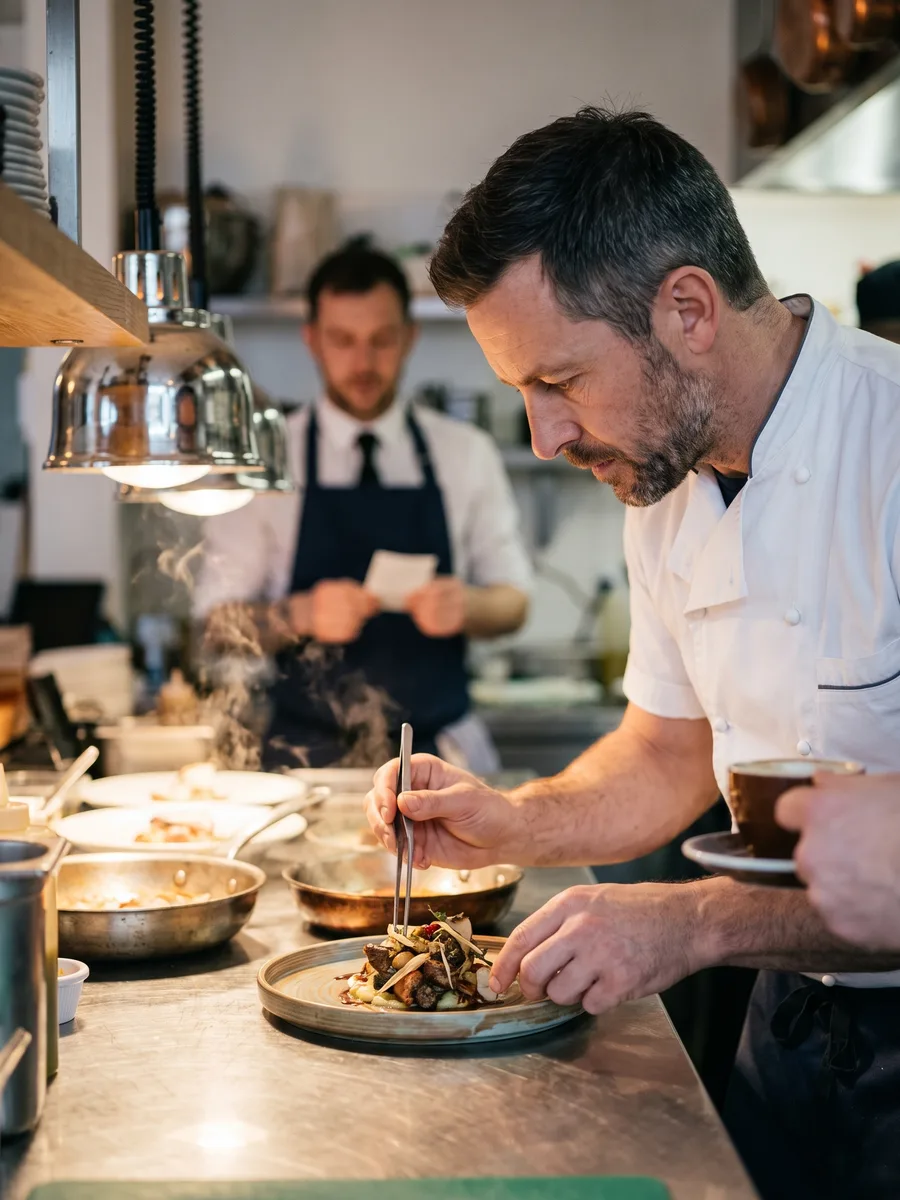
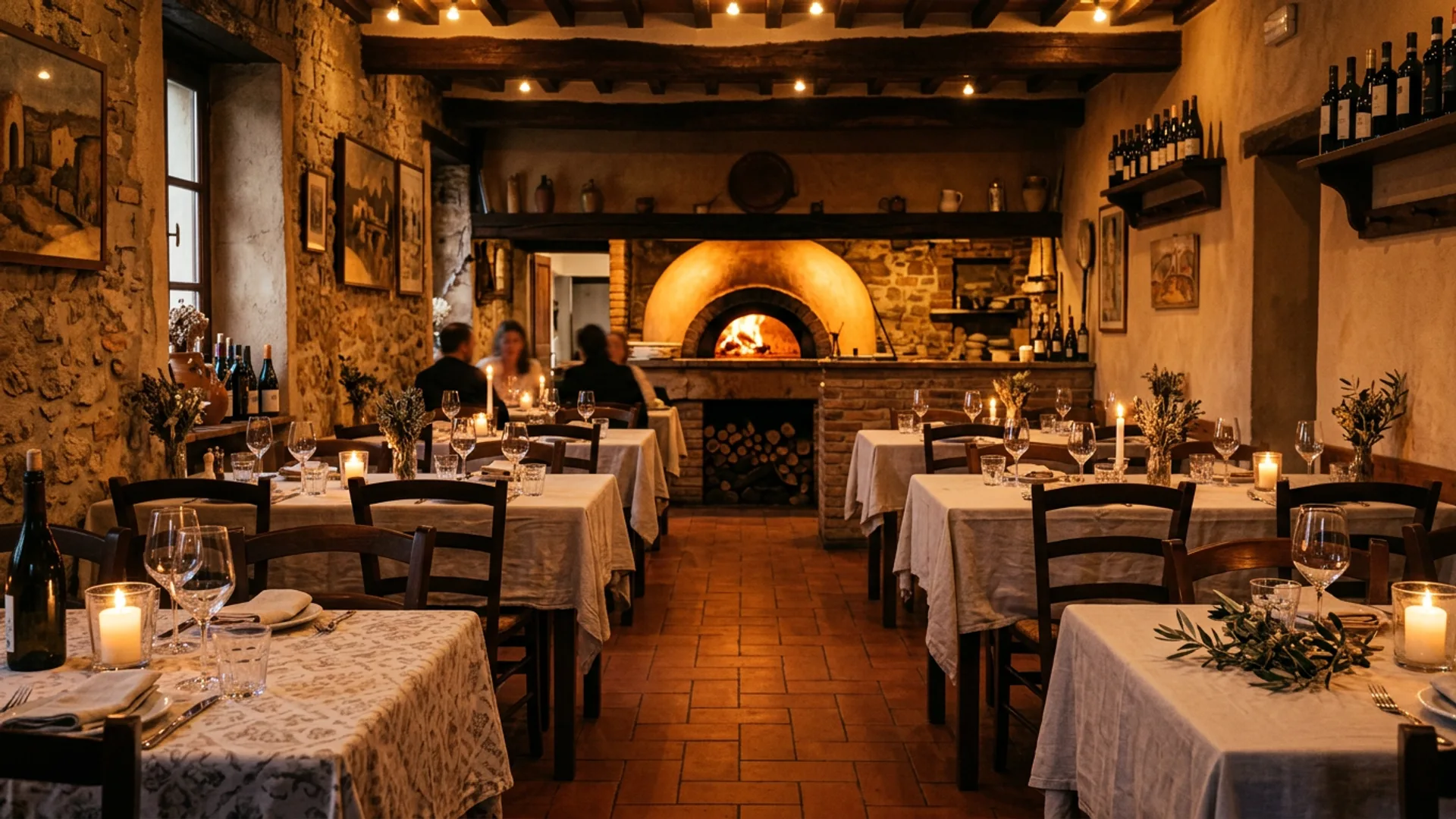
Vine Bistro
Mediterranean kitchen with soul
About
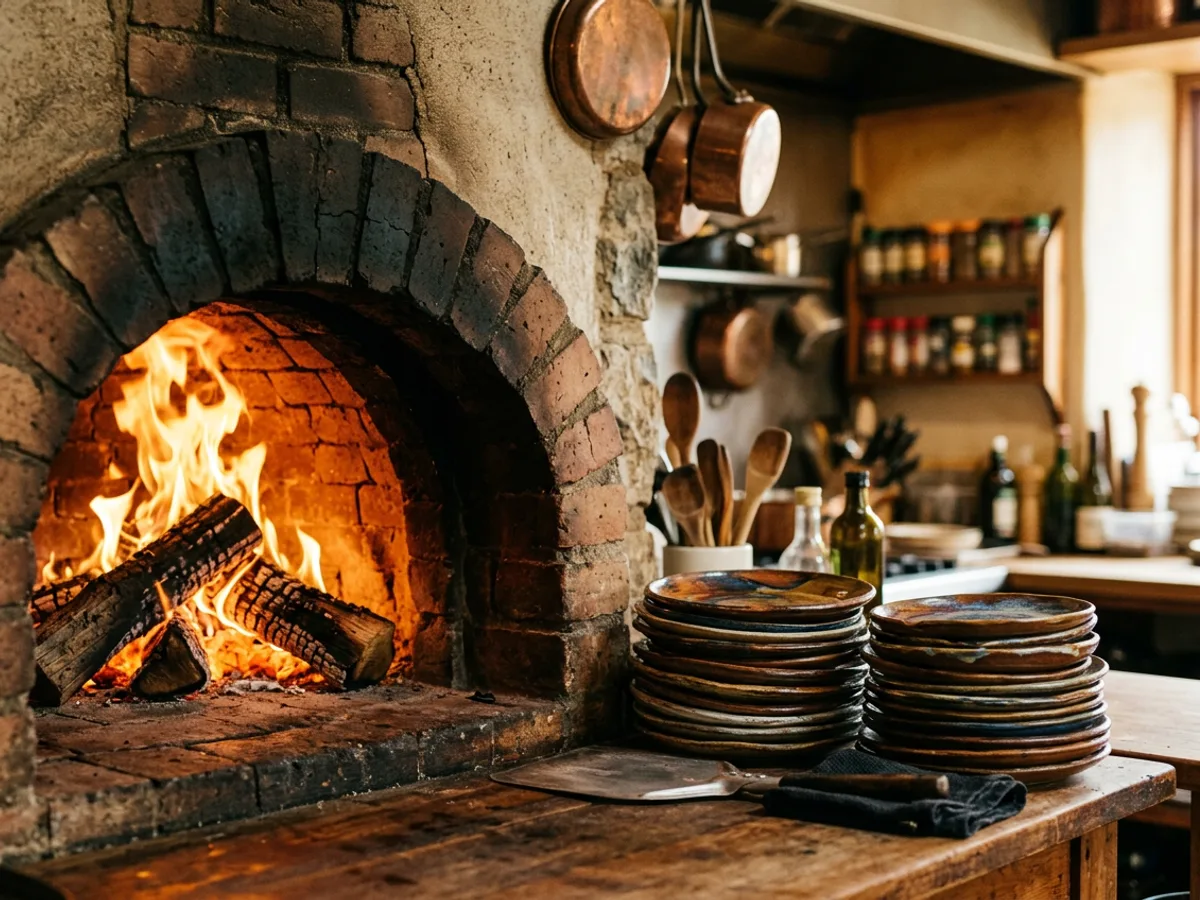
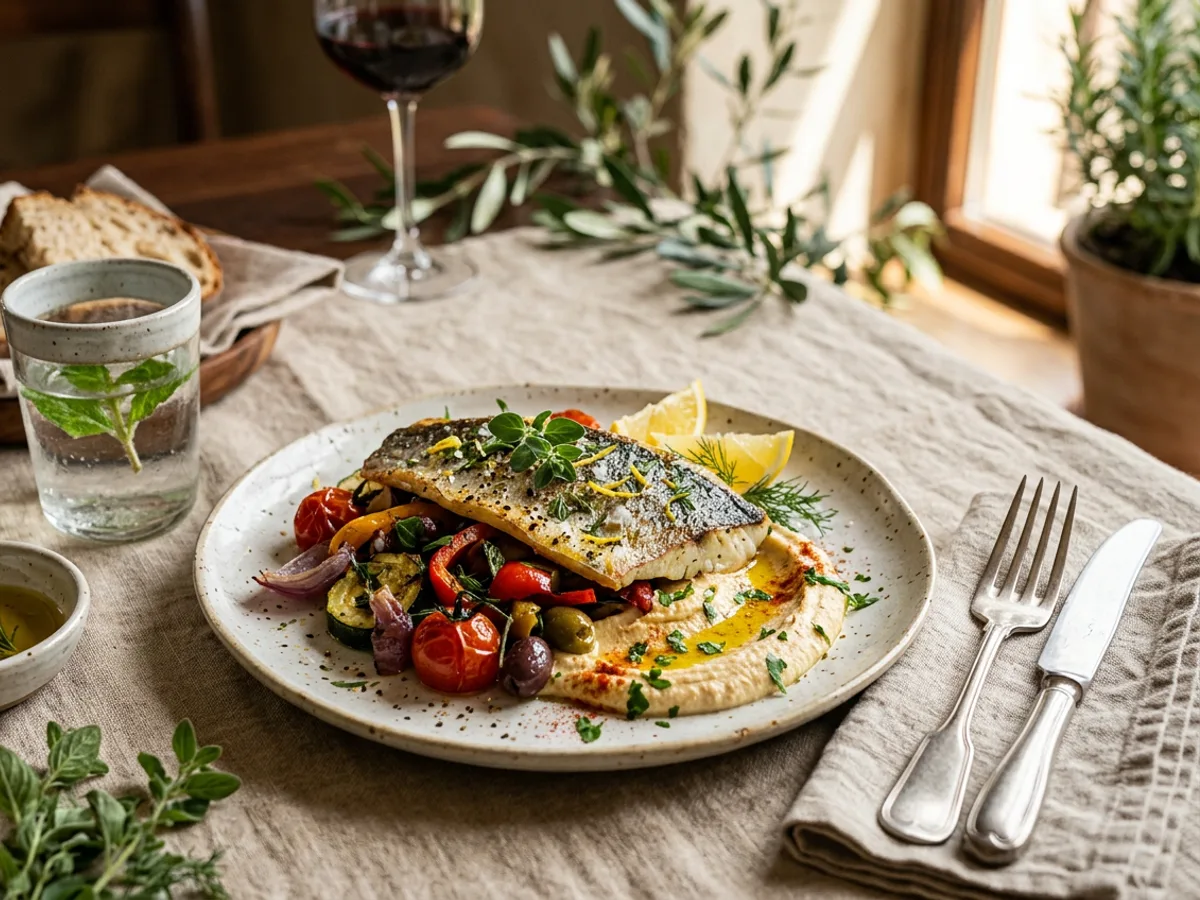
A family restaurant with market-fresh ingredients, a wood-fired oven, and a menu that changes with the seasons. Your table is waiting, and the full menu is right below.
Menu
The place
Special evenings
Guests say
Reserve a table
Book a meetingThe menu, the hours, the bookings and the evenings, in one QR code.
Today it's print runs, a website, the phone and messages, and every price change means a new print run.
What you keep today
- A printed price list or menuA separate app, its own login
- A website for the businessA separate app, its own login
- Reservations by phoneA separate app, its own login
- A special evening that fills up by messageA separate app, its own login
With MyVisito
One page for the business holds all of it
- A menu or price list you update from your phone (from Premium)
- The card is the business page, with hours and directions
- Bookings and reservations from the card (from Premium)
- An evening with its own page, sign-ups and tickets
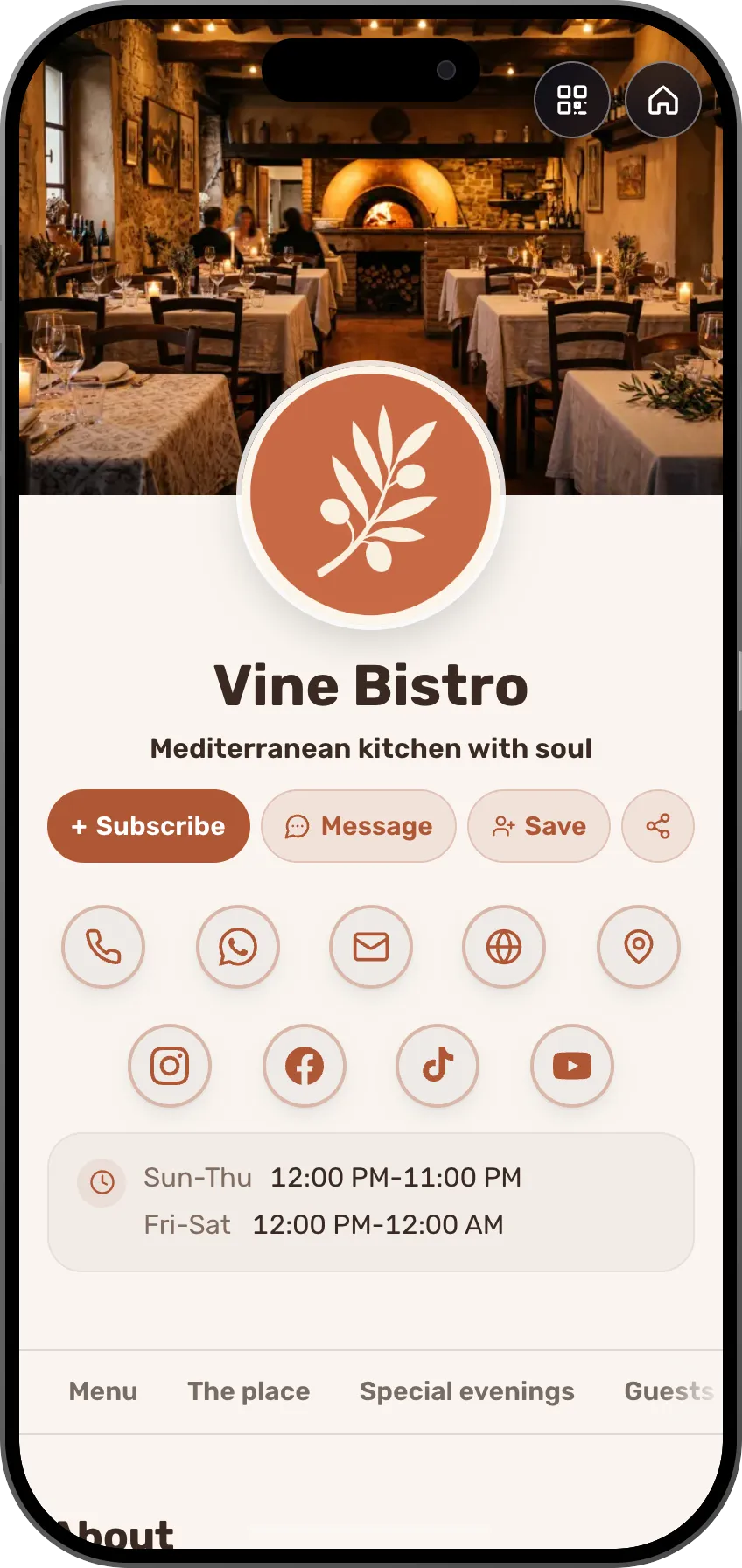
What a small business gets
For the café, the hair salon and the shop down the street.




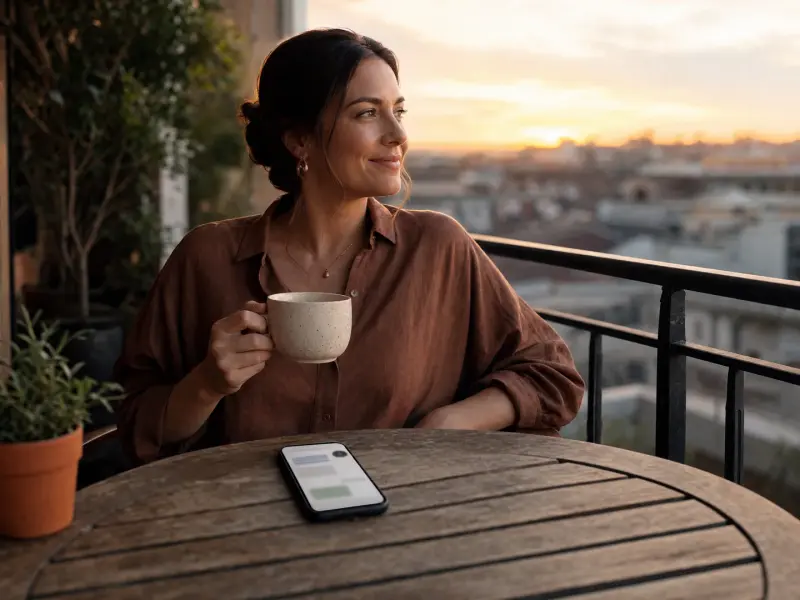
Pick your kind of business and see a card made for it.
A beauty card with before and after, a price list and online booking.
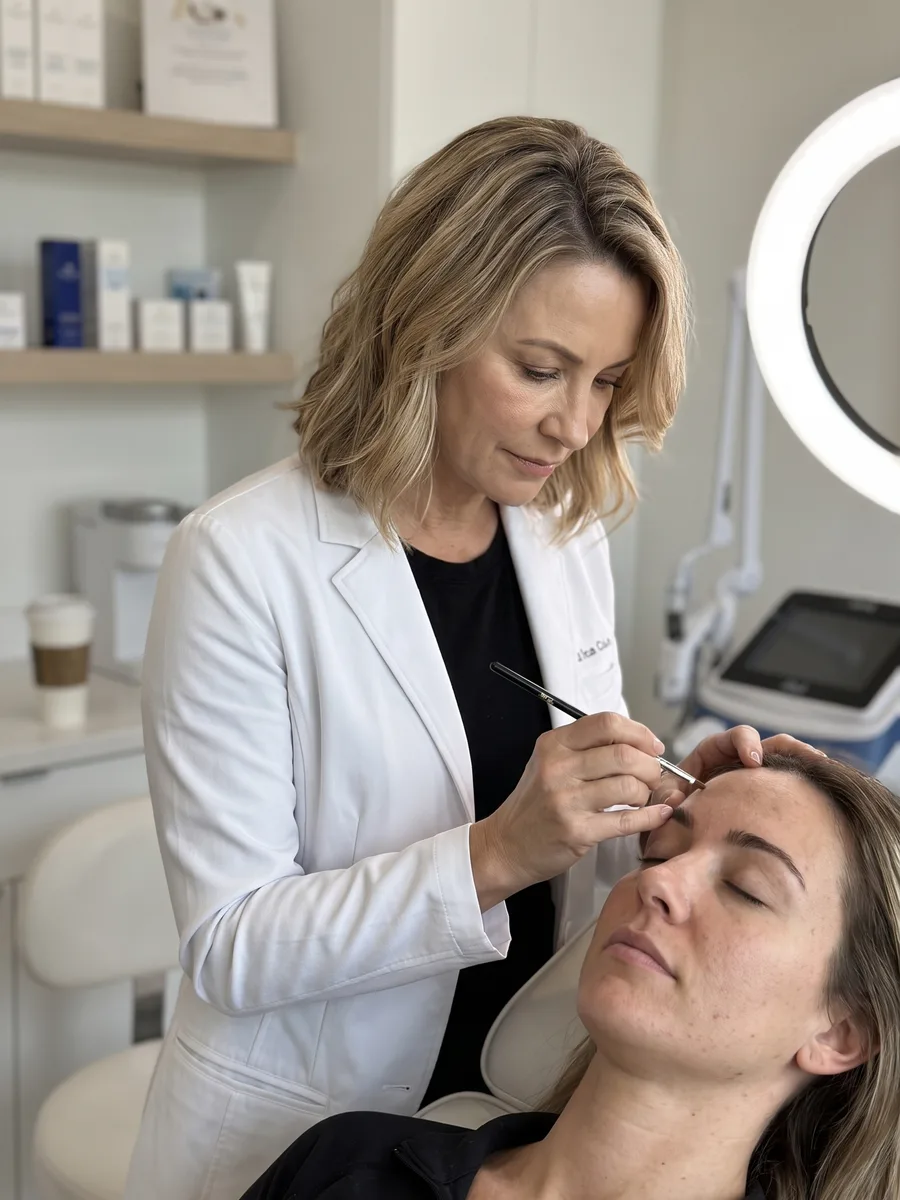

Emma Collins
Senior esthetician, 20+ years of experience
Emma's Skin Clinic
About

I have spent more than 20 years working with skin, and every new face still gets my full curiosity. At my boutique clinic each treatment starts with a proper skin analysis, is built around what your skin needs right now, and ends with a simple routine you can actually keep up at home. I work gently and precisely, at the pace your skin sets, with no inflated promises and no shortcuts.
My treatments
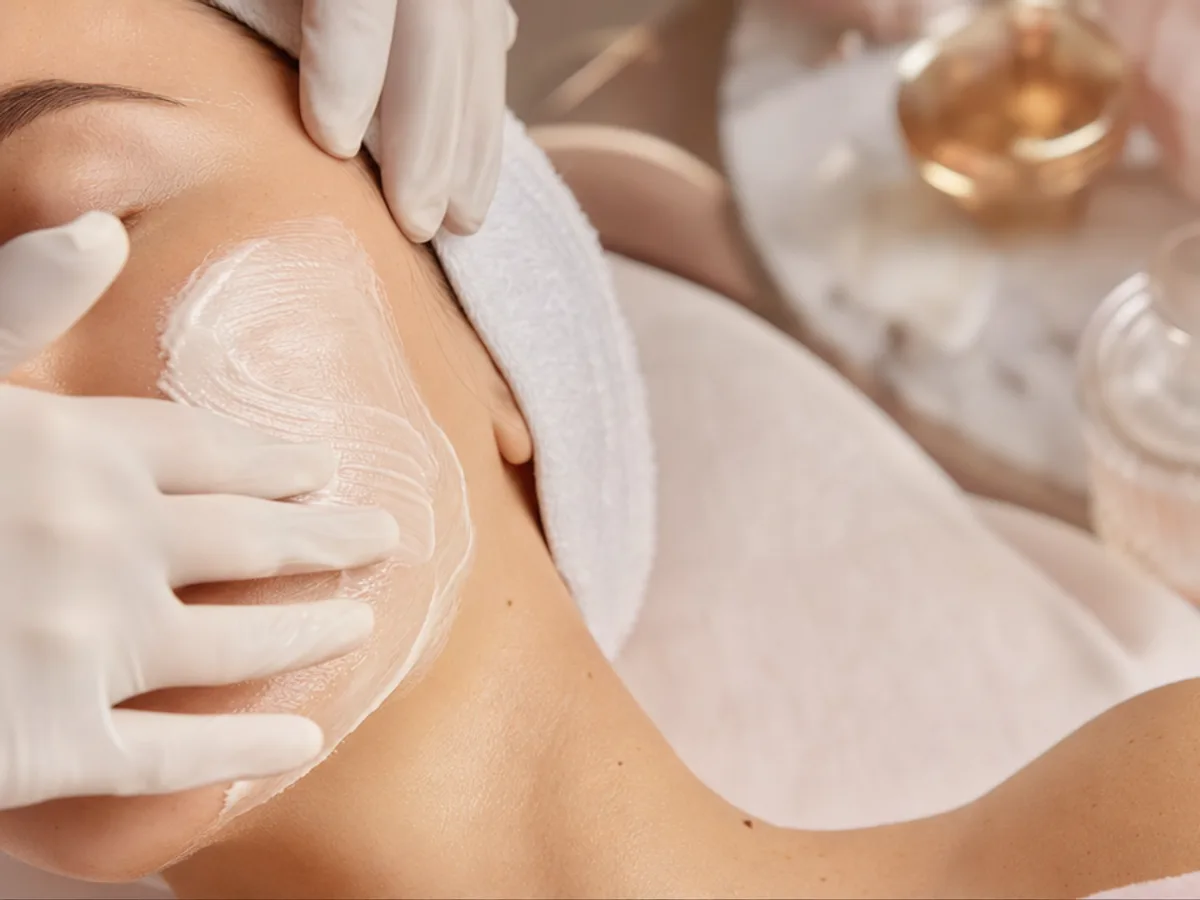

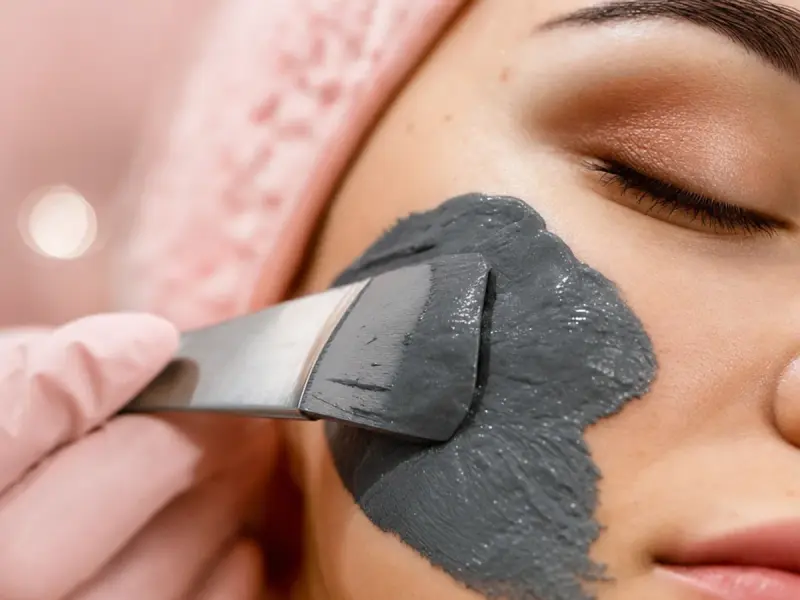


Inside the clinic
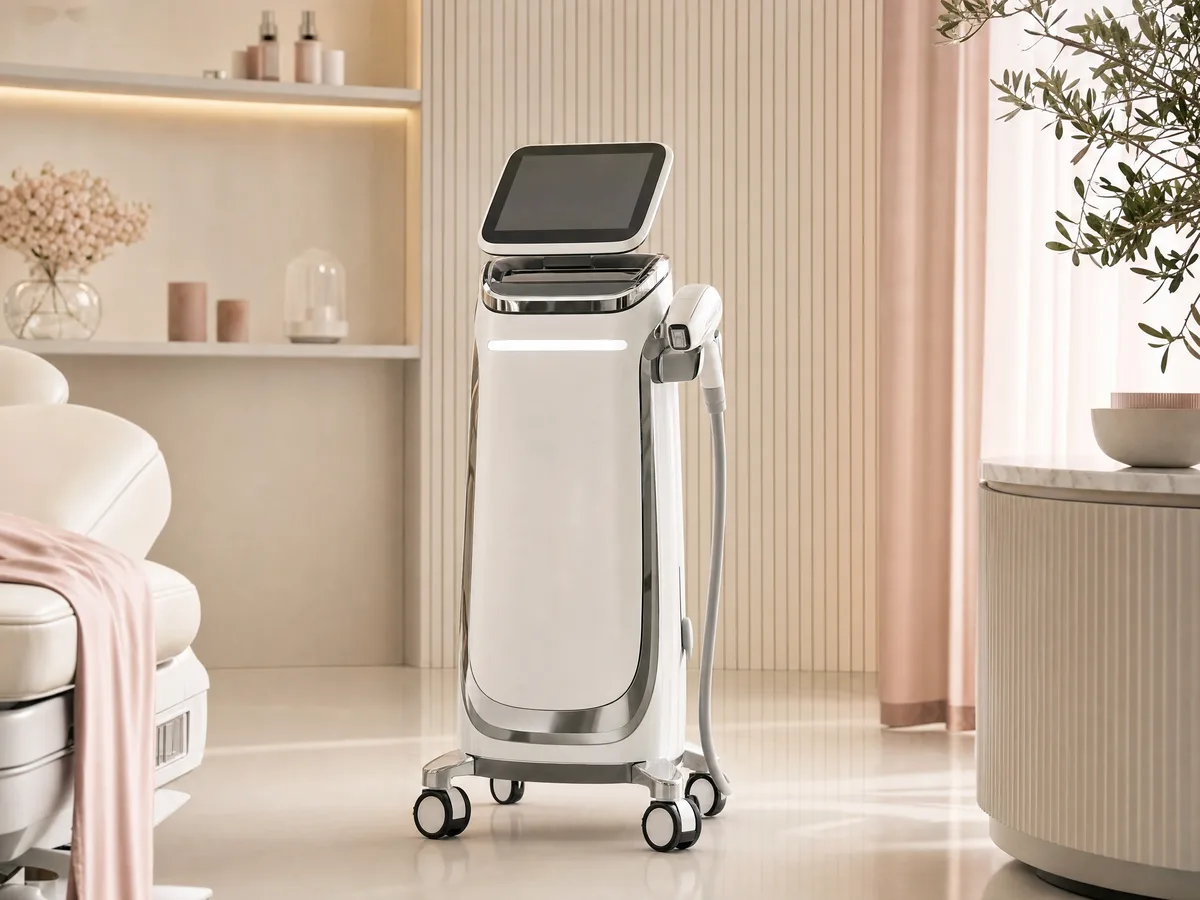
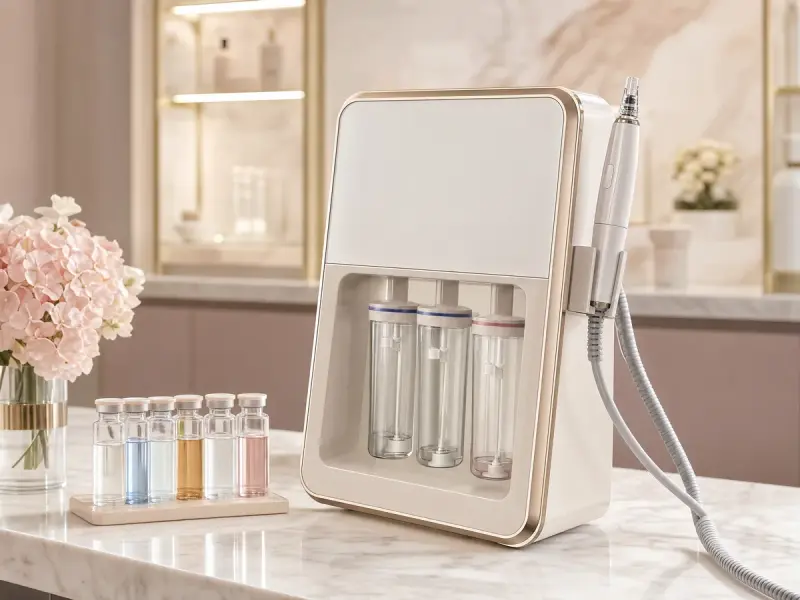
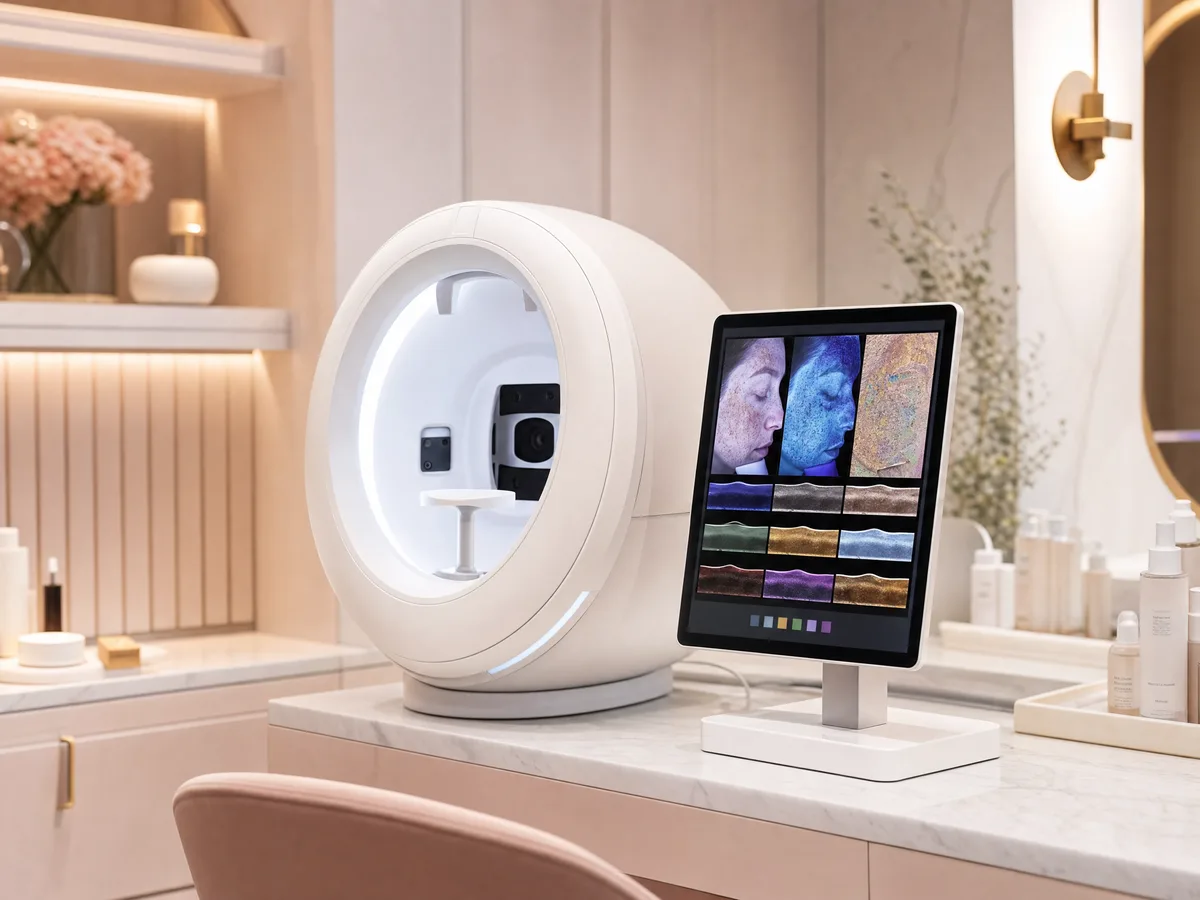
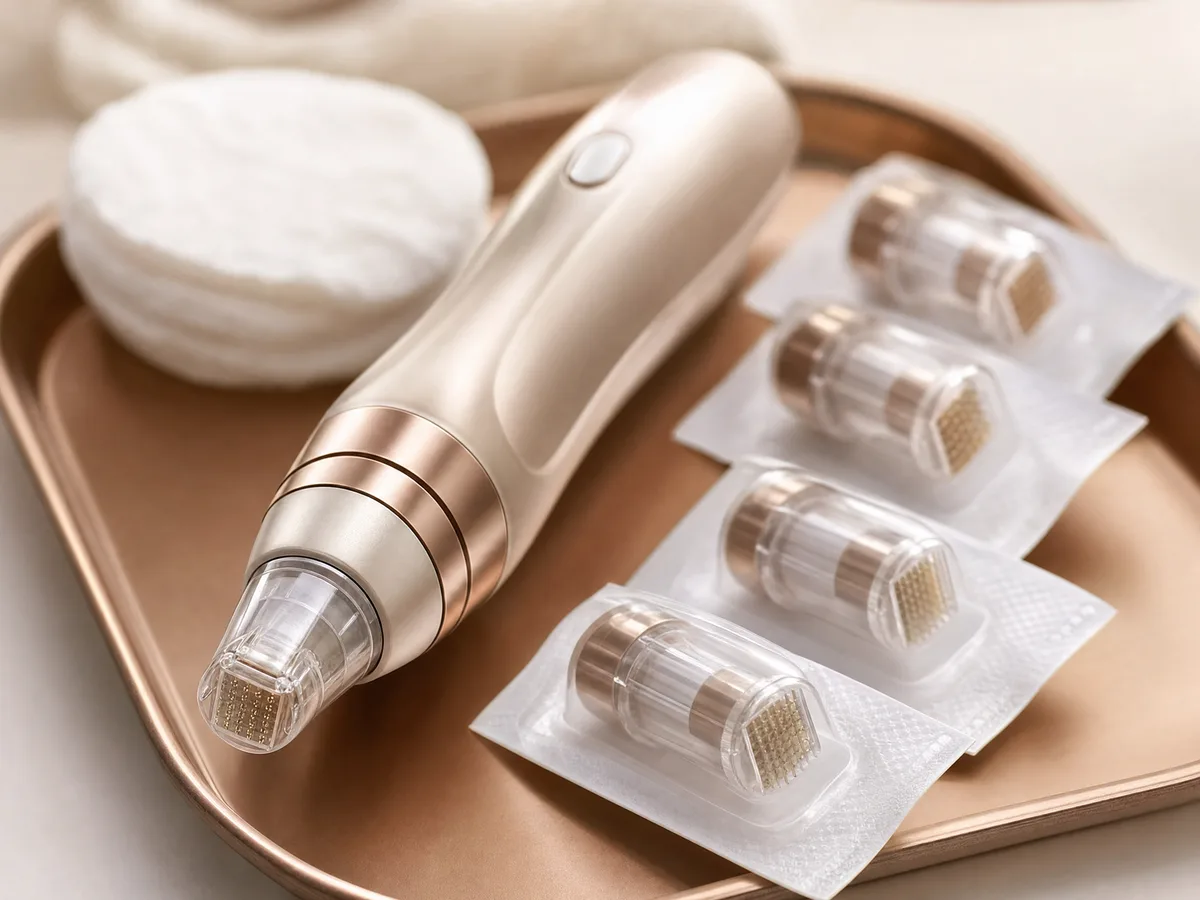
From the studio






Before and after




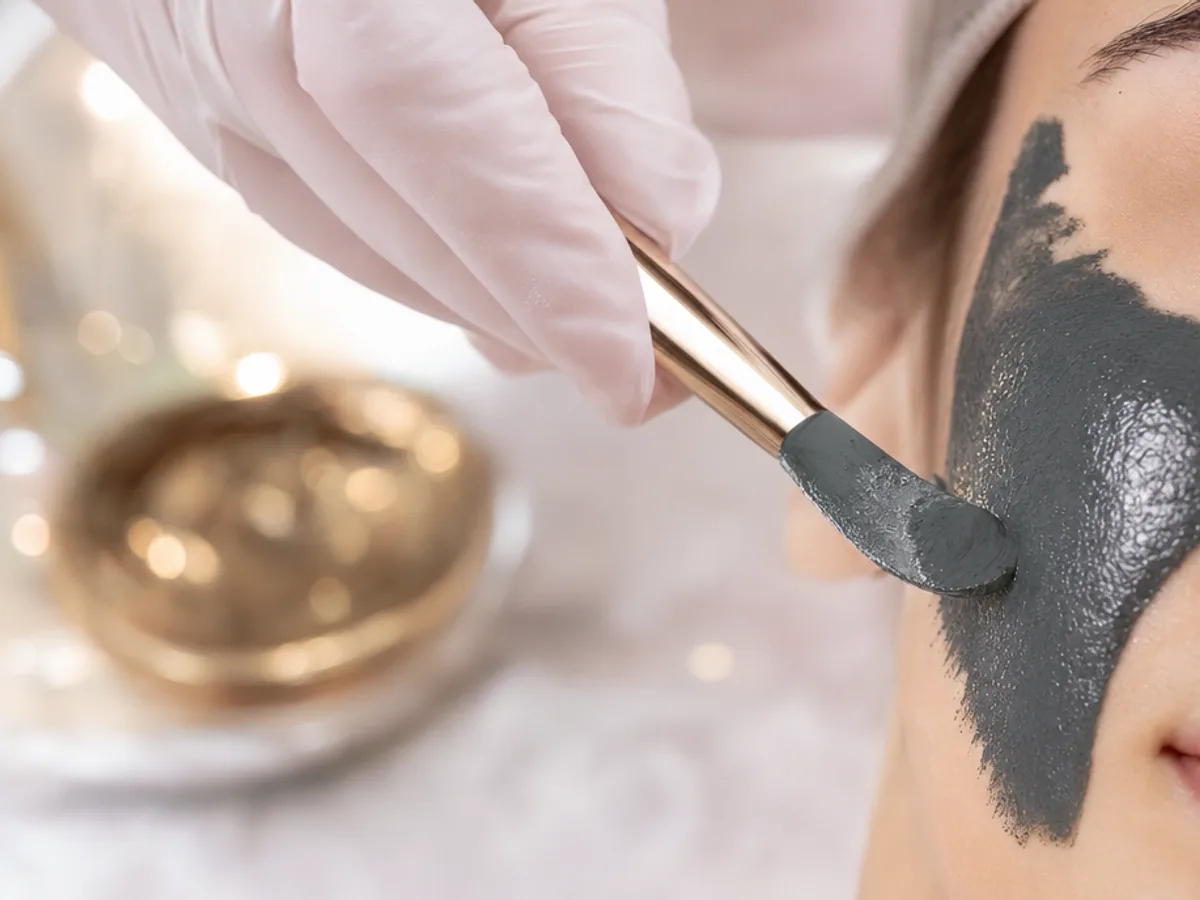
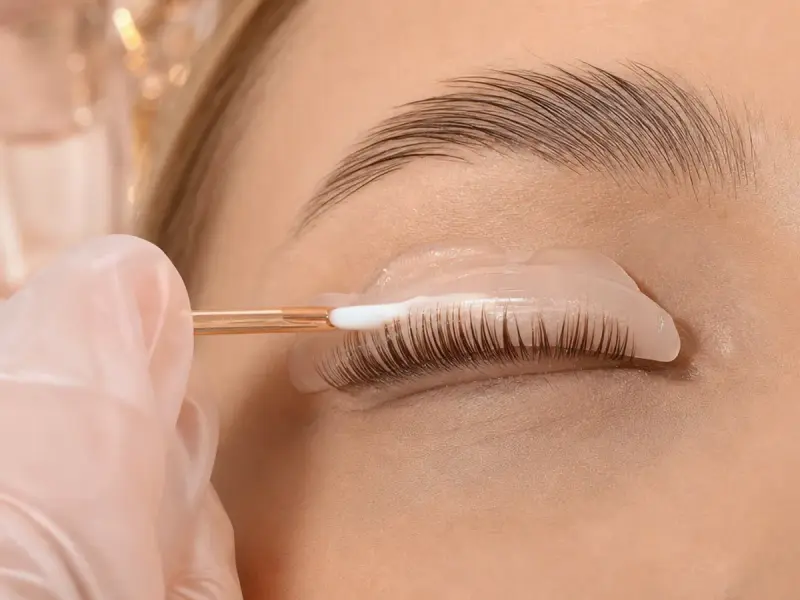
Treatment menu
Facials




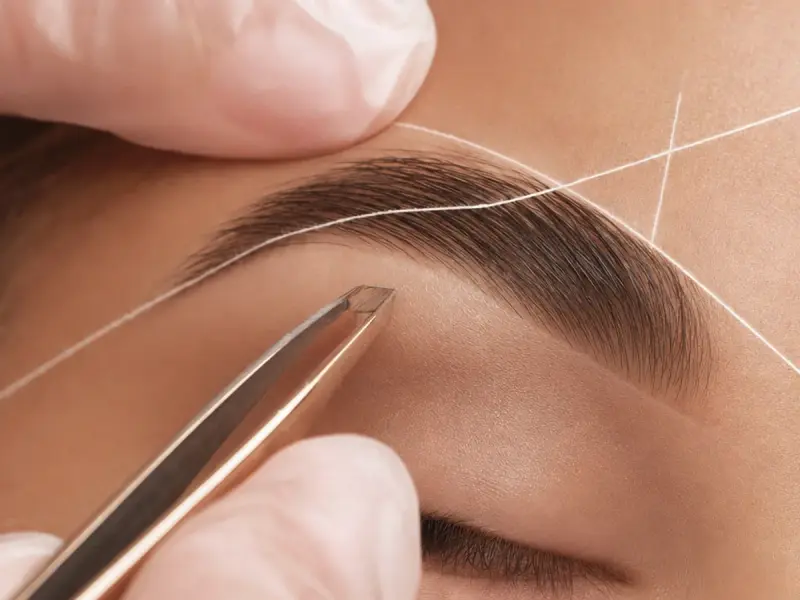
Brows, makeup & waxing





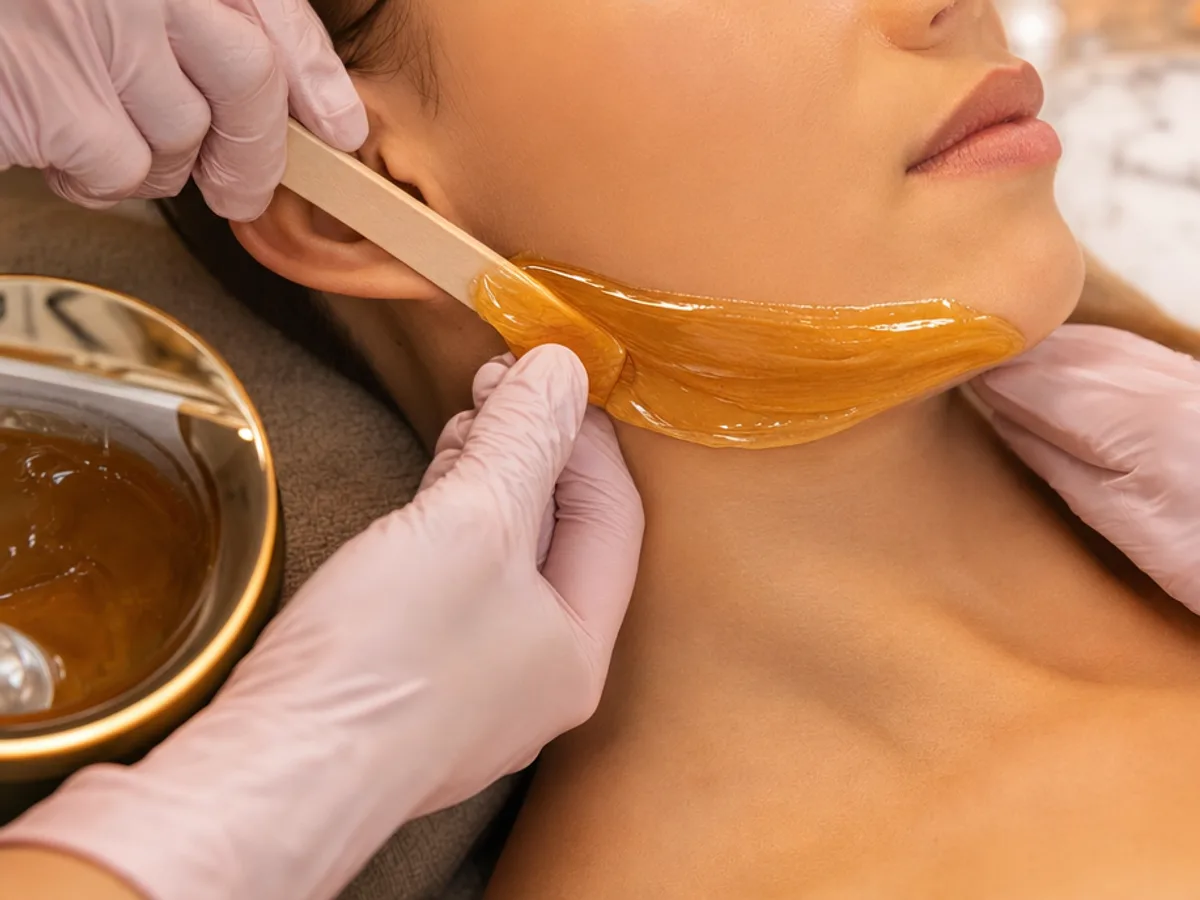
Client love
Book an appointment
Book an appointmentHow it works
Pick a template for your trade
Restaurant, salon, contractor, clinic or studio, or tell the AI assistant about your business.
Fill in the menu, hours and location
Your price list or menu, opening hours, an address with directions, WhatsApp and phone. Everything saves on its own.
Print the QR and share the link
On the counter, the door, the van, the receipt and your Google Business profile. One address, always current.
Templates for small businesses
For restaurants and cafés, salons, studios, trades and clinics. The menu, price list and bookings are already in place.
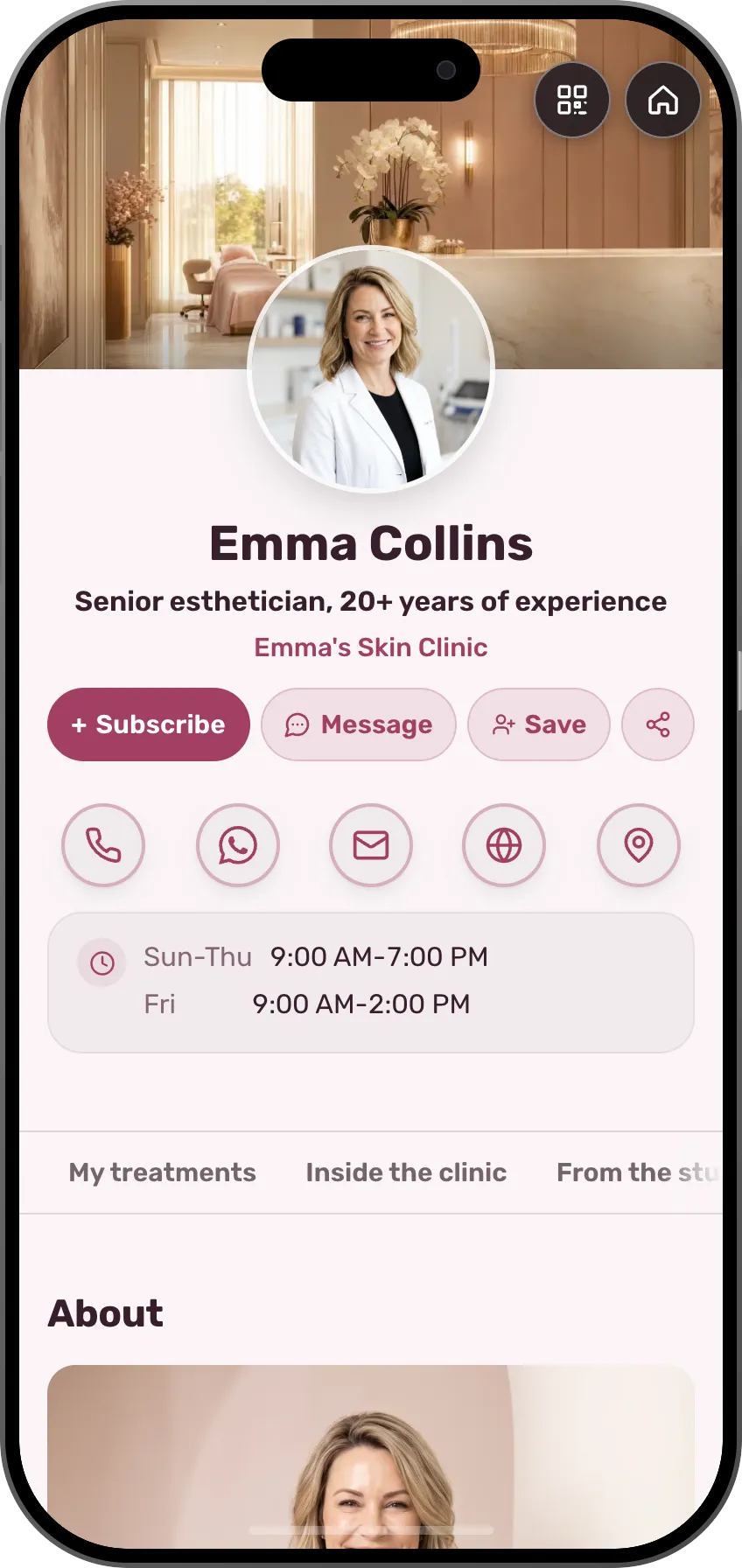
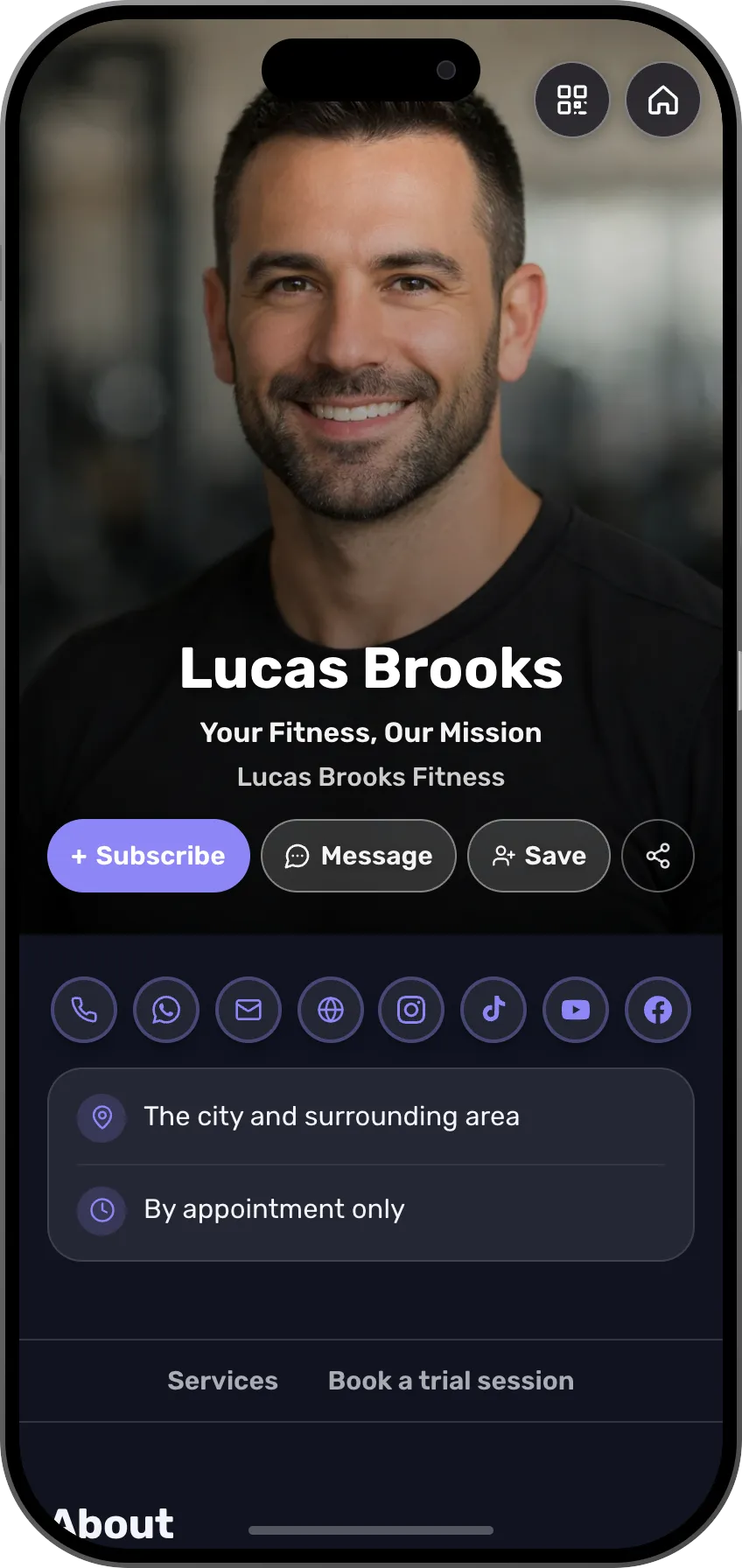
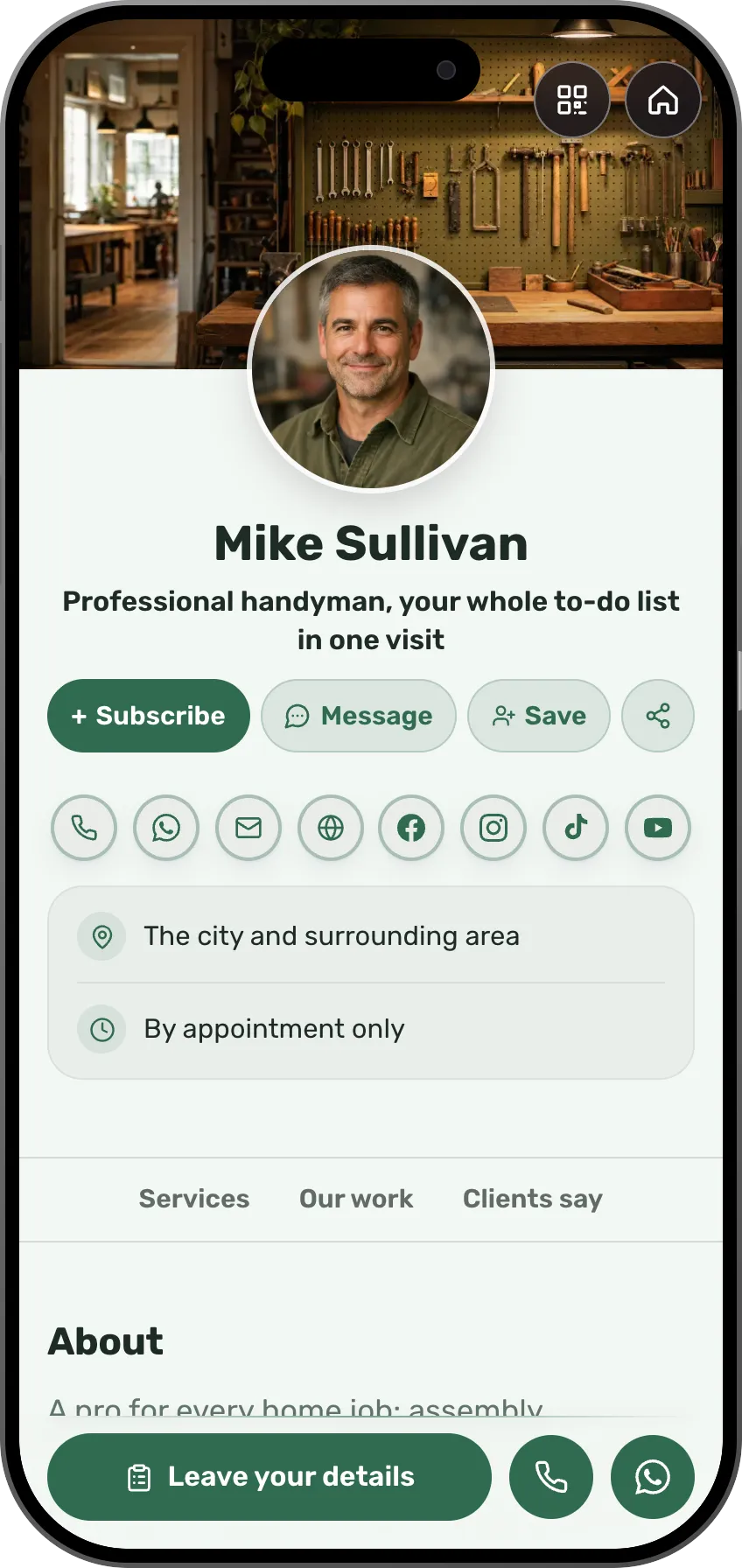
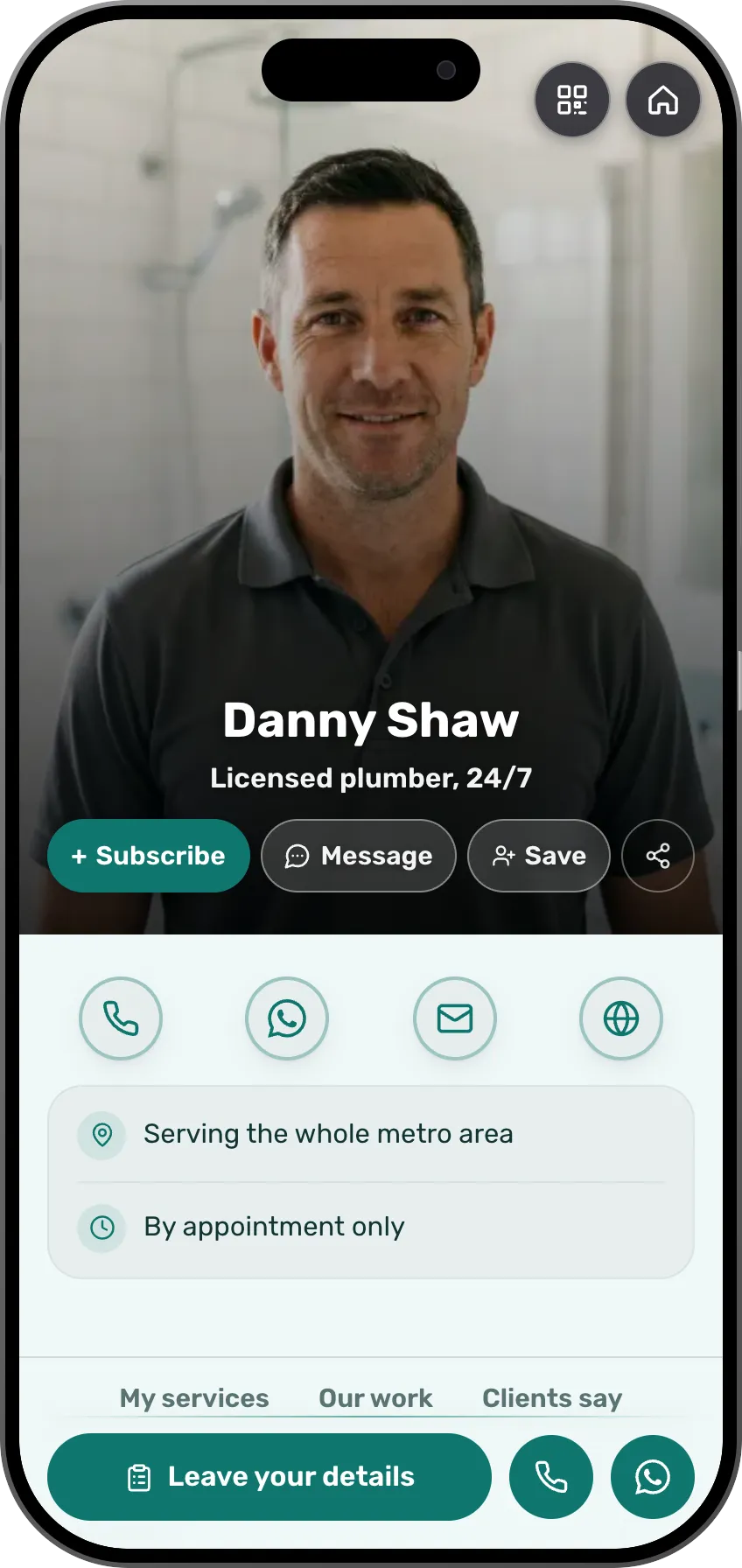
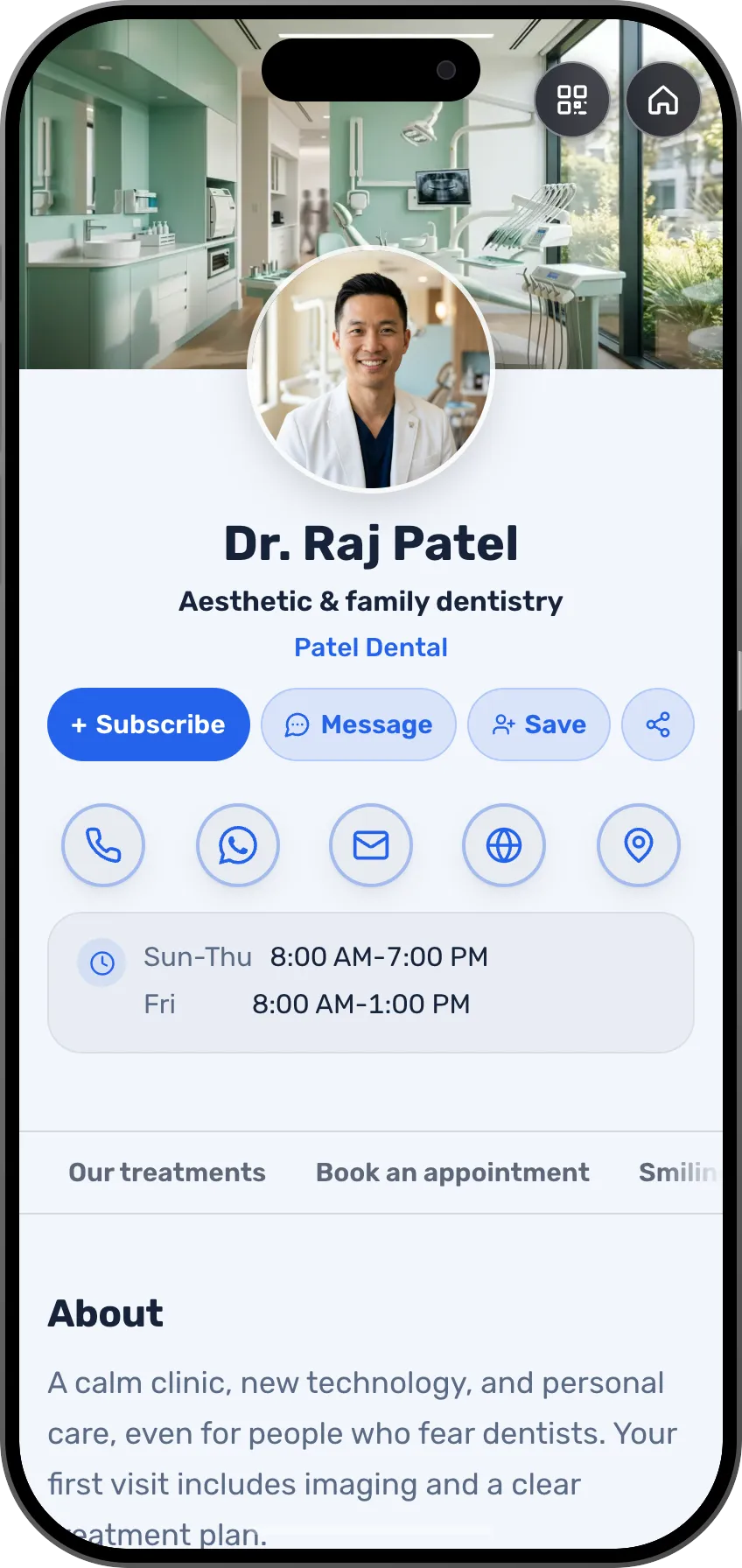
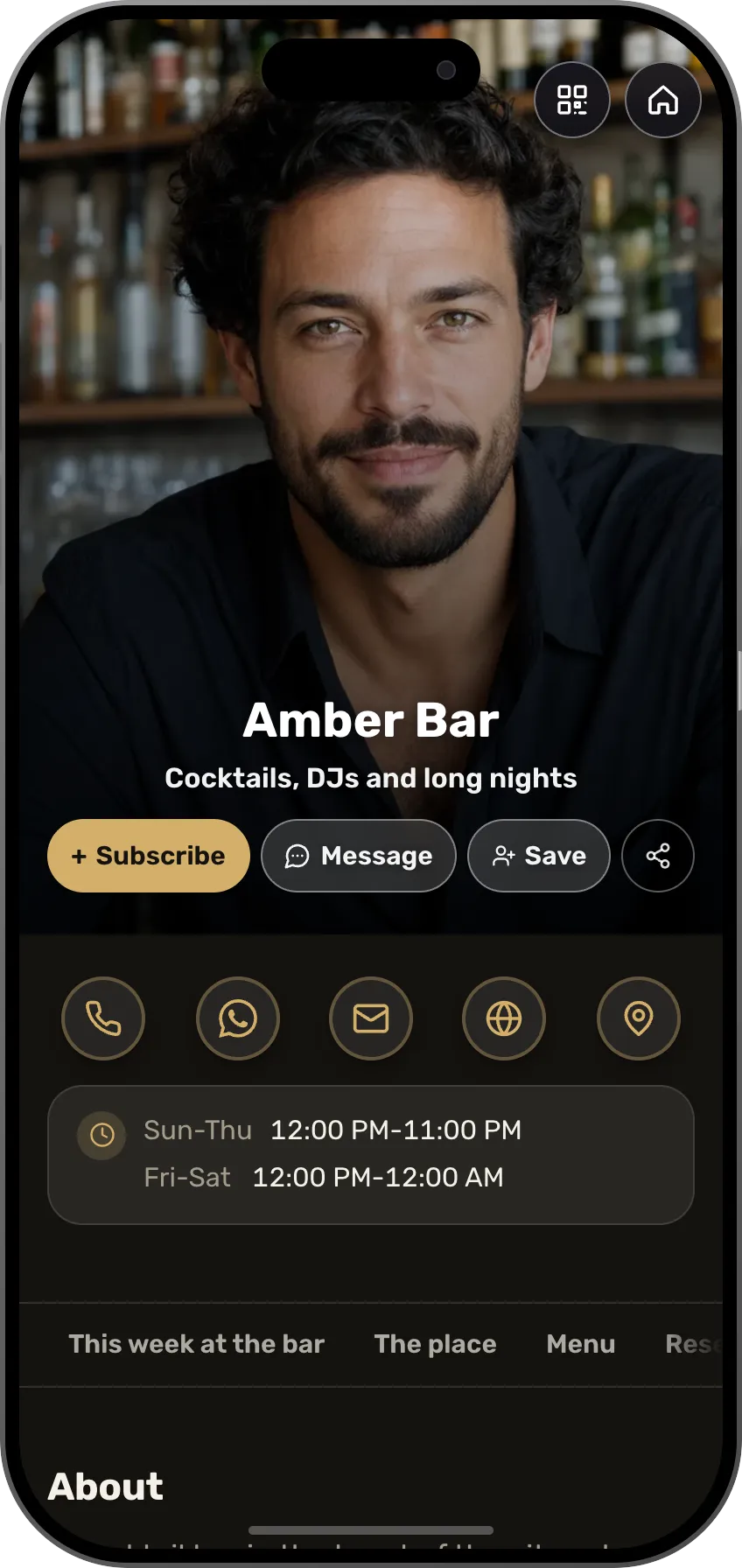
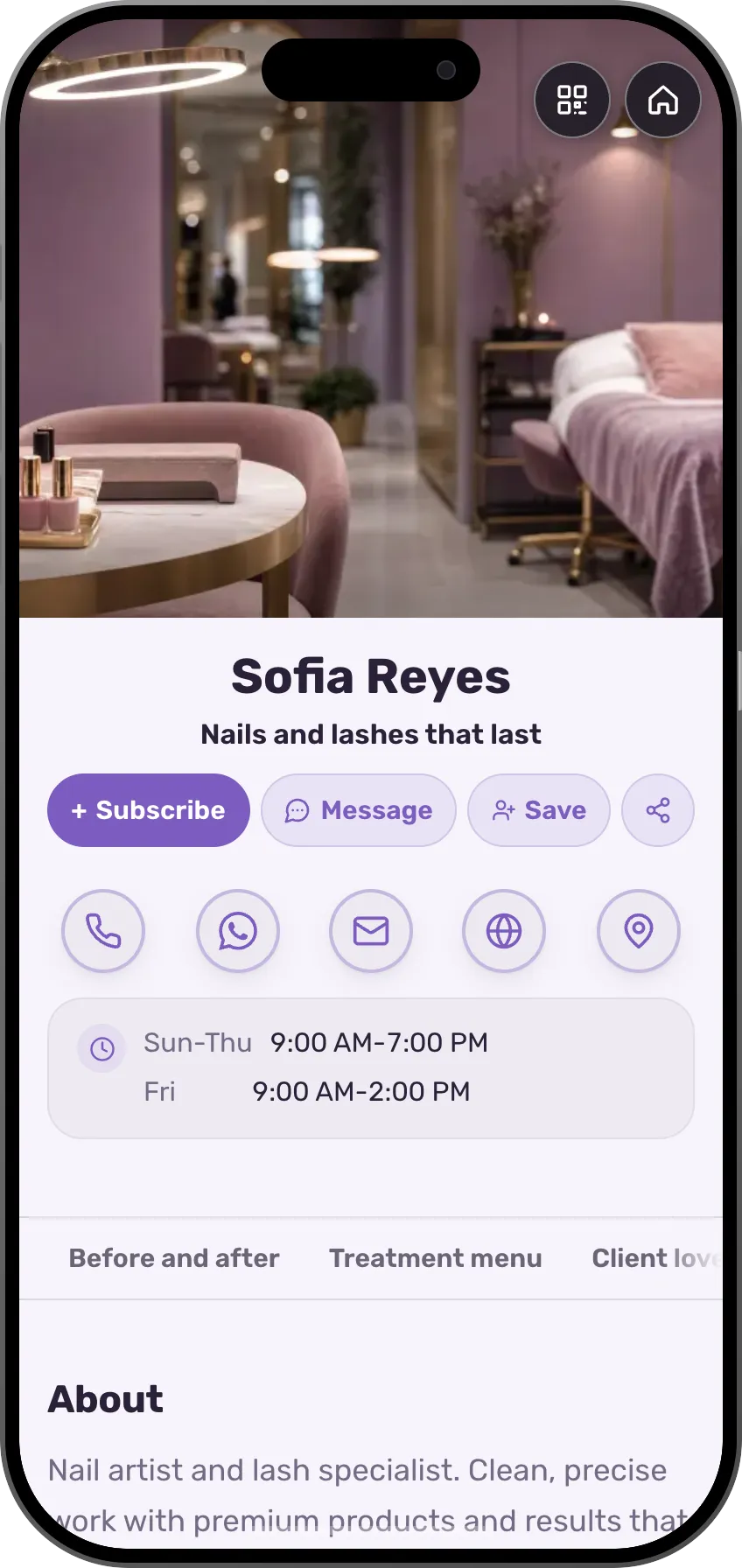
126 designed templates, sorted by profession
A card in any of 27 languages, and visitors see the version in theirs
A digital product, a course or a paid session, sold from the page
People pay on a secure checkout page, and the money goes to your account. The shop and courses open on Premium, selling at a 0% MyVisito fee, with a 7-day trial.
What can you sell from the card?
Online course
Lessons in modules, quizzes and a certificate. Buyers pay once and get their own learning area
1:1 session
Your time, on Zoom, by phone or in person. They pick a slot, pay upfront, and the meeting lands in both calendars
Document or eBook
A guide, a workbook or a template. The file link is delivered right after payment, on the order page and by email
Media file
A track, a set, a sound kit or a recording. A preview on the offer page, and the file itself delivered by a private link
Link access
Entry to something you already have: a closed group, a content library or a recording. After payment, buyers get the link
Free download
A gift for an email, say a checklist or a short guide. Whoever leaves details gets the link right away and joins your audience
Services, price lists and menus show on the card itself with a quick-contact button (WhatsApp, leave details or book a slot). People reach out, and you close.
Income calculator
How much could you sell from your card in a month?
Estimated monthly income
$2,160
Your price times your sales, before the platform fee and payment processing.
The money lands in your account
With your own Stripe account, payments go straight to you. In some countries where Stripe does not open seller accounts yet, MyVisito handles the payments and pays out to your bank account.
From your card straight to checkout
They open your card, choose an offer and go straight to Stripe checkout.
Every fee spelled out upfront
Our platform fee drops as your plan goes up, and Stripe's processing fee is listed next to it on every sale. The full table is on the pricing page.
Free trial, cancel anytime.
By kind of event
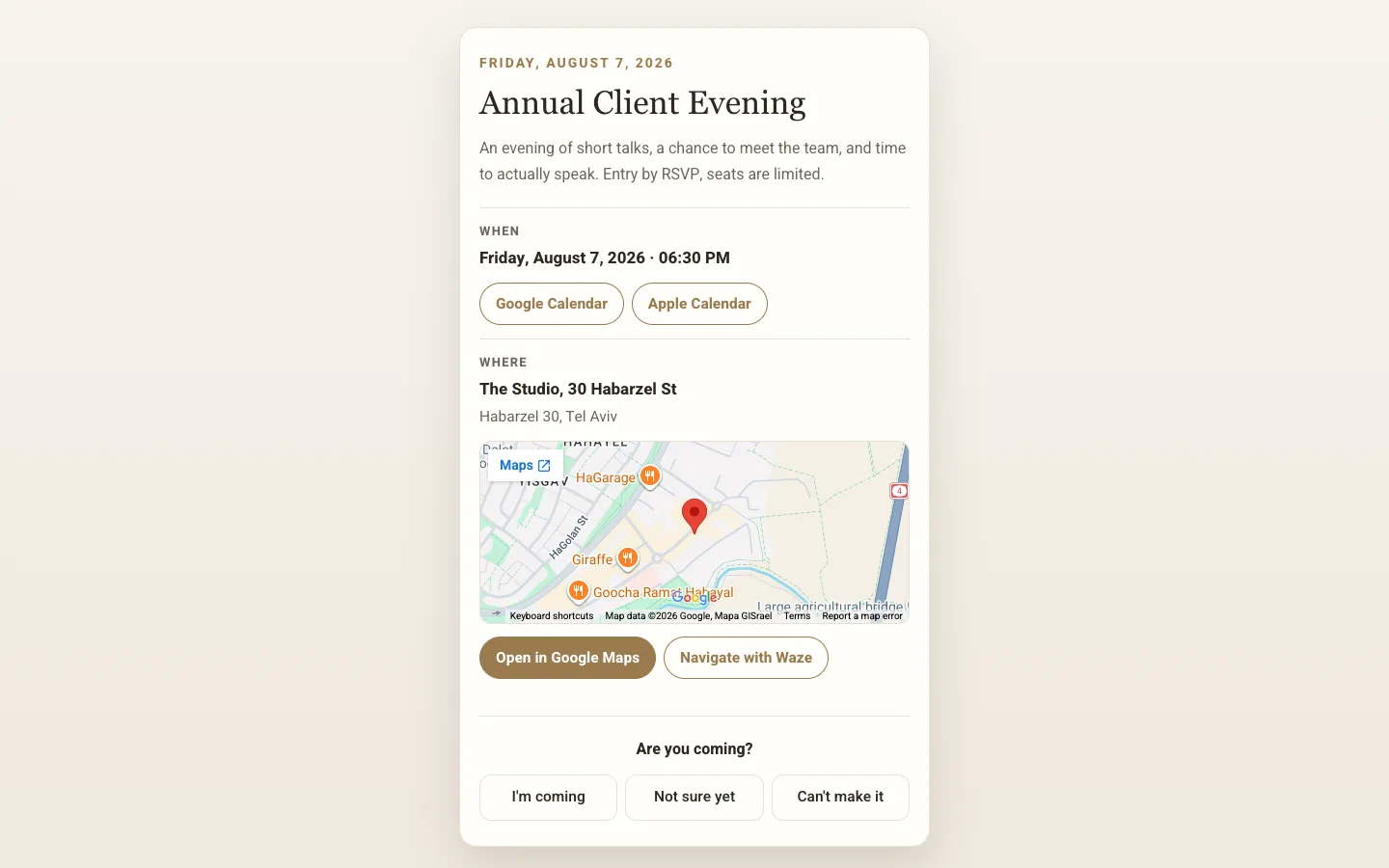
Special evenings with sign-ups and tickets
Every evening, workshop or launch gets an invitation with tickets, and the reminder goes out to guests on its own.
Keep everyone you meet on one list, with where you met and what you agreed.
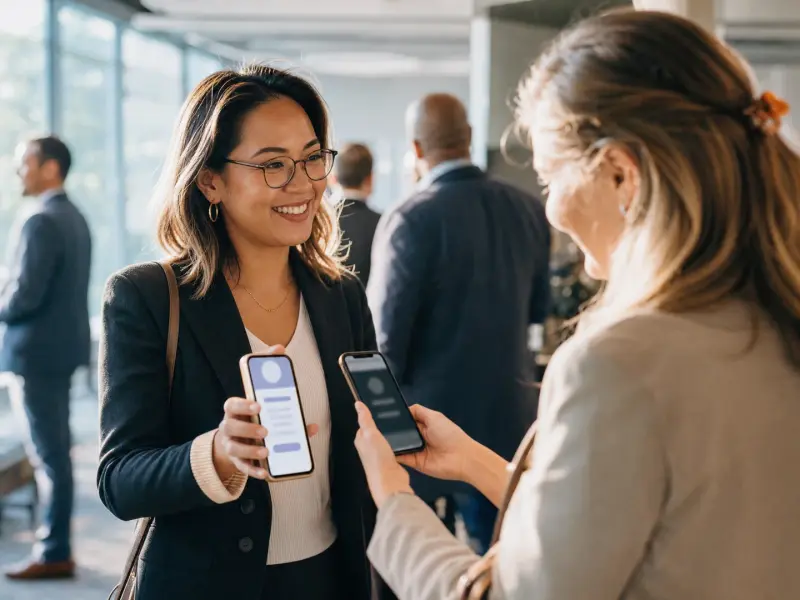
Scan the card of someone you met or snap a paper one, add a note about what you agreed, and message them from the same place.

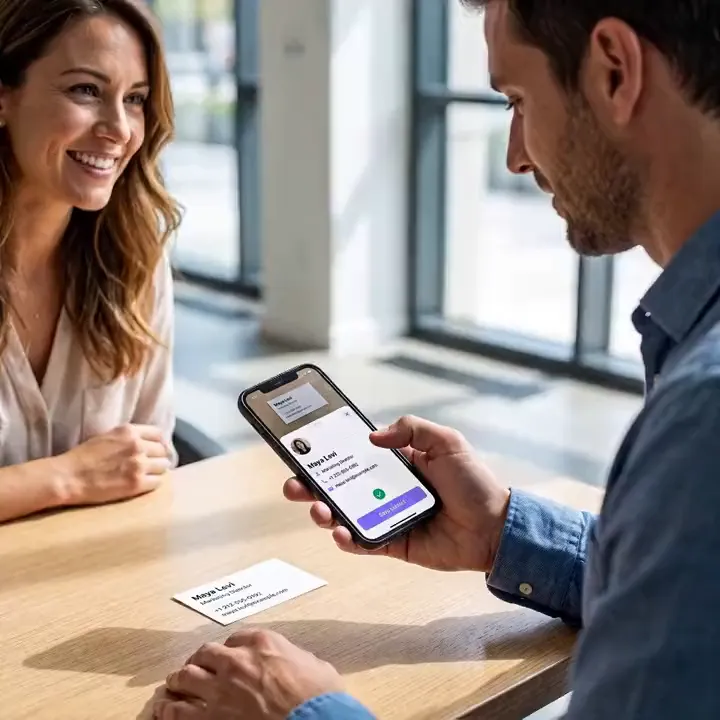
Scan a paper card, and the person is on your list.
Frequently asked questions
What does the free plan include?
A page at your own address, a QR code, a gallery, contact details and location, a contact form, your contacts list and a live event. The shop, the menu, price list, bookings and testimonials open on Premium, with a 0% MyVisito fee on sales, with a 7-day trial.
Can people book online from the page?
Yes, on Premium. You set your hours and appointment length, people pick a slot on the page, and you confirm. Both sides get the details in their calendar.
Can people pay on the page?
Digital products, paid sessions and courses sell on Premium, with secure checkout. Menu and price-list items show with a contact button, so people reach you in one tap. Event tickets sell on Premium too.
Do I need a website too?
For many small businesses this page is the website: what you do, when you're open, where you are, how to book and how to reach you. If you have a site, the card is the short link on the QR code and the page that turns a scan into a booking.
Can I update the price list or menu after the QR code is printed?
Yes. The printed code always opens the current page, so a price change or a new item is one edit.
How many templates are there, and can I change them?
There are 126 designed templates, sorted by profession, and each one is a complete card with its sections ready. You can change everything in it: colors, font, background image and the order of the sections. Or tell the AI assistant what you do, and it drafts a card laid out for your profession.
Which languages does a card work in?
The card itself can be written in 27 languages, including English, Spanish, Arabic, Hebrew and Russian, and visitors see it in their own language when there's a version for it. Sales pages, courses and event invitations work in 22 languages, and the app itself runs in English, Hebrew and Russian.
Can I get paid from any country?
Taking payments (a shop, courses and paid event tickets) is open to sellers based in one of the 35 supported countries, and buyers can pay from other countries too. MyVisito itself is available in most countries. Where it is, the card, the free plan, contact exchange, your contact list and event invitations all work.
- 126
- Designed templates
- 27
- Card languages
- 22
- Shop and event languages
- 35
- Countries you can sell from
- 22
- Live integrations
Integrations with the tools you use.
A new inquiry goes to your CRM or a sheet, a meeting lands in your calendar, and a consultation gets its Zoom or Meet link by itself.
Calendar and meetings
Meetings go into your Google Calendar, and whoever booked gets an invite for theirs.
- Google Calendar
- Zoom
- Google Meet
- Calendly
CRM
Every new inquiry from the card shows up in your CRM.
- HubSpot
- Salesforce
- Pipedrive
- Dynamics 365
Email marketing
Whoever left details on the card joins your mailing list.
- Mailchimp
- Klaviyo
- MailerLite
- Brevo
- Kit
- beehiiv
Automation and sheets
Every inquiry is written to a sheet or starts a Zapier flow.
- Zapier
- Google Sheets
- Google Contacts
- Outlook
Make and n8n connect too, and more are on the way.




Read next
QR code sharing
A branded QR code people scan from a screen or from print, and your card opens on their phone.Meeting scheduling
A booking button on the card, with a confirmation and a calendar invite for both sides.Contacts and CRM
Each name on your list comes with where you met, where things stand and when to get back to them.