The MyVisito community is the people you meet through your business card.

What happens after you meet someone
Today
- A paper card in a coat pocket
- A number in your phone with no name, and no idea where it came from
- An Instagram post most people missed
- Guests at an event who don't know each other
With the community
- Everyone you meet is saved, with where and when
- People who asked for your updates see your next workshop in MyVisito
- Before the event, you see who else is coming
- Whoever is looking for someone in your field finds you


What the community gives you

Your list grows with every meeting
Every name shows where you met, so six months later you still know who it is.
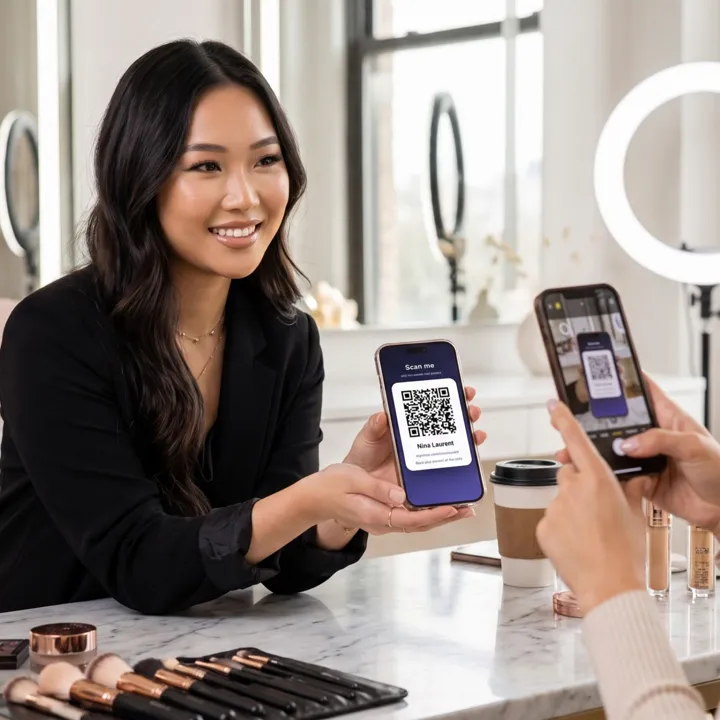
Your news shows up for your subscribers
Add a new workshop to your card, and it appears on their home screen.
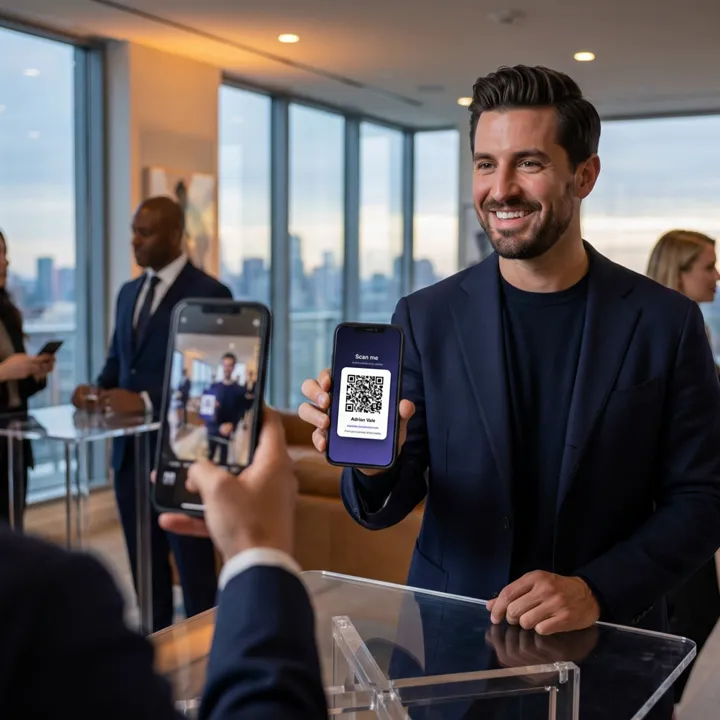
People find you by profession
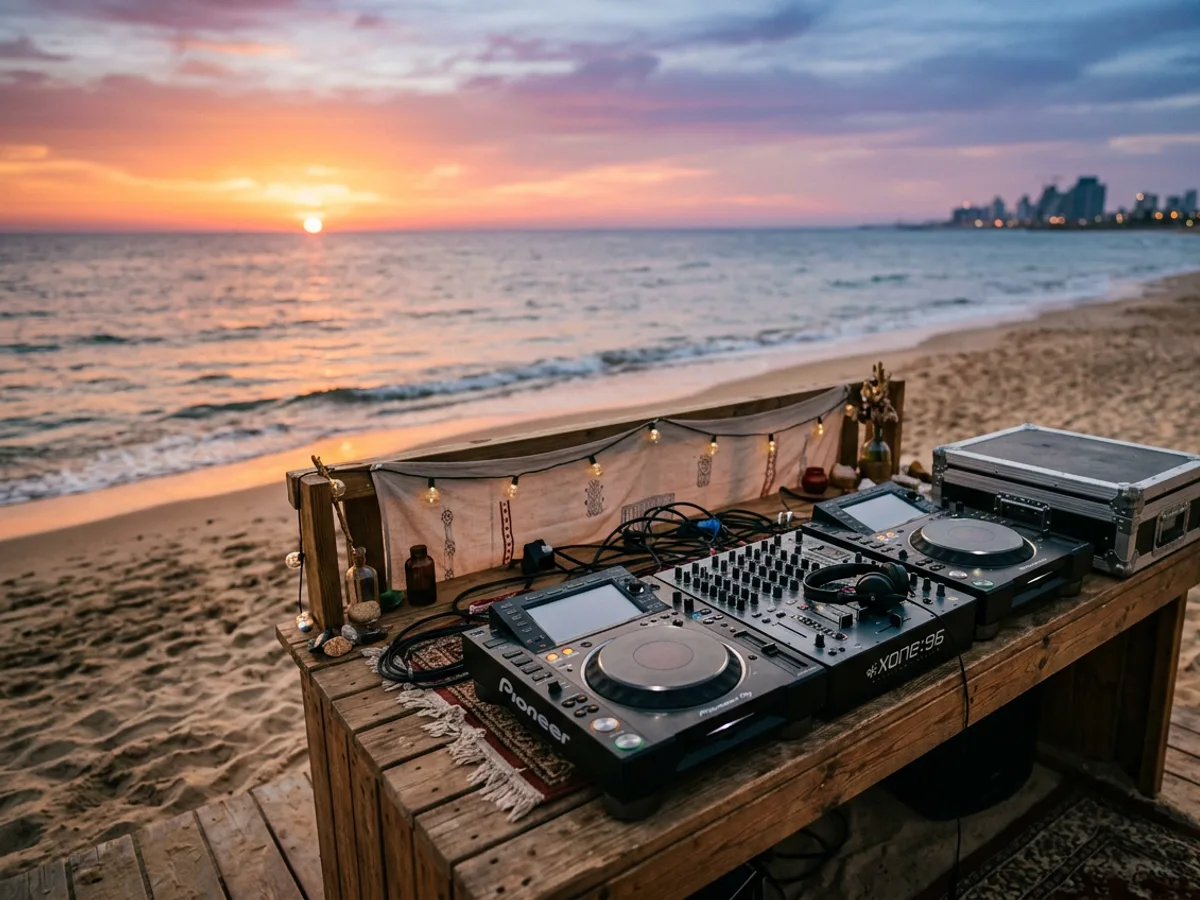
Every card joins the room for its profession, by country. Someone looking for a DJ in your country finds you there.
The events board shows who from your community is going to each event.
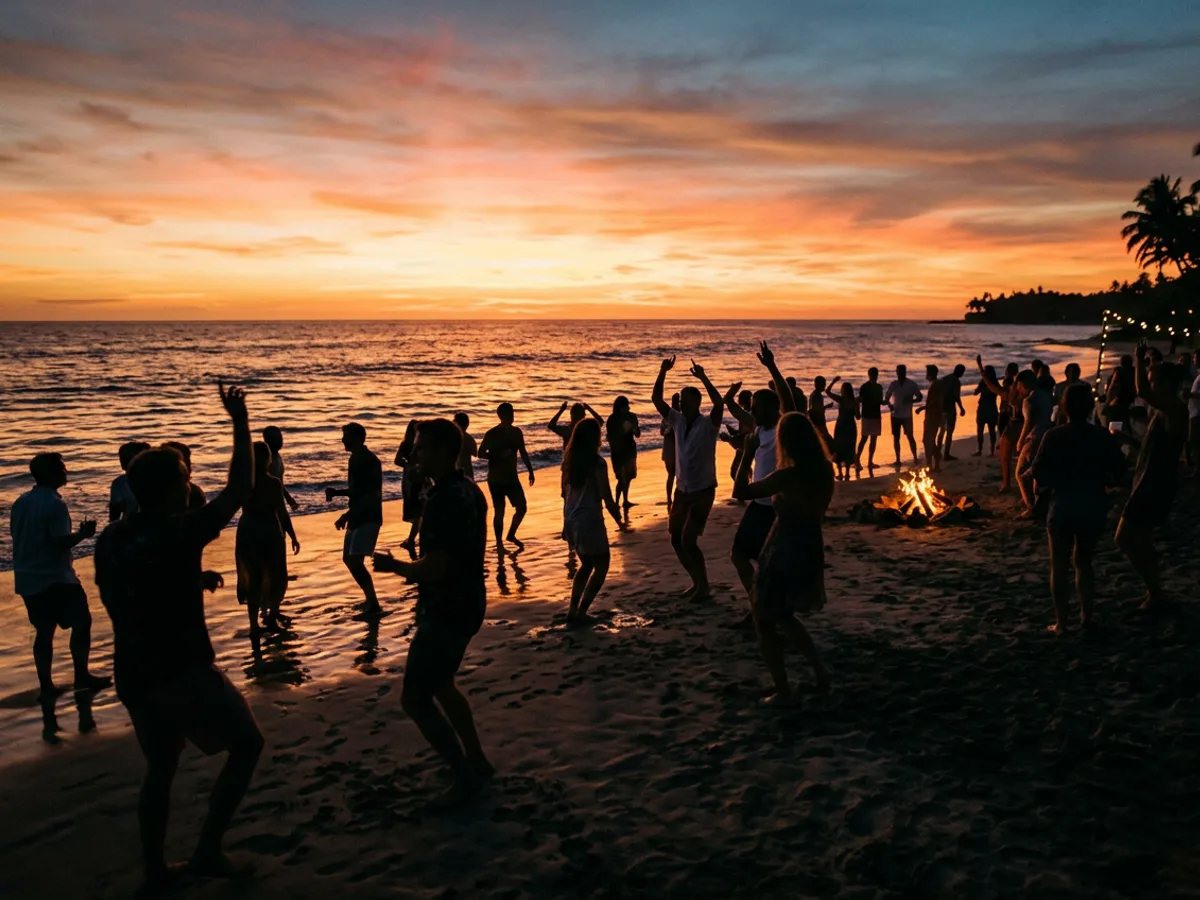
Mark "I'll be there" and your subscribers see it in their updates. If you'd rather keep your name private, you show next to the event as an initial only.
 Thursday, 8:00 PM
Founders' Rooftop Evening

 3 going from your community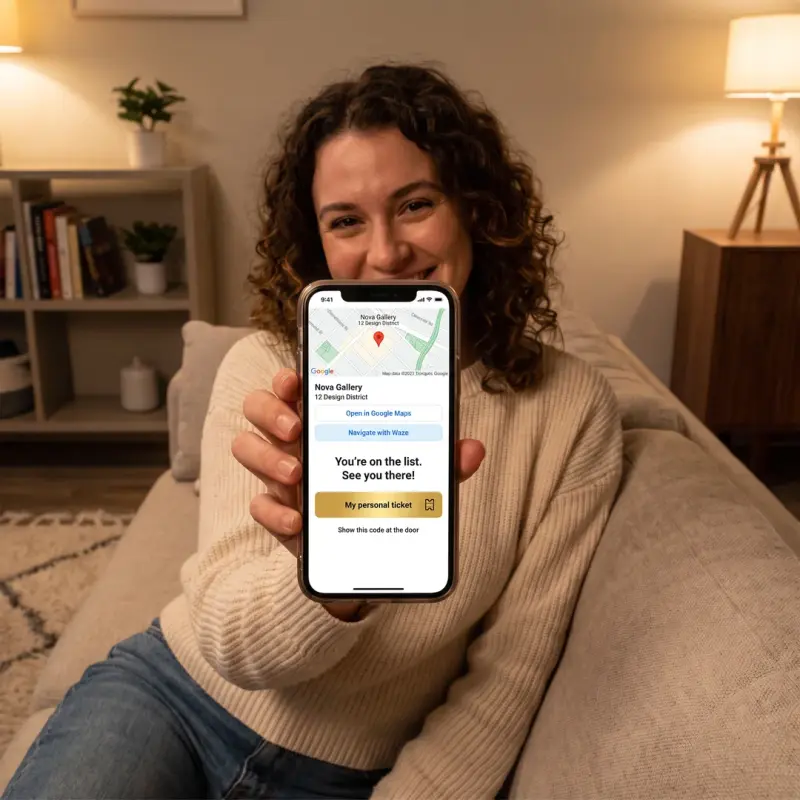
How to join
Create your card for free
The Updates button is already on it, and the card joins your profession's room.
People join you
Share your card on WhatsApp or in your Instagram bio. Anyone who taps Updates is saved.
You get updates too
Ask for updates from whoever interests you, and your home shows what's new with them.
Questions everyone asks
Do I need a card to be in the community?
Yes, and it's free. Your card is how people find you and remember you.
What do other members see about me?
Only the card you published. A message from someone you don't know goes to your requests folder, with no email alert.
Who sees that I marked "I'll be there"?
Your subscribers see it in their updates. Next to the event, your name and photo are visible only to them and to the people you get updates from. You can also appear as just an initial, and then it stays out of updates.
Is there a feed of posts?
No. Nobody writes posts here. Your home shows what happened with the people you asked for updates from: a new event, an offer, a show.
Can I see the events without an account?
Yes, the events board is open to everyone.