

Aisha Diallo
Brands People Remember
Orbit Studio
About
A full creative agency: strategy, design and campaigns that deliver. Our team works alongside your brand to tell the right story to the right audience.
Services



Selected Work




Mei-Ling Zhao
Design That Tells Your Story
Lumen Studio
About
A design and branding studio that turns ideas into visual experiences. We build a complete brand language, from the logo to the digital product, with care for every detail.
Selected Work


Services





Tomas Nowak
Your Next Home Starts Here
Carmel Realty
About
A real estate agency with personal guidance every step of the way. We know every neighborhood and make sure you find exactly what you were looking for, at the right price.
Services



Gallery


Switch a template and every member card follows.
Every employee's card looks different
One sends an old PDF, another a photo of a paper card, a third just types a number into WhatsApp. With one template, everyone looks like the same company.
How it looks today
- Every card a different look
- Leads stuck in personal phones
- When someone leaves, their contacts go too
- No way to tell which card brings in leads
Team cards on MyVisito
- One design on every card
- Every lead in the company CRM
- A card for every new hire
- See which card brings in leads
How it works
Design the company template
You can have more than one, say one for sales and one for support.
Invite your people
Everyone who joins gets a card ready from the template and fills in their own details.
Leads from the whole team
Leads from every card reach one company list, and each person sees them according to their role.
A team directory with reminders
Anyone who hasn't finished their card gets a reminder, and you can also create the card for them.
Leads stay when people leave
Every contact an employee brought in stays with the company, and you can assign it to someone else.
Every sale is credited to whoever brought it in
Each person has their own share link, and a sale that starts there counts toward them. The team sales board shows who sold, how much and the commission they've earned under your rules. For payouts, export it all to Excel.
Their own login for your assistant
Whoever helps you run the business manages the card and content from their own account, and your password stays with you.

Everything inside
What the Teams plan adds to the card.
Teams
Every employee gets a card in the company's design, and everyone's leads come to one place.CRM integrations
Every new lead flows automatically into HubSpot, Salesforce, Google Sheets and more.Video call backgrounds
A background for Zoom, Meet and Teams with your name, title and a QR code people can scan mid-call.Analytics
How many opened it, what they tapped and where they came from, by section and by date range.
Who it is for
Cards for every team
A card for every employee, and every inquiry in one shared list.
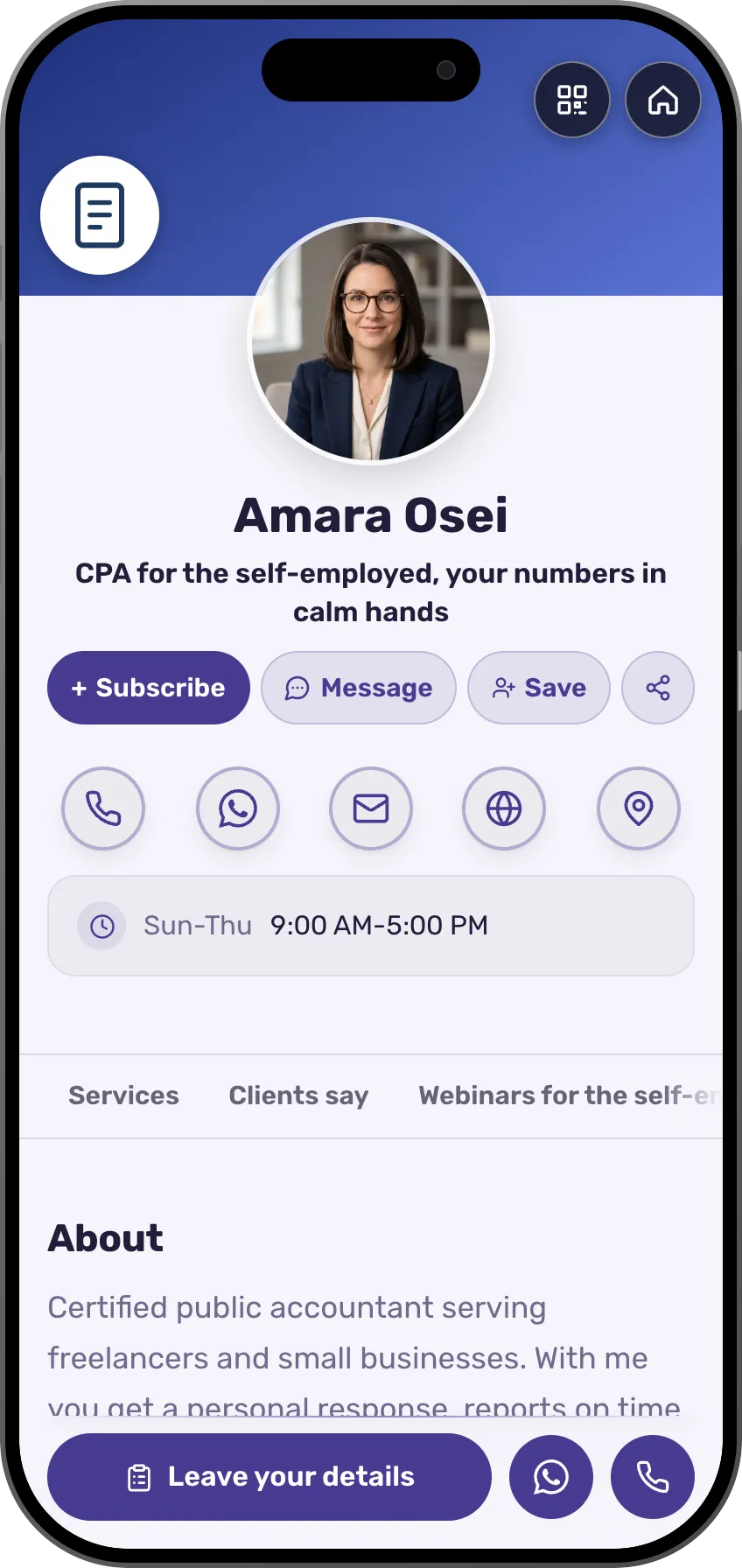 AccountantsEvery accountant in the firm with a matching card, and the clients in one CRMSee the profession page
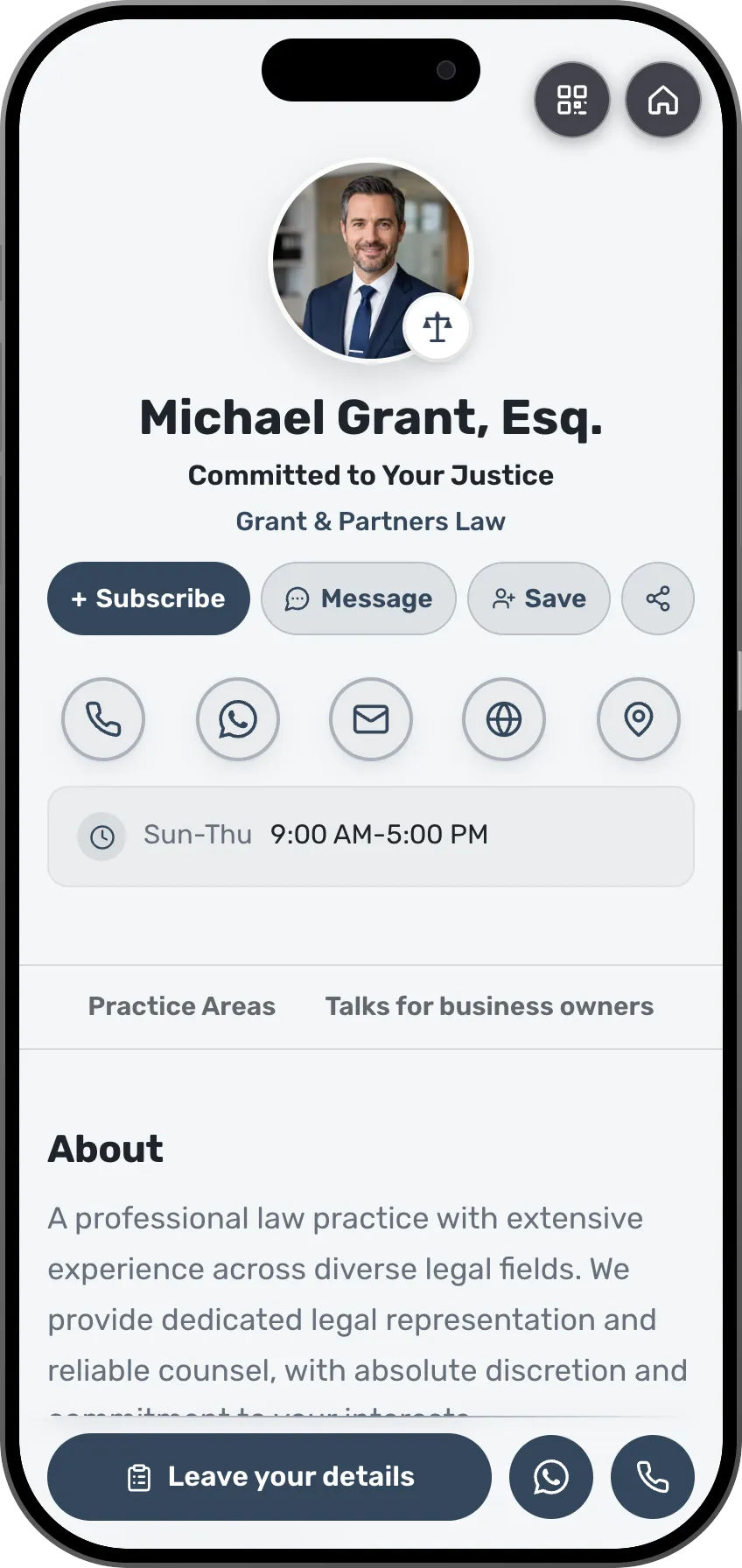 LawyersThe firm's lawyers in one brand, and inquiries that reach the right personSee the profession page
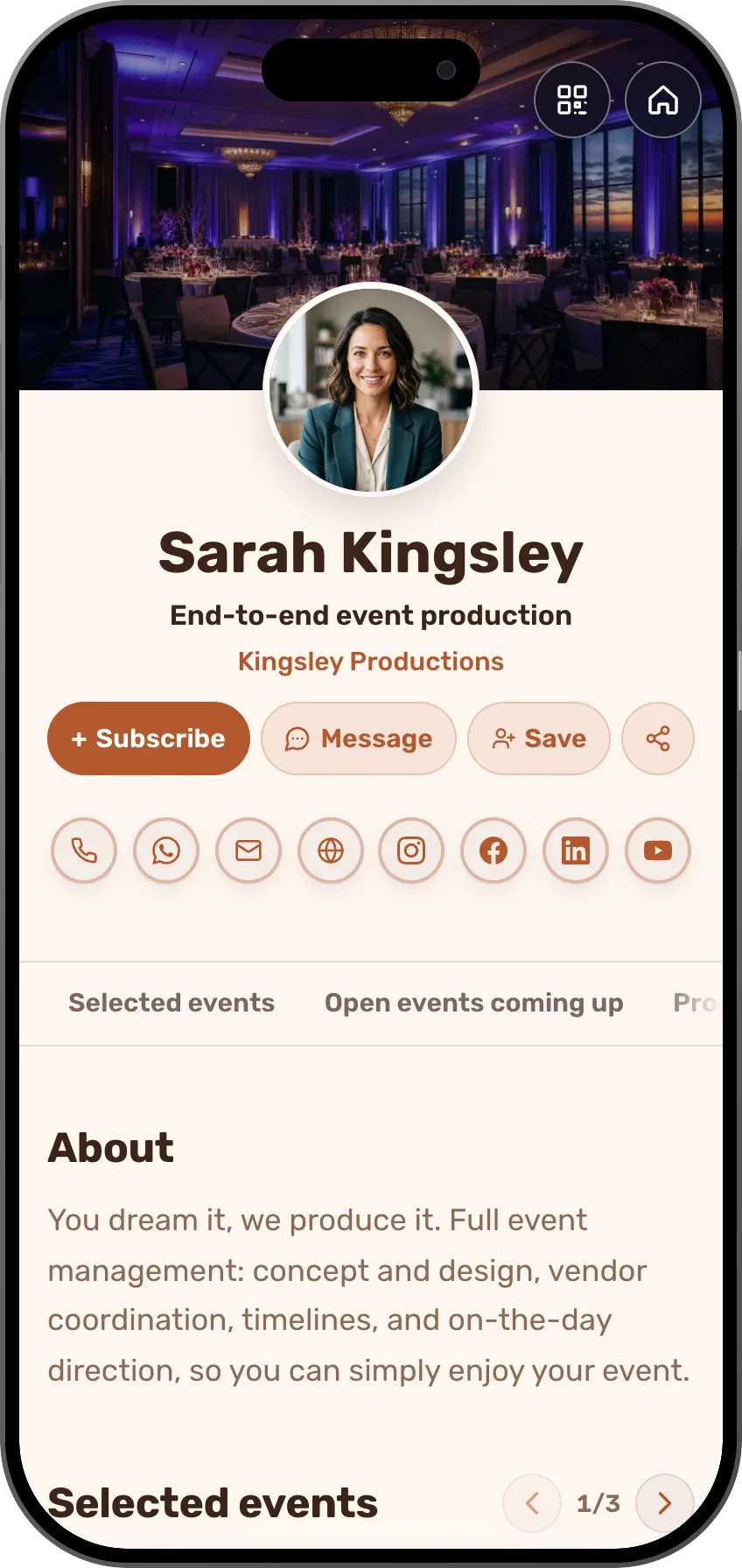 Event plannersThe production team with matching cards and shared leadsSee the profession page
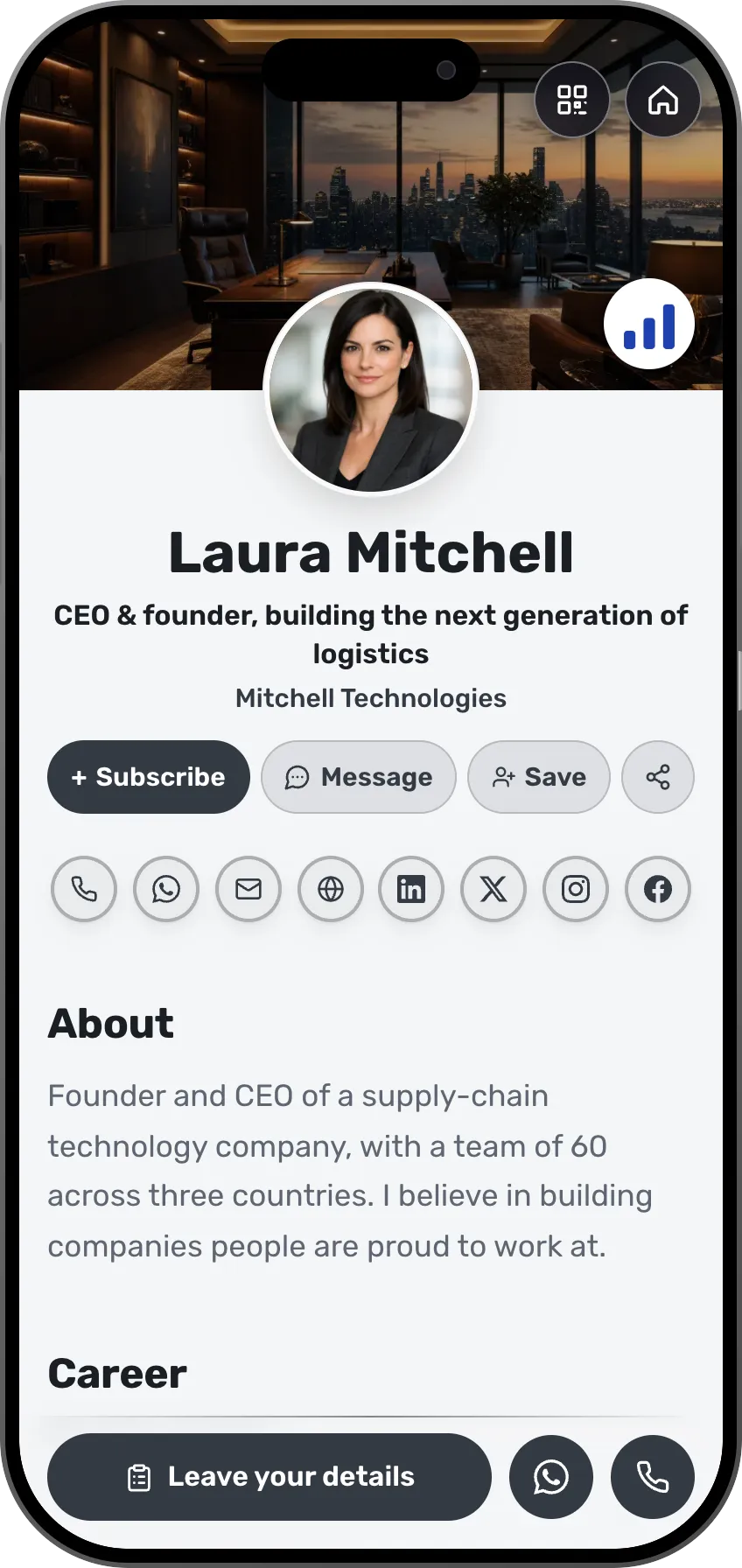 CEOs and foundersEvery card in the company updates together when the logo changesSee the profession page
- More professions and fieldsEach field has its own page, with ready-made templates.See all professions
When the whole team's cards share one design, people see one company.
Frequently asked questions
How do company templates work?
You design the template in the same editor used for any card. Each person's card comes from it, and when you change it, the change shows on every card.
What roles are there?
Owner, manager, editor and member, each with matching permissions across cards, contacts and settings.
What happens when someone leaves?
Every lead that came in through their card stays with the company, and their seat can go to someone new.
What is assistant access?
A separate login, on their own account, for someone who manages your cards or content. They don't use up a seat.
How is it priced?
Per seat, per month. Add or remove seats as the team changes, and start with a free trial.
Do you support large organizations?
Yes. The Enterprise plan adds hands-on onboarding and terms set for your organization. Get in touch and we'll set it up together.
Is Teams just a way to get more cards?
No. Teams is for managing people: a DJ or talent agency, a real-estate office, any sales team where each person needs their own card in the company's design and the admin needs to see every card and every lead. If you only want more published cards for yourself, stay on a solo plan and add cards for a fixed monthly price each.