Email signature
Every email you send becomes a business card
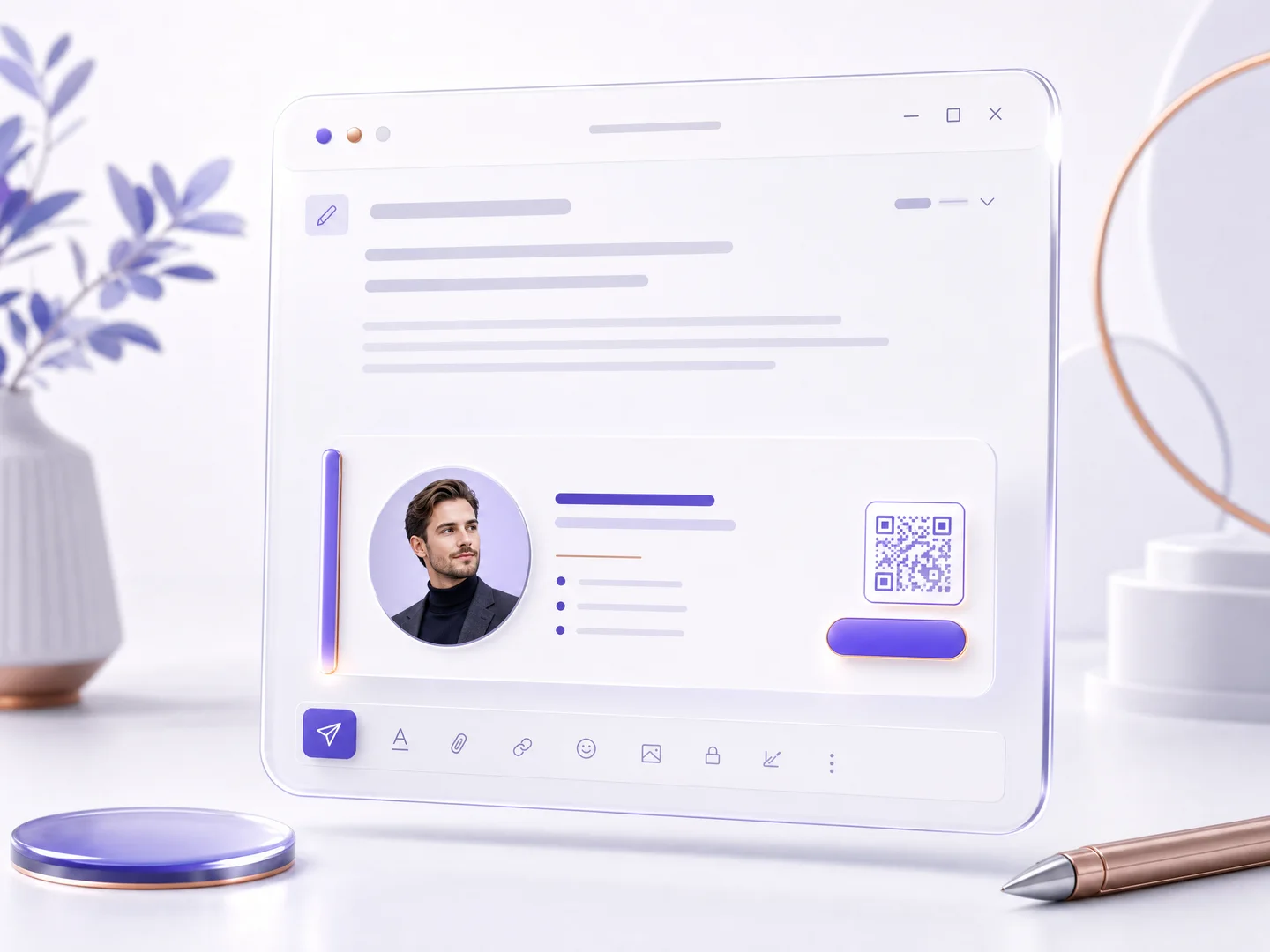
Generate a polished signature straight from your card: photo, role, brand color, a live card button and a scannable QR. Copy once, paste into Gmail, Outlook or Apple Mail, and every message starts opening doors.
Thanks for the great meeting today! Attaching the summary we discussed.
Dana Levi
Brand designer · Lumen Studio
dana@lumenstudio.com
Switch styles and colors, the signature follows instantly.
Installed in under a minute
Pick a style, tap copy, and paste into your email app, with step-by-step instructions for Gmail, Outlook and Apple Mail. Prefer a file? Download the signature as HTML and use it anywhere.
Your brand, down to the pixel
The signature inherits your card's color automatically. Four styles are built in: brand line, banner, centered and minimal, and paid plans add fonts, text size, photo shape and a clean signature with the branding line off.
A signature that reports back
The card button and the QR are measured: clicks and scans land in your analytics as email traffic, so you know which conversations your signature opened.
How it works
Publish your card
The signature is generated from your live published card, so the details are always yours.
Pick a style and copy
Choose a style and color, fine-tune what shows, and tap copy signature.
Paste into your email app
Follow the short instructions for Gmail, Outlook or Apple Mail, and send your next email.
Frequently asked questions
How do I add the signature to Gmail or Outlook?
Tap copy, open your email app's signature settings, and paste. The screen shows step-by-step instructions for Gmail, Outlook, Apple Mail and other apps, plus an HTML download for anything else.
Does the signature stay current when my card changes?
The button and QR always open your live card, so people always land on your latest details. If you change your name, photo or colors, regenerate the signature and paste it again, it takes under a minute.
Which signature styles are there?
Four: a brand line with your color, a full banner, a centered layout and a minimal text signature. Each one carries your photo, role, contact line and the live card button.
What is free and what is paid?
Generating a signature is available on every plan, including the brand-line style, your card color and the QR. Paid plans add the other three styles, fonts, text size, photo shape and the option to turn the branding line off.
Are signature clicks measured?
Yes. Clicks on the card button and scans of the signature QR are counted in your analytics as email traffic, next to your QR and link stats.
More MyVisito capabilities
The people you meet are worth remembering
Create the page that is you in a minute: your story, your offers, your payments, and a memory of everyone who says hello. Free, forever.