QR code
A QR code business card people actually scan
One scan opens your full card: details, services and a save-contact button. The QR is built in, branded, and ready to show from your phone or print anywhere.






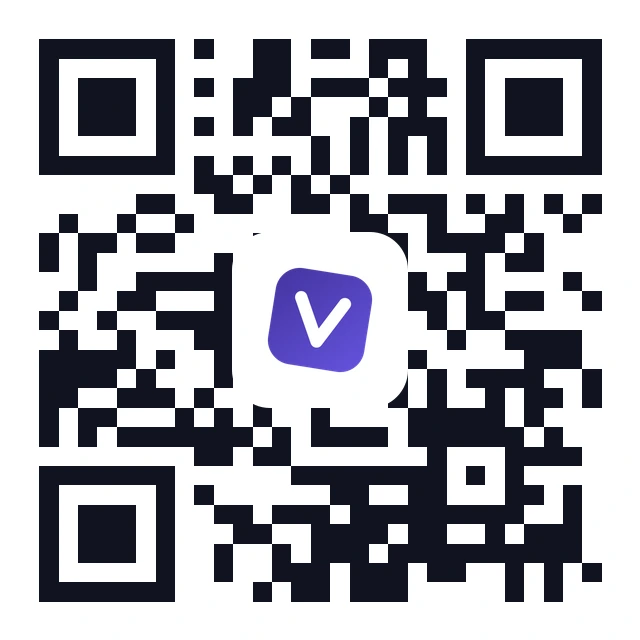
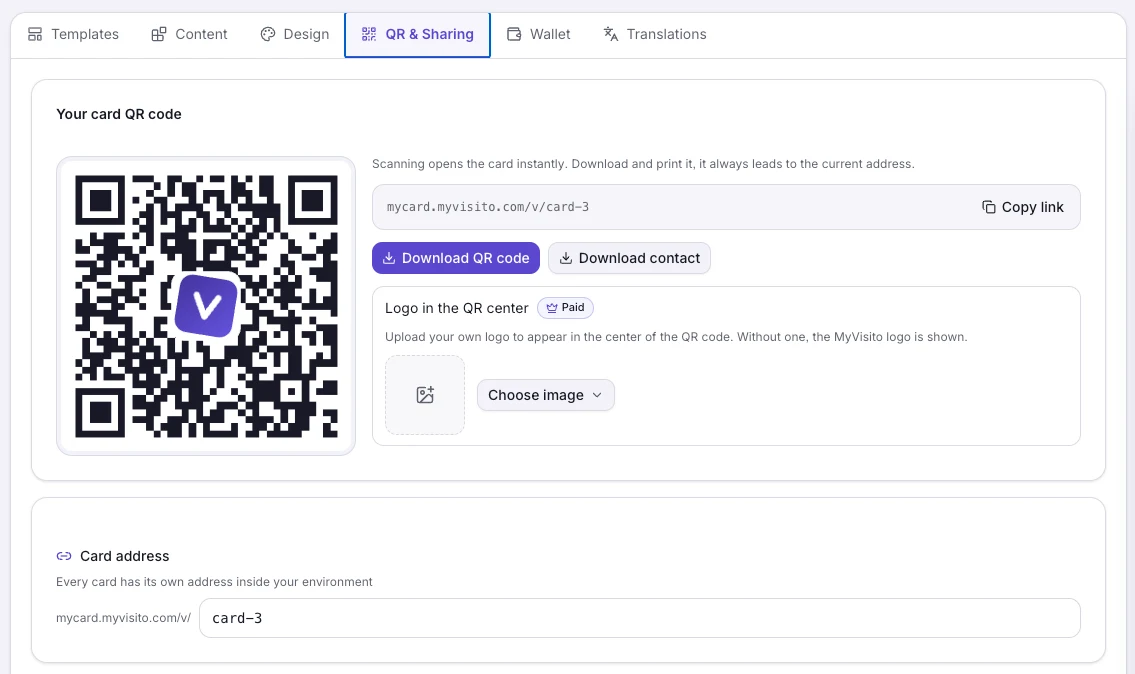
Branded, with your logo at the center
Every card ships with a designed QR code that carries a logo tile in the middle. On paid plans the tile shows your own logo, so even the code itself looks like your brand.
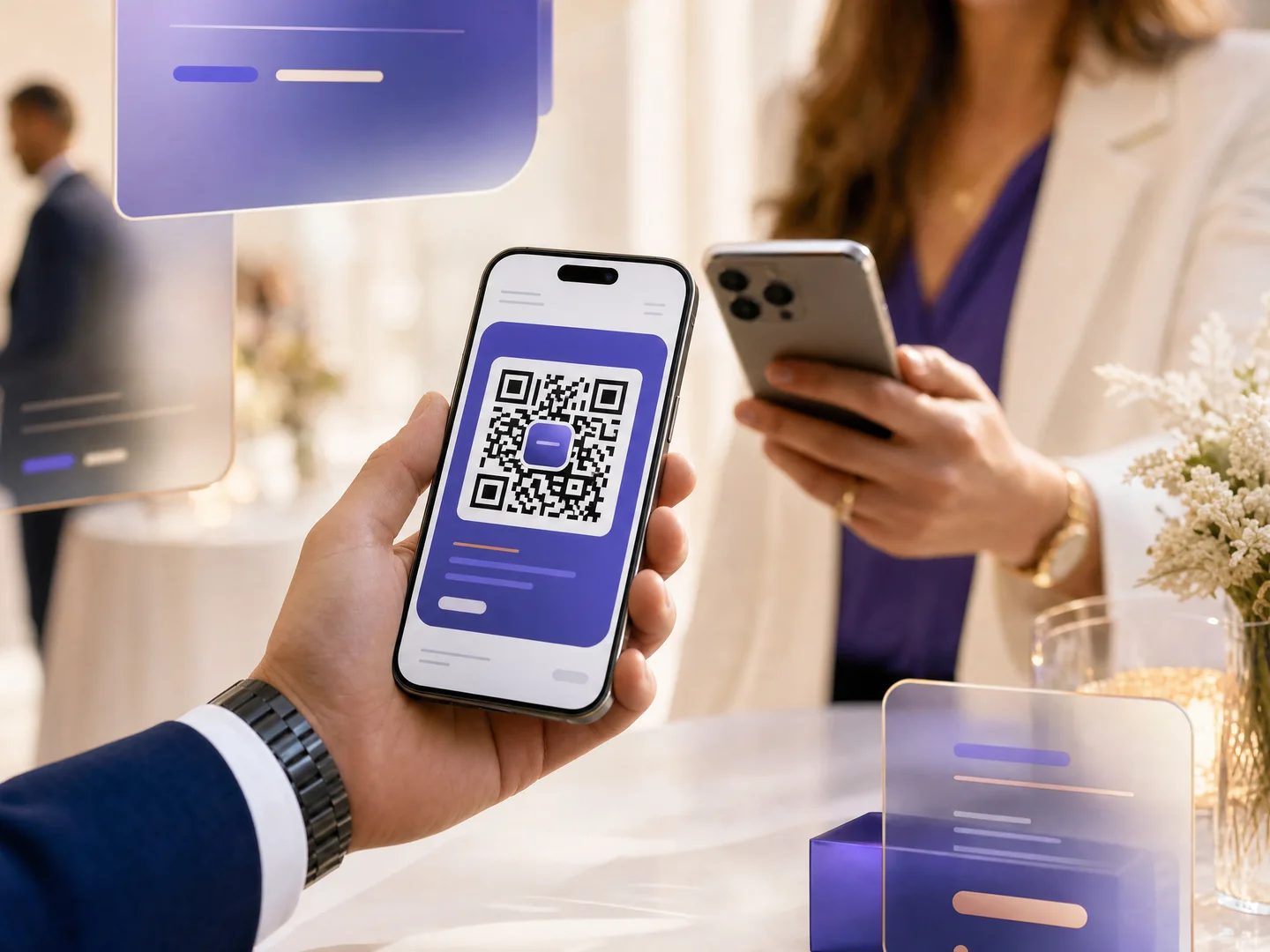
Show it, send it, print it
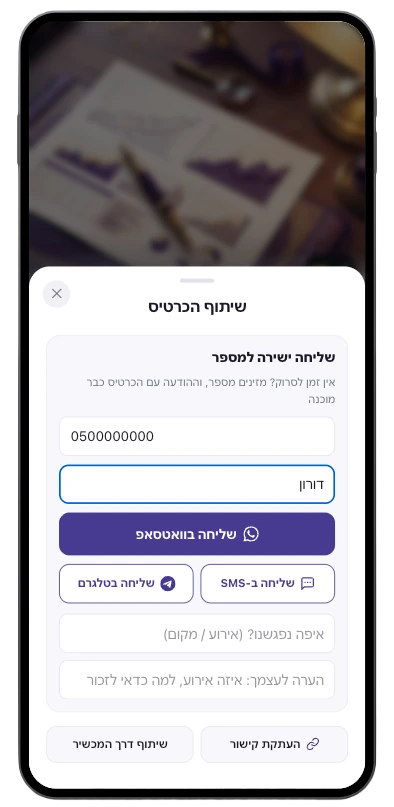
Open the scan-me screen at any meeting, download the QR as an image, or print it on paper cards, banners, packaging and menus. The code always opens the newest version of your card.
Control how your link looks when shared
Your own title, description and image for the link preview on WhatsApp, LinkedIn and social networks. Leave it empty and the preview builds automatically from the card. Available on paid plans.
Know when it gets scanned
QR scans are counted separately from other visits, so you can see how many people met you through the printed code versus the shared link.
How it works
Publish your card
The branded QR code is generated automatically the moment your card goes live. Nothing to configure.
Show it or print it
Open the scan-me screen at any meeting, or download the code and print it on cards, banners and packaging.
One scan connects you
The code opens your full card: they save your contact, leave their details, or add you to their wallet.
Frequently asked questions
How do I get a QR code for my business card?
It is already there. Every MyVisito card generates its own branded QR code the moment it is published. Open the share screen to show it, or download it as an image for print.
Can I put my own logo inside the QR code?
Yes, on paid plans the center tile of the QR carries your uploaded logo. On the free plan the tile shows the MyVisito mark.
Does the QR code change when I update my card?
No, and that is the point: the code stays the same forever while the card behind it updates. Print it once and never reprint because of a new phone number.
Can I track how many people scan my QR code?
Yes. Scans are recorded as their own event in the card analytics, separate from link visits, saves and clicks.
Where should I print the QR code?
Anywhere people meet you: paper business cards, event badges, roll-up banners, storefront windows, brochures, invoices and packaging. One scan and they hold your full card.
More MyVisito capabilities
The people you meet are worth remembering
Create the page that is you in a minute: your story, your offers, your payments, and a memory of everyone who says hello. Free, forever.