Virtual backgrounds
Turn every video call into a networking moment
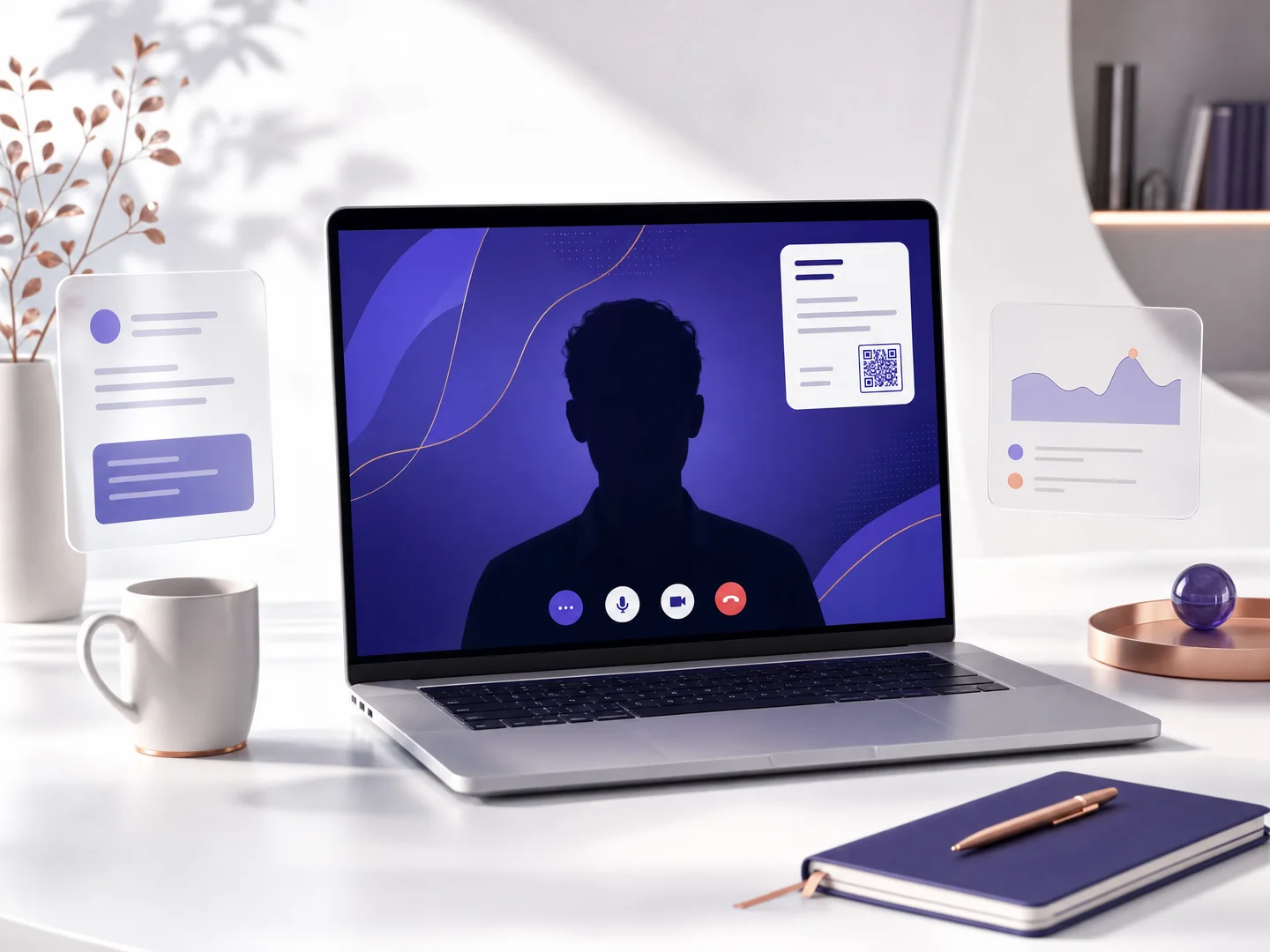
One click builds a Zoom, Google Meet or Teams background with your name, role and a QR that opens your card. Anyone on the call can scan the screen and save you on the spot.
Dana Levi
Brand designer
Scan to save
Pick a color and style, then download for Zoom, Meet or Teams.
Scanned straight off the screen
The background carries a crisp QR and a details card in the corner you choose. A colleague scans the screen mid-call, lands on your card, and the scan is counted in your analytics like any other QR scan.
Colors, gradients and a full gallery
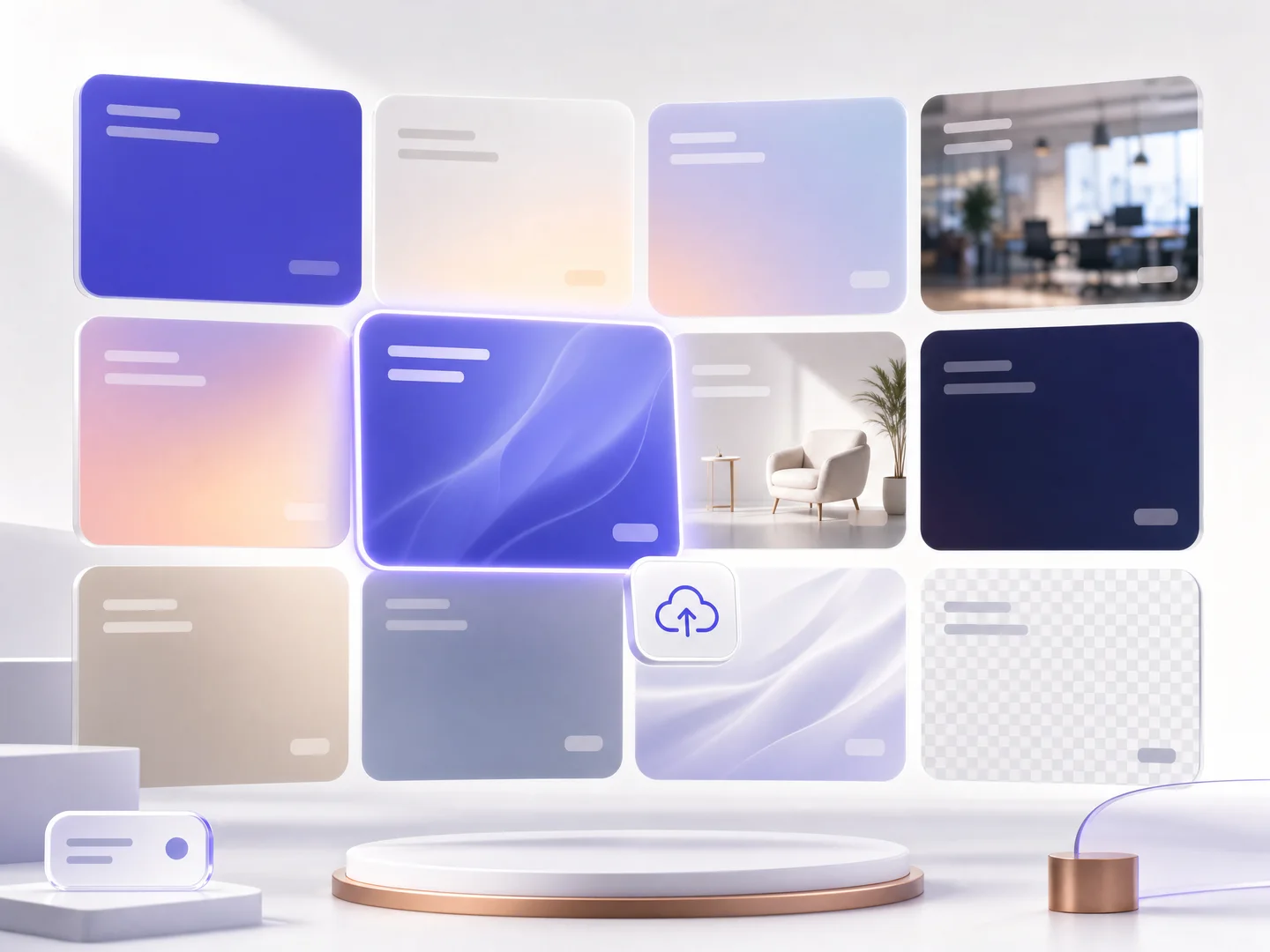
Backgrounds in your card's colors, curated swatches in solid, gradient or blurred styles, and a transparent PNG for overlays are free on every plan. Paid plans open the full photo gallery and let you upload your own image, kept in a personal library.
One background for the whole team
On team plans an admin saves the design once as the team template, and every member downloads the same look carrying their own name and QR. Uniform branding keeps calls on-brand across the company.
How it works
Publish your card
The background carries your live card's QR, so scanning it always lands on you.
Pick a look and your details
Choose a color, style or photo, position the QR and the details card, and see it live.
Download and set it in your app
One JPG download, set as your background in Zoom, Meet or Teams, and every call introduces you.
Frequently asked questions
Which apps do the backgrounds work with?
Zoom, Google Meet and Microsoft Teams, and any app that accepts a background image. The transparent PNG works as an overlay in streaming tools too.
What is free and what is paid?
Card-color and curated color backgrounds, gradient and blur styles, the transparent PNG and the details and QR controls are free on every plan. The full photo gallery and uploading your own image are part of the paid plans.
Will the QR really scan from a screen?
Yes. The background renders in Full HD with a high-contrast QR, and you control its corner and size. Scans are counted in your analytics as QR scans.
Can my whole team use one design?
Yes. On team plans an admin saves the design as the team template and every member gets it with their own details and QR. With uniform branding on, the design is locked for members.
Can I use my own photo?
On paid plans, yes: upload an image, crop it to 16:9, and it is saved to your personal background library for next time.
More MyVisito capabilities
The people you meet are worth remembering
Create the page that is you in a minute: your story, your offers, your payments, and a memory of everyone who says hello. Free, forever.