How to create a digital business card with a QR code
A digital business card with a QR code in four steps: build the page, pick a short address, download the code, print it. What the code should open and what breaks a scan.
 MyVisitoContent teamSeptember 24, 2026 · 8 min read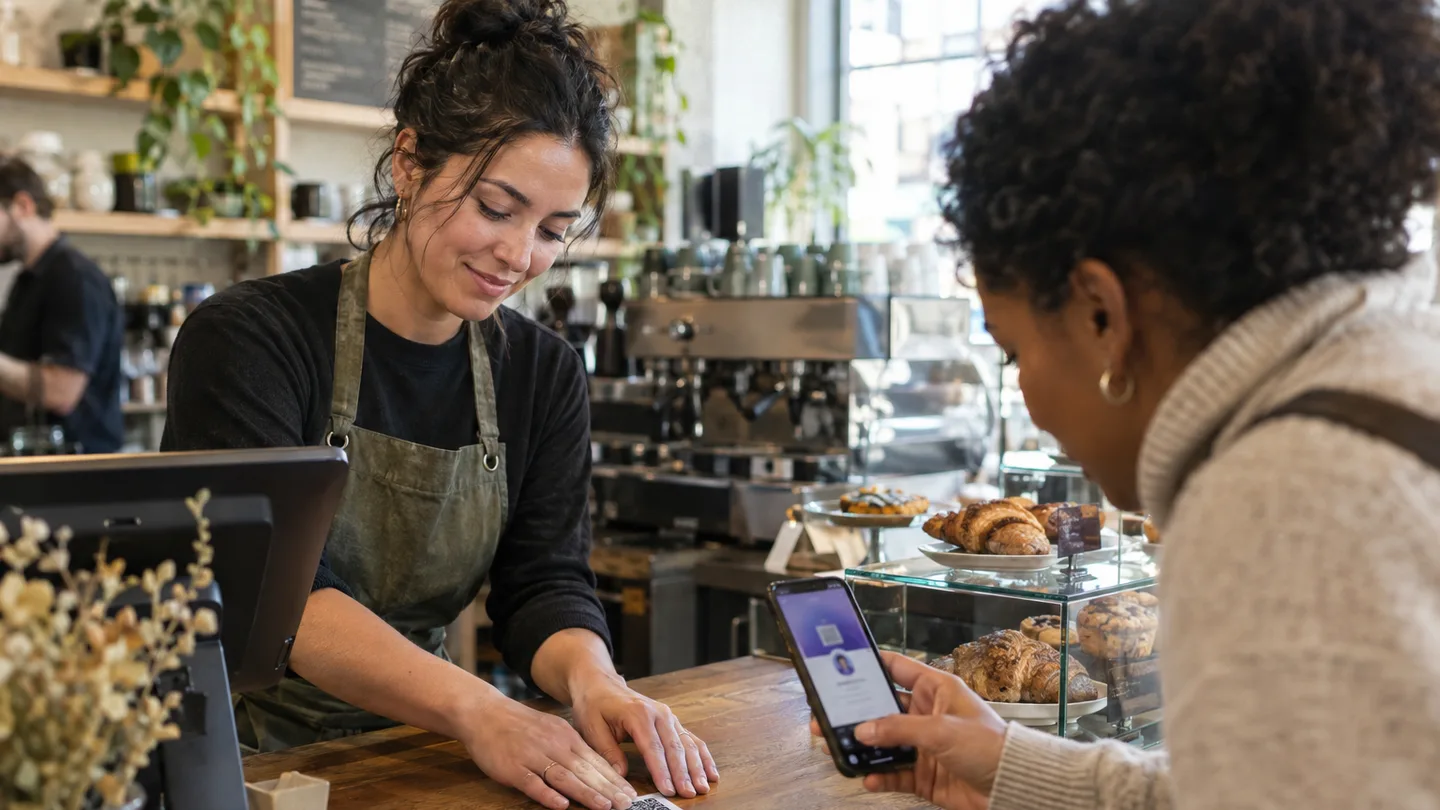
You create a digital business card with a QR code in four steps: build one page with your details, your proof and a way to reach you, give it a short address, download the QR code that points to it, and print it on your paper card, a counter sticker or the last slide of your deck. The code itself is only an address. What decides whether the scan was worth anything is what opens after it.
In short: a business card QR code should open a live page, not a PDF and not a contacts file. The page shows who you are, what you have done and how to reach you, and lets people save you to their phone in one tap. The code is printed once and the page changes as often as you like, because the code only holds the address.
Nora opened a small cafe and printed 500 business cards with a QR code pointing to her Instagram. Two months later she changed her opening hours, added a breakfast menu and started taking private event bookings. The code still opens Instagram, where none of that is written. The cards were beautiful, and the thing behind the code did not do its job.
What a business card QR code should open
The code should open one page that answers three questions in ten seconds: who is this, what do they do, how do I reach them right now. A page, not a file: it loads in any phone's browser, with no app, and you can change it after the code has been printed. What is a digital business card covers that page in depth.
What not to put behind the code: a PDF (slow to open, the phone number is not tappable, it never updates), a social profile (shows your latest post, not your business), or a contacts-only file (saves a name and a number and gives no reason to call). The page can lead to all of these from inside; none of them can replace it.
Three kinds of business card QR code, and how they differ
| Kind | What is encoded | Can it change after printing | What happens on scan |
|---|---|---|---|
| vCard QR | the details themselves: name, phone, email | no | the phone offers to save a contact, nothing more |
| Static link QR | the address of a web page | only if the page updates; the code does not | the page opens |
| Digital business card QR | the address of your page | yes, the page; the code stays | your page opens, with a save-to-contacts button inside |
In practice: a vCard QR freezes at the moment of printing, and anyone who changes their number or title needs new cards. A digital business card QR holds only an address, and the address always leads to the current version of the page, including the save-to-contacts button. That is why the "dynamic QR" that QR services sell as a paid tier is usually unnecessary for anyone with their own page: the dynamic part lives in the page.
See what yours would look like
Tell the AI assistant about yourself and your card's draft is waiting in the editor. Start free, no credit card needed.
Create your free cardFour steps to create a digital business card with a QR code
- Build the page. A photo, your name, one sentence about what you do, your contact channels, two or three pieces of proof (work, testimonials) and one clear button: book, message, order. How to create a digital business card walks through it step by step, and the digital business card is the base for everything else.
- Pick a short address. The code will hold it, and people will also type it from your card when the camera is not handy. A name and short: myvisito.com/nora-cafe, not an address with numbers in it. You choose the address when you publish, and once the code is printed you leave it alone.
- Download the code. From the page itself, as a print-quality image. A clean code scans best; a small logo in the center is fine when it has room. On MyVisito the code lives in the card's QR and sharing tab: you download it for print and choose whether the center carries your logo, the MyVisito mark or nothing.
- Print it and place it. On the back of your paper card, on a counter sticker, on the sign at the entrance, on the last slide. Minimum print size: 2 by 2 centimeters (about 0.8 inch) on a card held in the hand (an example: a lawyer's card with the code on the back of the paper card); on a sign, by scanning distance (see the mistakes section below).
Six places where the code actually gets scanned
A digital business card for freelancers shows how this looks across professions; the places themselves are nearly the same for everyone.
- The back of the paper card. The printed card keeps working, and the code gives it what it lacks: updates, one-tap saving and a way to get in touch.
- The counter or the register. People waiting to pay scan. This is where cafes, salons and clinics get most of their scans.
- The sign or the door. Someone who arrives after hours, or walks past, gets a way to reach you without coming in.
- The last slide of a talk. Instead of "Questions?" with an email nobody photographs: a large code, and the whole room saves you in ten seconds. Event networking with a QR code covers that moment.
- The email signature. A small code next to your name, for people reading on a computer who scan with their phone. The email signature with your card generates it ready to paste.
- The conference badge. A sticker with the code on your badge, and the person in front of you scans without asking for a card.
What happens when someone scans: from the camera to the contacts
The phone camera recognizes the code without an app, on iPhone (per Apple's own guide) and on Android, and shows the address to tap. The page opens in the browser, in the visitor's language when it supports that, and they see the photo, the sentence and the buttons. Saving to contacts is one tap, which puts your name, phone, email and the page address into their phone so they can come back to it. If they want, they leave their details too, and then you know who scanned, where and when.
That is the difference between a code that leads to a profile and a code that leads to a card: at the end of the first there is another post; at the end of the second there is a new contact in someone's phone, and sometimes an inquiry in yours.
Five things that break a scan
- A code too small for the distance. The rule of thumb from the standard: the code's width is about a tenth of the scanning distance. Two centimeters for a card in the hand, ten centimeters for a sign scanned from a meter away.
- Weak contrast. A dark code on a light background. White on black scans on most phones but not all; gold on beige does not scan.
- A logo too large in the center. The code tolerates partial cover, but a logo taking more than about a quarter of the area breaks it. If you can choose, a clean code or a small logo.
- No quiet zone. The code needs a blank margin at least four modules wide on every side. Design pressed against the code on all sides is the most common reason a card does not scan.
- The code points to an address that changed. A code printed with an address that was later changed leads nowhere. So choose the address once, and if you do change it, make sure the old one keeps redirecting to the new one.
FAQ
What is the minimum size for a QR code on a business card?
Two by two centimeters (about 0.8 inch) without the logo, with a blank margin around it. On a standard card that leaves room for the name and title on the other side. A smaller code scans sometimes and fails sometimes, which is exactly what you do not want on a card you hand over.
Can I change where the code goes after printing?
If the code holds a page address, you change the page, not the code: everything on the page updates, and the printed code keeps working. If the code holds the details themselves (a vCard), you cannot, which is the reason not to choose it for a printed card.
Does a QR code with a logo in the center scan like a clean one?
When the logo covers less than about a quarter of the code, yes, thanks to the error correction built into the standard. Beyond that, scanning becomes unreliable. When in doubt, a clean code, with the logo next to it.
Can I see how many people scanned the code?
Yes, if the code leads to a page that counts opens. Then you see how many times it opened, from which source (scan, link, share) and from which country, without knowing exactly who scanned unless they chose to leave their details. On MyVisito that lives in the card's analytics tab.
 MyVisitoContent team
More from the blog
How to sell merch from your digital business card: t-shirts, vinyl and caps
Sell t-shirts, vinyl and caps from the card already in your bio. You set the shipping price, the buyer pays on Stripe, and you ship with tracking.How to build an artist EPK and what to put in it
What bookers, journalists and playlist editors actually open, the ten things a press kit must hold, why a link beats a PDF, and how your card becomes the EPK itself.How to add a business card to Apple Wallet and Google Wallet
A business card in Apple Wallet or Google Wallet is a pass with a QR code that opens with no internet. What it shows, how to add yours, and how to keep someone else's card too.